> ## Documentation Index
> Fetch the complete documentation index at: https://docs.exterview.ai/llms.txt
> Use this file to discover all available pages before exploring further.
# How to Run an EX Avatar Interview
> How to run EX Avatar: an AI video interview led by an avatar interviewer, taken from any browser.
**AI.** EX Avatar runs a structured video interview led by an AI avatar interviewer. It is **Available** as a guided experience. Upcoming: avatar interviews at full concurrency for every workspace.
 ## Before you start
Choose the avatar and the number of avatar rounds in [Configure your AI interviewer](/guides/setup-ai-interviewer), and add an avatar stage to the role's pipeline. See [Design your hiring pipeline](/guides/setup-pipeline).
## Steps
Turn on EX Avatar for the pipeline stage where the video interview should run.
## Before you start
Choose the avatar and the number of avatar rounds in [Configure your AI interviewer](/guides/setup-ai-interviewer), and add an avatar stage to the role's pipeline. See [Design your hiring pipeline](/guides/setup-pipeline).
## Steps
Turn on EX Avatar for the pipeline stage where the video interview should run.
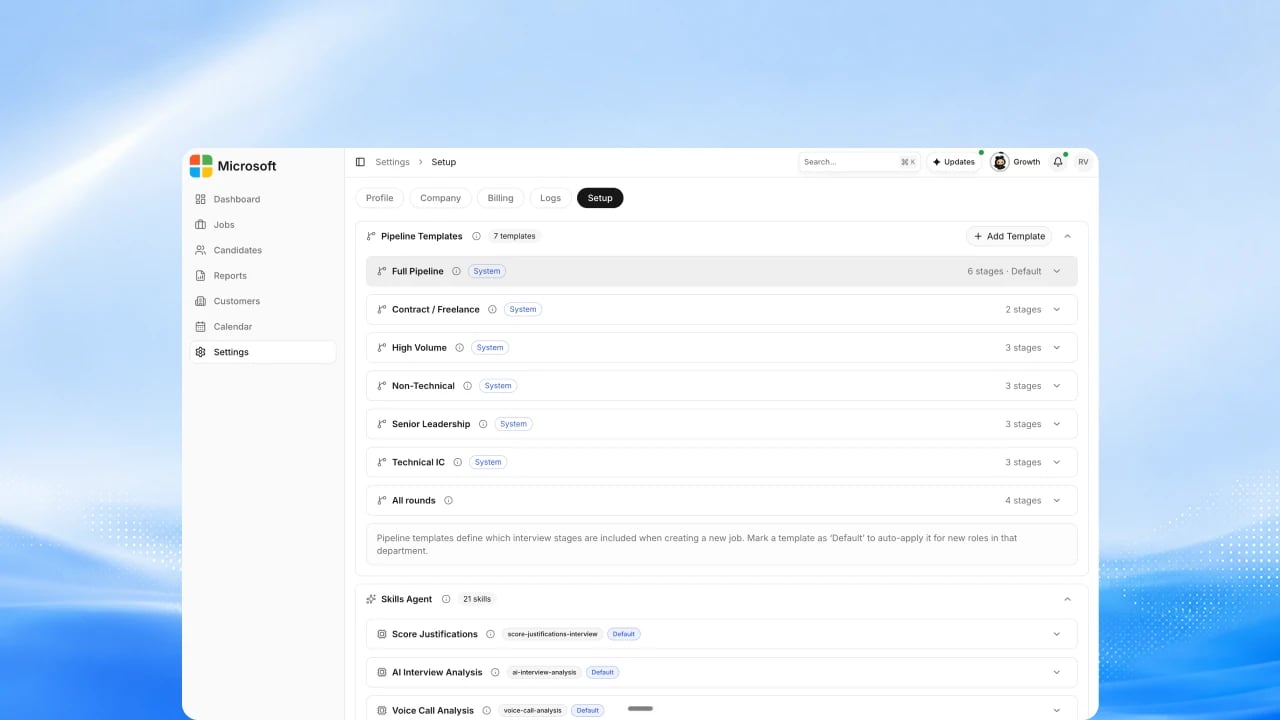 Review the questions and the rubric the avatar interviewer scores against.
See [How to Set Scoring Weights](/guides/setup-scoring).
Review the questions and the rubric the avatar interviewer scores against.
See [How to Set Scoring Weights](/guides/setup-scoring).
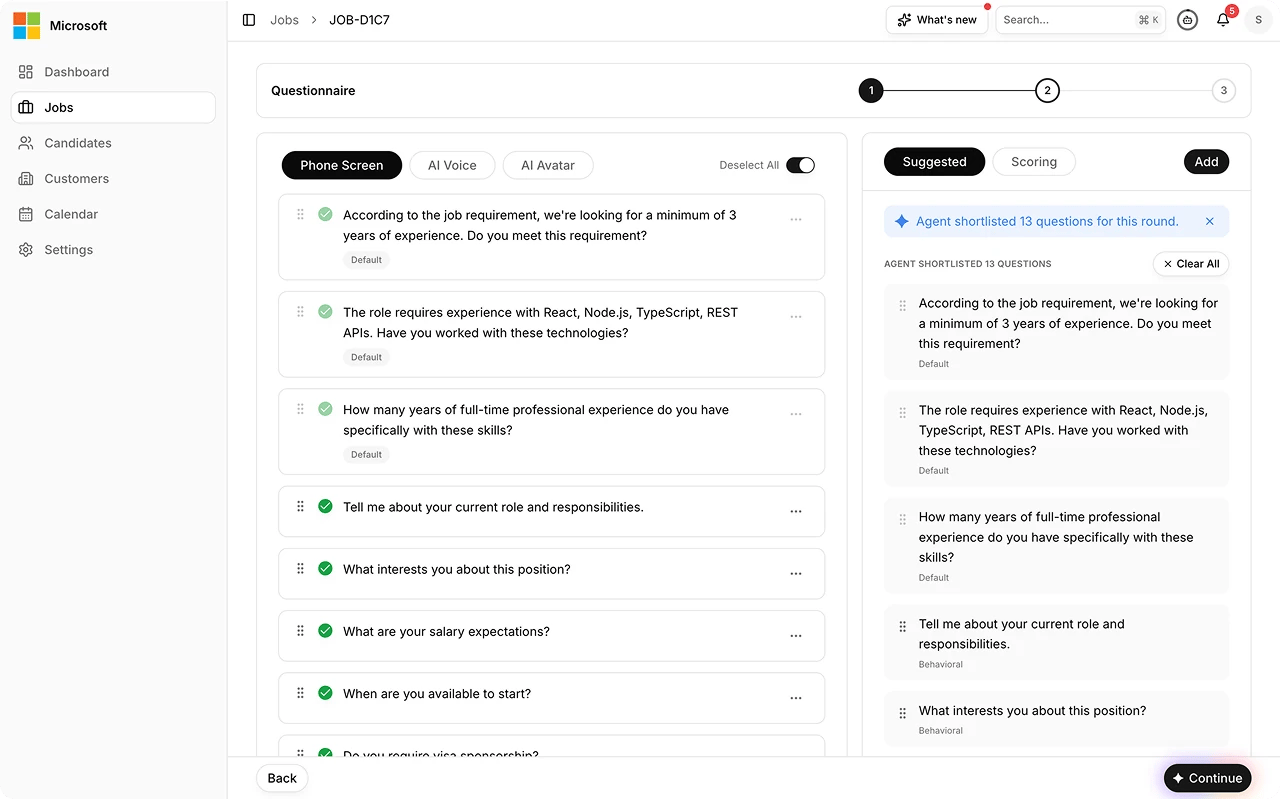 Send the invite, or share the interview link. The candidate acknowledges
the AI interview notice and privacy consent before the interview starts.
Send the invite, or share the interview link. The candidate acknowledges
the AI interview notice and privacy consent before the interview starts.
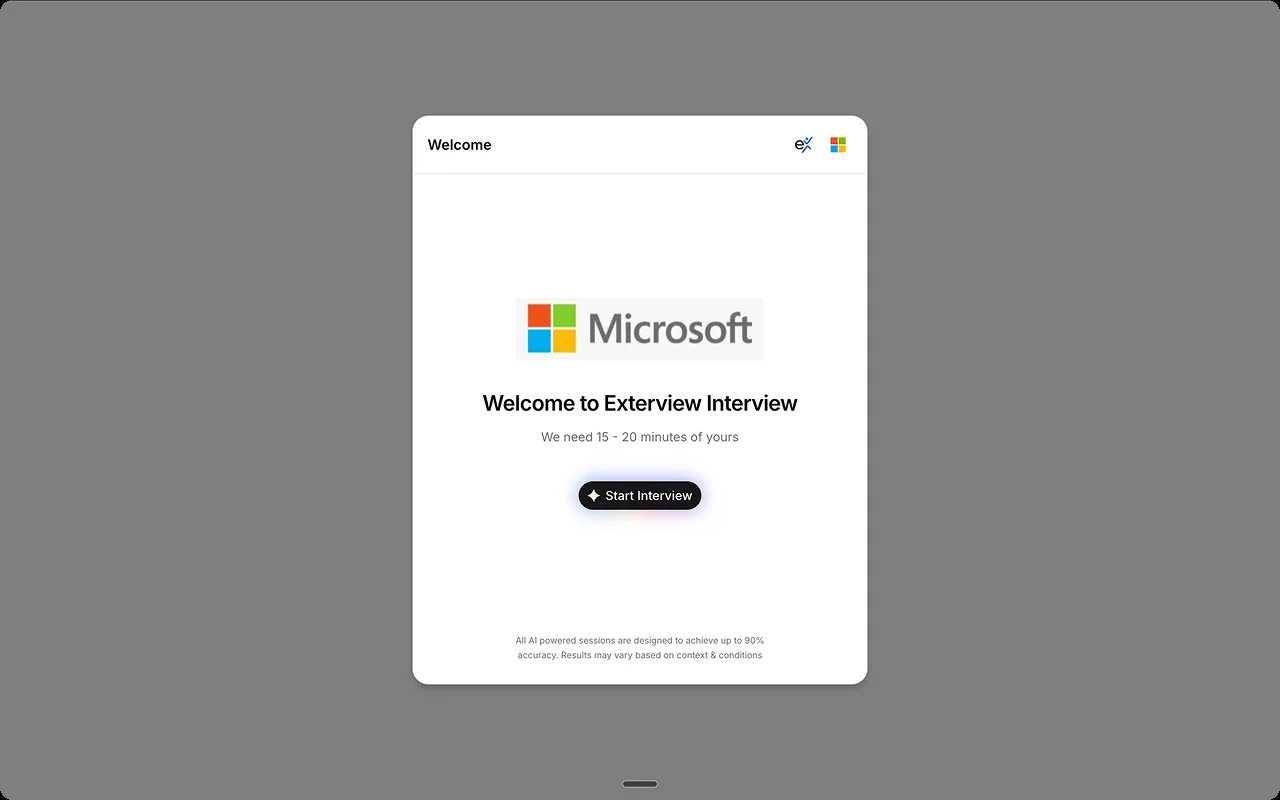 The candidate joins from any browser, passes the device and camera check,
and completes the avatar interview. See [Preview the candidate interview experience](/guides/candidate-interview-experience).
The candidate joins from any browser, passes the device and camera check,
and completes the avatar interview. See [Preview the candidate interview experience](/guides/candidate-interview-experience).
 The interview is scored against the rubric and quality checks run before
the report surfaces. See [Read the EX Avatar report](/guides/ex-avatar-report).
## Best practices
| Do this | Avoid this |
| ----------------------------------------------------------------------- | ---------------------------------------------------------------------------- |
| **Say what to expect up front:** format, length, and what happens next. | **Starting cold.** Uncertainty is the most common reason candidates abandon. |
| **Preview the avatar** in Settings before inviting candidates. | **Sending the first invite untested.** |
| **Read the report,** not just the score. | **Treating the score as the decision.** A person owns the outcome. |
## FAQs
Yes. Admins pick the avatar interviewer in
[Configure your AI interviewer](/guides/setup-ai-interviewer).
Yes. Turn on up to three avatar rounds in [Configure your AI
interviewer](/guides/setup-ai-interviewer).
See [Understand Scoring Gates](/guides/setup-gates) for how incomplete sessions are recovered.
The interview is scored against the rubric and quality checks run before
the report surfaces. See [Read the EX Avatar report](/guides/ex-avatar-report).
## Best practices
| Do this | Avoid this |
| ----------------------------------------------------------------------- | ---------------------------------------------------------------------------- |
| **Say what to expect up front:** format, length, and what happens next. | **Starting cold.** Uncertainty is the most common reason candidates abandon. |
| **Preview the avatar** in Settings before inviting candidates. | **Sending the first invite untested.** |
| **Read the report,** not just the score. | **Treating the score as the decision.** A person owns the outcome. |
## FAQs
Yes. Admins pick the avatar interviewer in
[Configure your AI interviewer](/guides/setup-ai-interviewer).
Yes. Turn on up to three avatar rounds in [Configure your AI
interviewer](/guides/setup-ai-interviewer).
See [Understand Scoring Gates](/guides/setup-gates) for how incomplete sessions are recovered.