> ## Documentation Index
> Fetch the complete documentation index at: https://docs.exterview.ai/llms.txt
> Use this file to discover all available pages before exploring further.
# How to Read the EX Call Report
> How to open the Phone Call Report from an EX Call — AI Phone Screening round and use it to decide the next step.
**AI.** Every completed [EX Call — AI Phone Screening](/guides/ai-phone-screener) round produces a **Phone Call Report**: the score, the transcript, and the evidence behind the score. This is the reviewer's side of the phone screen.
 ## Before you start
The candidate needs a completed phone screen. See [Run an AI phone screen](/guides/ai-phone-screener).
## Steps
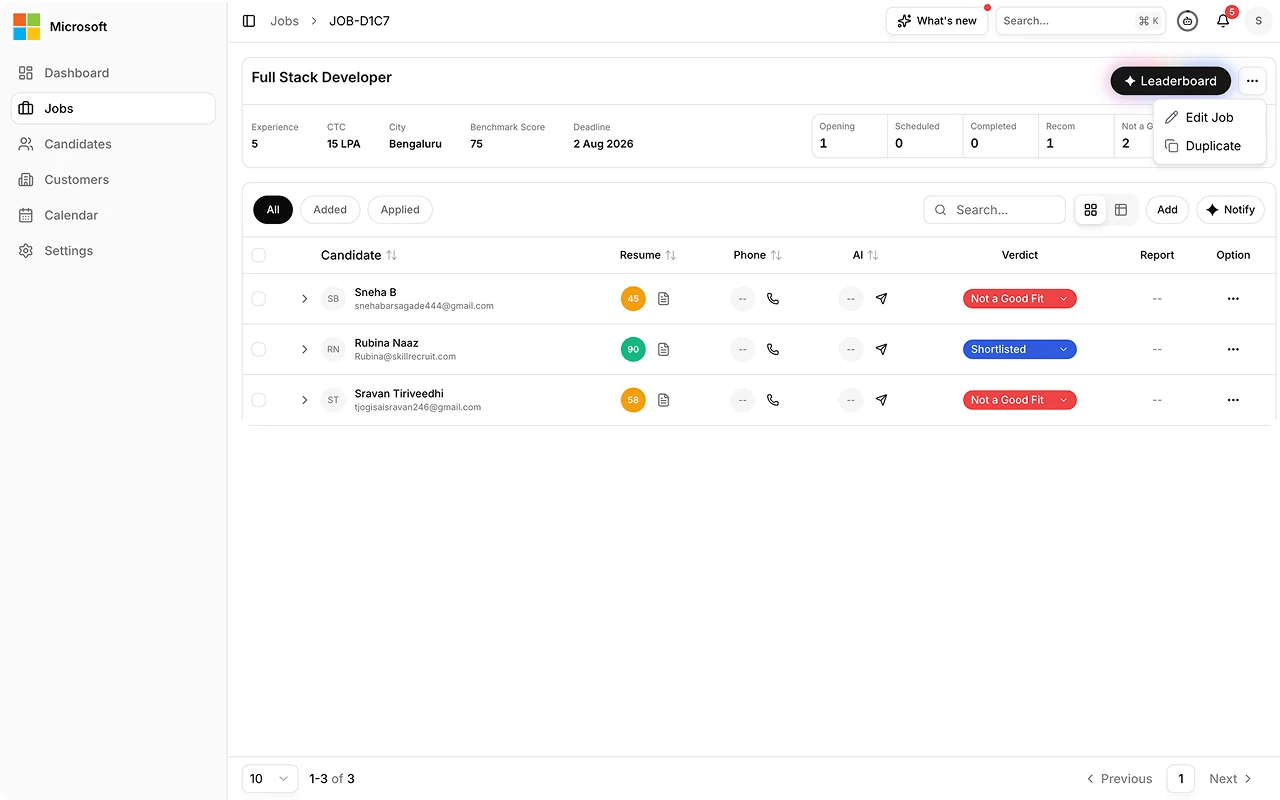
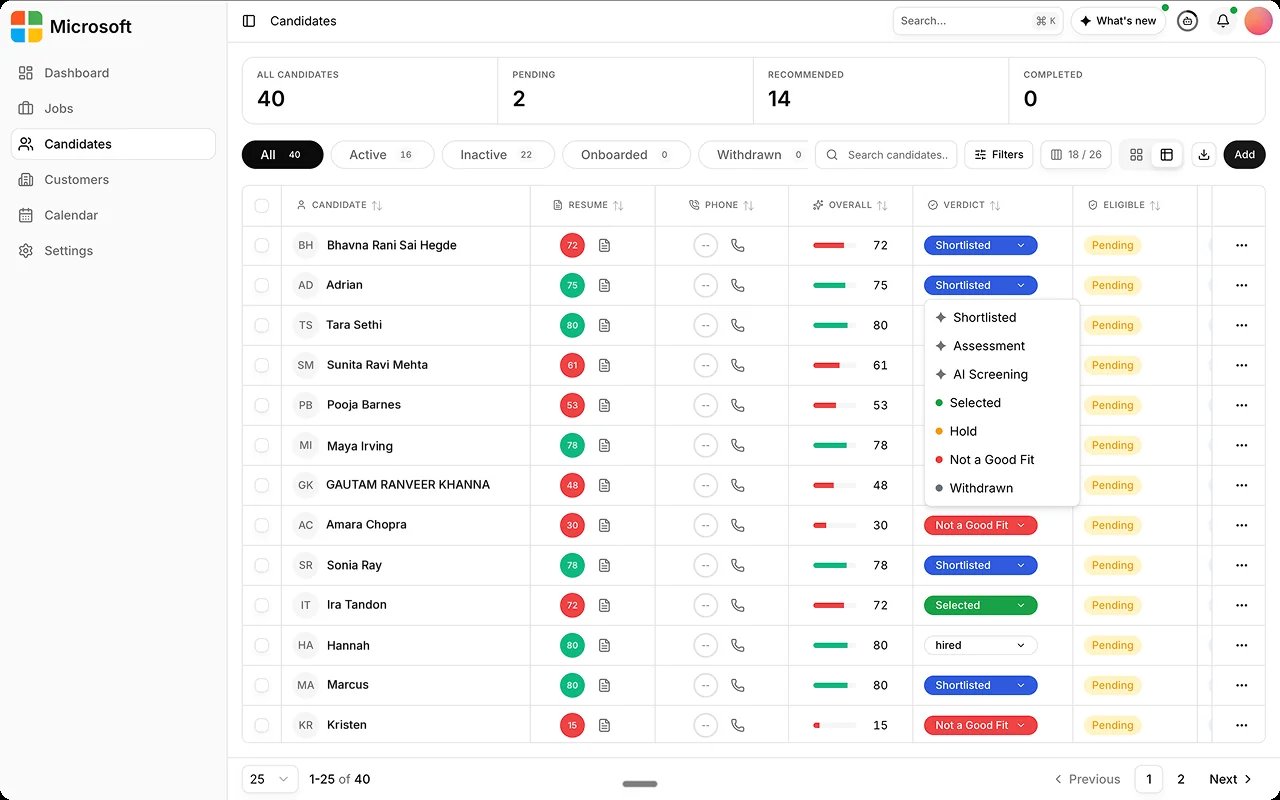
Open the report from the **Decision Center**, or from the candidate's
expanded panel. When a job has several phone rounds, the **Phone Rounds**
tab shows each round's call and its own report.
Read what the candidate said and how it maps to the rubric, before you
look at the number.
Automated quality checks run on the output before the report surfaces.
Review any flag they raised. See [AI Observability](/monitor/ai-observability).
Move the candidate forward, or close them out. That decision is yours,
and you record a reason with it.
## Before you start
The candidate needs a completed phone screen. See [Run an AI phone screen](/guides/ai-phone-screener).
## Steps
Open the report from the **Decision Center**, or from the candidate's
expanded panel. When a job has several phone rounds, the **Phone Rounds**
tab shows each round's call and its own report.
Read what the candidate said and how it maps to the rubric, before you
look at the number.
Automated quality checks run on the output before the report surfaces.
Review any flag they raised. See [AI Observability](/monitor/ai-observability).
Move the candidate forward, or close them out. That decision is yours,
and you record a reason with it.
 ## Best practices
A report is decision support, not a verdict. See [Human Review](/best-practices/human-review).
| Do this | Avoid this |
| ---------------------------------------------------------------------- | --------------------------------------------------------------------------------------------- |
| **Read the transcript,** not just the score. | **Reading the number first.** The score summarizes the evidence; it does not replace it. |
| **Review each round's report** on the Phone Rounds tab. | **Judging a multi-round screen on one call.** Each round is its own call with its own report. |
| **Own the call.** Use the report to decide faster and more defensibly. | **Outsourcing the decision to the score.** No adverse decision is made autonomously. |
## FAQs
On the **Phone Rounds** tab in the candidate's expanded panel. Each round
has its own call and its own report.
See [Understand Scoring Gates](/guides/setup-gates) for how incomplete sessions are handled.
## Best practices
A report is decision support, not a verdict. See [Human Review](/best-practices/human-review).
| Do this | Avoid this |
| ---------------------------------------------------------------------- | --------------------------------------------------------------------------------------------- |
| **Read the transcript,** not just the score. | **Reading the number first.** The score summarizes the evidence; it does not replace it. |
| **Review each round's report** on the Phone Rounds tab. | **Judging a multi-round screen on one call.** Each round is its own call with its own report. |
| **Own the call.** Use the report to decide faster and more defensibly. | **Outsourcing the decision to the score.** No adverse decision is made autonomously. |
## FAQs
On the **Phone Rounds** tab in the candidate's expanded panel. Each round
has its own call and its own report.
See [Understand Scoring Gates](/guides/setup-gates) for how incomplete sessions are handled.