

Purpose
Every feature on this page is available today. If a capability is not listed here, do not assume it is available. Where a feature has a further slice still in development, the card says what works today and names the rest as Upcoming. See Upcoming for what is next. Exterview has been live and transactable on the Microsoft Marketplace since 20 August 2026.Featured
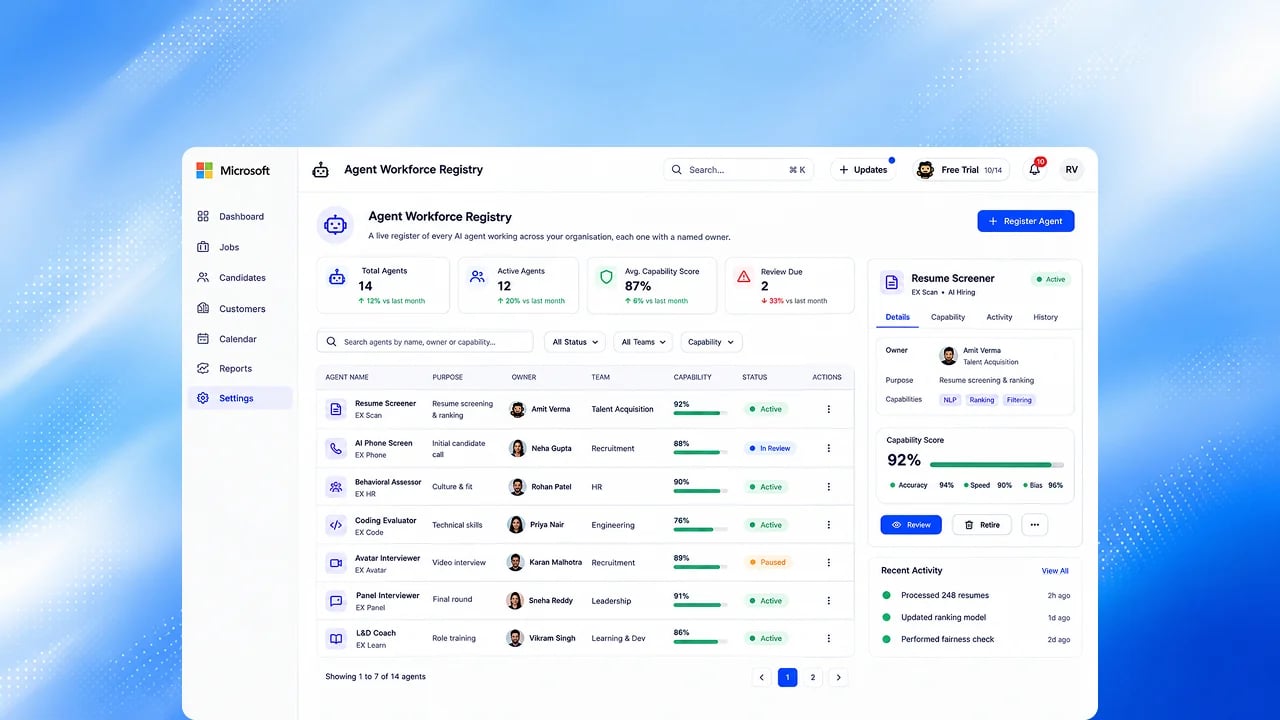
AI Employees
Four AI Employees work alongside your team: Role Designer, Screener, Coordinator and Report Specialist, with Smaya for everything else. They hand work to each other and ask you before they create, publish or contact a candidate.
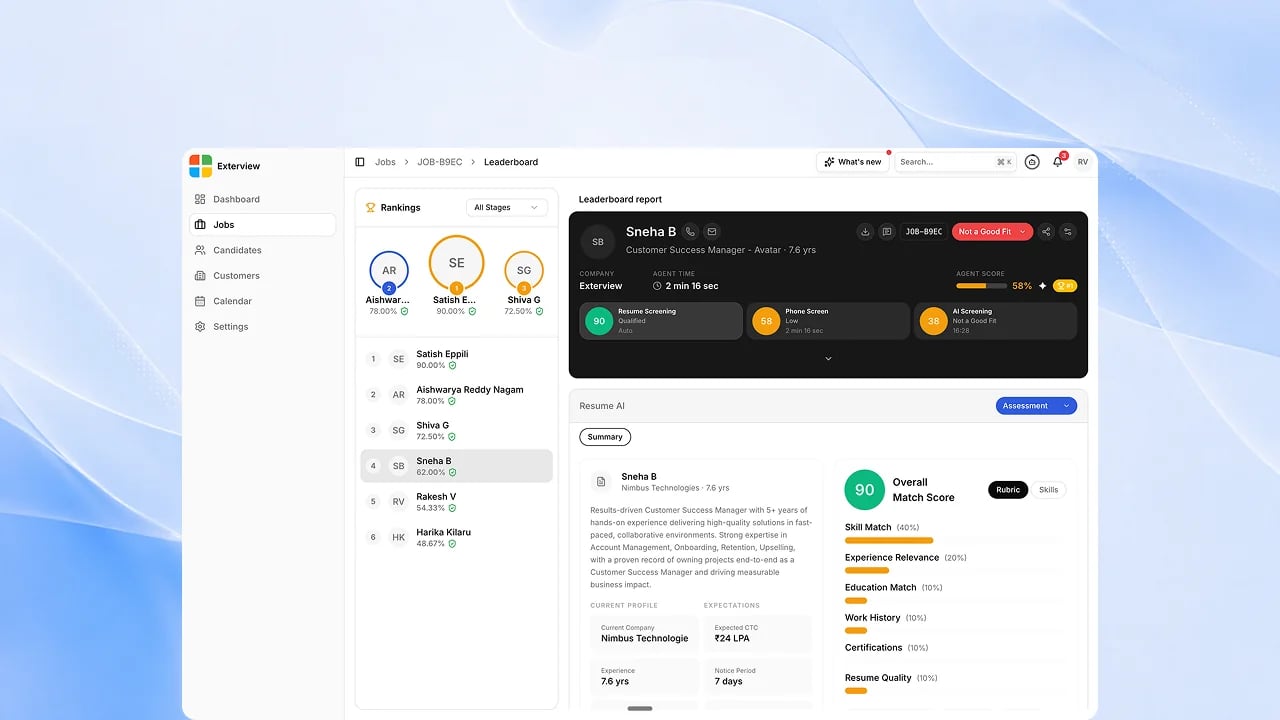
Screen to rank
EX Call, EX Voice and EX Avatar results are scored against the job’s locked criteria and ranked on the Leaderboard as interviews complete. A person makes every decision, with a reason.
Set Up
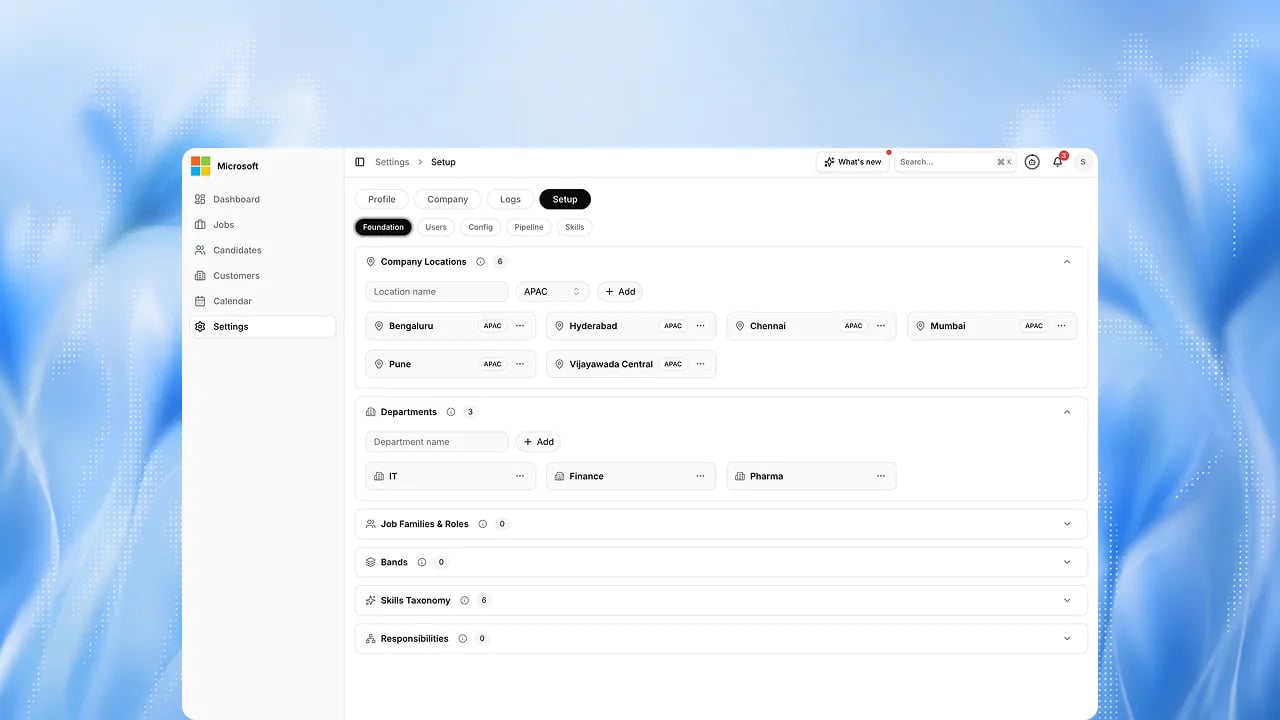
Guided Onboarding
Your workspace is configured through a guided setup that checks each step before you go live.
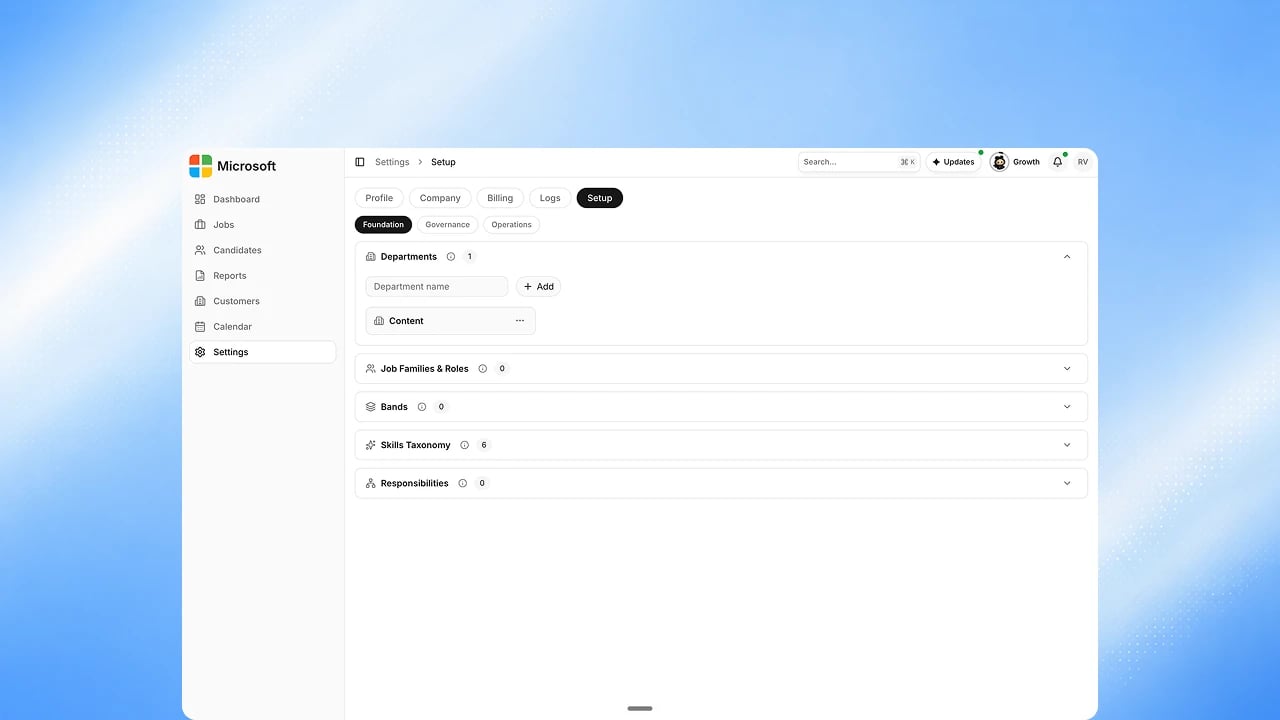
Company Structure
Define your locations, departments, job families and levels once, and every
role you create follows them.
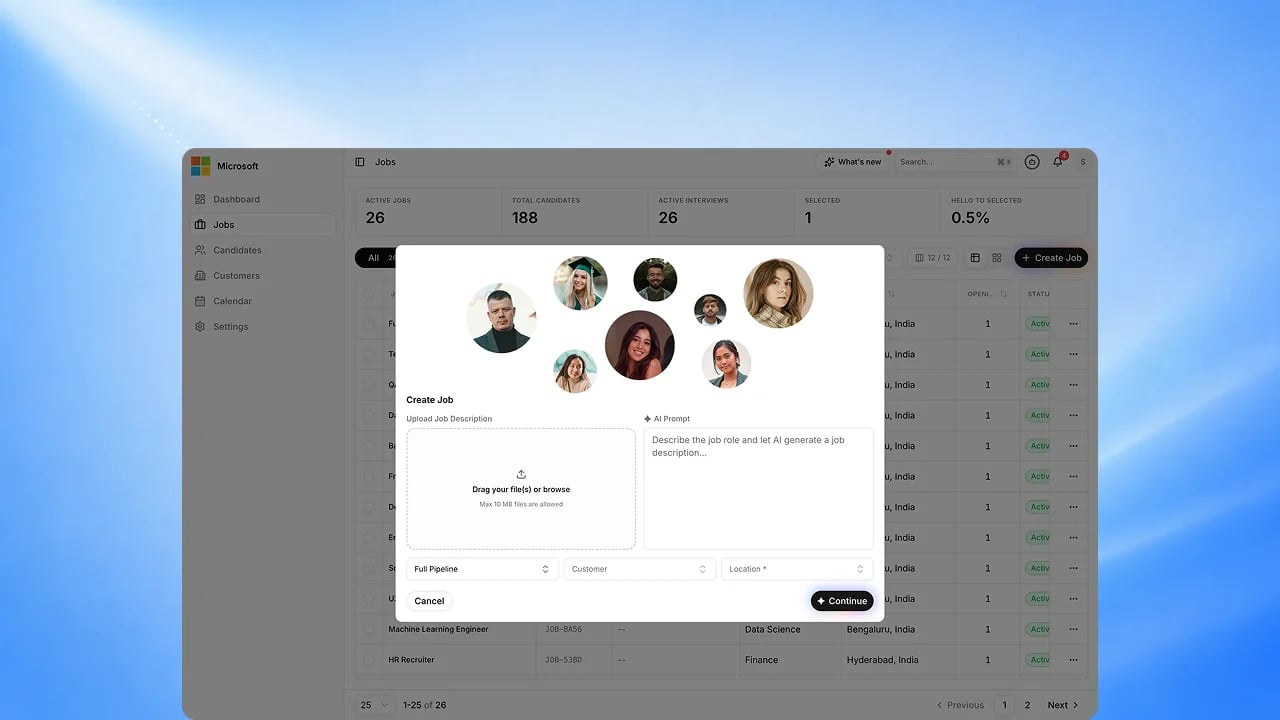
EX Role — AI Role Builder
Describe the role in a sentence and the agent writes the full job description,
competencies and scoring criteria.
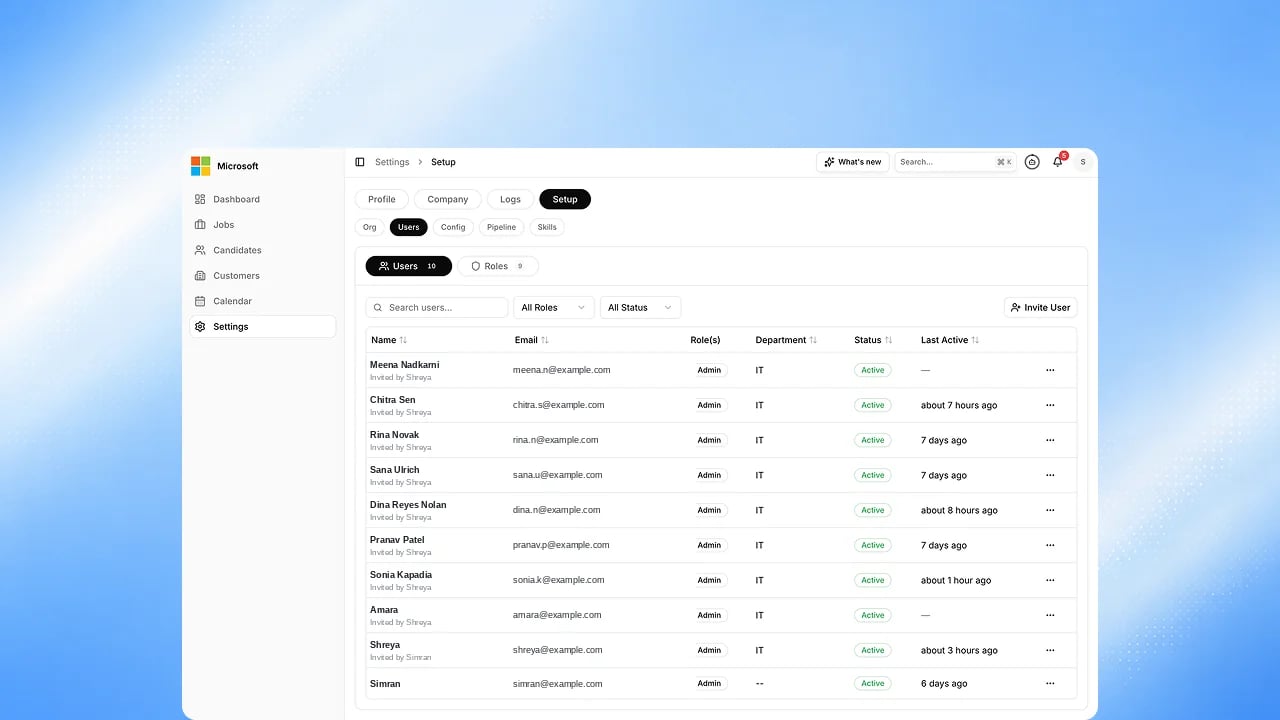
People and Access
Invite your team, assign roles, and control exactly what each person can see
and do.
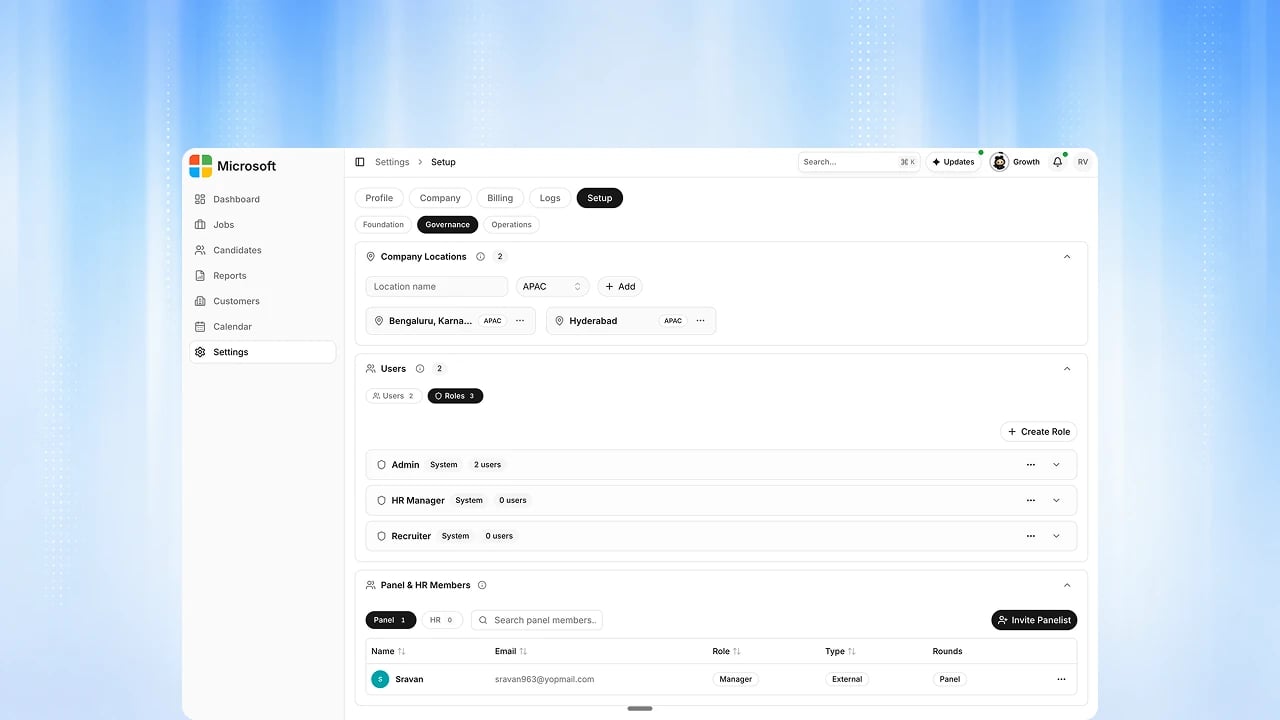
Data Visibility
A second access axis: limit what each role sees to the whole organization, a
department, or only their own records.
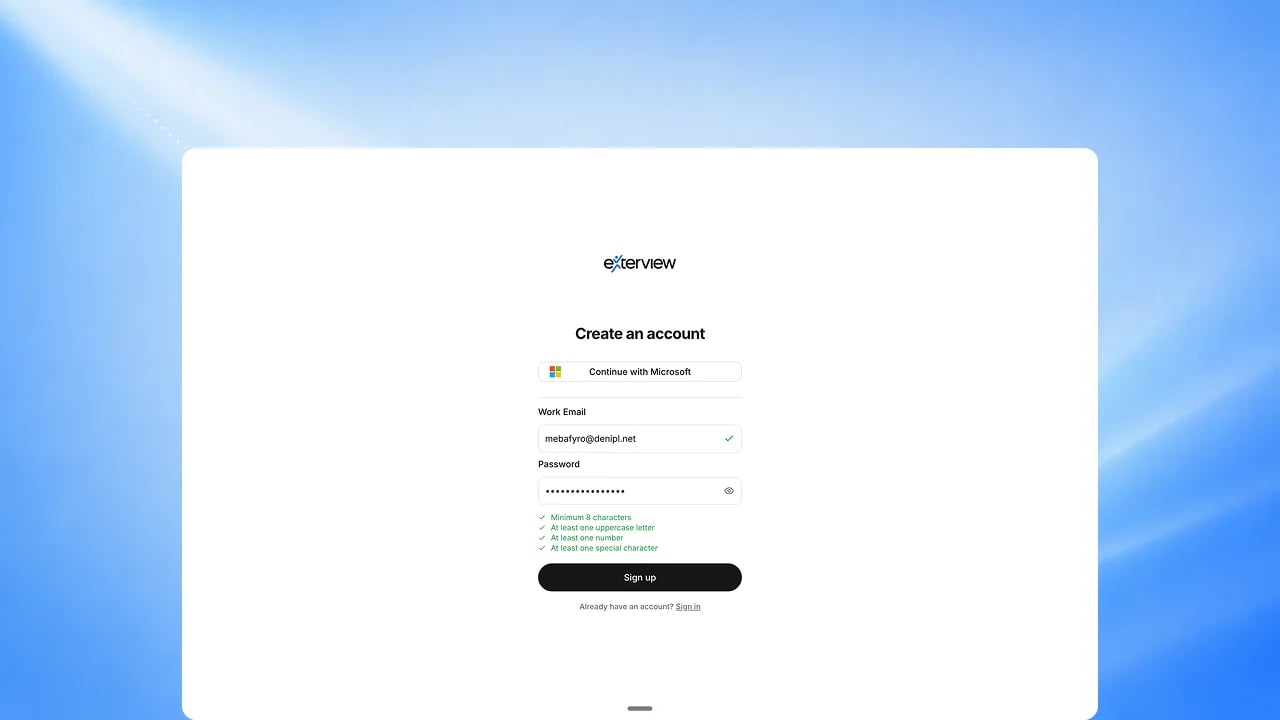
Free Trial and Credits
Start free with a credit balance you can watch in real time as your team
explores the platform.
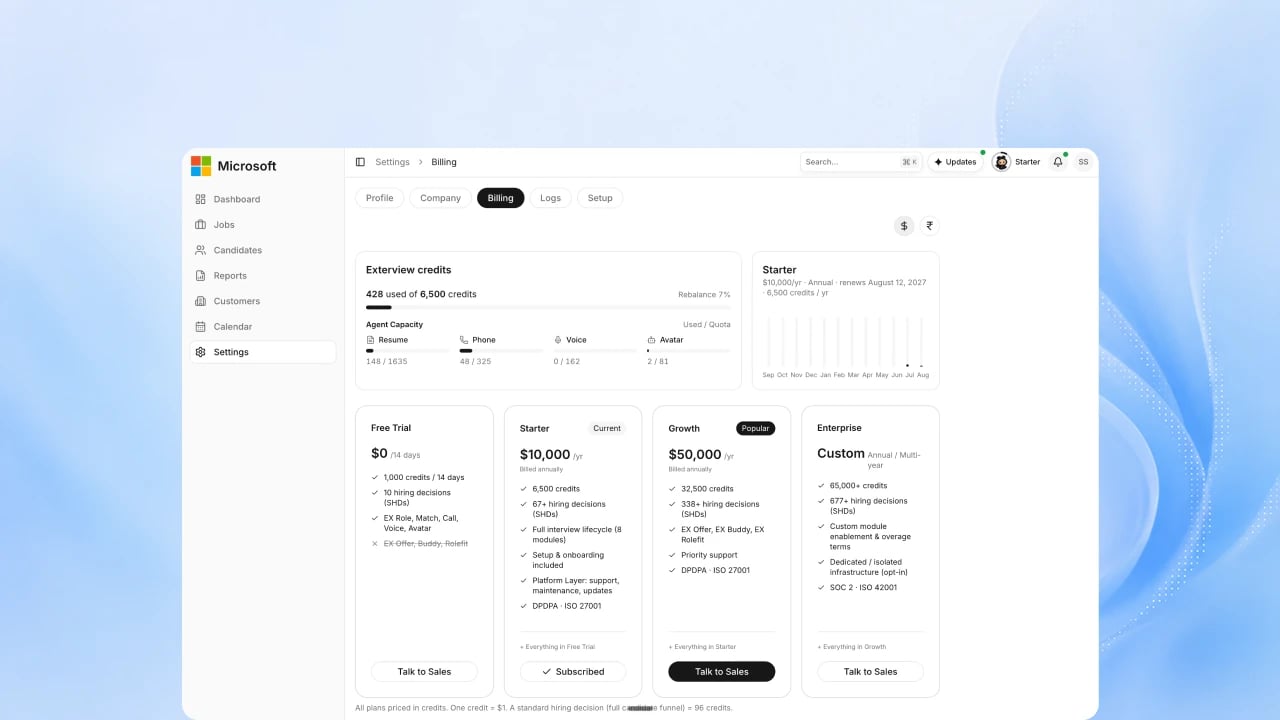
Plans, Usage and Billing
See what you have used and what it costs, and your plan and credit balance.
Panel and HR rounds draw on the same capacity. Upcoming: downloading invoices
in the app.
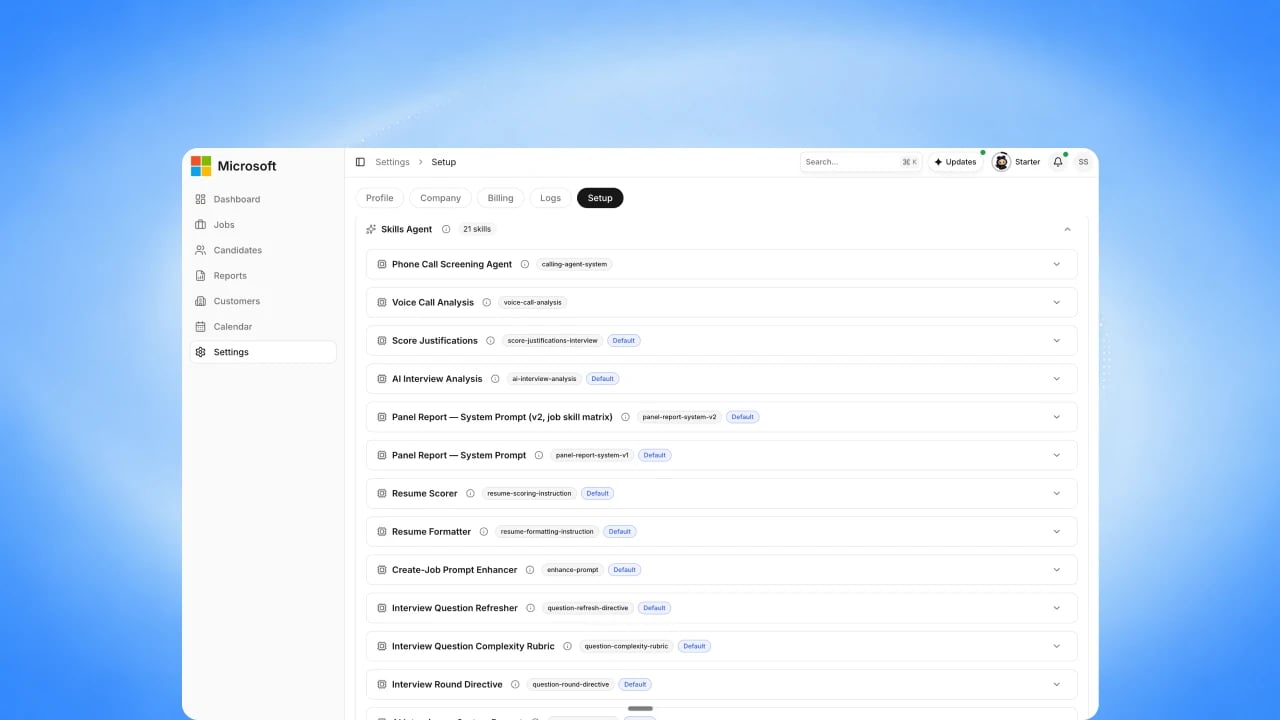
Agent Skills and Knowledge
Teach your agents your company knowledge so their questions and answers
reflect how you actually hire.
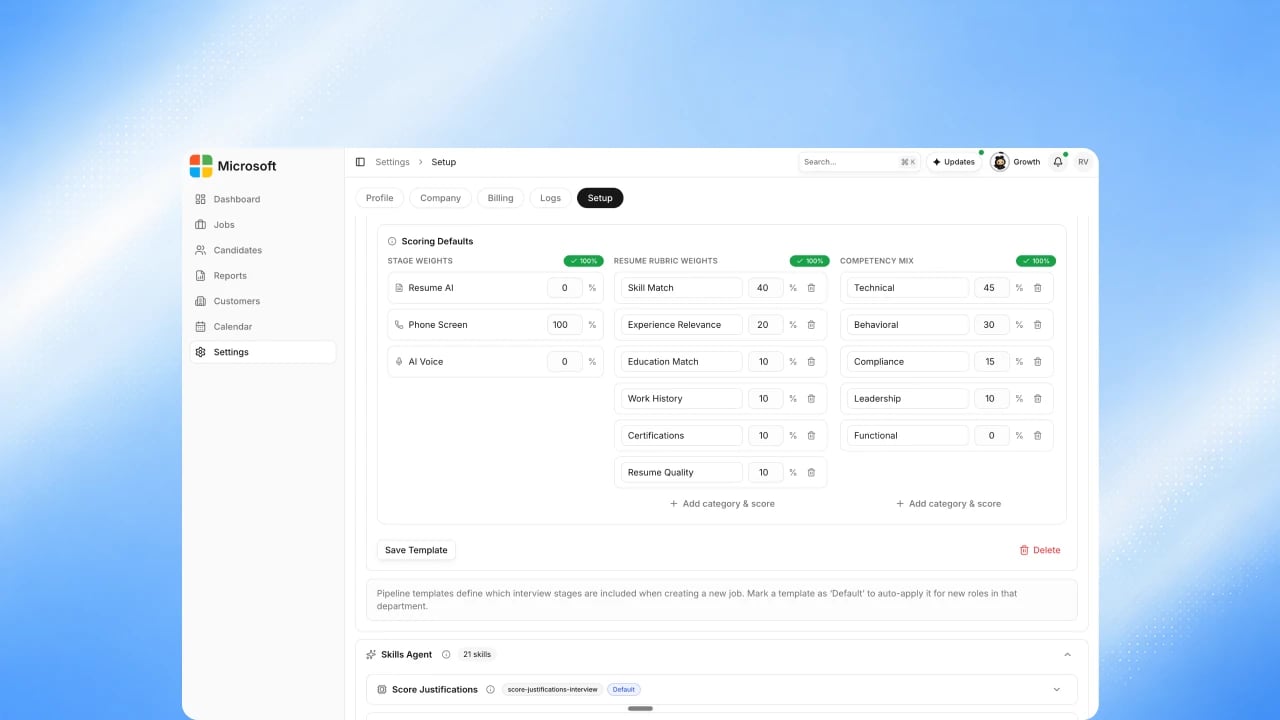
Scoring Rubrics
Set what good looks like for each role, and every agent scores against the
same standard.
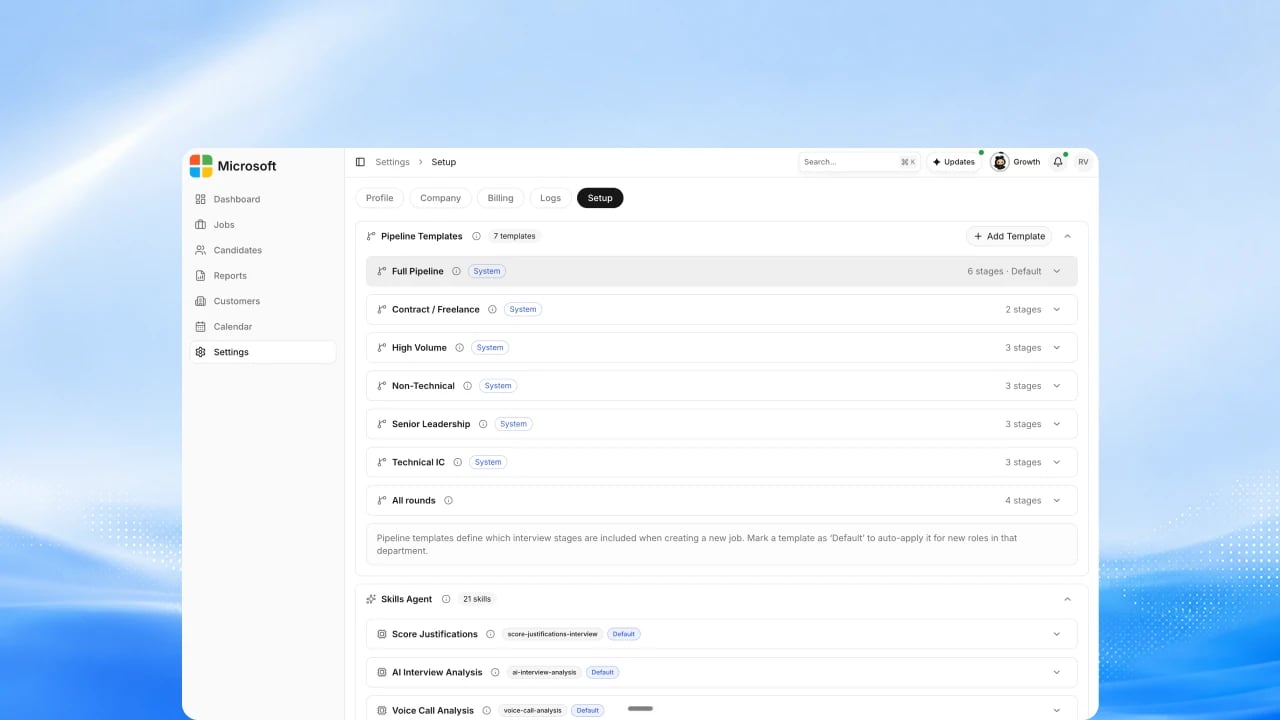
Hiring Pipeline Setup
Choose the stages a candidate moves through and which agent runs each one.
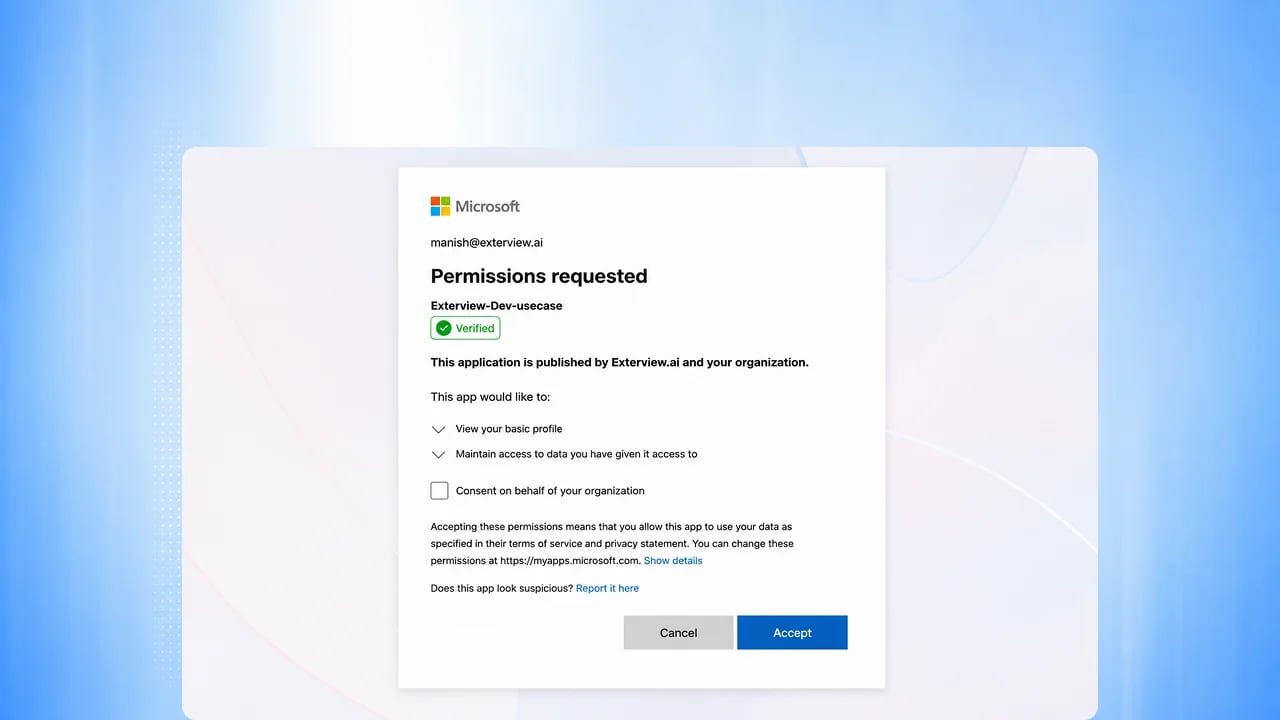
Microsoft Entra ID SSO
Sign in to Exterview using your organization’s existing Microsoft account.
Jobs
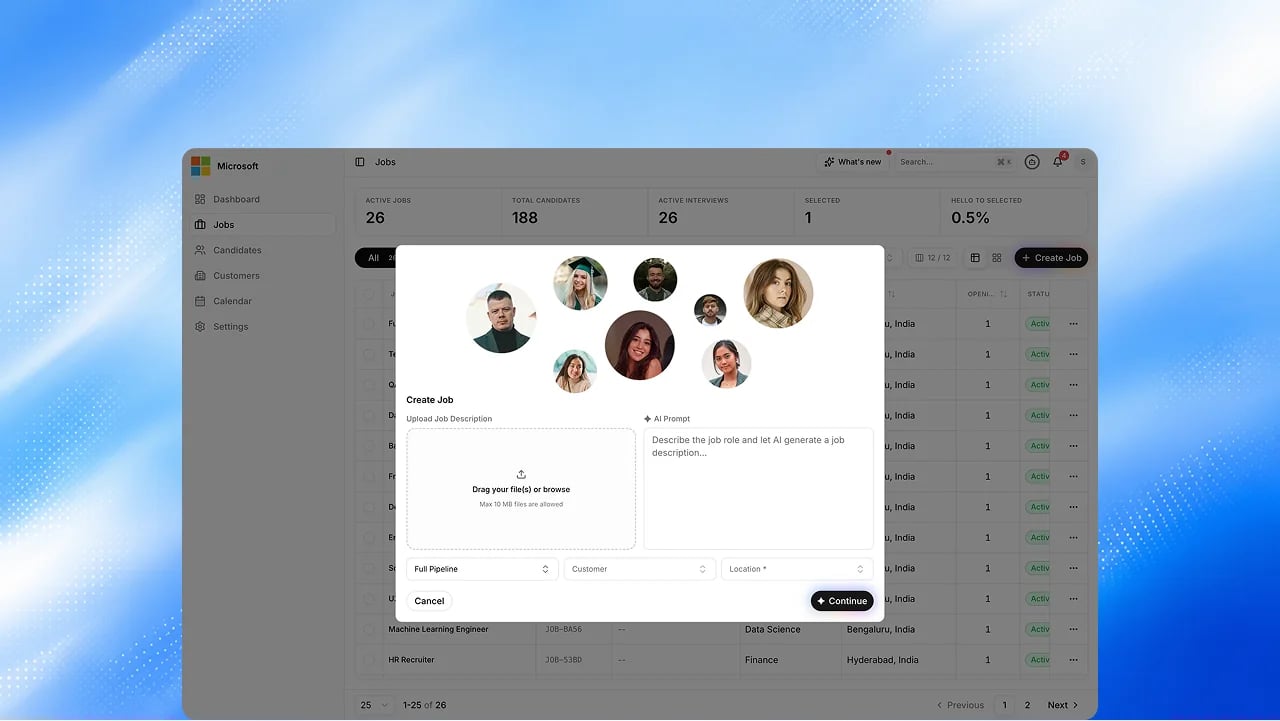
Create Job wizard
Four steps: Add Job Details, Add Questionnaire, Add Candidates, and Publish & Outreach. Mark skills Must Have or Nice to Have, and watch the prompt checklist tick off what it has understood. Upcoming: posting to external job boards and outreach sequences from the publish step.
Job Flow
A read-only view of the job’s pipeline: every stage, its gates and outcomes.
Upcoming: rates measured from the job’s own candidates.
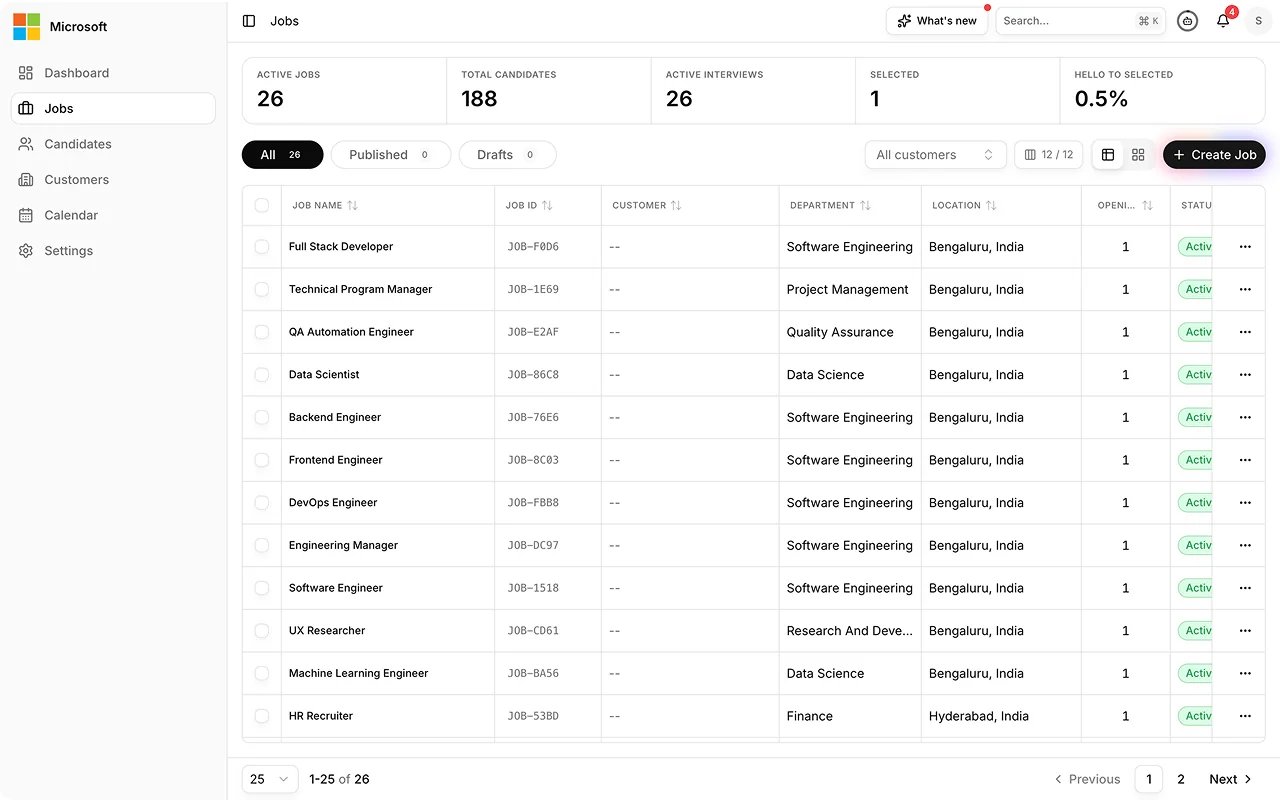
Configuration lock and Job Config PDF
Lock a job’s configuration and scoring as you create it, behind a
confirmation, so every candidate stays comparable. Download the full
configuration as a PDF, watermarked DRAFT until it is locked.
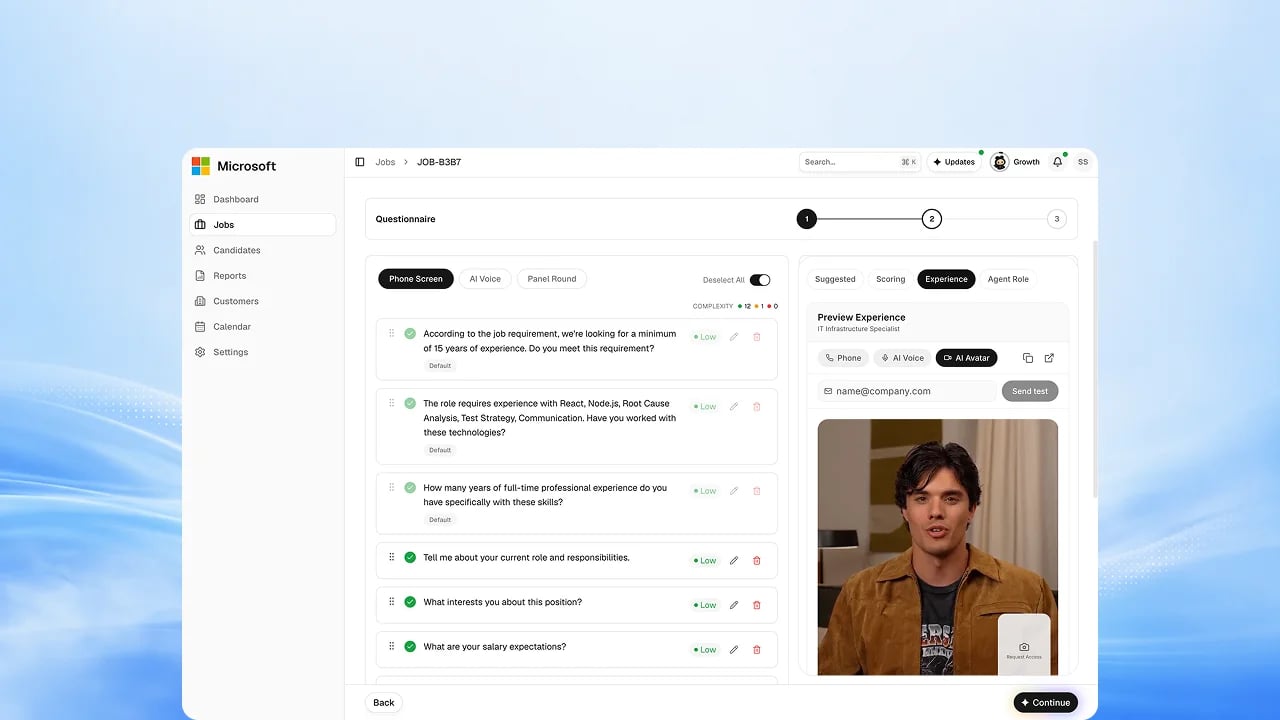
Interview Experience preview
Pick the interviewer persona for each round and preview what the candidate will see before you invite anyone.
Attract
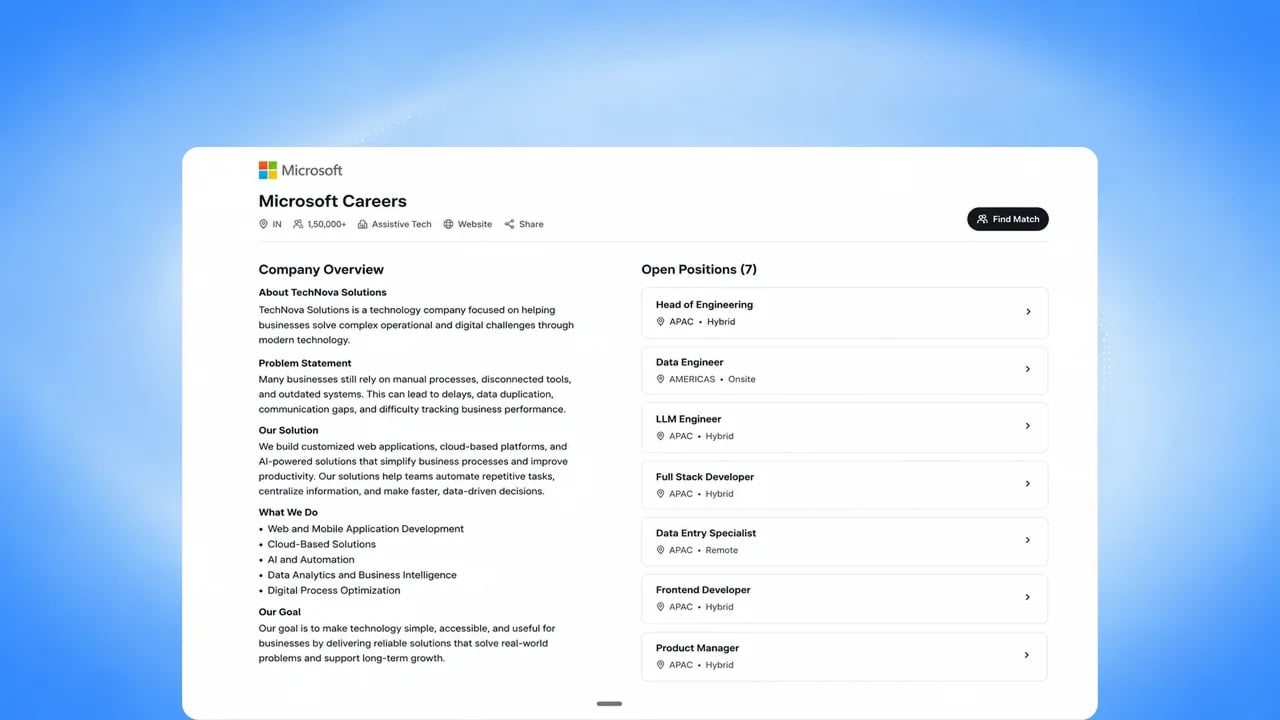
Careers Page
A branded careers page that publishes your open roles and captures applicants directly. Candidates search by title, type or city, see every city a role runs in, and see the rounds they will go through.
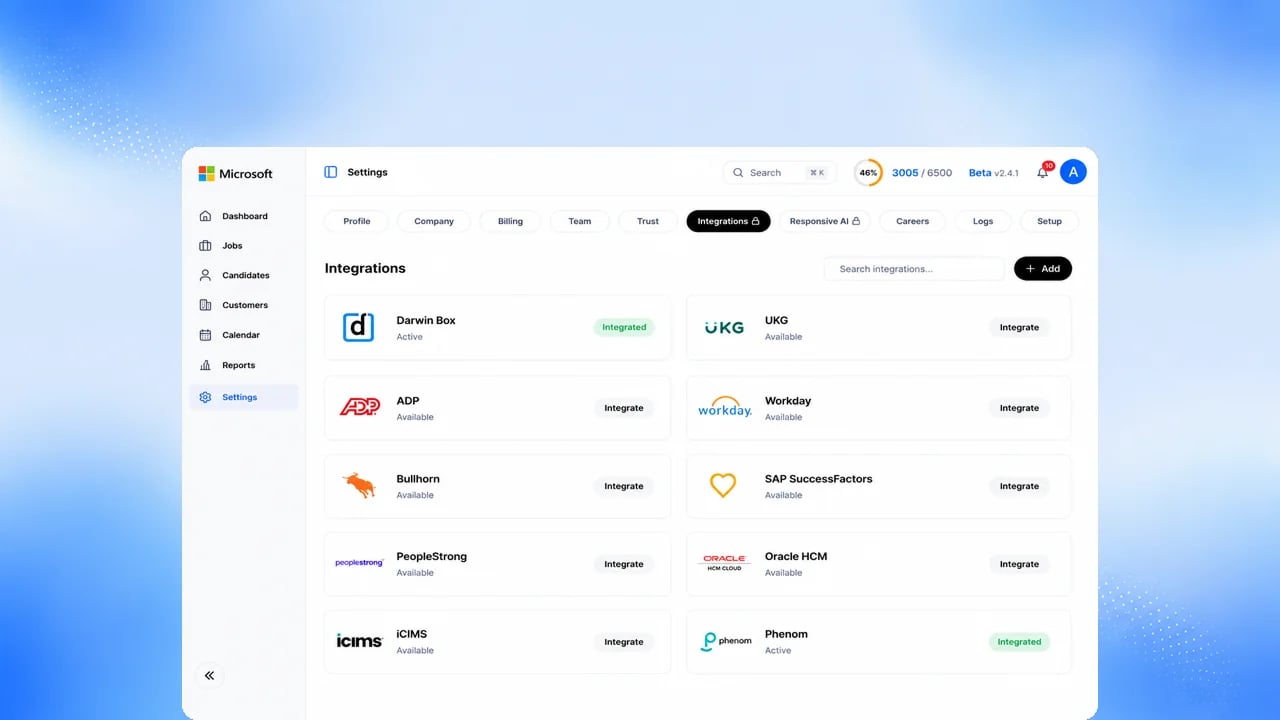
Integrations
Email and calendar sync, and one-way export of reports and status to major ATS platforms. Upcoming: two-way ATS and HRIS sync, and job-board posting.
Screen with AI
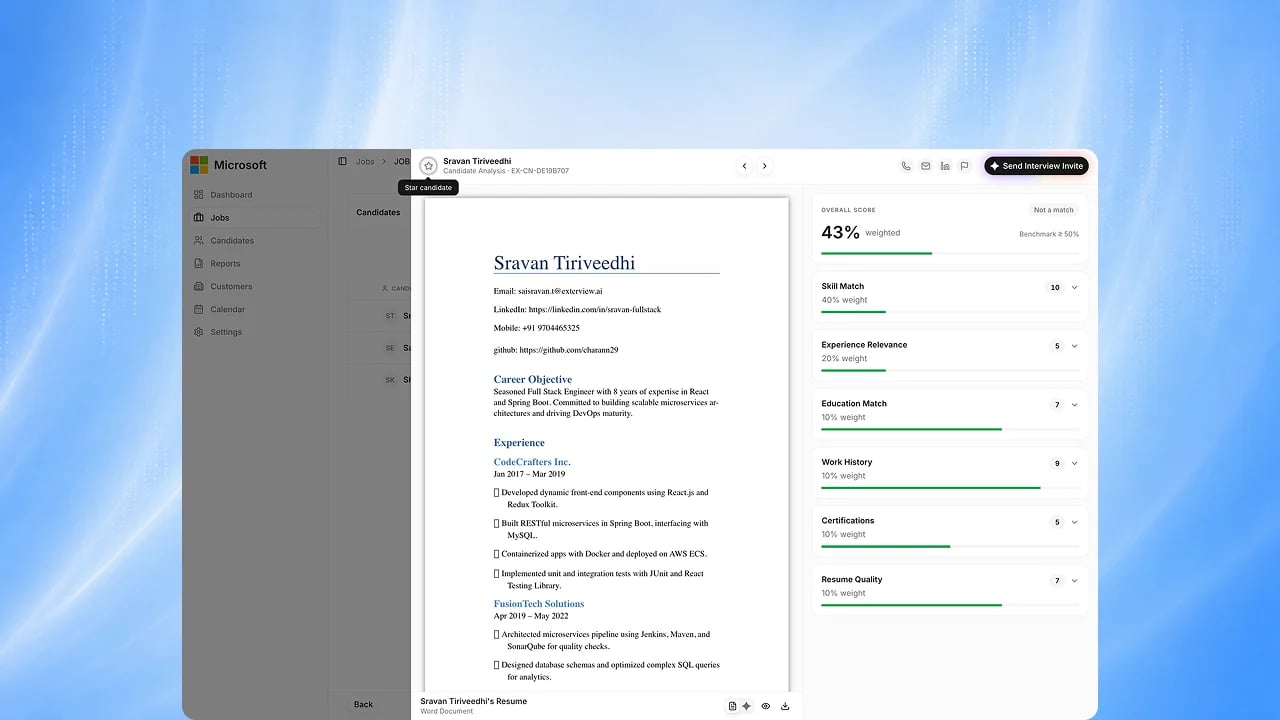
EX Scan — Resume Intelligence
Every resume is parsed, structured, scored and shown in the candidate record. Upcoming: one canonical resume format across every source.
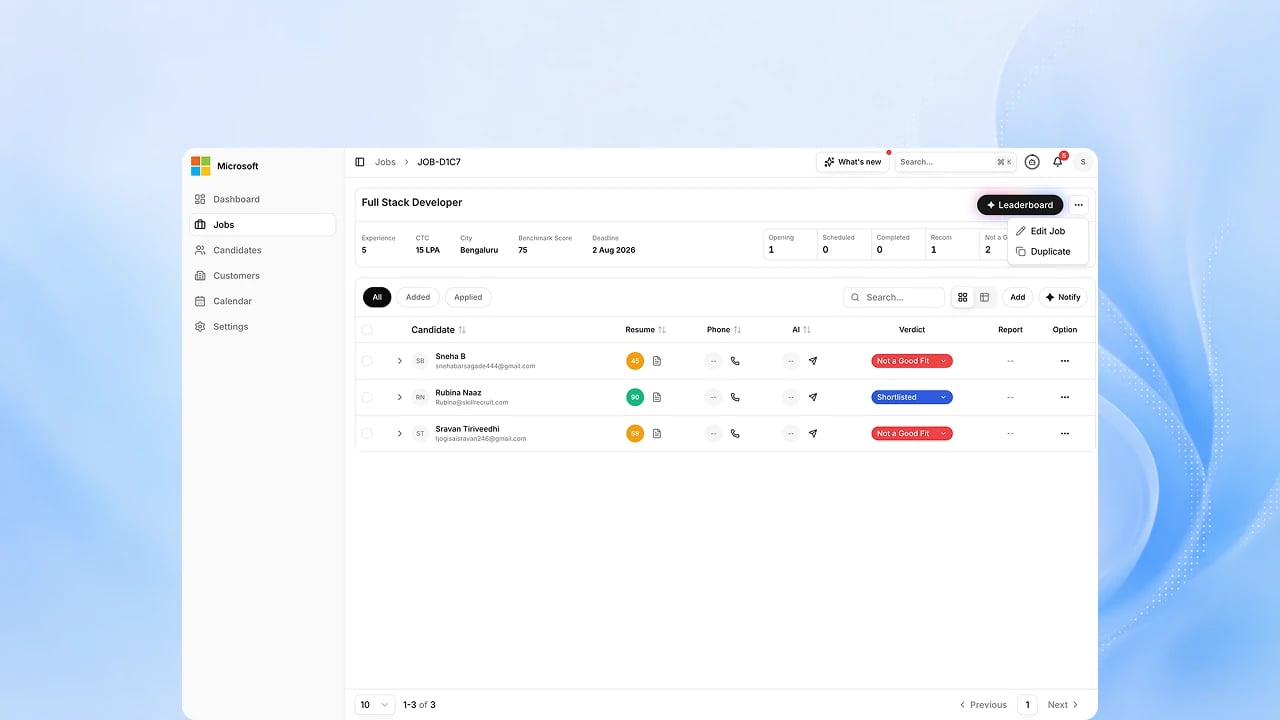
EX Match — Role Matching
The matching agent scores every candidate against the role and explains why.
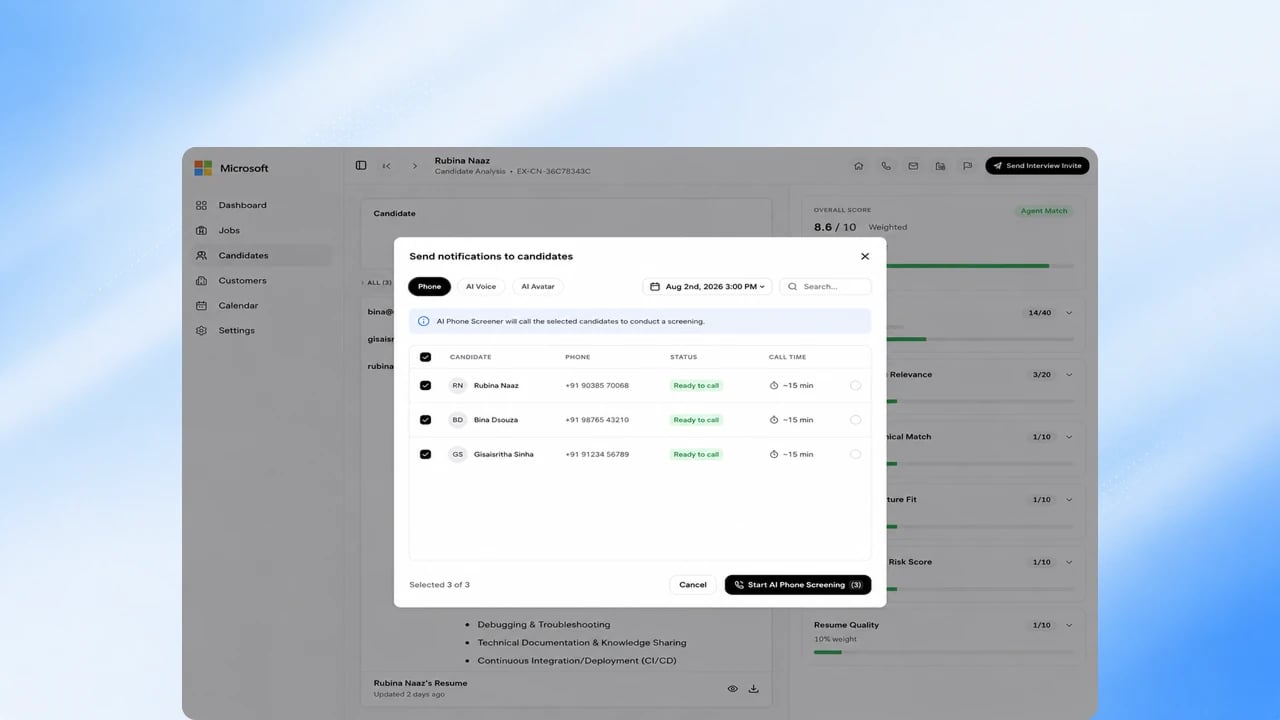
EX Call — AI Phone Screening
An AI agent calls candidates, runs the screening conversation, and reports
back. A job can run several phone rounds, each scored on its own, and the call
switches language when the candidate needs it.
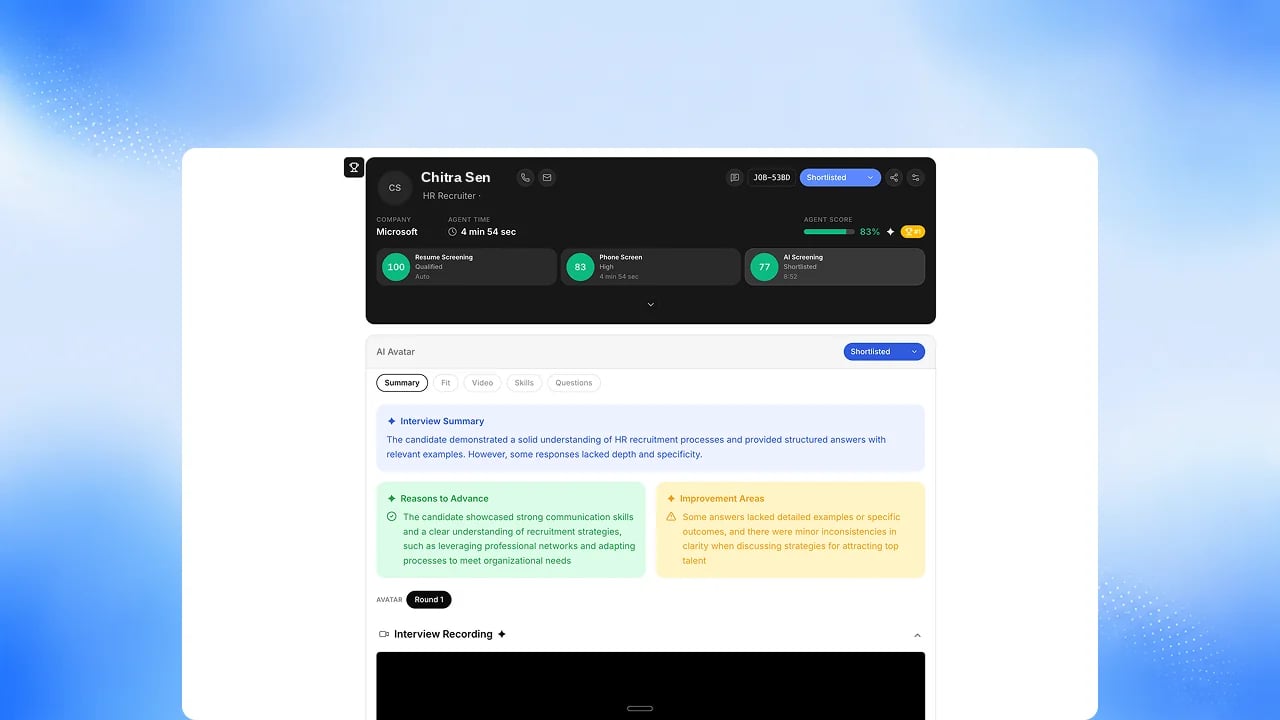
EX Voice — AI Voice Interview
A voice interview run entirely by an AI agent, on the candidate’s schedule,
from a desktop or a phone.

EX Avatar — AI Video Interview
A guided face-to-face video interview with an AI interviewer. Upcoming:
production concurrency for every tenant.
Candidate Messaging
Invites, reminders and updates reach candidates on email and WhatsApp.
Candidates can move a phone screen from the WhatsApp message, and a missed
call is followed up straight away.
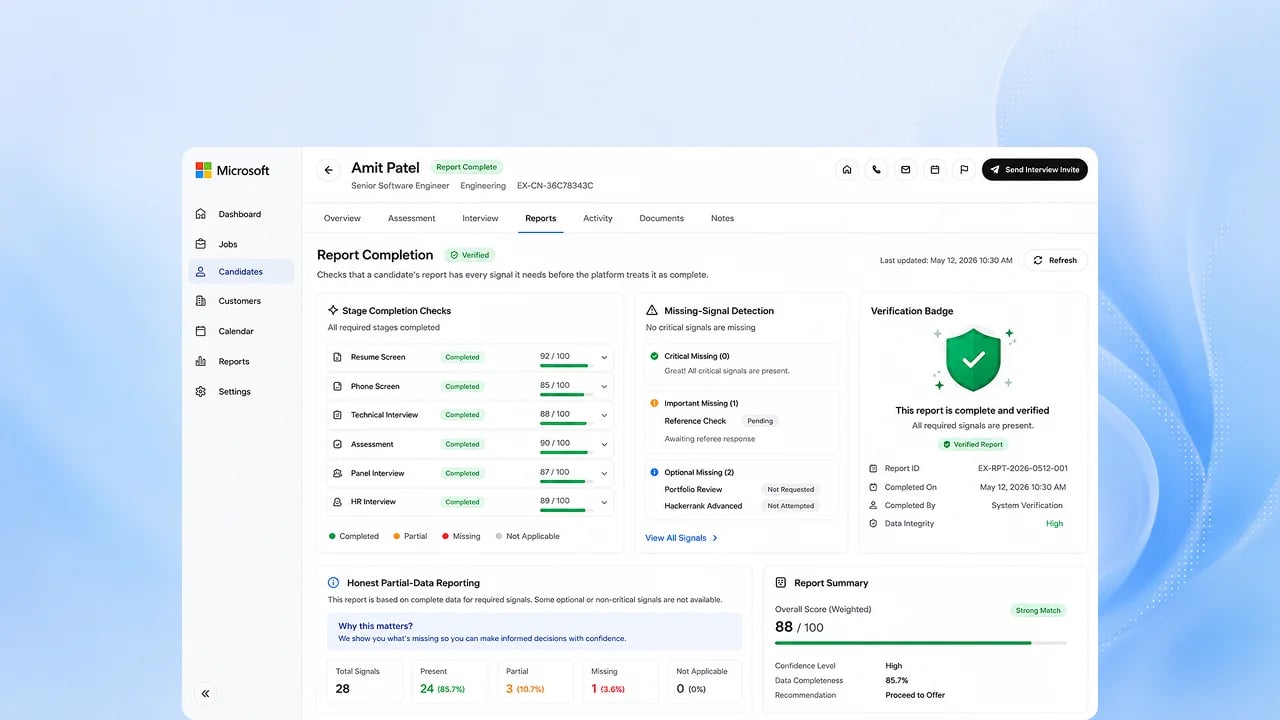
Completion and Recovery
A report is issued only once an interview is complete, you are charged once per completed report, at that report’s credit price, not for attempts or reconnects, and a candidate who drops out gets a phone follow-up. Upcoming: recovery across voice and avatar channels, and multi-channel re-invites.
Interview
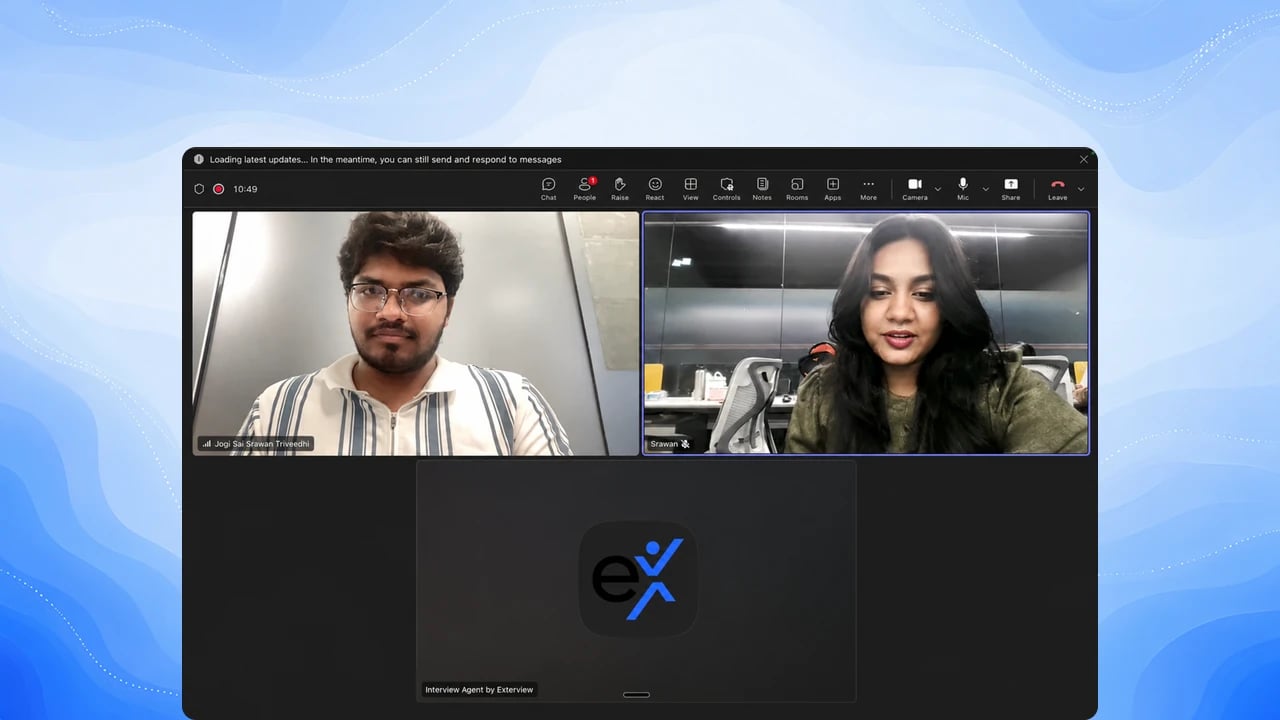
Panel Interviews in Microsoft Teams
Run panel interviews in Teams while the agent captures, structures and scores the conversation.
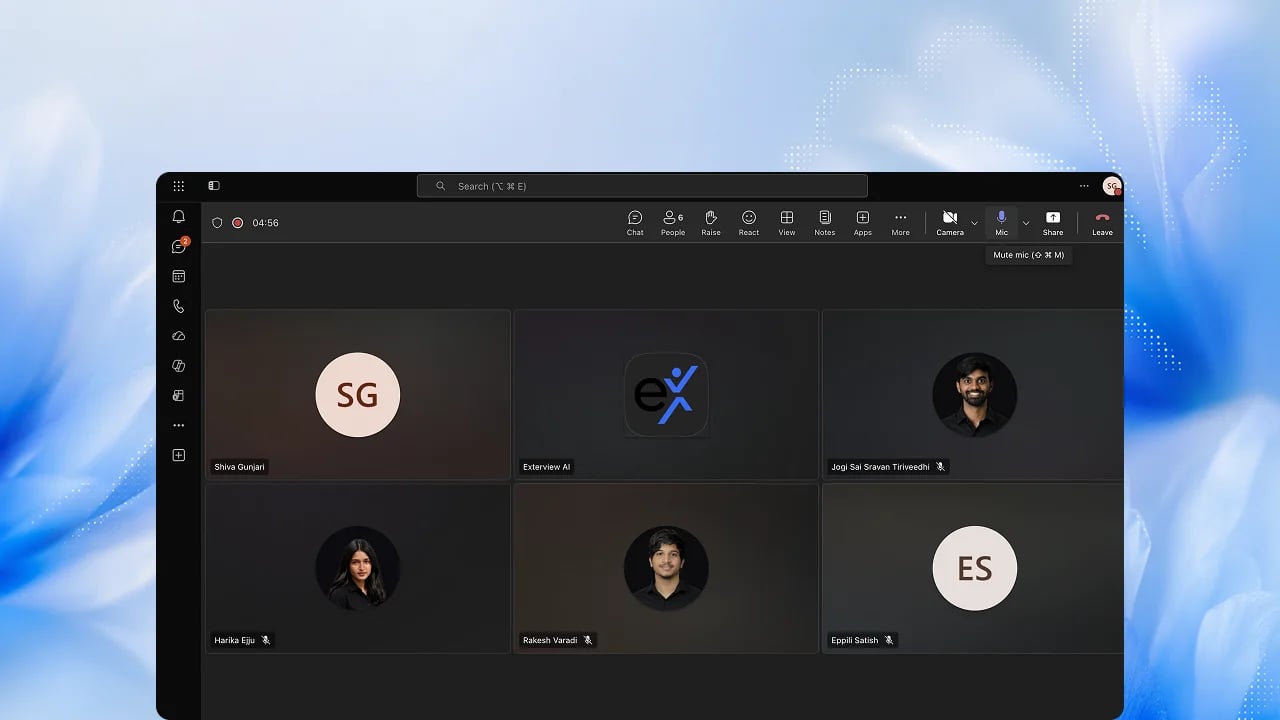
HR Round
The final HR conversation, captured and scored in the same structure as every
earlier round.
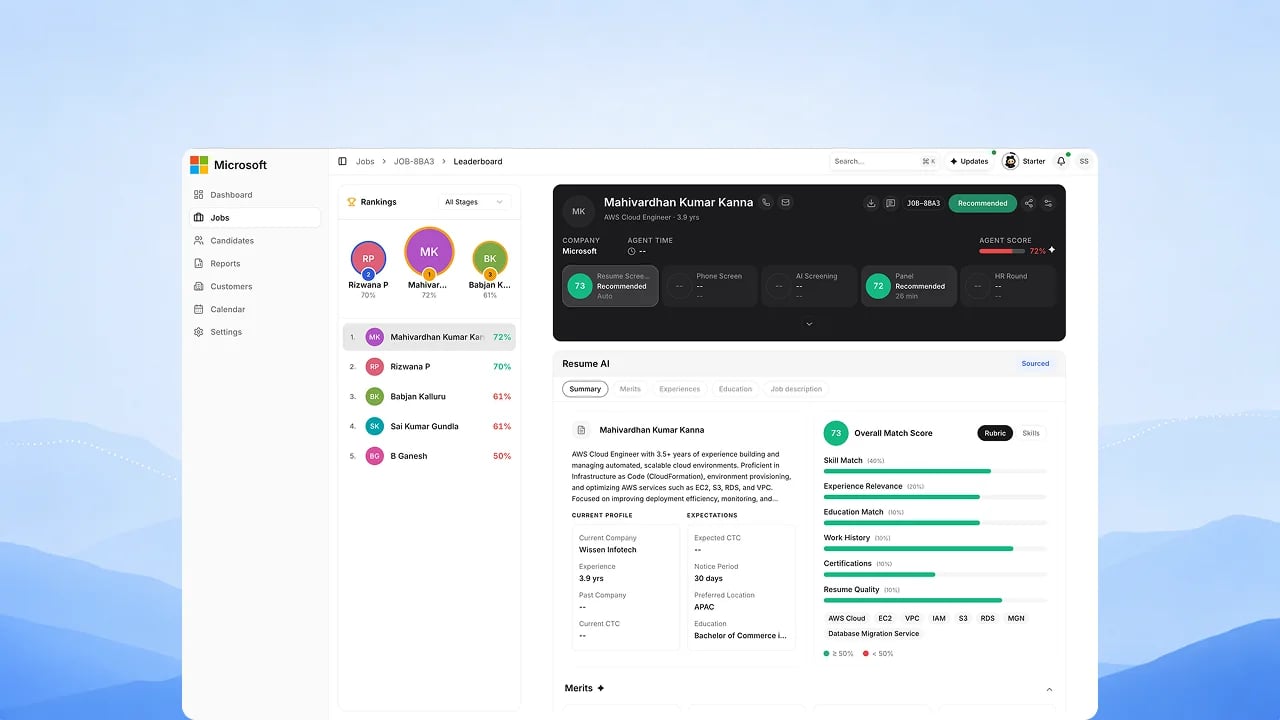
EX Rank — Panel Scoring
Panel and HR rounds are scored and feed the candidate’s composite rank. Upcoming: a per-panelist view of where interviewers diverge.
Decide
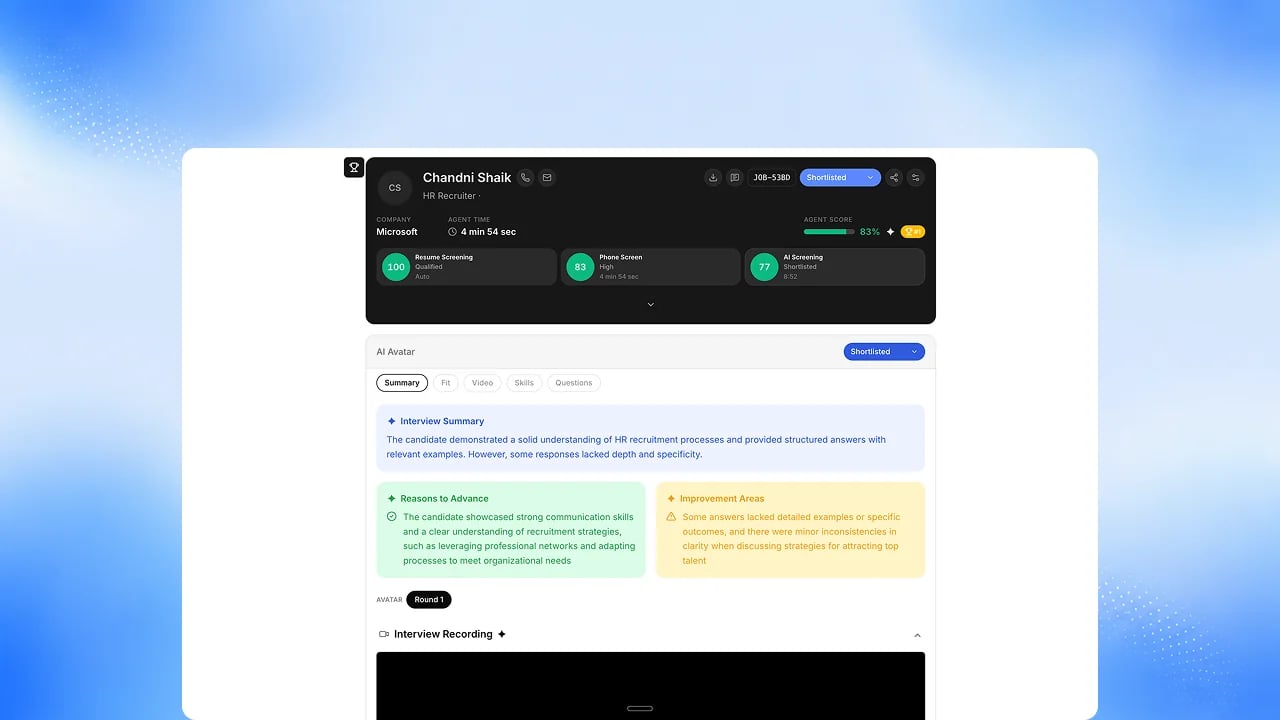
Decision Center
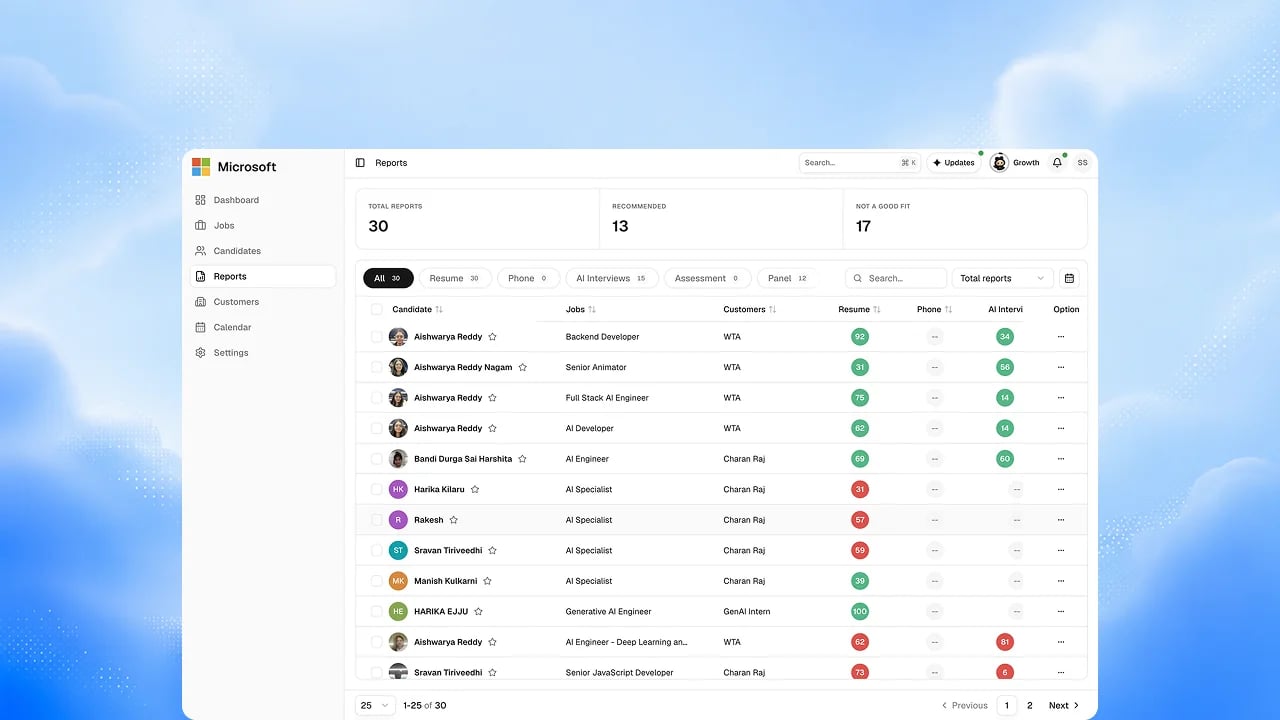
The home for every candidate report, formerly Reports. Switch the score table to interview cards to review recordings side by side.
Interview Reports
Every round produces a report with scores, evidence and the recording behind
it.
Unified Candidate Report
One report per candidate across resume, phone, voice and avatar rounds.
Upcoming: panel and HR-round slices inside the unified report.
Share a Report
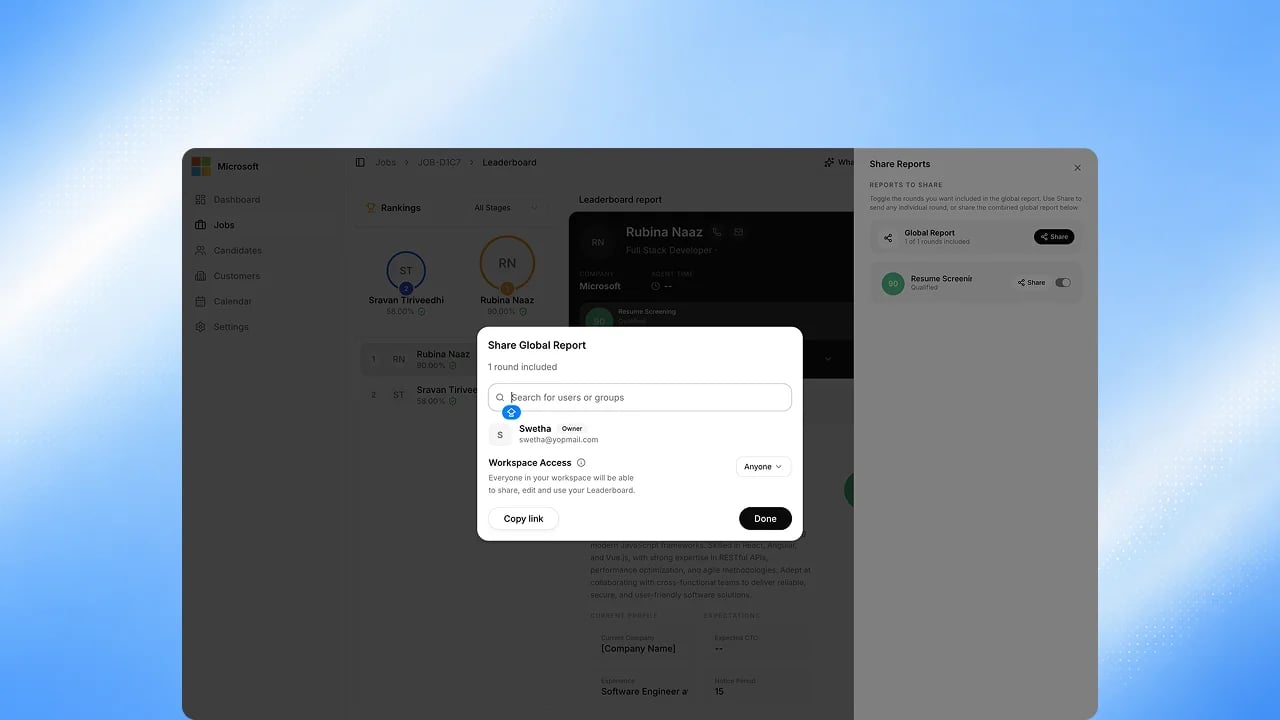
Send a report to anyone who needs it, with control over who can open it and
what they can do, until you revoke it. Upcoming: links that expire on a set
date.
Leaderboard
Candidates ranked across the live channels, updating as interviews complete.
Upcoming: six-channel side-by-side comparison.
Decisions with reasons
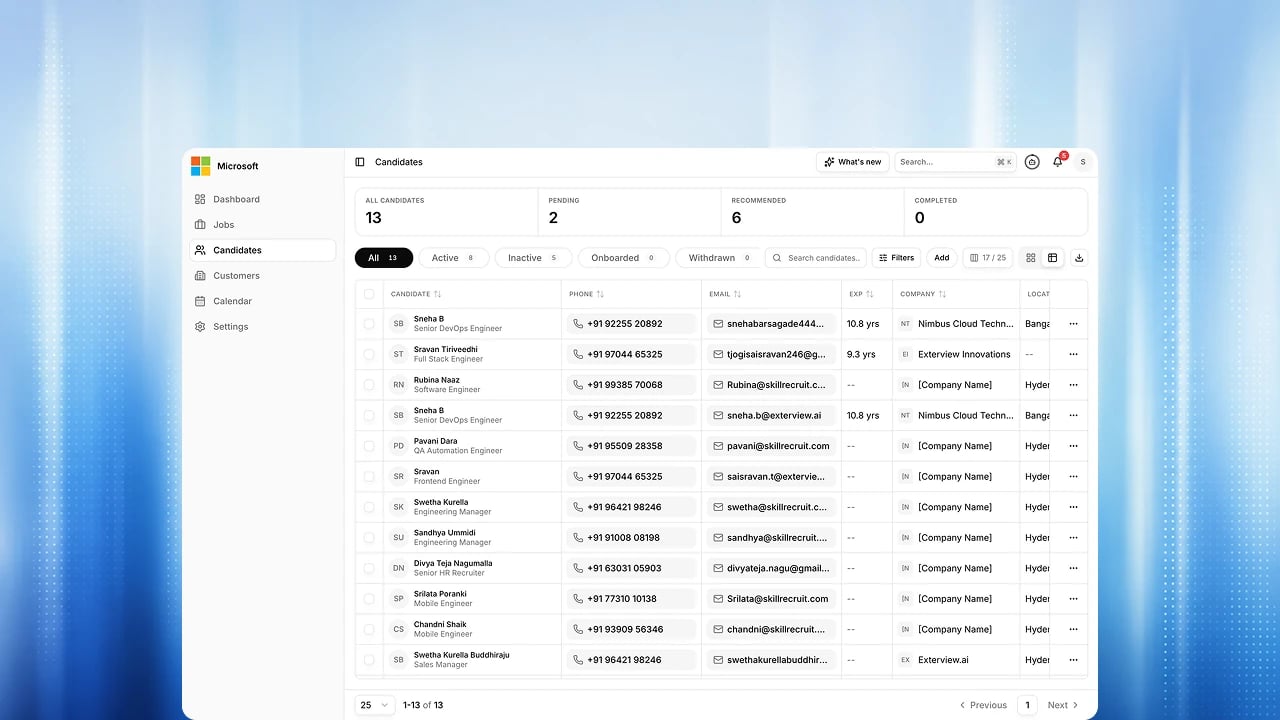
Every decision change asks for a reason, and an AI score you override keeps
your value with a mandatory justification. A person makes every hiring
outcome.
Bulk actions and CSV export
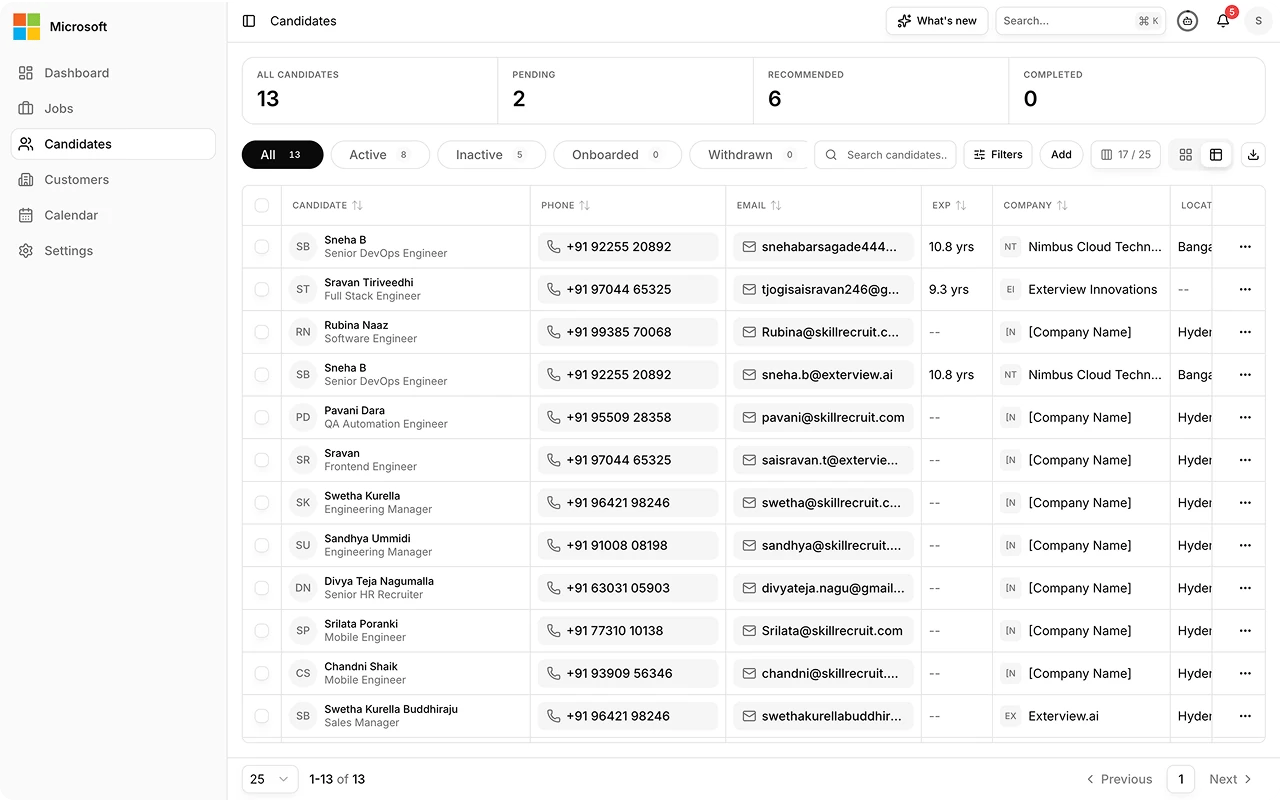
Filter a job’s candidates by decision, score or notice period across the whole list, act on several at once, and download candidates as CSV.
Agent swarm and Smaya
Your AI Employees work alongside your team today: they draft roles, pick who to screen, schedule panel rounds and answer questions about any report, asking before they write. Handing Smaya the whole role, with reports reaching an Agent Inbox, is Upcoming. See The Agent Swarm.AI Employees
Role Designer, Screener, Coordinator and Report Specialist, plus Smaya. Each reply names the employee that did the work, and work is handed between them under your permissions.
Ask Smaya
Ask about your hiring in plain language. Answers stream in, with a panel that
shows what the agent did. Smaya remembers earlier conversations.
Chat with a report
Ask a question on a candidate’s report and get an answer drawn from that
candidate’s own rounds.
MCP server
Work with Exterview from Claude, ChatGPT or Microsoft 365 Copilot with more than 45 read and write tools. Microsoft sign-in, every write waits for your confirmation, adverse actions preview first, and there are no delete tools. Upcoming: handing a role to Exterview.
Human oversight is built in. No AI system sets a candidate to hired, rejected
or withdrawn. Every decision change is recorded with a person’s reason.
Candidate notice is attested before every AI interview. Upcoming: the Agent
Inbox, Slack, the Agent Catalog and Agent Lineage, and the full
role-to-decision run across all five report moments with the controls around
it. See The Agent Swarm and
Upcoming.
Insights and governance
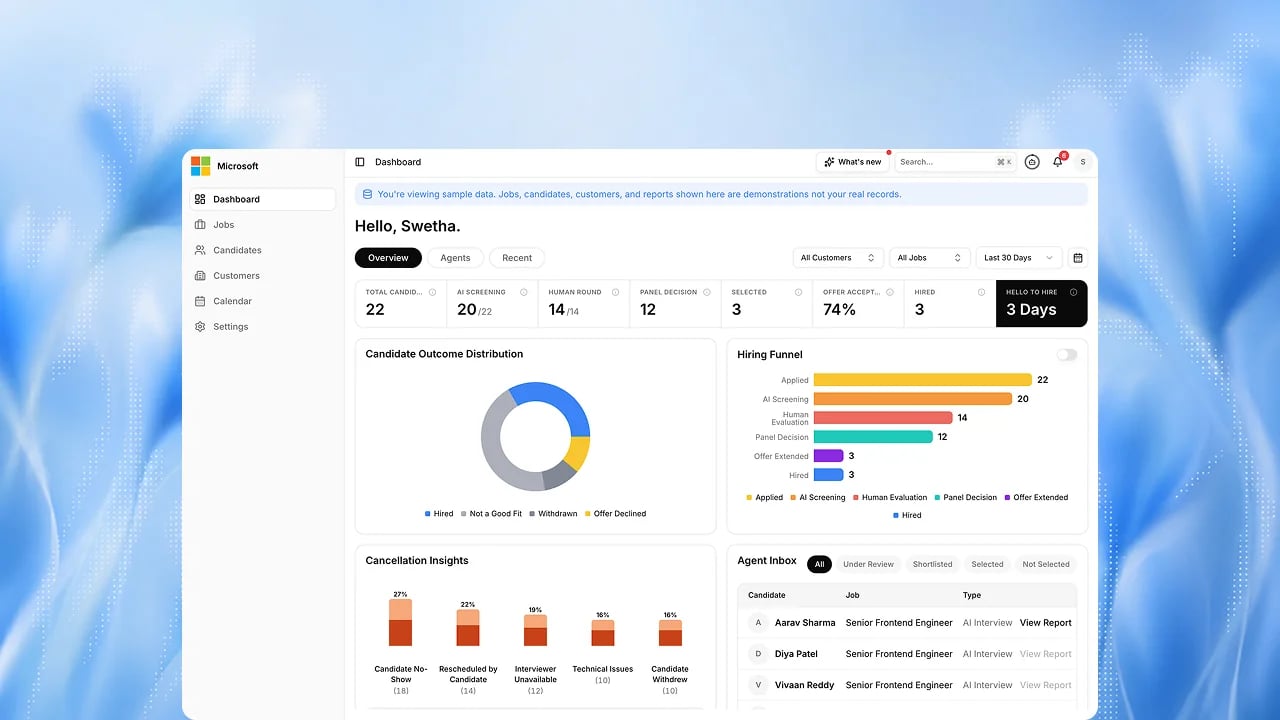
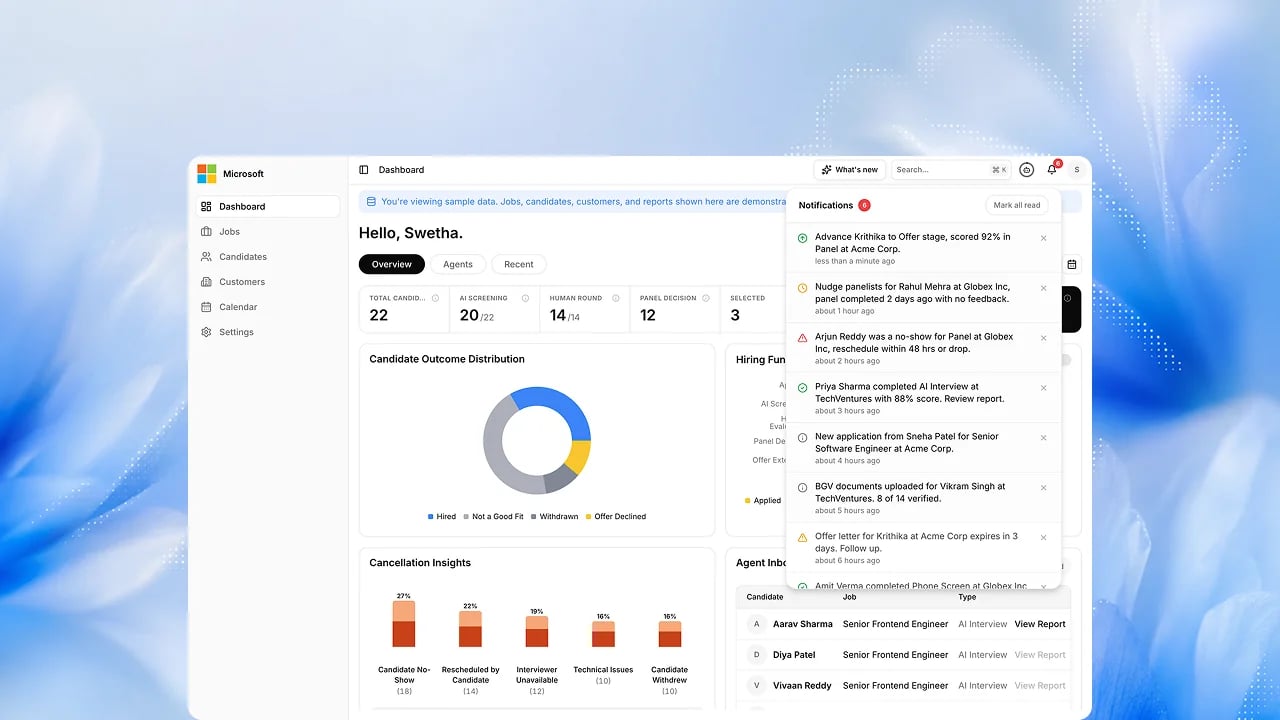
Dashboard
One screen showing what is moving, what is stuck, and what needs you today.
Quick search (⌘K / Ctrl+K)
Search jobs and candidates by name from the header, anywhere in the workspace.
Candidate and Company Data
Every candidate, role and company kept in one structured record the agents
work from.
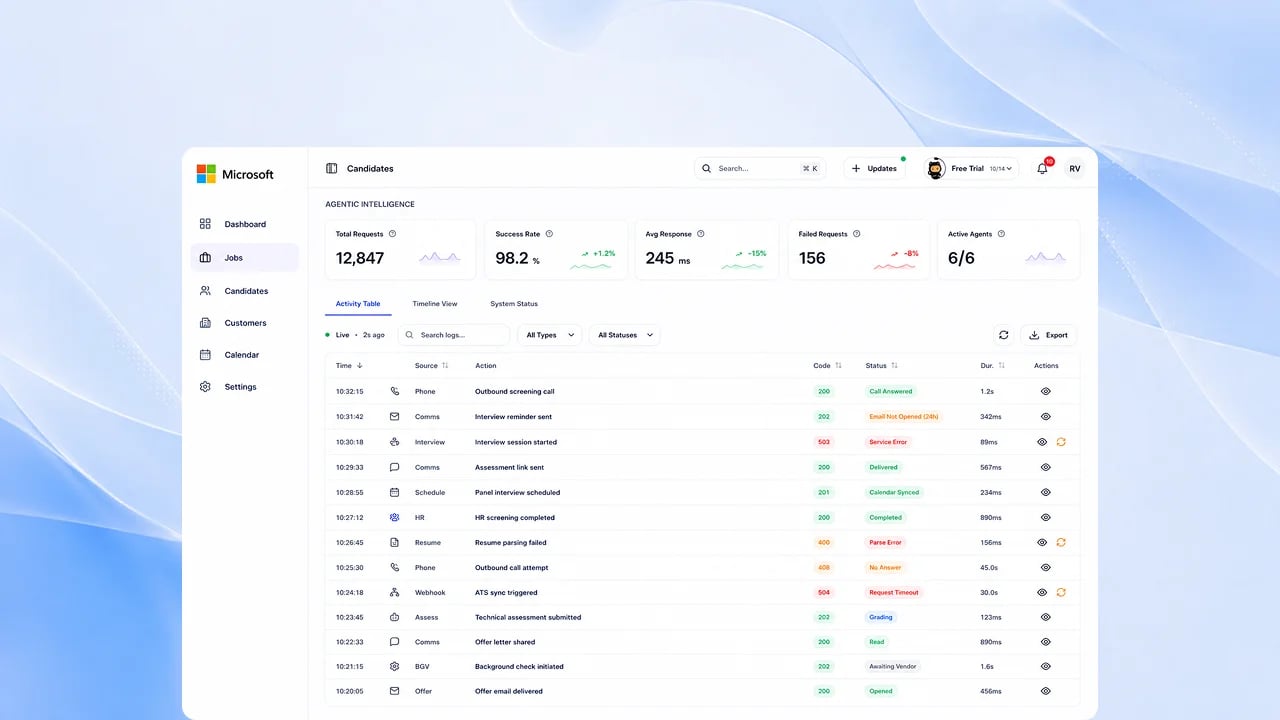
Activity Log
A complete record of every action taken on your account, by a person or by an
agent.
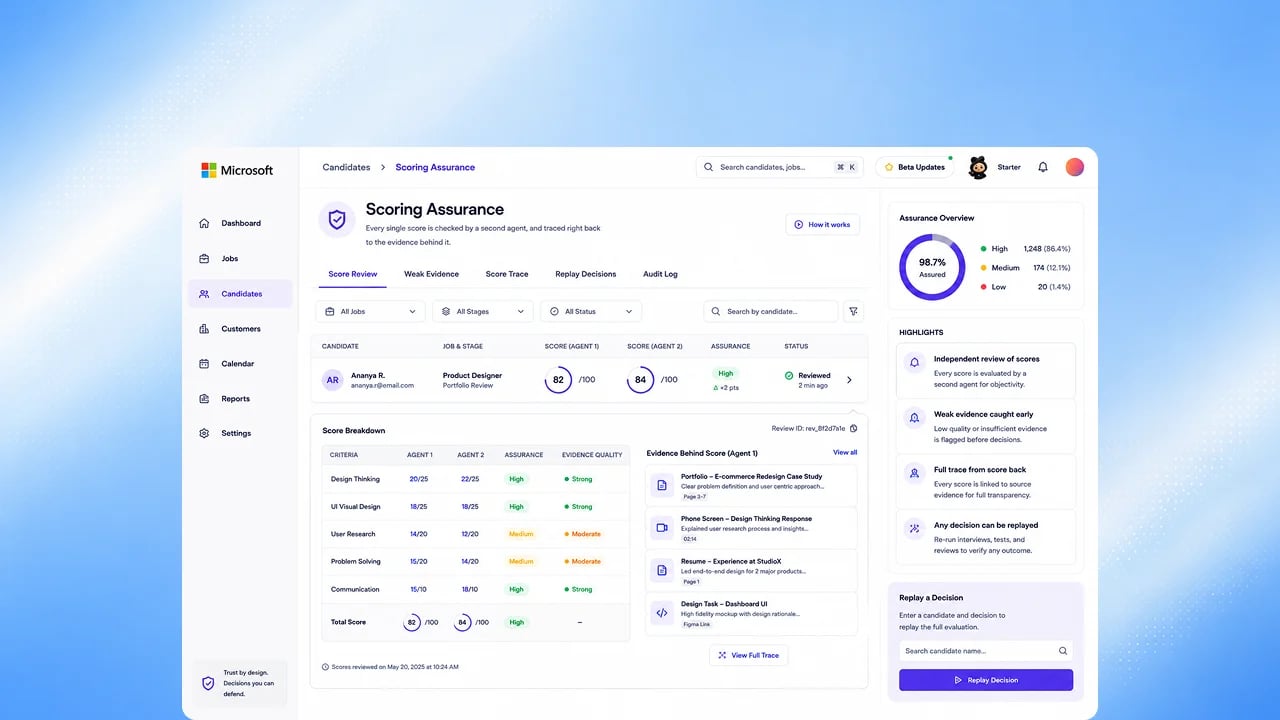
Scoring Logs
See the automated checks run on every scored output, and which model produced
each score. The prompt behind each score is recorded.
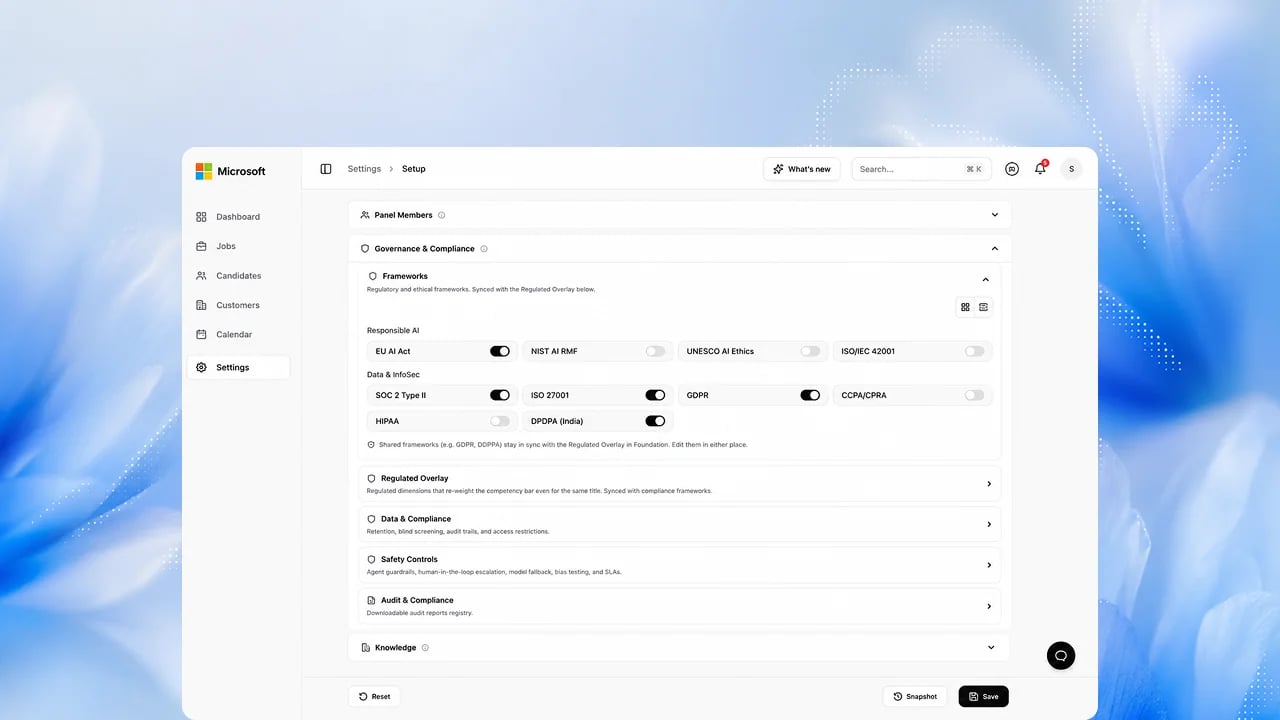
Data, compliance and audit
Delete candidate records on request, keep data in your deployment region, and review a granular audit history. Upcoming: governance retention settings.
FAQs
Is everything on this page available to every customer today?
Is everything on this page available to every customer today?
Everything here is available. Which features your workspace uses depends on your plan and is confirmed during Configure.
What if a feature I want isn't listed here?
What if a feature I want isn't listed here?
Check Upcoming. If it is not listed there either,
ask your Exterview representative rather than assuming it is close.
Where do I see exactly when each of these shipped?
Where do I see exactly when each of these shipped?
See the Changelog for the dated release history.
Related
Roadmap
Everything shipped, alongside everything upcoming.
Upcoming
What we are building next.
Changelog
Dated release history, month by month.