

Purpose
What we are building next. Nothing on this page is available today, and nothing here carries a date. For what you can use now, see Now Available. The page runs in three parts: the declared features in development, the next slices of features you already use, and the rest of the agent swarm and platform.Declared features in development
These eleven features are part of Exterview’s declared product and are in development.Set up and attract
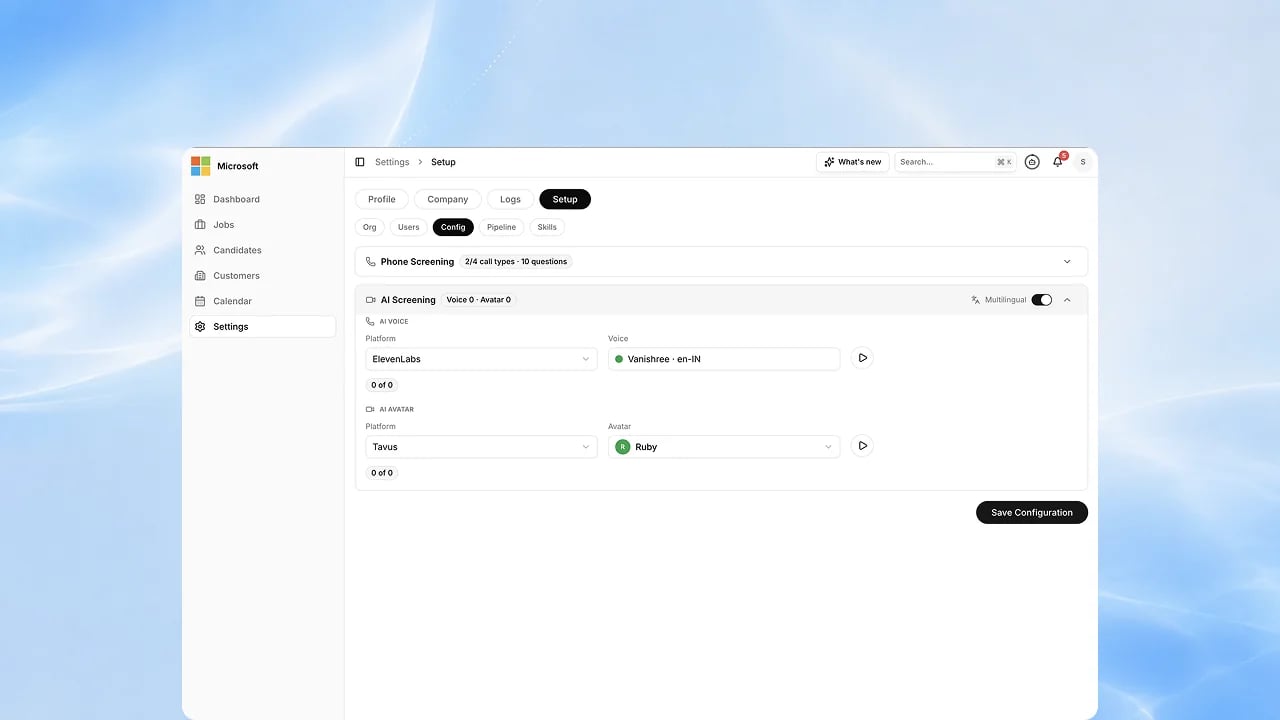
AI Interviewer Studio
Design how your AI interviewer looks, sounds and behaves so every candidate meets your brand.
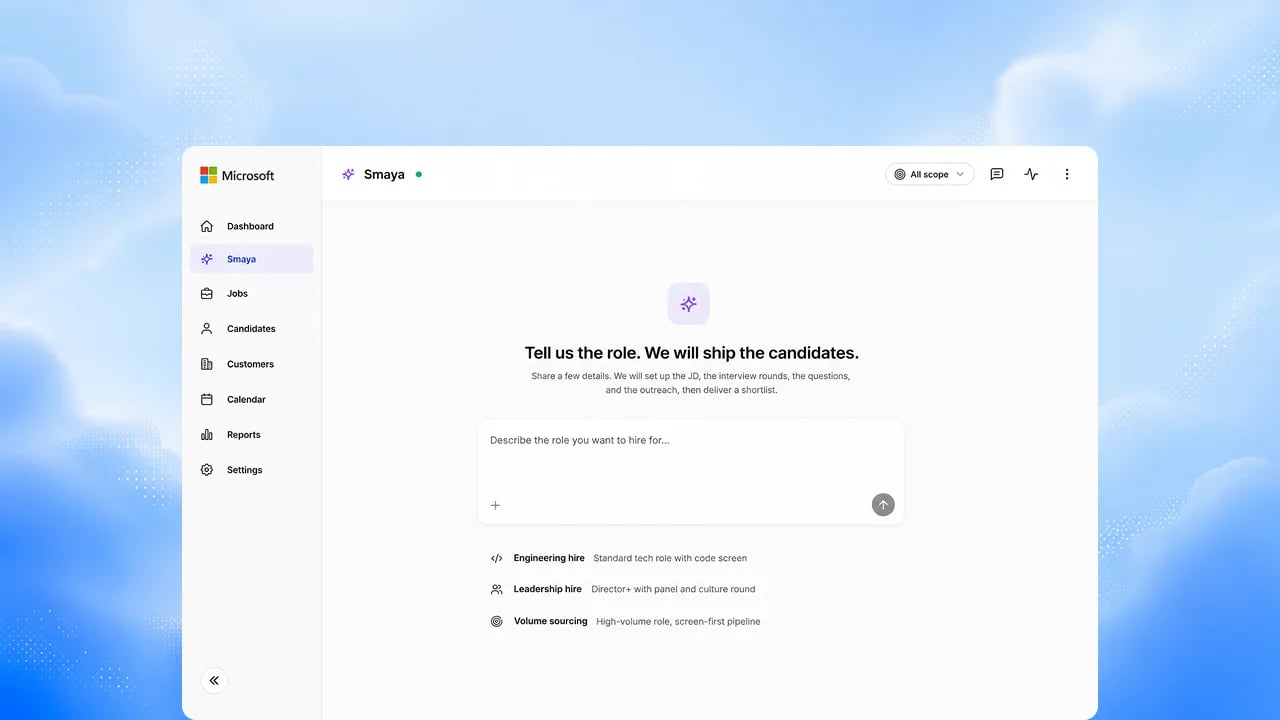
Profile Import and Shortlisting
Bring sourced profiles in from anywhere and let the agent shortlist them
against the role.
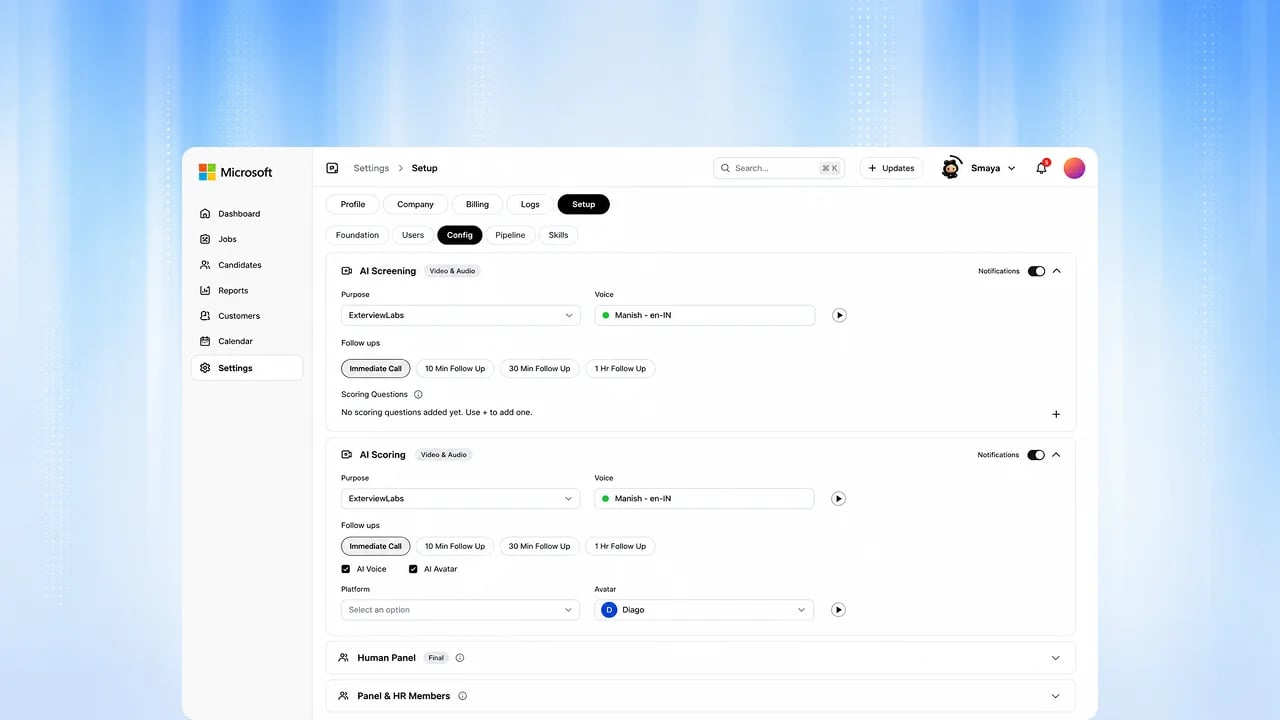
Outreach Campaigns
Reach candidates with sequenced messages that stop the moment they respond.
Trust and integrity
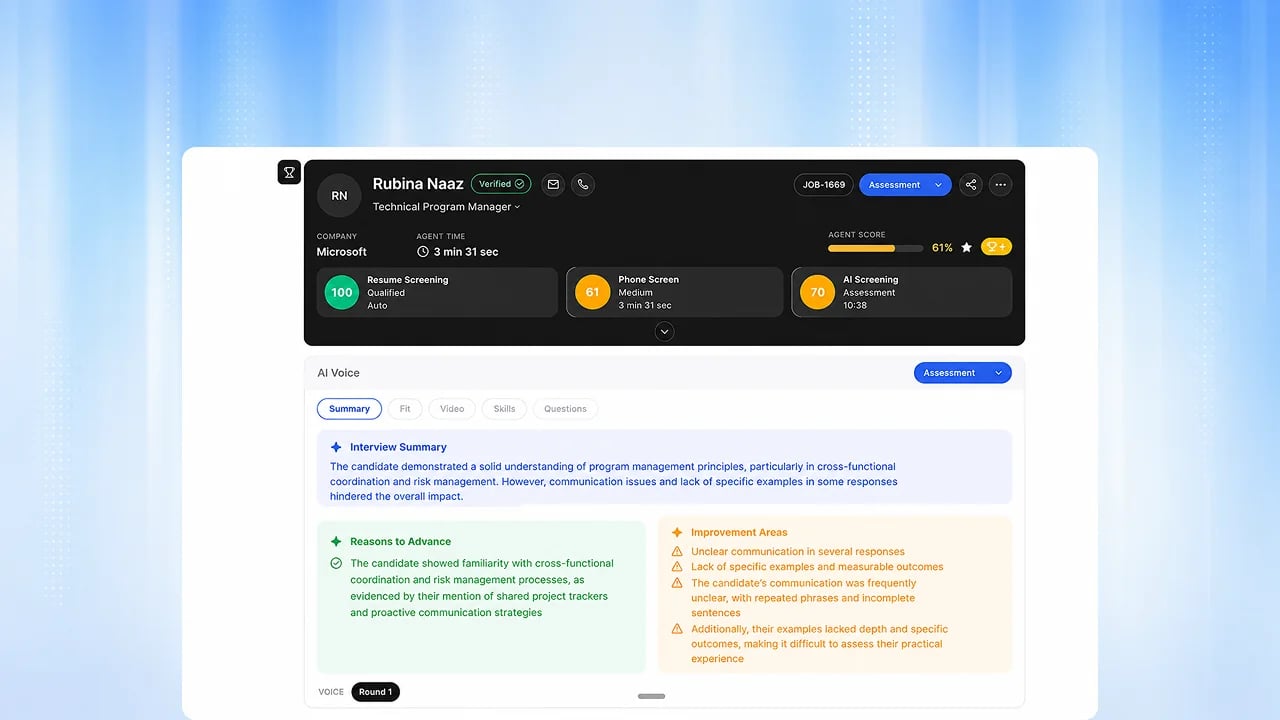
Identity Verification
Confirm the person interviewing is the person applying, before the results count.
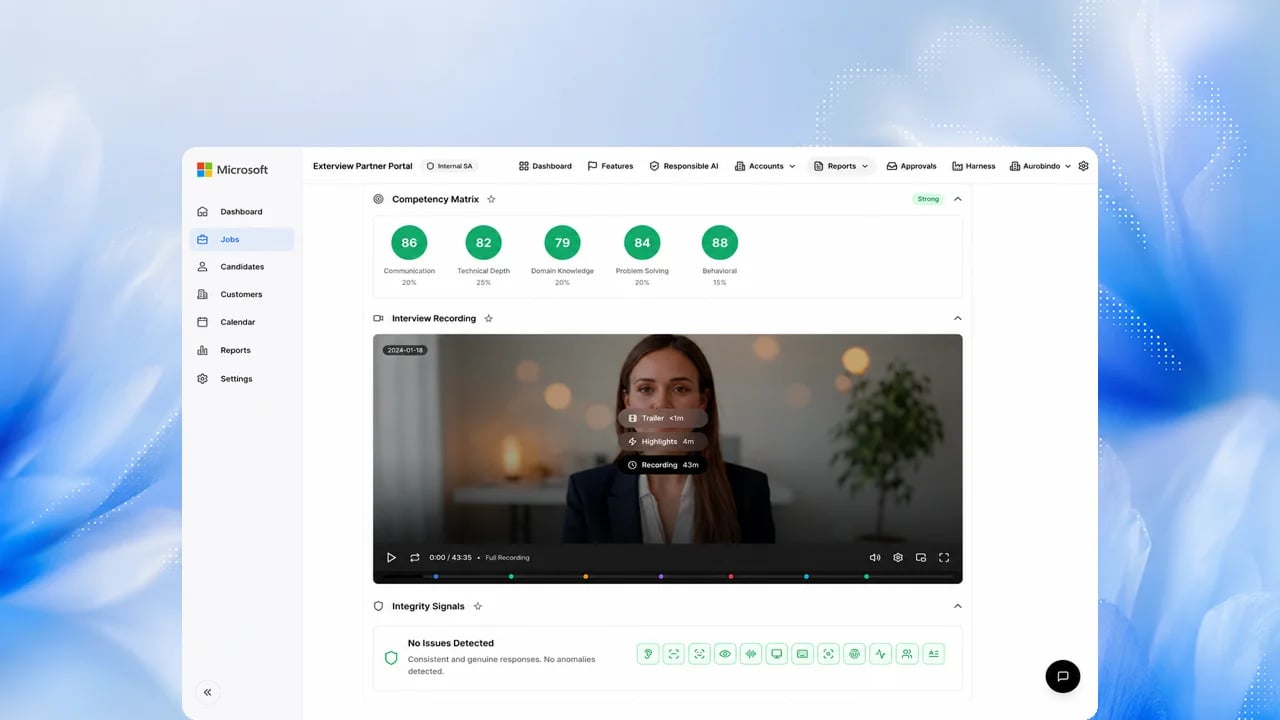
Interview Integrity
Signals of coaching, impersonation or assistance are detected and flagged for
your review.
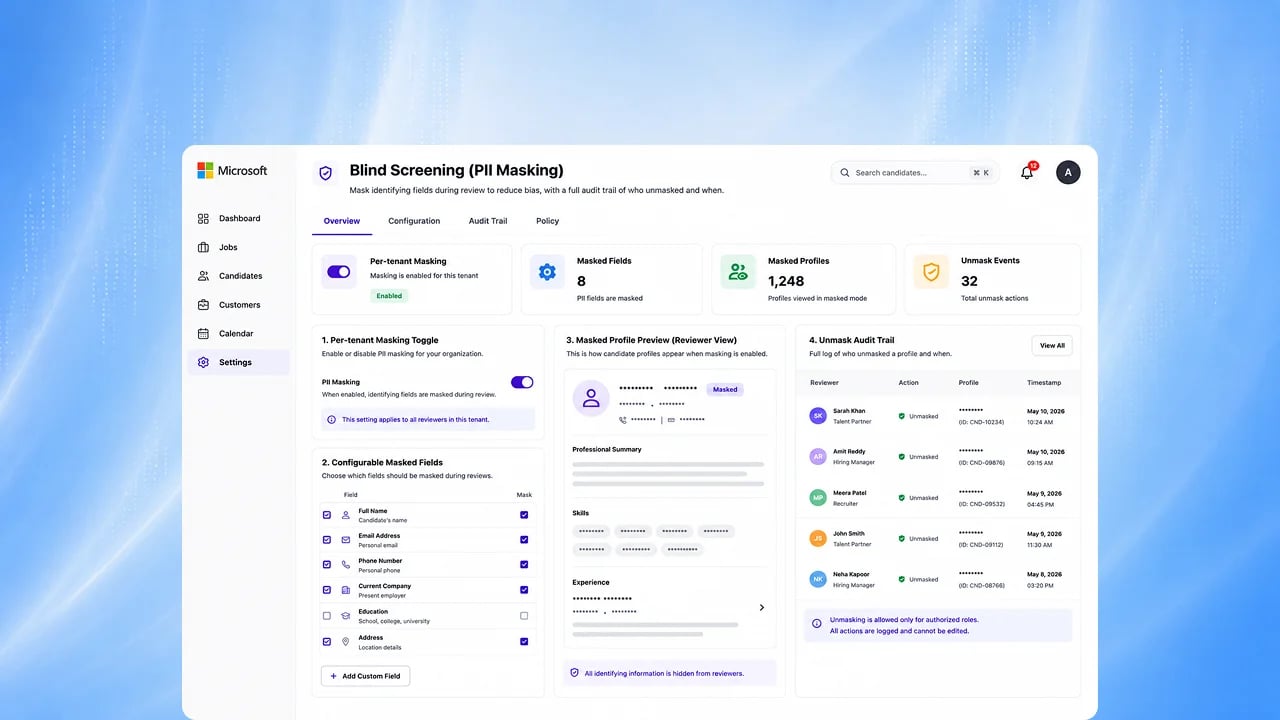
Blind Screening
Hide names, photos and personal details so the first review is based on capability alone.
Interview and collaborate
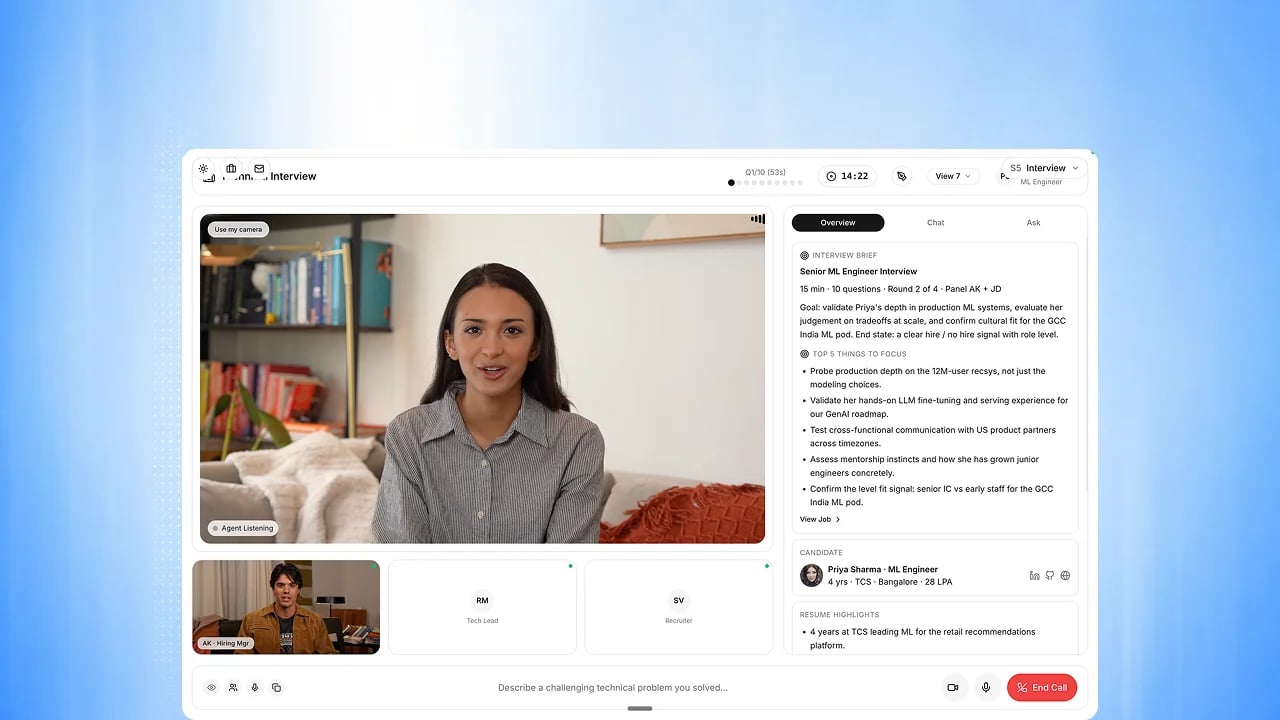
Advanced Video Room
A built-in interview room for panels, with everything recorded and scored automatically.
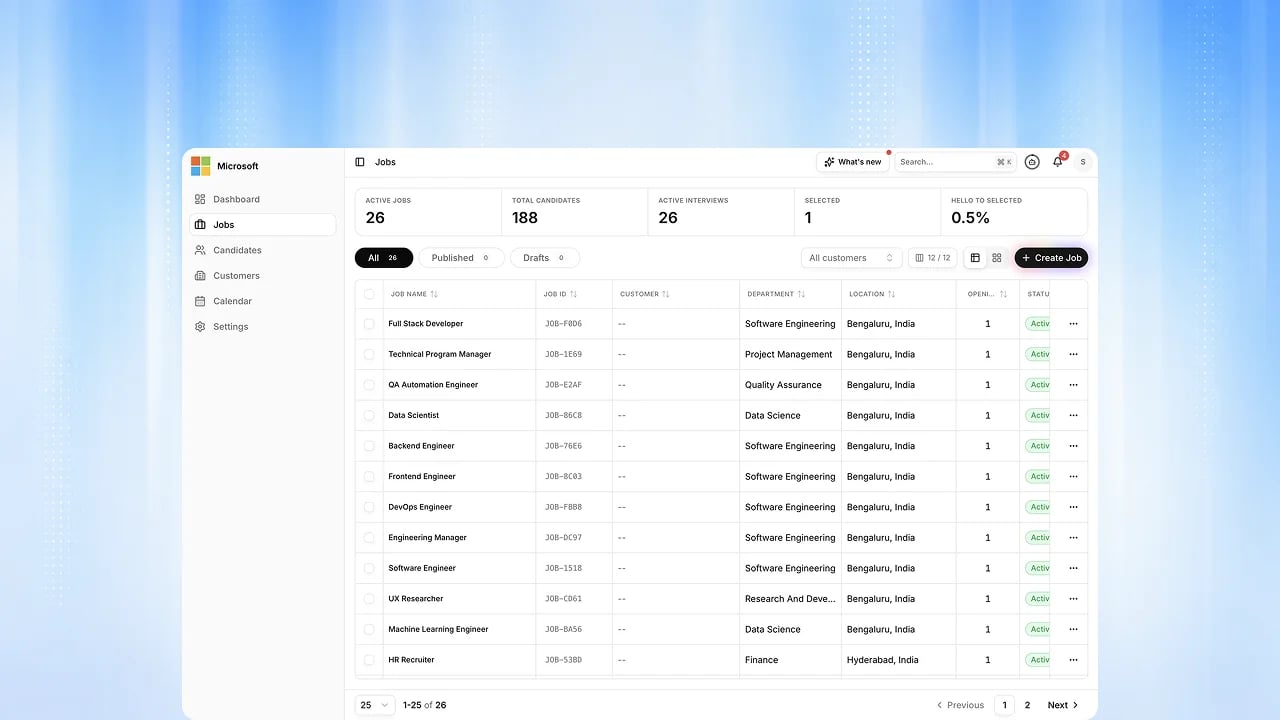
Job Room
A shared space per job where your team and your agent discuss candidates and
record decisions.
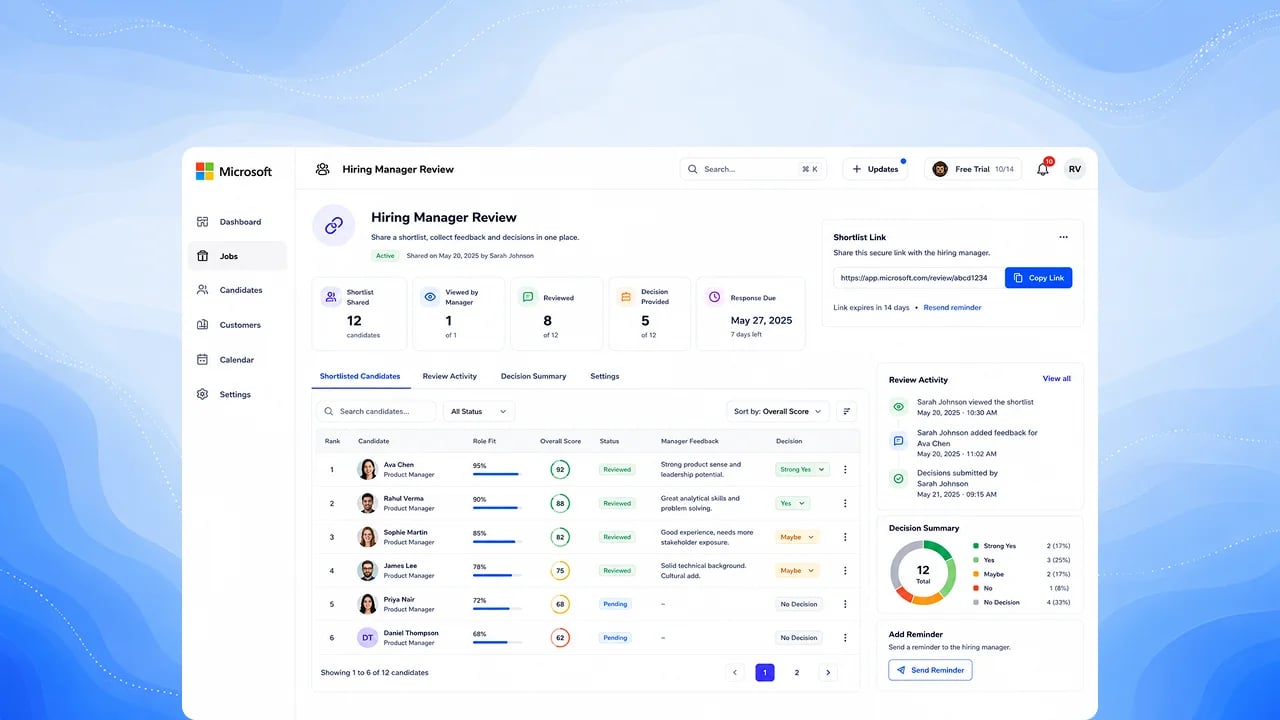
Hiring Manager Review
Send a clean shortlist to the hiring manager and get a decision back without a single spreadsheet.
Decide

Evidence Matrix
See at a glance which competencies were actually assessed, and which ratings have nothing behind them.
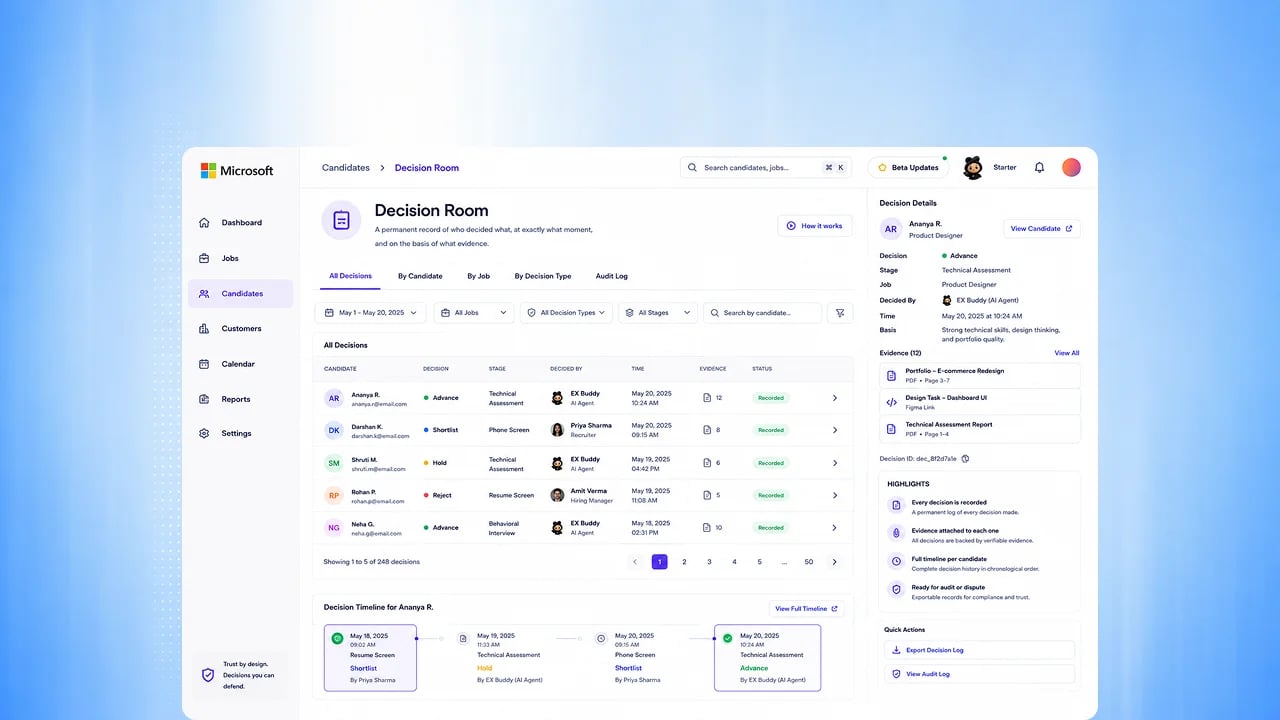
Decision Room
A permanent record of who decided what, when, and on what evidence.
Next for features you already use
Each of these features is available today. The slice described here is the part still to come.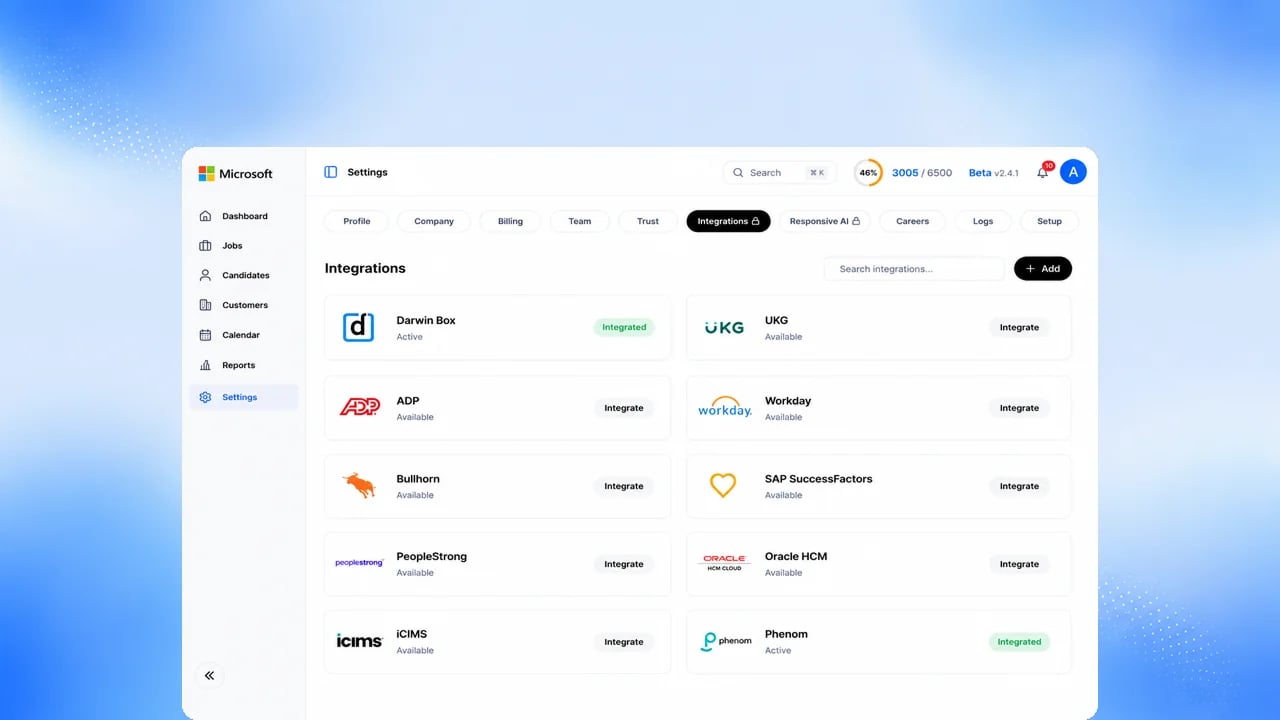
Integrations
Two-way ATS and HRIS sync, and posting your roles straight to job boards. Today: email and calendar sync, and one-way export to major ATS platforms.
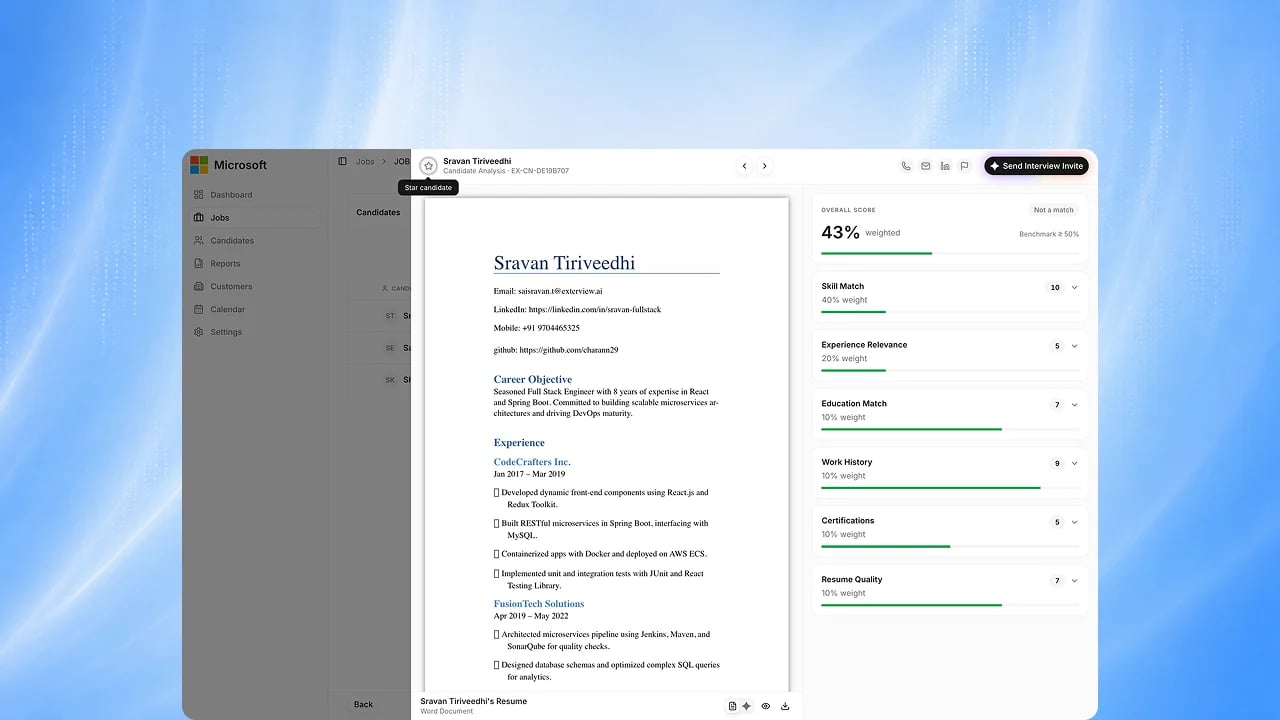
EX Scan — Resume Intelligence
One canonical resume format across every source.

EX Avatar — AI Video Interview
Production concurrency for every tenant.
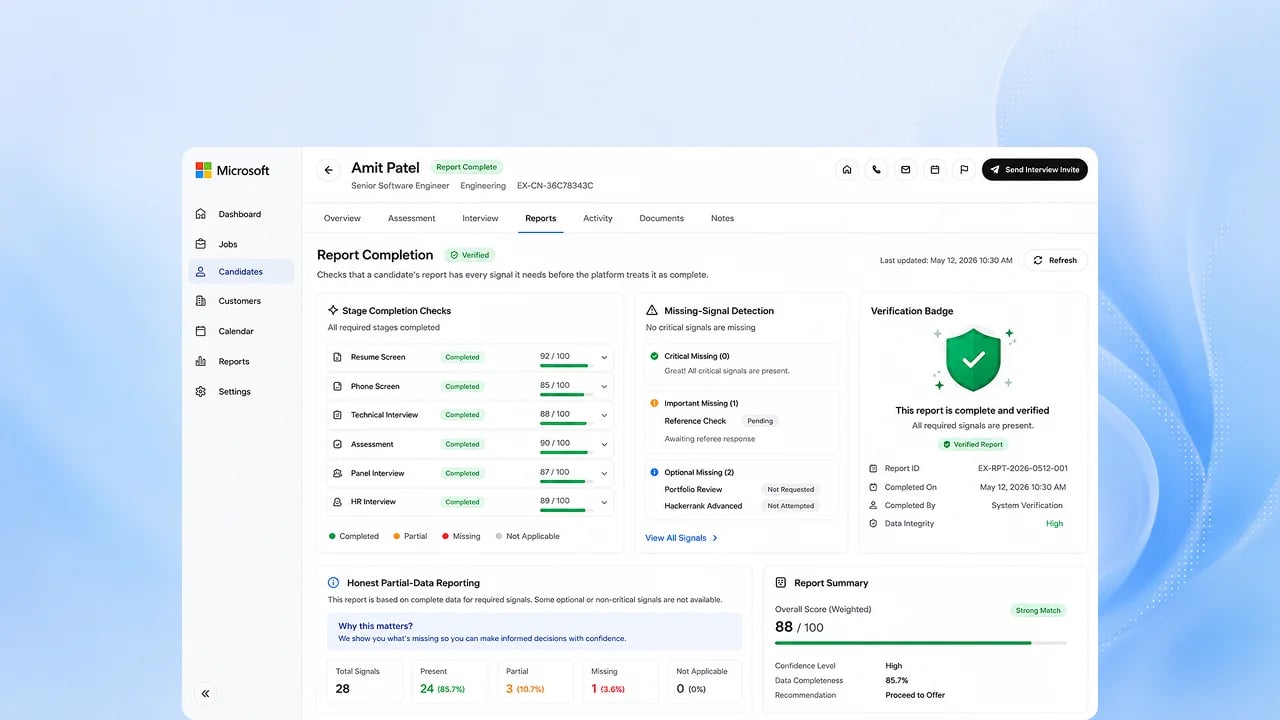
Completion and Recovery
Recovery across voice and avatar channels, and re-inviting a candidate over
more than one channel.
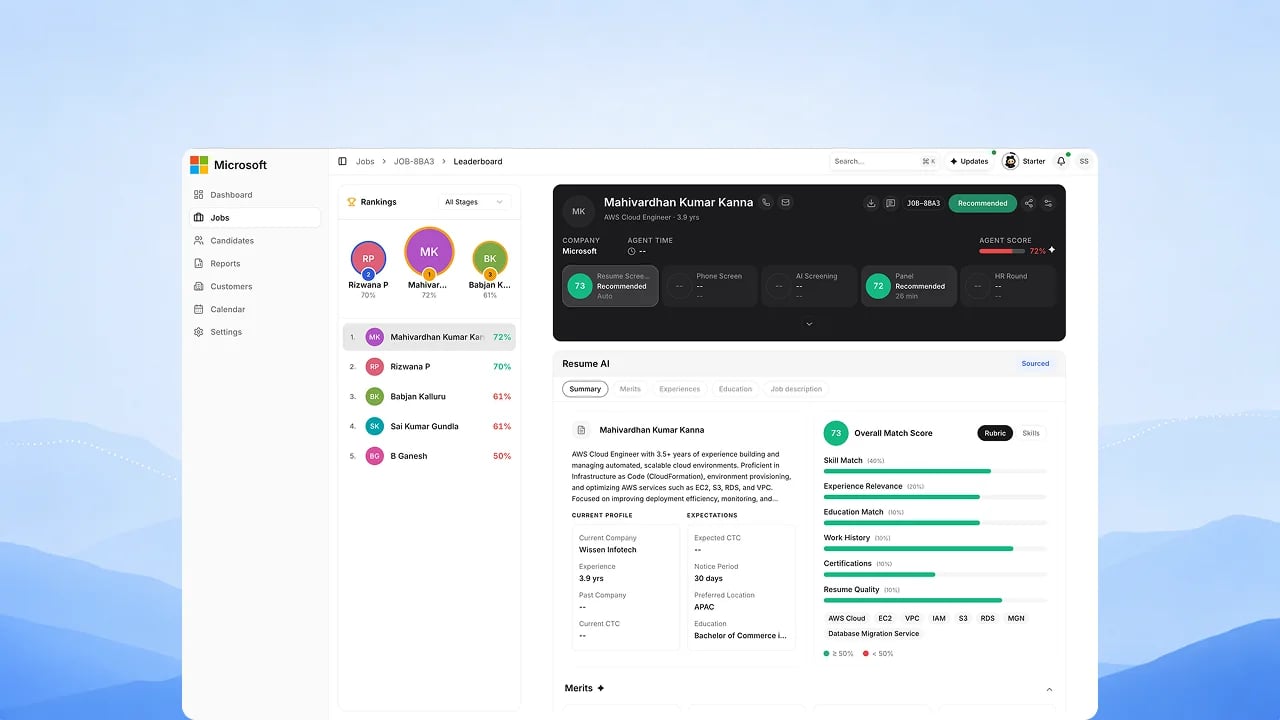
EX Rank — Panel Scoring
A per-panelist view showing where interviewers agree and where they diverge.
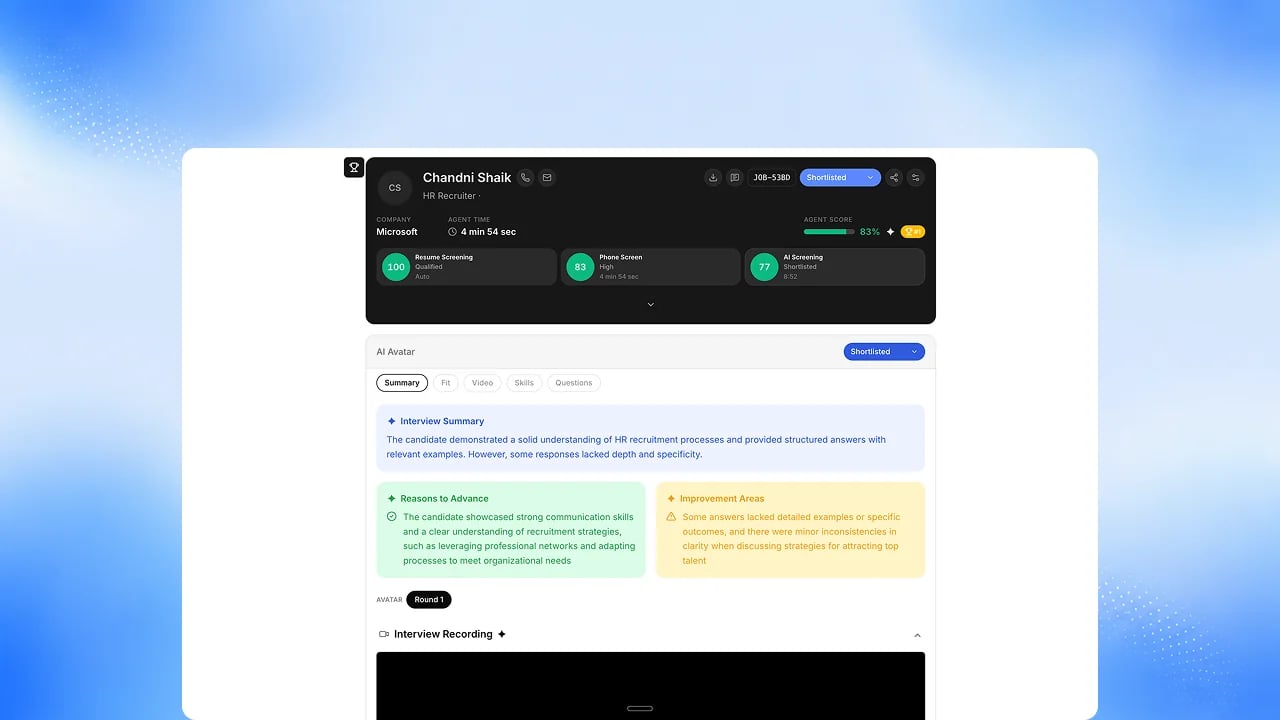
Unified Candidate Report
Panel and HR-round slices inside the unified report.
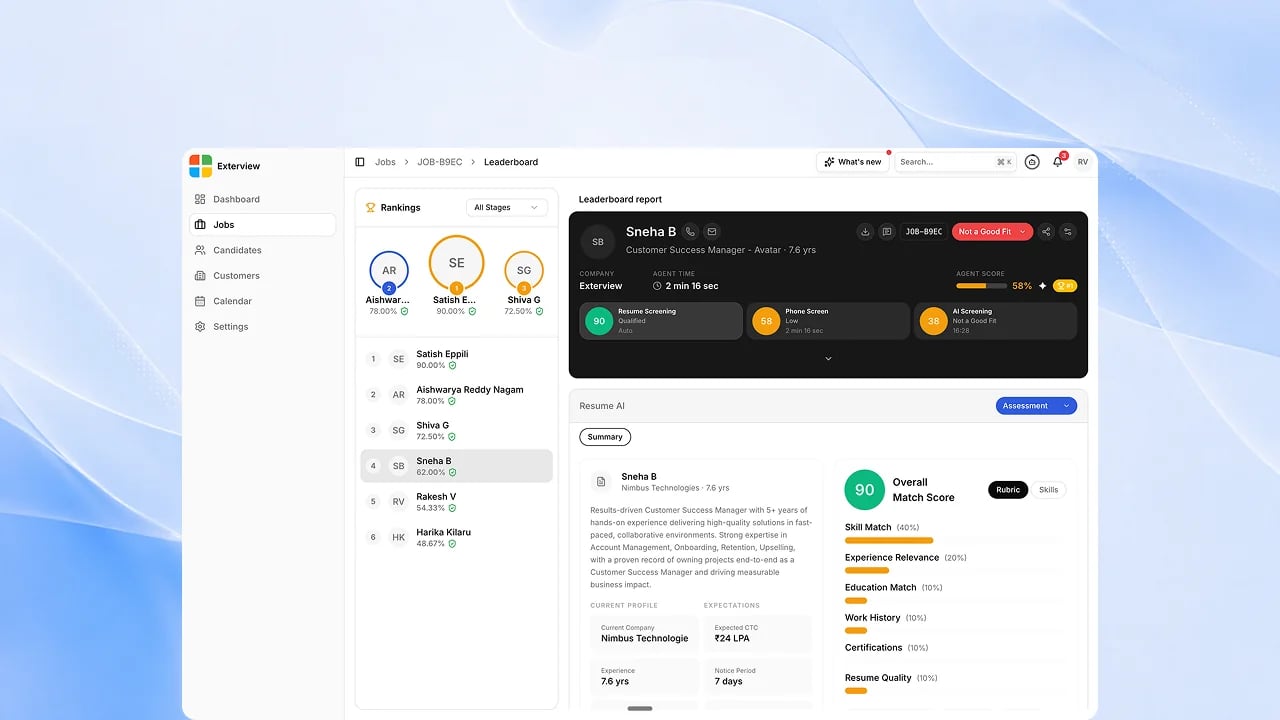
Leaderboard
Six-channel comparison, with candidates side by side.
Agent swarm
Today your AI Employees, screen-to-rank, Smaya ask and report chat, and the MCP server are available. Still to come is the full run: give Smaya the role, and it builds the pipeline, talks to every candidate, gathers the evidence and brings you the people worth deciding on. See The Agent Swarm for how it is designed and what works today.Role-to-decision runs
One run per role and one per candidate, raising a report at each of five moments: profile identified, outreach reply, phone call taken, AI interview conducted, and panel availability.
Start a role run
Hand a role to Smaya in one instruction, from Exterview or from a connected
assistant over MCP.
Agent Inbox
One queue for what needs a person: reports to view (Proceed, Drop, Talk) and
schedules to accept (Accept, Decline, Talk). See Agent
Inbox.
Ask from Slack
Ask an Exterview AI Employee from Slack, by direct message or mention.
Read-only: nothing is changed from there.
Agent Catalog and Agent Lineage
Browse the pre-built agents behind your AI Employees, and see how they hand
work to each other, built from live handoffs.
Apply-triggered screening
Screening that starts on its own when a candidate applies.
Candidate research packets
A brief on each candidate, assembled before the first conversation.
Talk to the candidate
Answering Talk on an inbox item books the conversation for you.
Swarm Control Plane
Every role run in one place, with what each one is waiting on.
Standing operation
AI Employees that work continuously against a standing goal, around the clock.
Kill switch, pause and budgets
Pause or stop a run, and cap what each run and each tenant may spend.
Interviewer simulator and trace export
Rehearse an interviewer against simulated candidates, and export the full
trace of any run.
Microsoft Teams personal app
Your AI Employees inside Teams, as a personal app.
Other capabilities in development
Assess and attract
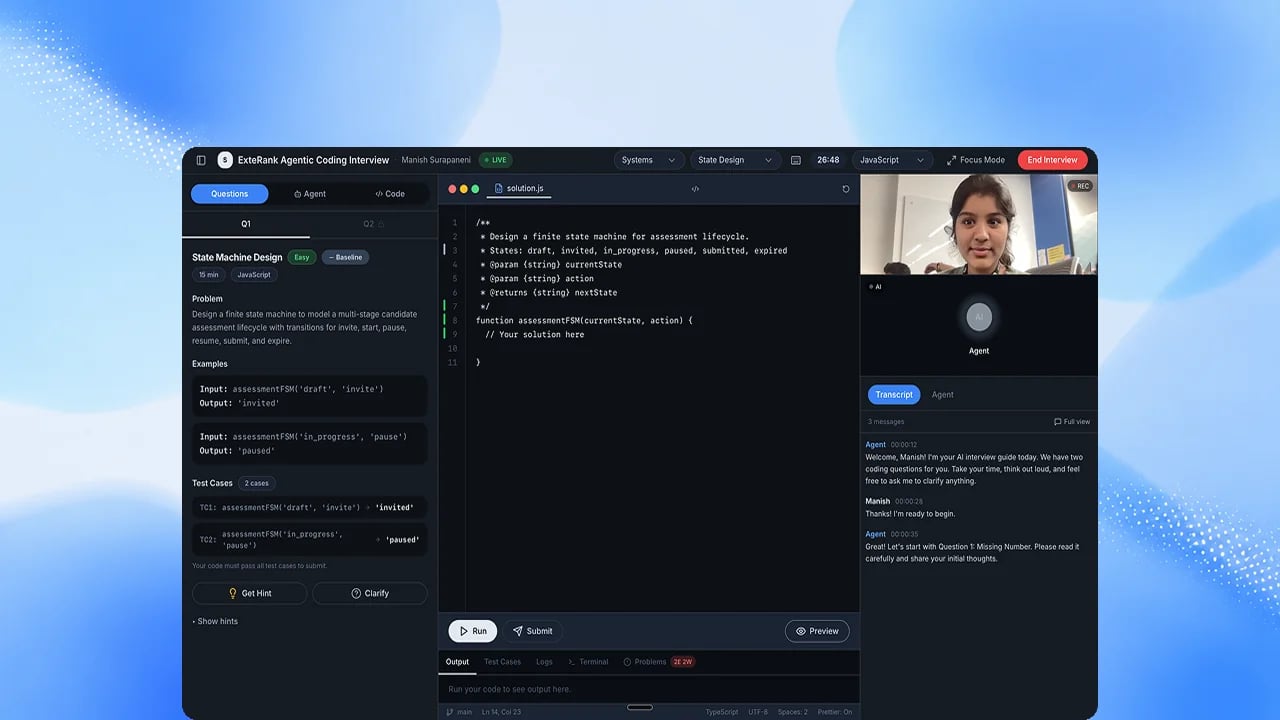
Coding Assessment
Candidates solve real problems while the agent watches how they think, not just whether they passed.
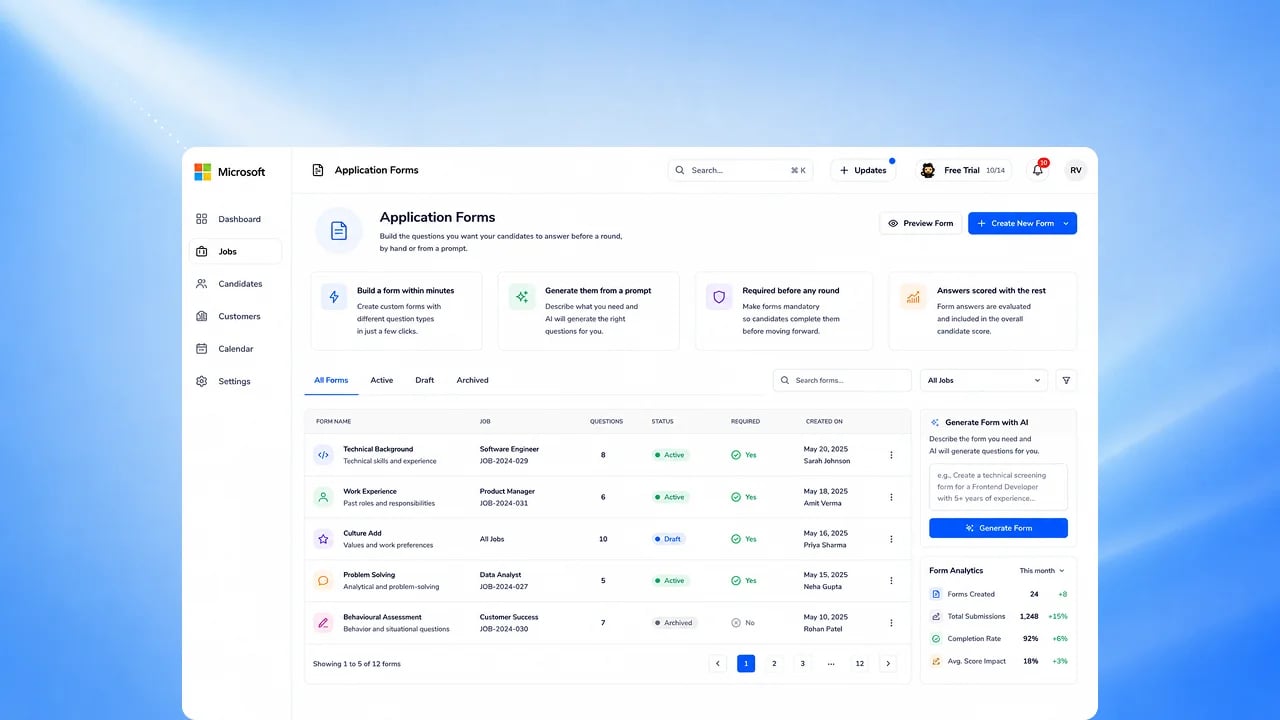
Application Forms
Build the questions you want candidates to answer before a round, by hand or
by prompt.
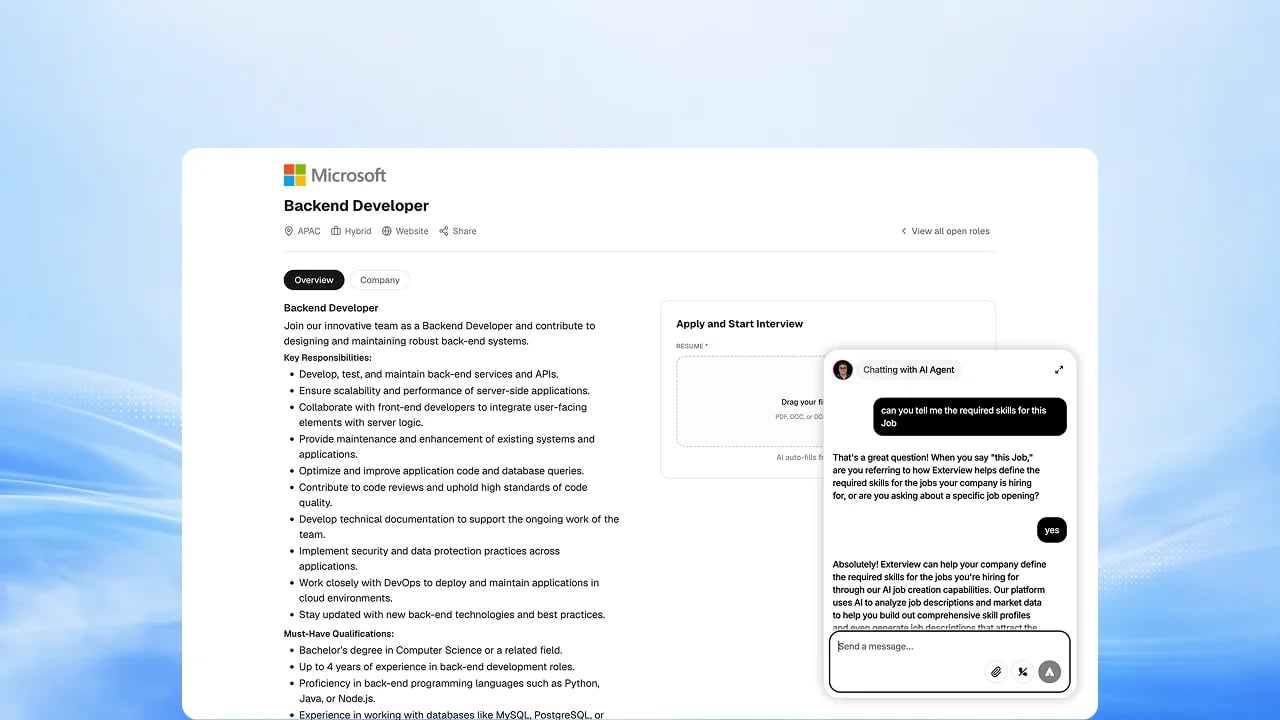
Candidate Agent
A conversational agent on your careers page that answers candidate questions
and guides them to the right role.
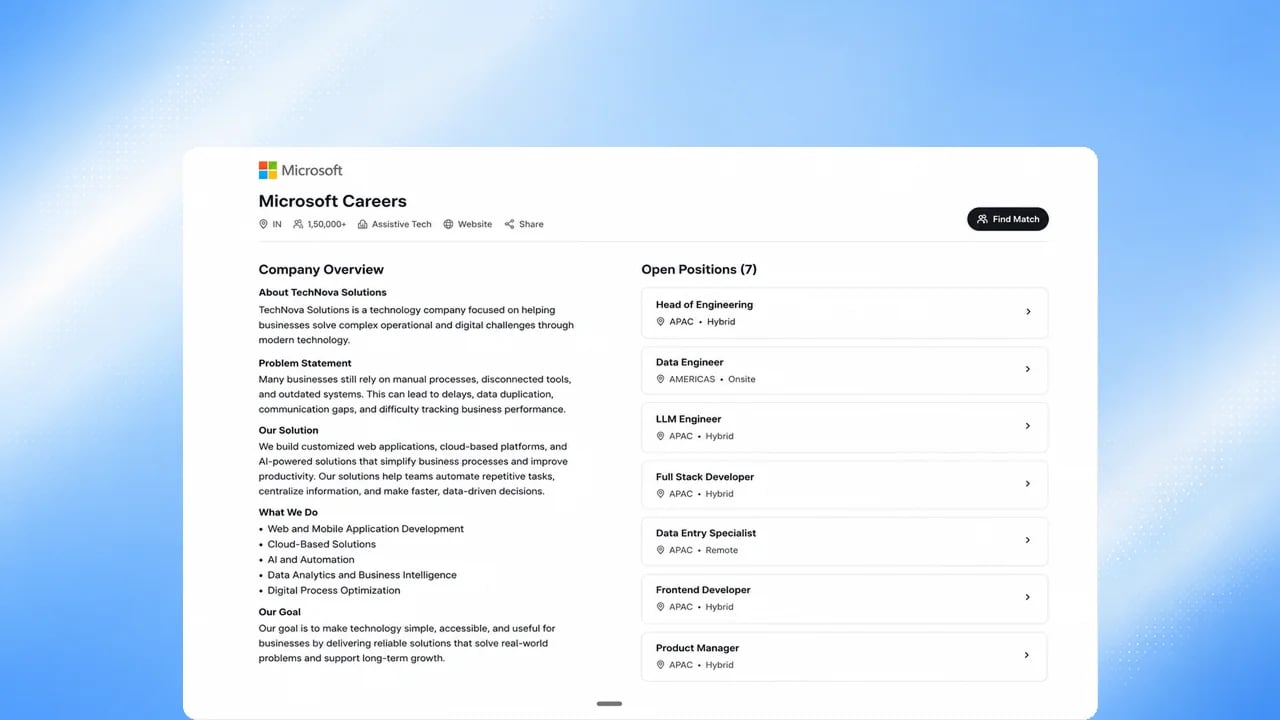
Job Discovery
Candidates find the roles they actually fit, matched by the agent rather than
by keyword search.
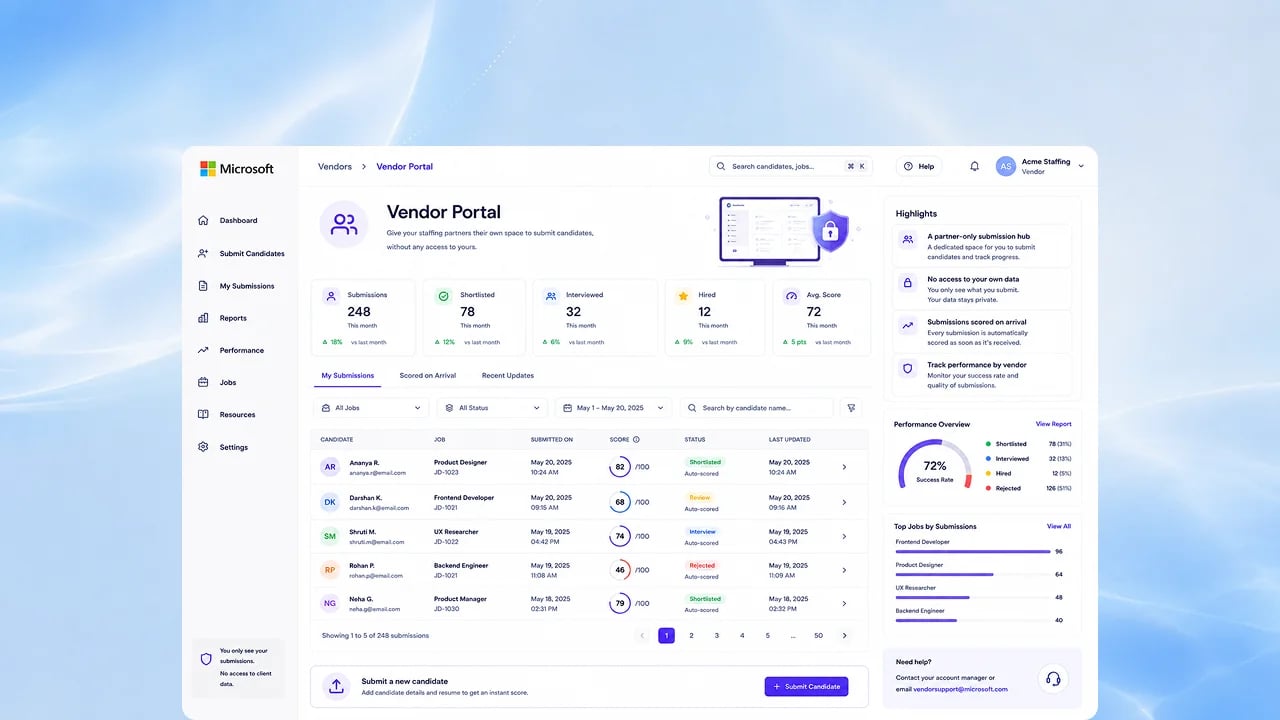
Vendor Portal
Give staffing partners their own space to submit candidates, without giving
them access to yours.
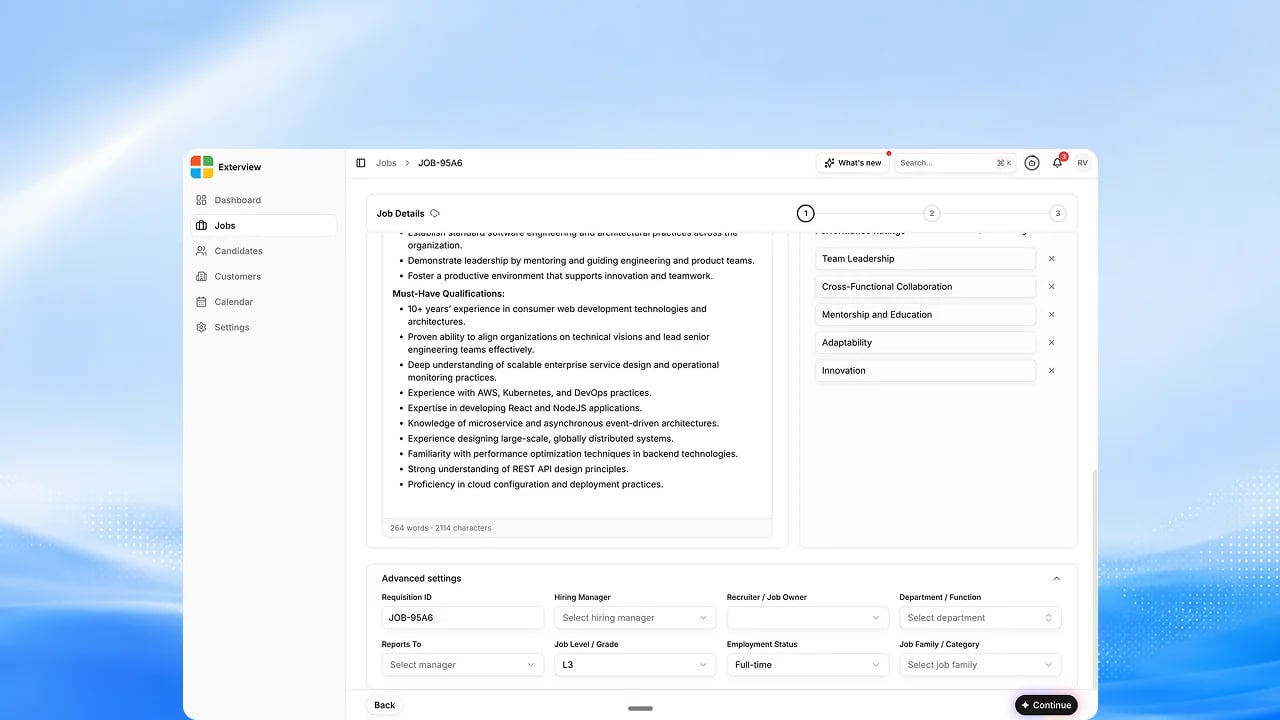
Custom Fields and Appearance
Add the fields your team actually uses and match the interface to your brand.
Offer and after the hire
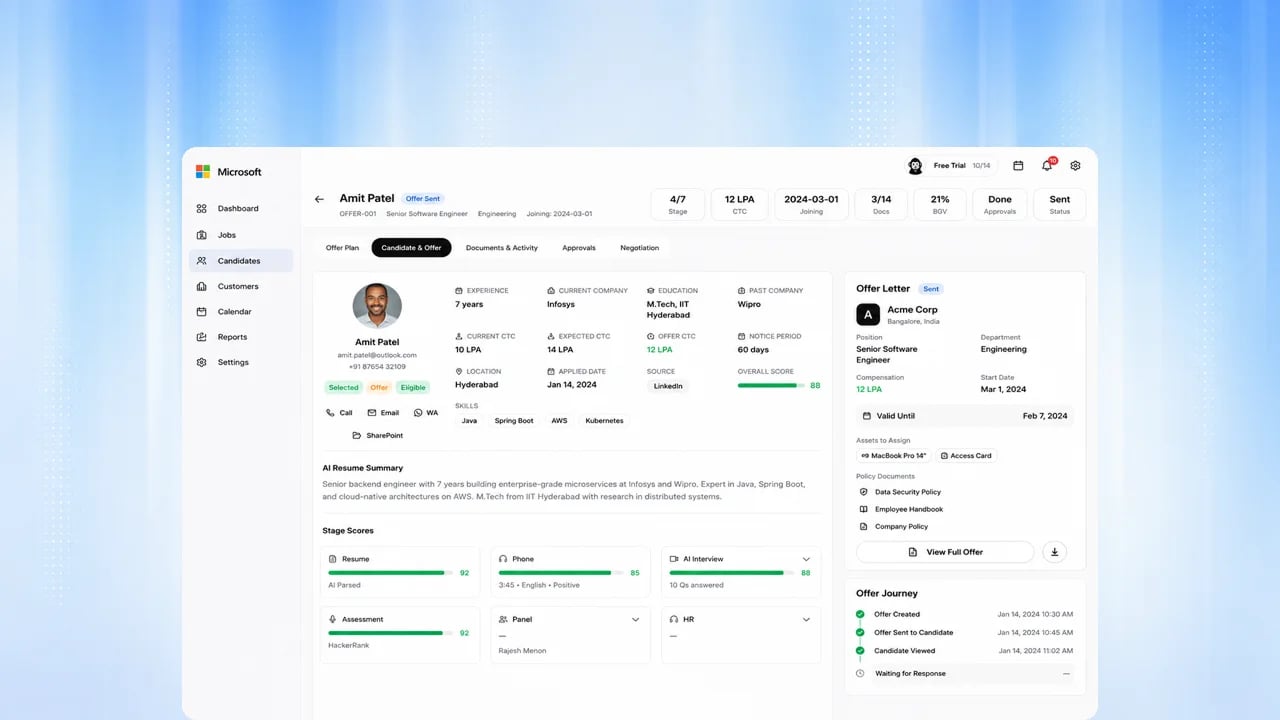
Offer Management
Build the offer, get it approved, and let the candidate review and sign it without leaving the platform.
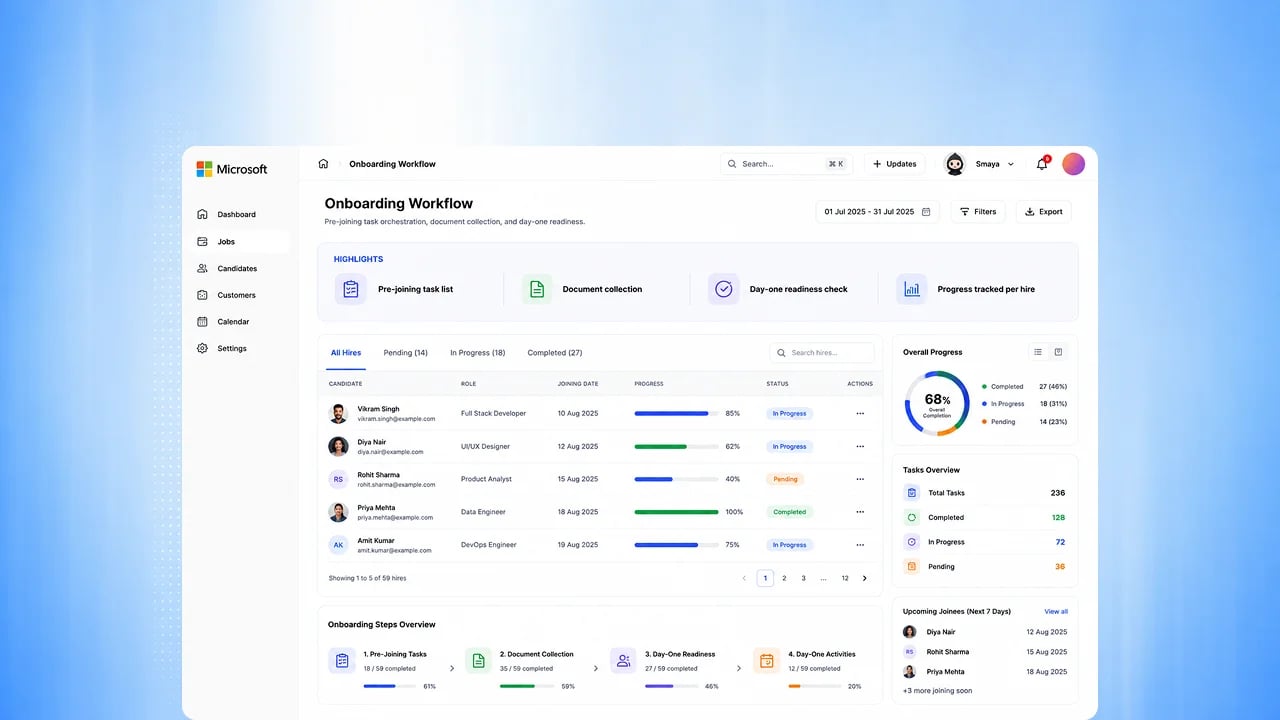
Onboarding Workflow
The moment an offer is accepted, onboarding starts on its own.
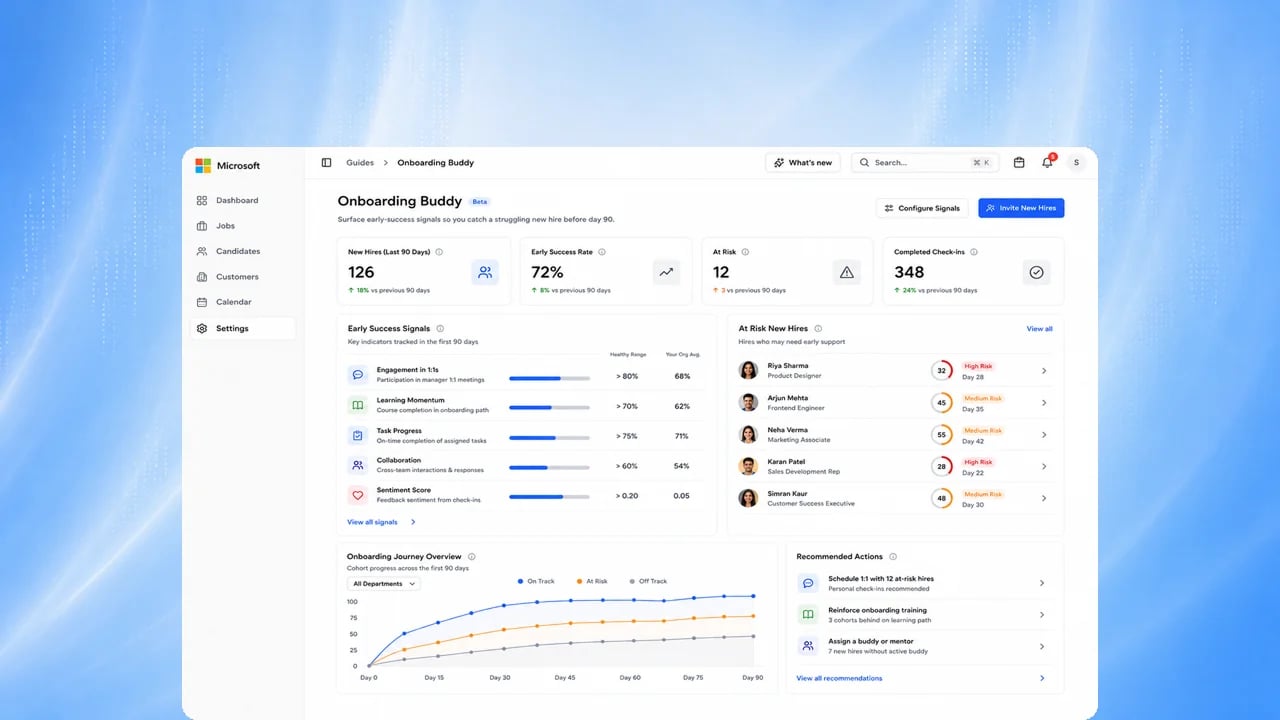
EX Buddy
An agent that stays with every new joiner through their first months,
answering questions and checking in.
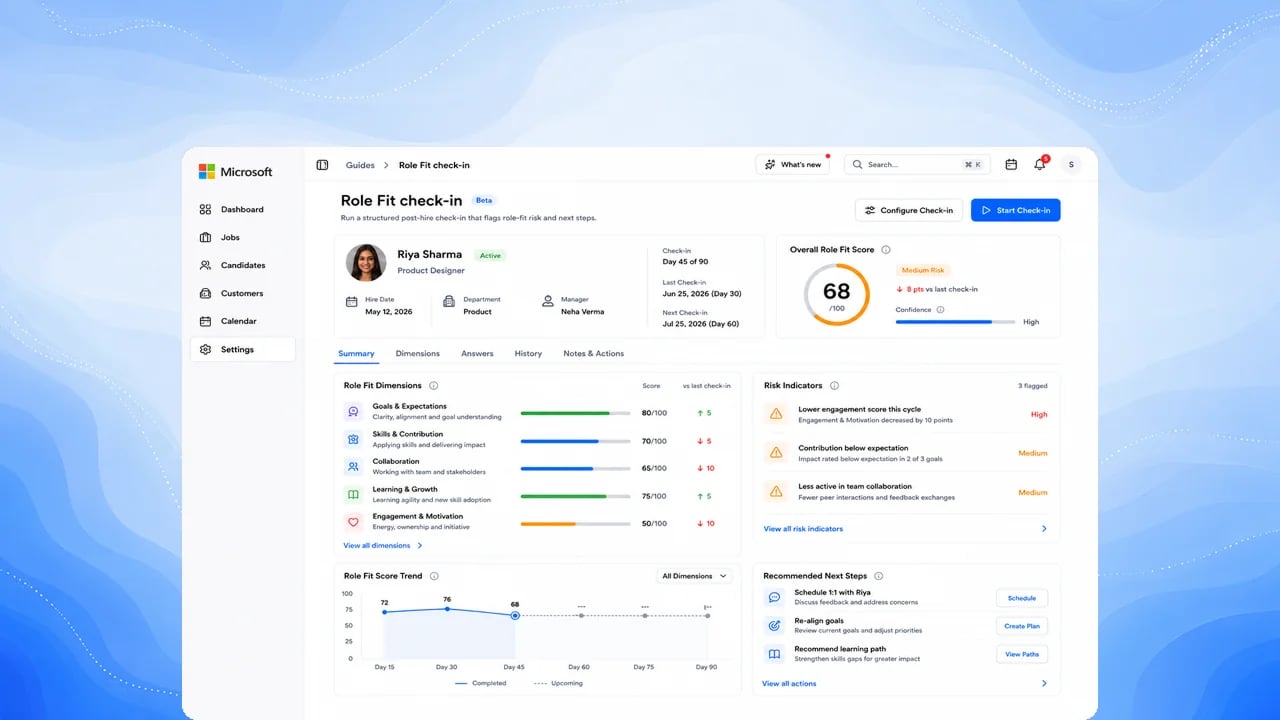
EX Role Fit
See how well each new hire is settling into the role they were hired for.
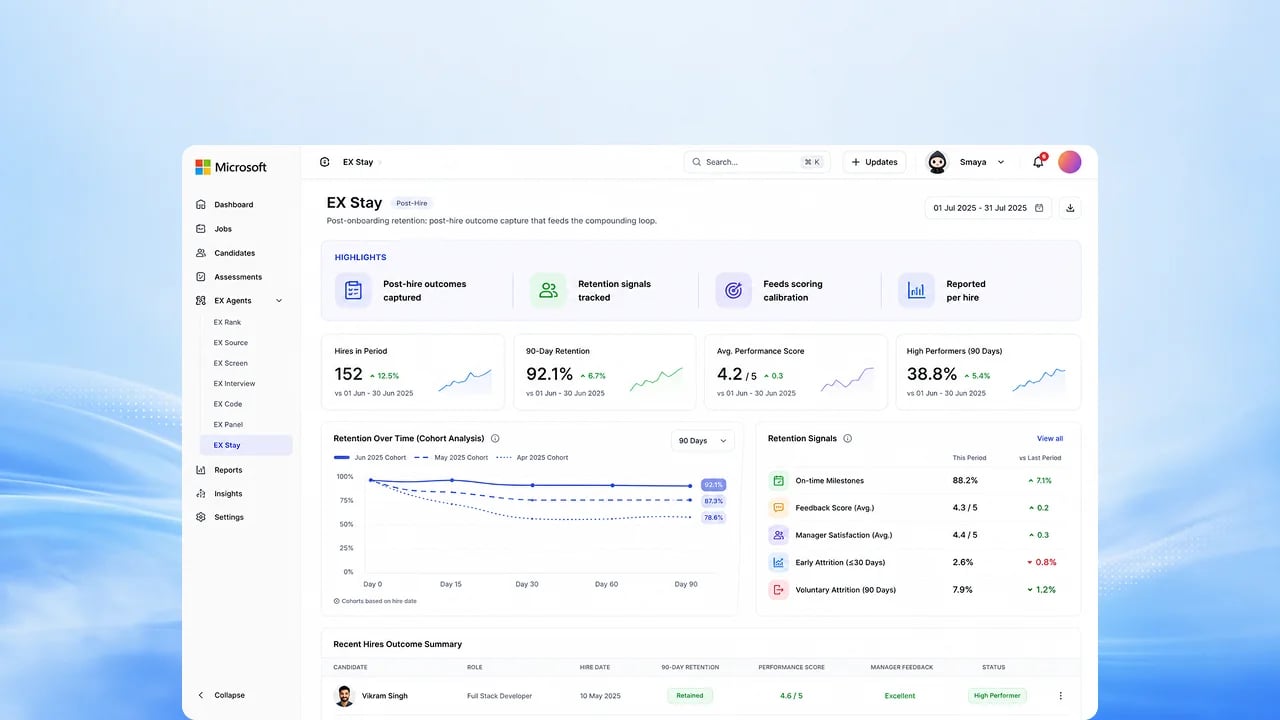
EX Stay — Retention Intelligence
Early signals of who is likely to leave, in time to do something about it.
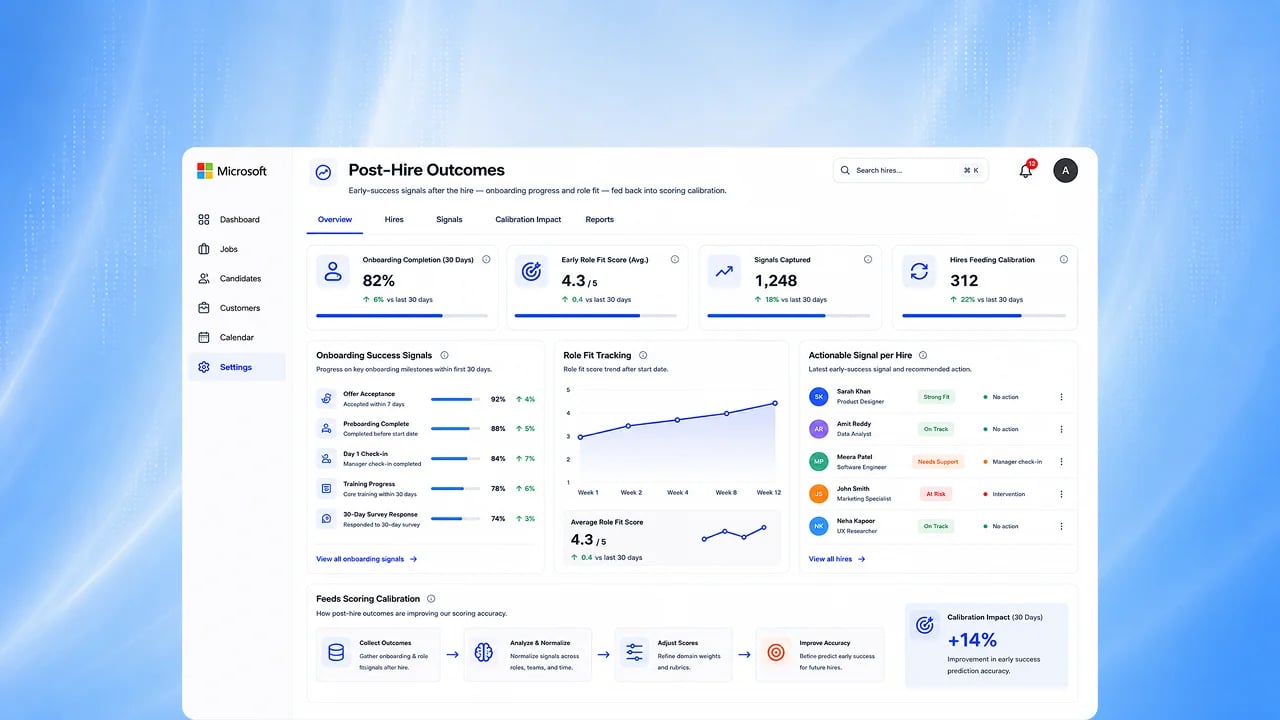
Hiring Outcomes
Close the loop by connecting who you hired to how they actually performed.
Insights and search
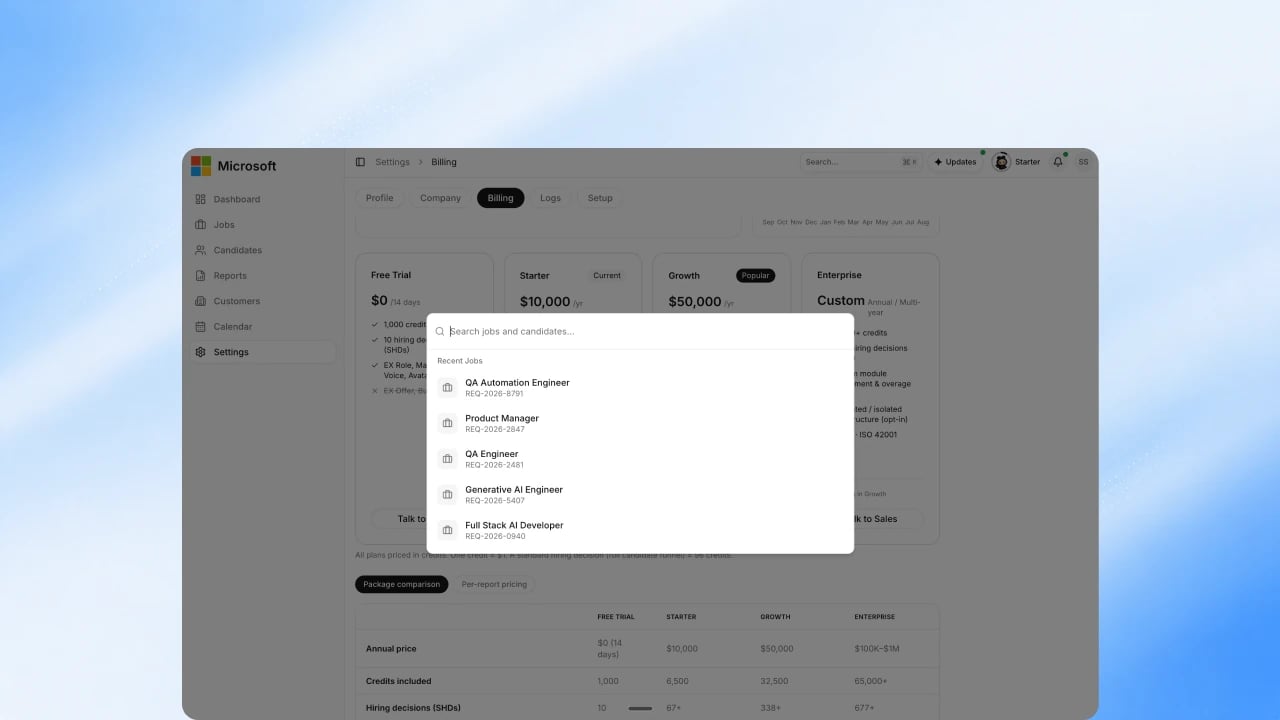
Search and Export
Natural-language talent search across your candidates, and broader exports so you can take the data with you. Quick search (⌘K) across jobs and candidates is already Available.
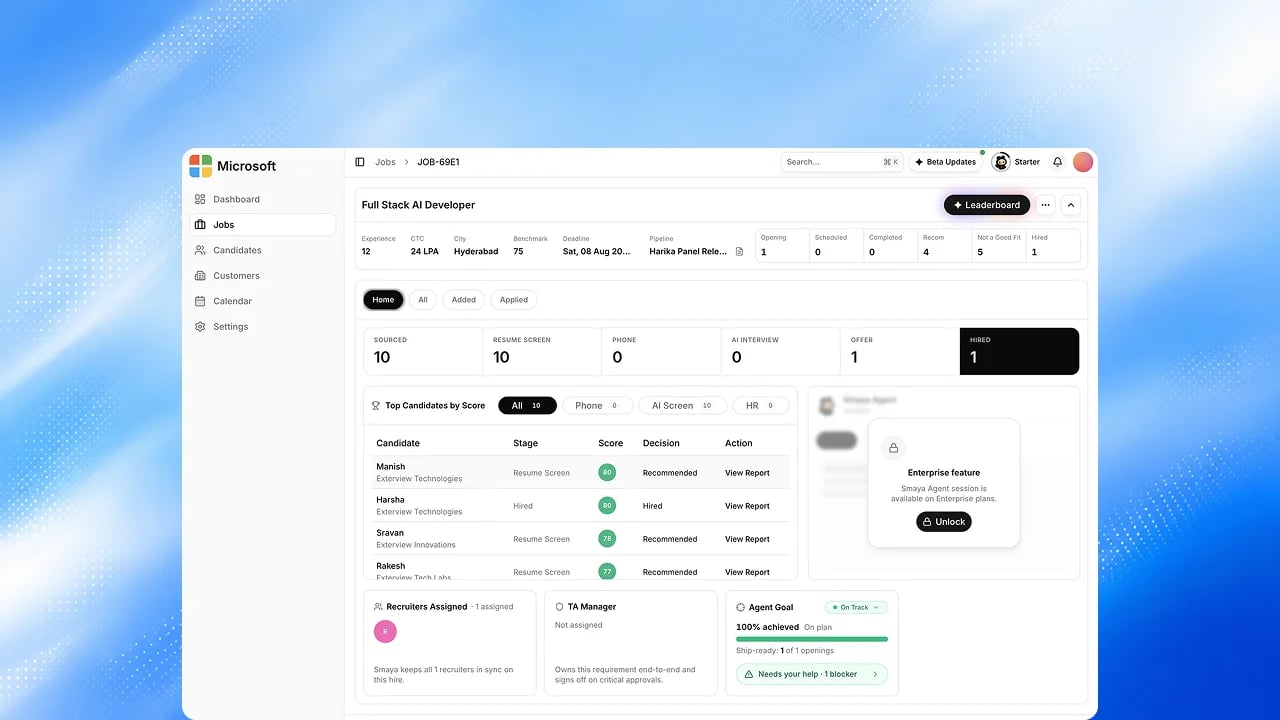
Job Analytics
Understand how each role is performing, from applications through to offer.
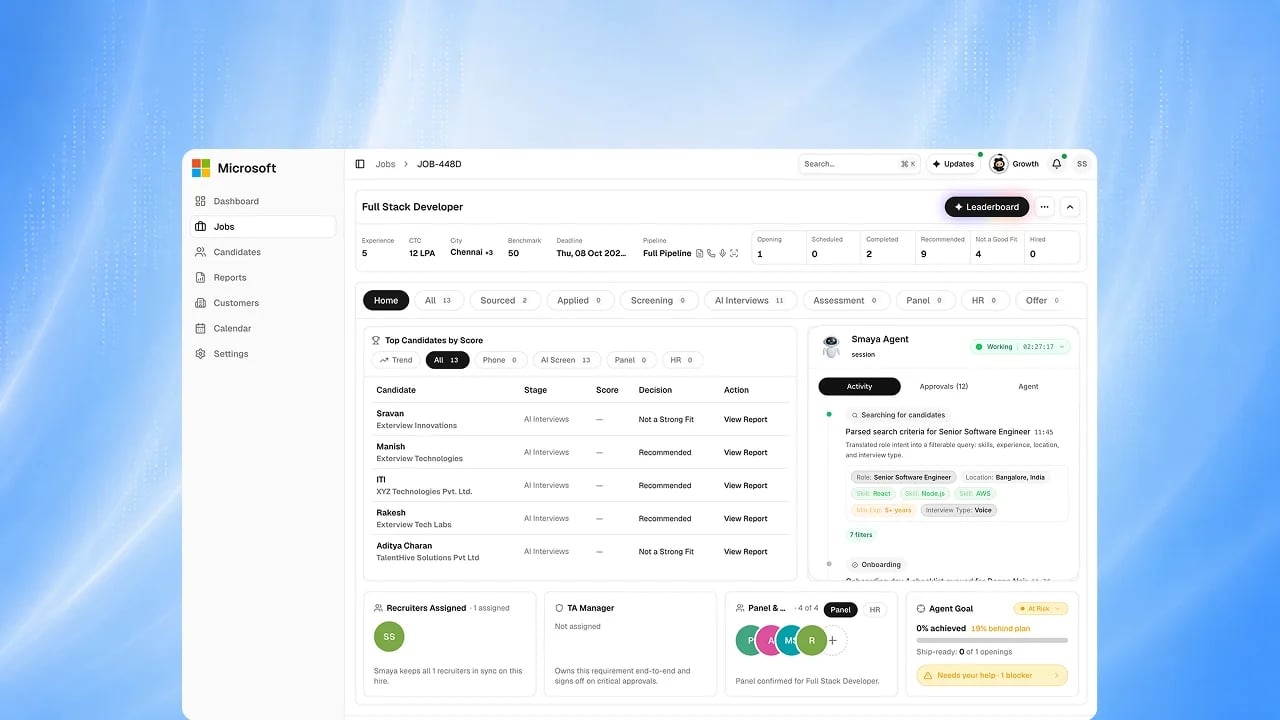
Analytics Copilot
Ask a question about your hiring data and get the chart back, without building
a report.
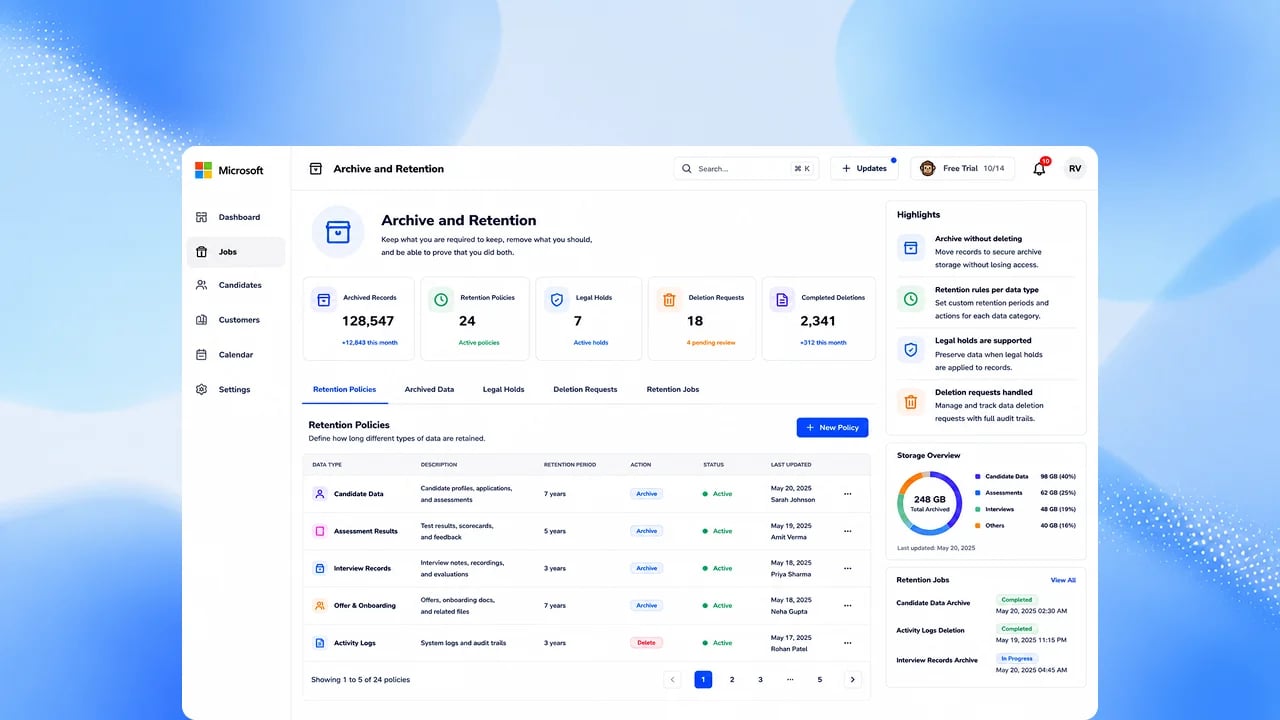
Archive and Retention
Keep what you must, remove what you should, and show that you did both.
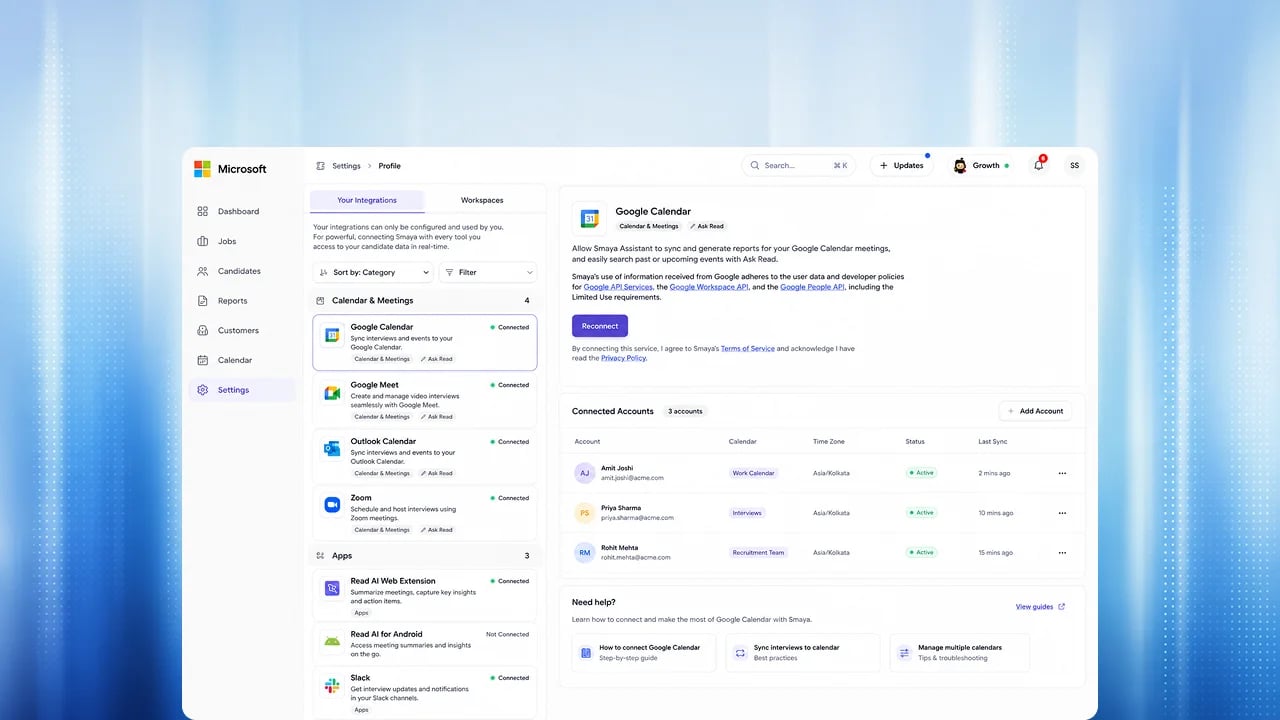
Microsoft Workplace Integration
Exterview where your team already works: Teams, Outlook and SharePoint.
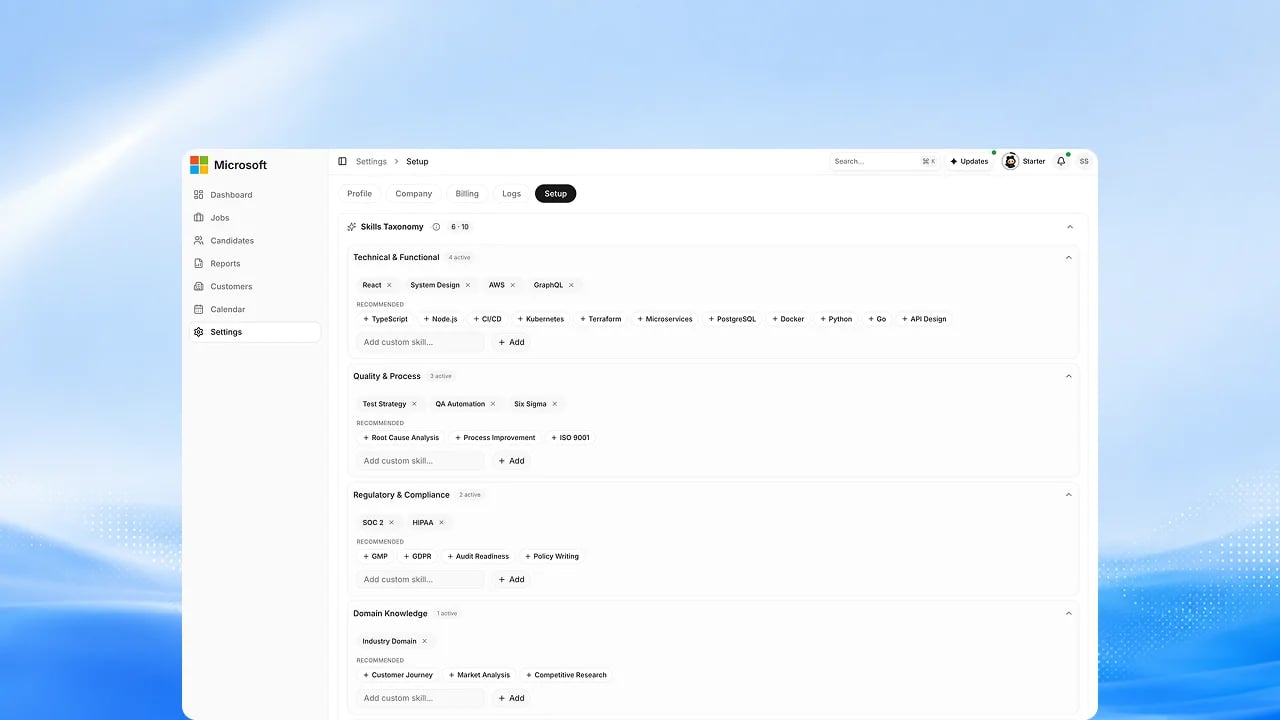
Skills Ontology
A shared understanding of skills and roles that keeps every agent speaking the same language.
Trust and responsible AI
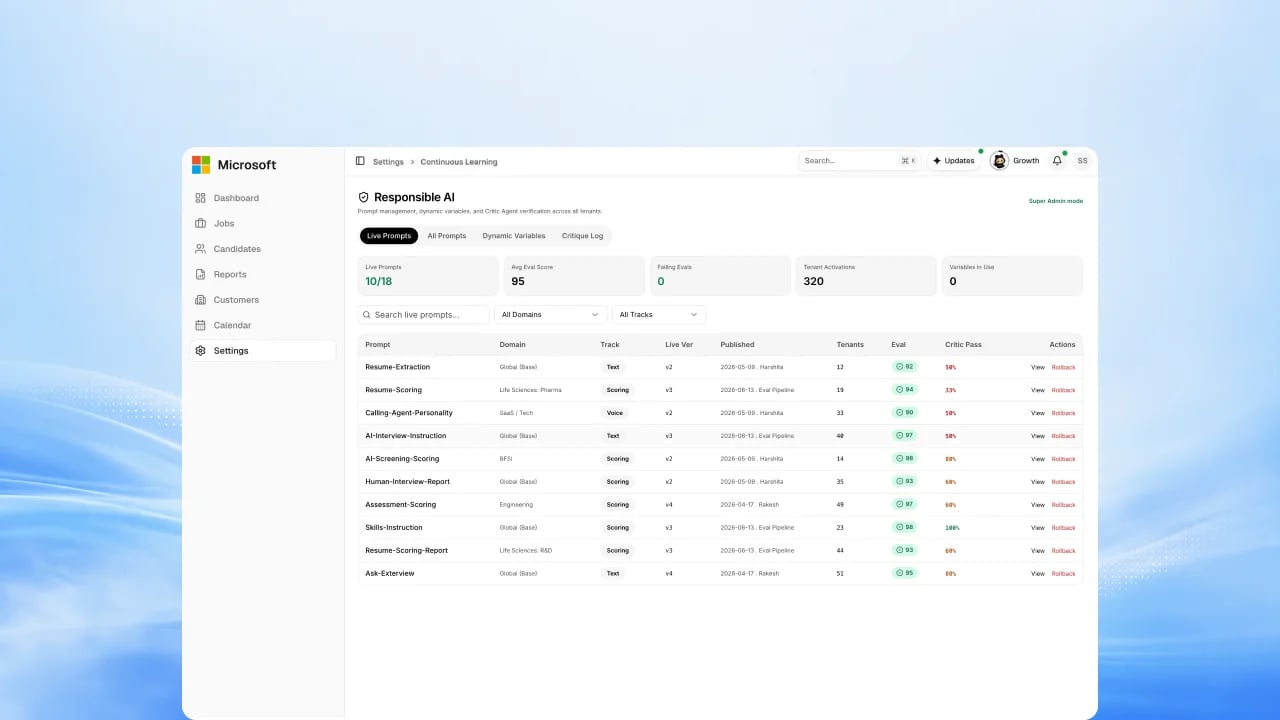
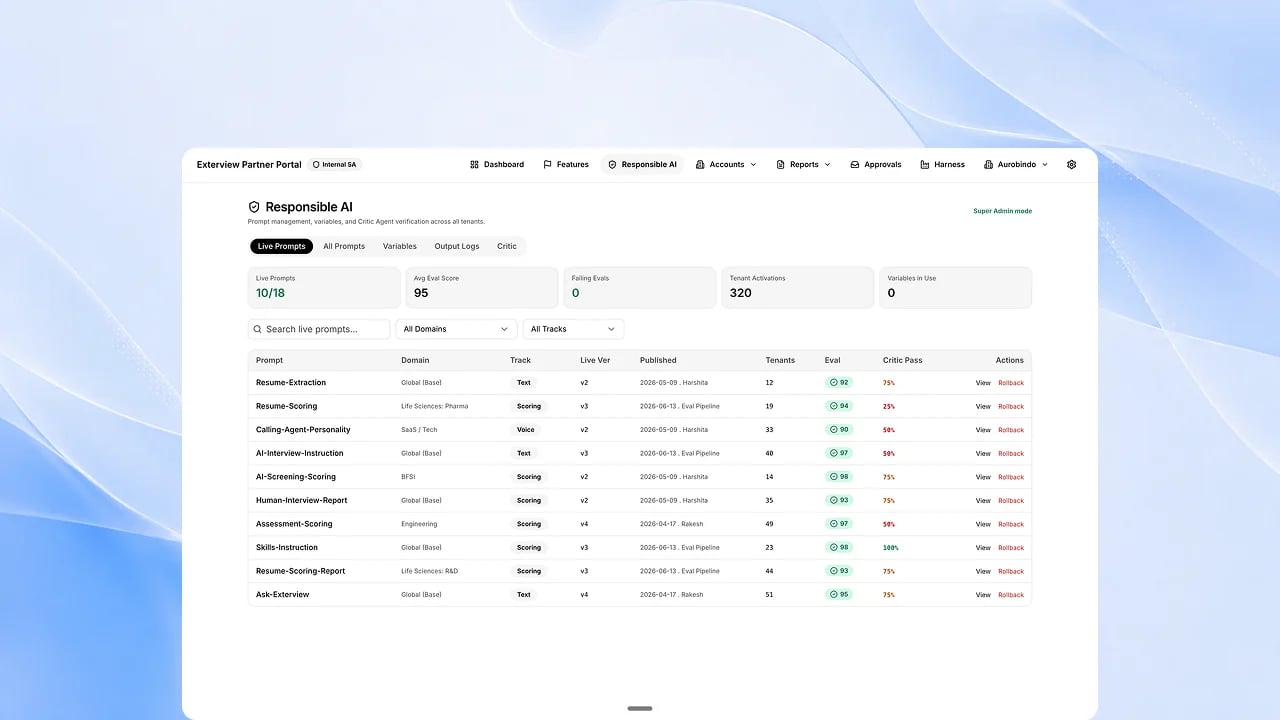
Responsible AI Guardrails
Set the boundaries your agents must operate within, and they cannot step outside them.
Human Escalation
When an agent is not confident, it stops and hands the decision to a person.
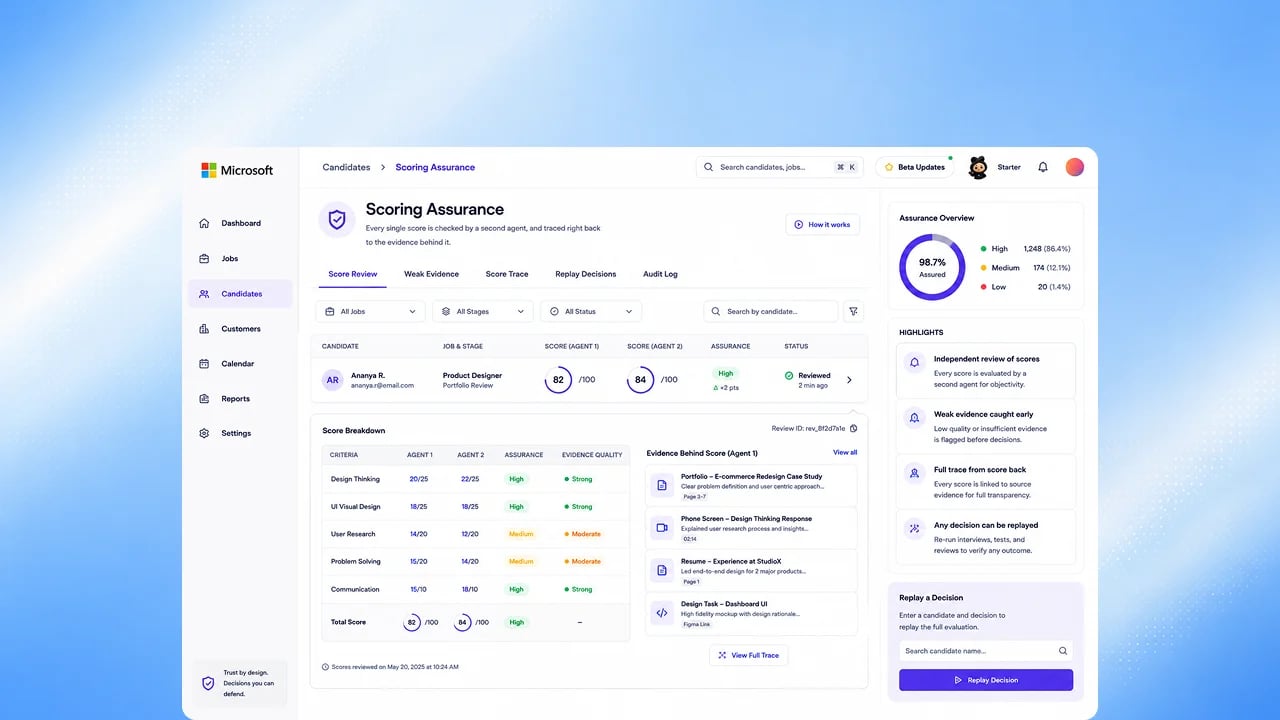
Scoring Assurance
A second agent reviews every score, traceable back to the evidence behind it.
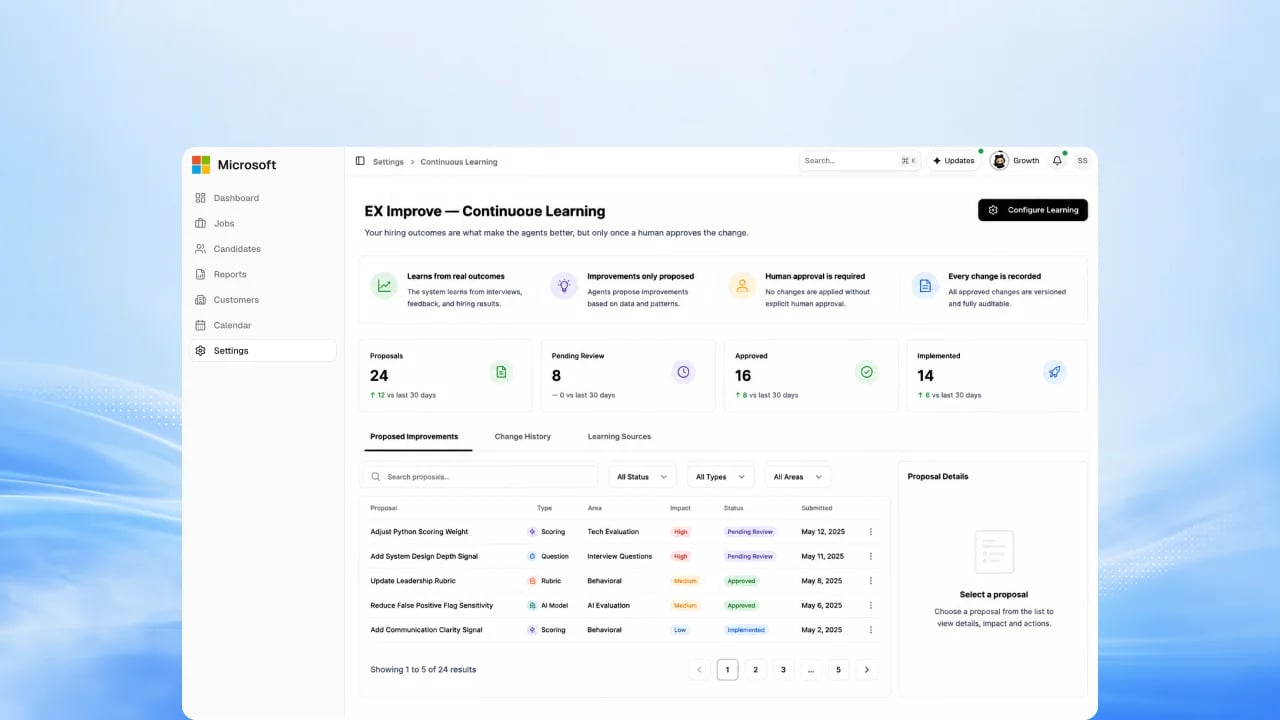
EX Improve — Continuous Learning
Your hiring outcomes make the agents better, but only after a person approves
the change.
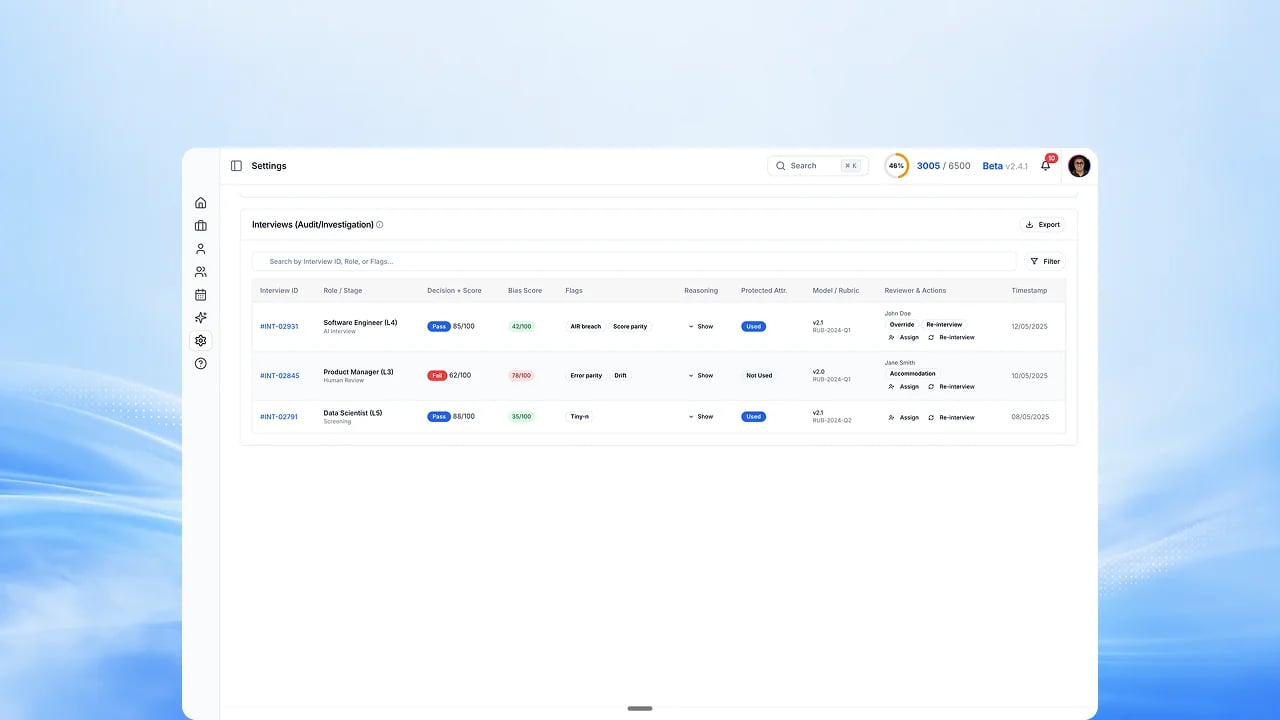
Adverse-impact reporting
Selection-rate comparisons across groups, with an audit export you can hand to
reviewers.
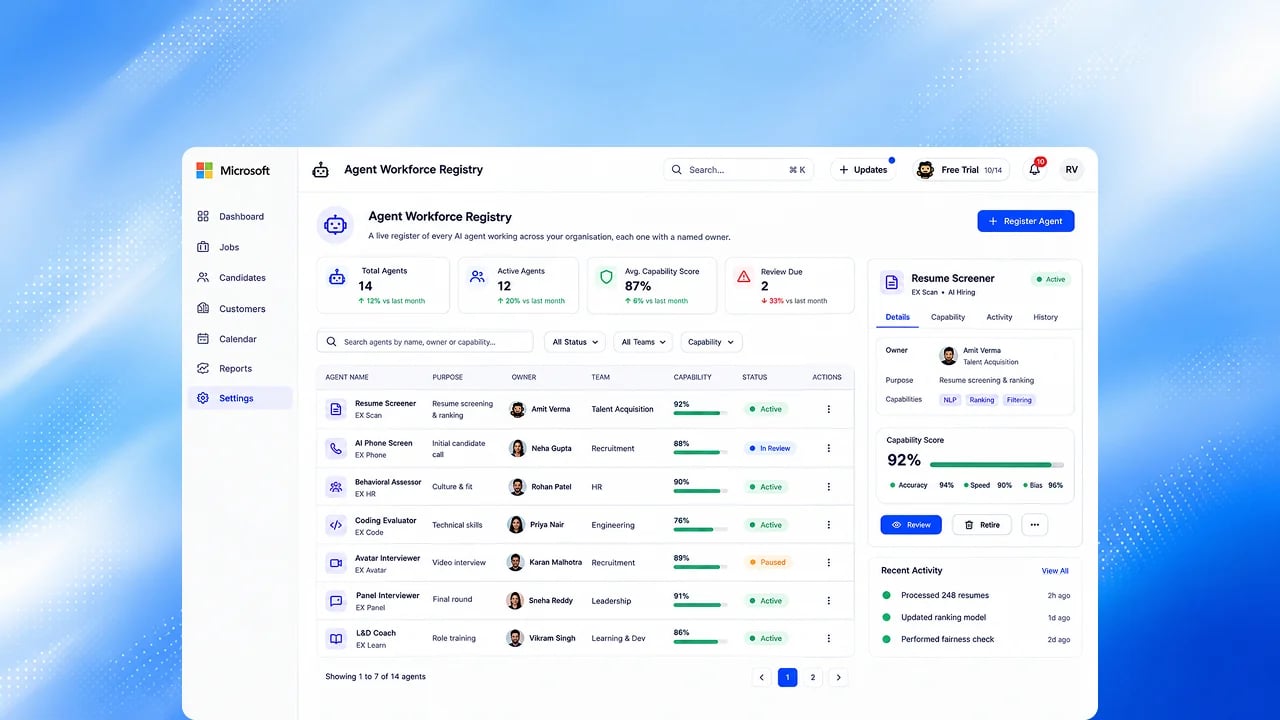
Agent Workforce Registry
A live register of every AI agent working in your organization, with a named owner for each.
FAQs
Is anything on this page available today?
Is anything on this page available today?
No. Some features here extend something you can already use, and each of those cards says what works today. See Now Available for everything you can use now.
When will these ship?
When will these ship?
We publish no dates for upcoming work. When a feature ships, it moves to Now Available and is written up in the Changelog.
Related
Roadmap
Everything shipped, alongside everything upcoming.
Now Available
Everything you can use today.
Changelog
Dated release history, month by month.
Microsoft Connectors
What is available and upcoming for Microsoft integrations.