

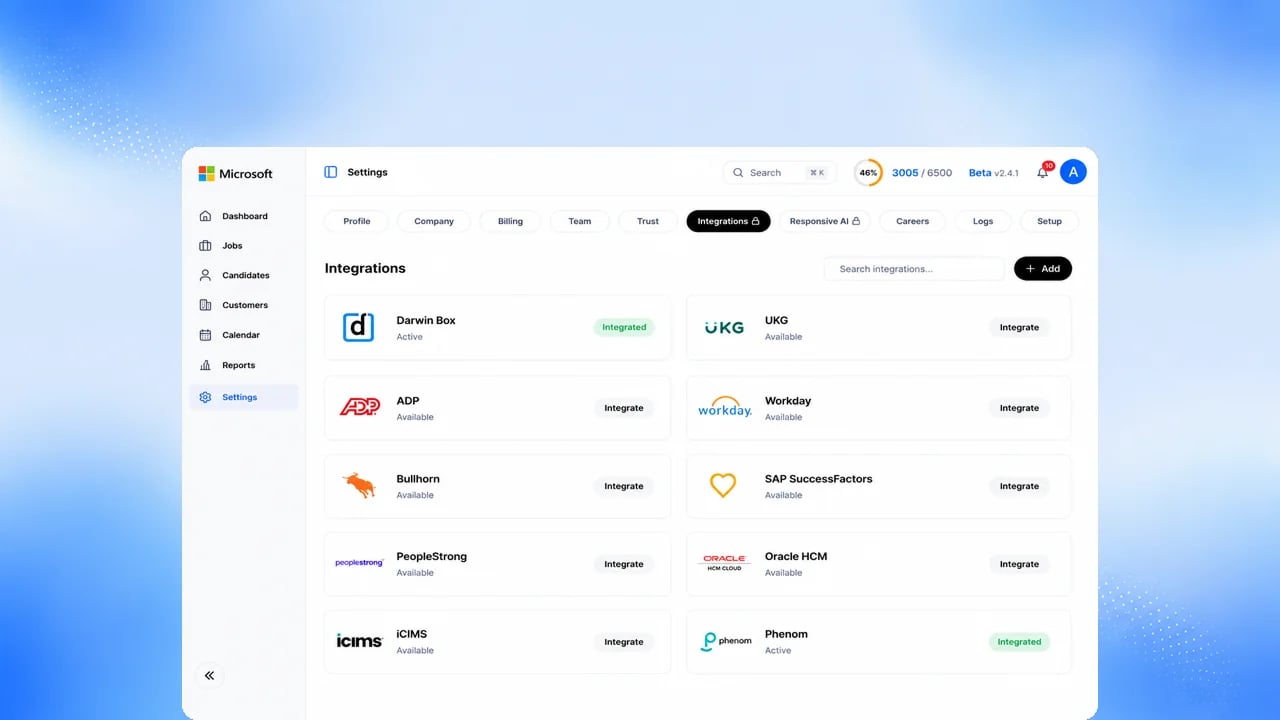
Before you start
You need permission to manage workspace integrations. See Microsoft Connectors and Integrations for the status of every connector.What’s connected today
Upcoming
- Slack: ask an Exterview AI Employee a question in a direct message or with an @mention. Read-only.
- Bidirectional ATS and HRIS sync.
- Posting jobs to external job boards.
- Outbound webhooks for workflow events. Today, integrations read results by polling.
- Document signing and reporting connectors.
FAQs
Is this an AI feature?
Is this an AI feature?
No. Integrations are standard platform connections.
Can we connect our ATS today?
Can we connect our ATS today?
Yes, one way: Exterview exports reports and candidate status to major ATS
platforms. Two-way ATS and HRIS sync is Upcoming.
Can Slack change anything in Exterview?
Can Slack change anything in Exterview?
Slack is Upcoming. As designed, it is read-only: it answers questions about your workspace as the signed-in user, within that user’s access.