Steps
1
Schedule the panel round
From the candidate’s row, schedule a Panel round: pick the date, time,
and duration, choose Microsoft Teams as where it runs, and add your
panelists. Exterview creates the Teams meeting and sends the Outlook
invites automatically.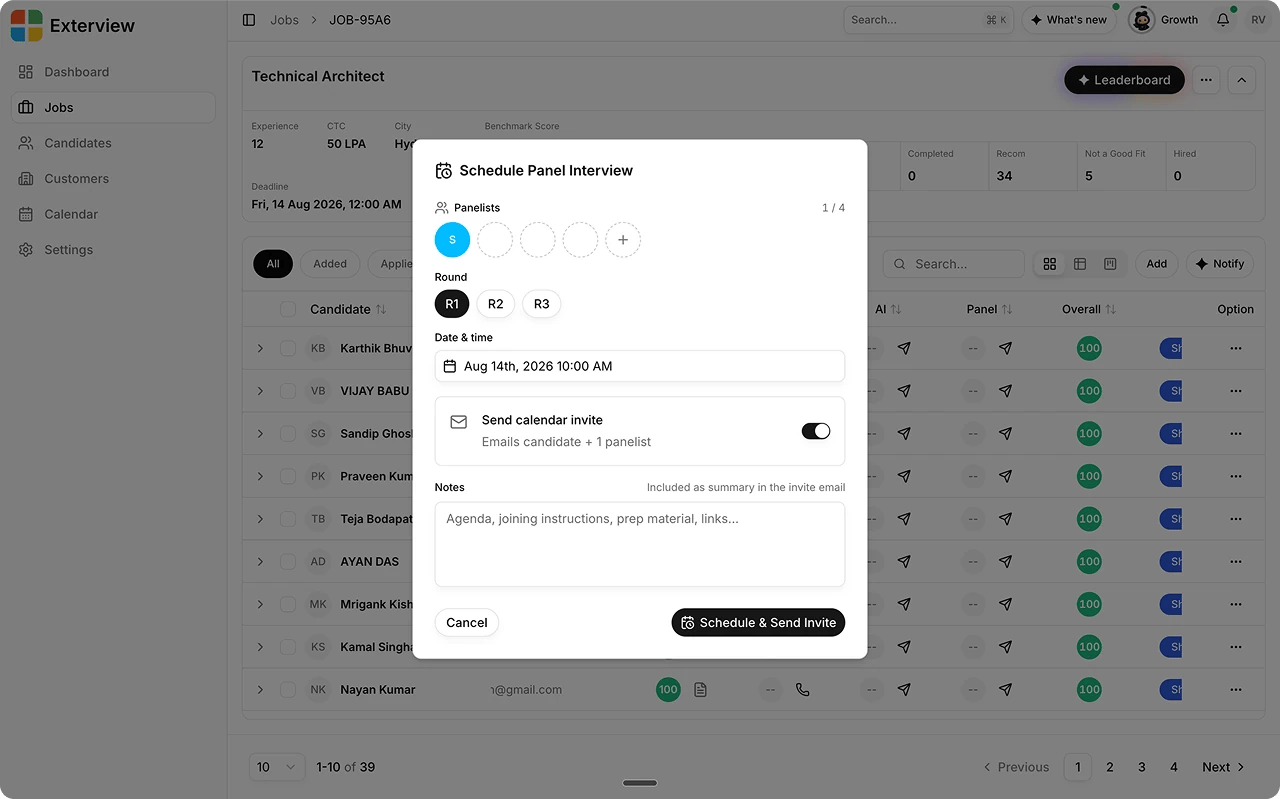
2
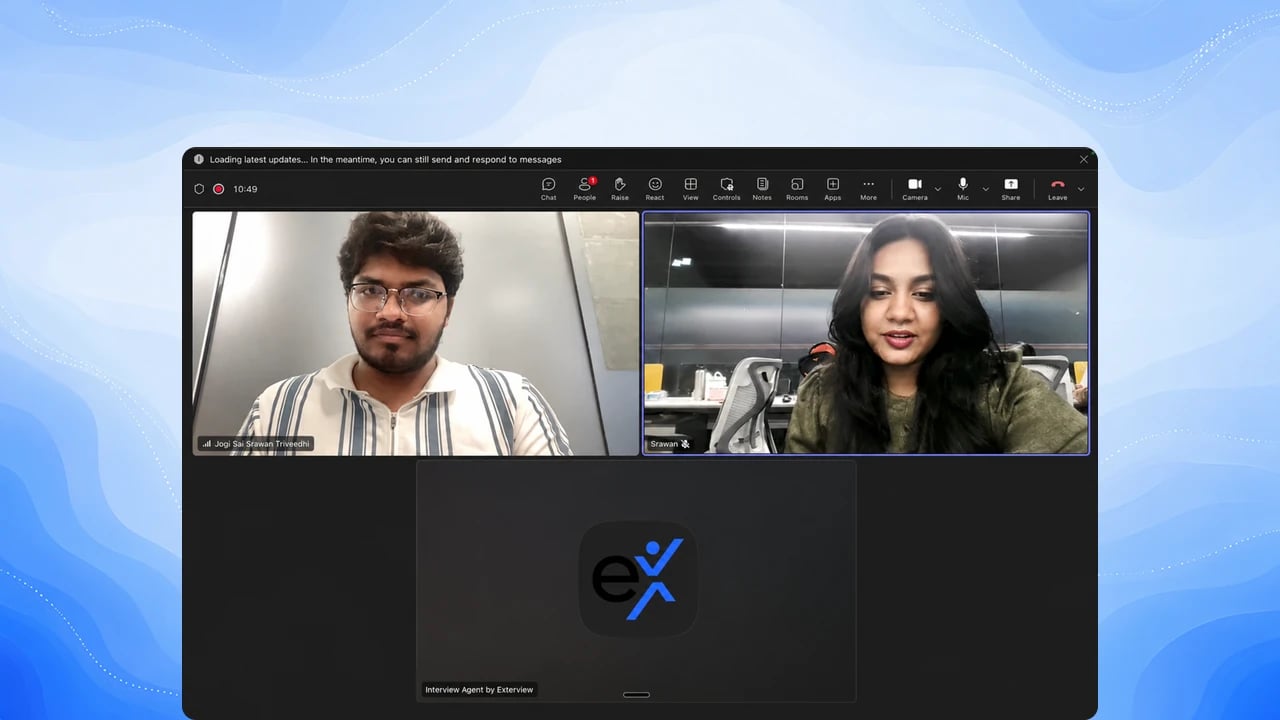
The bot joins the meeting
The Exterview bot dials into the meeting a couple of minutes before the
start time and posts a notice in the meeting chat that the interview
will be recorded and transcribed.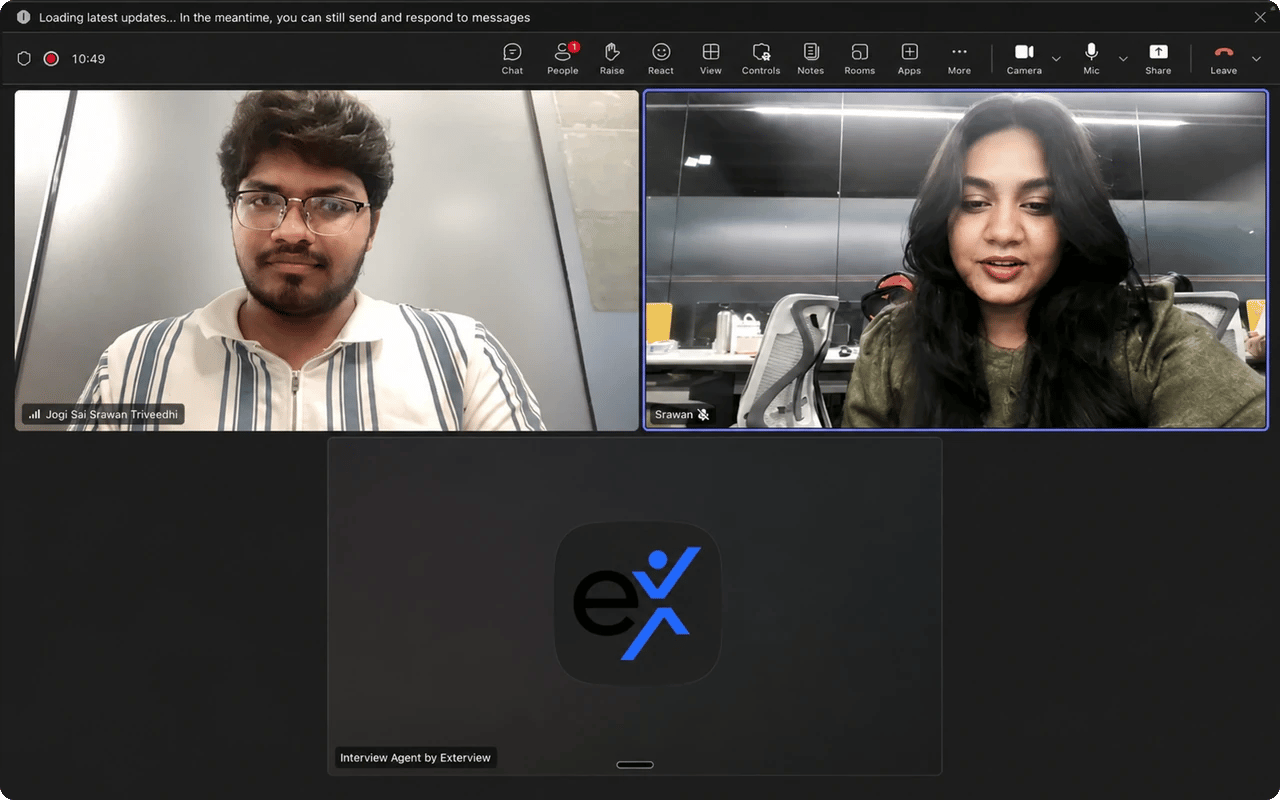
3
The bot captures the transcript and recording
Once the meeting ends, Exterview fetches the meeting’s transcript and
recording through Microsoft Graph.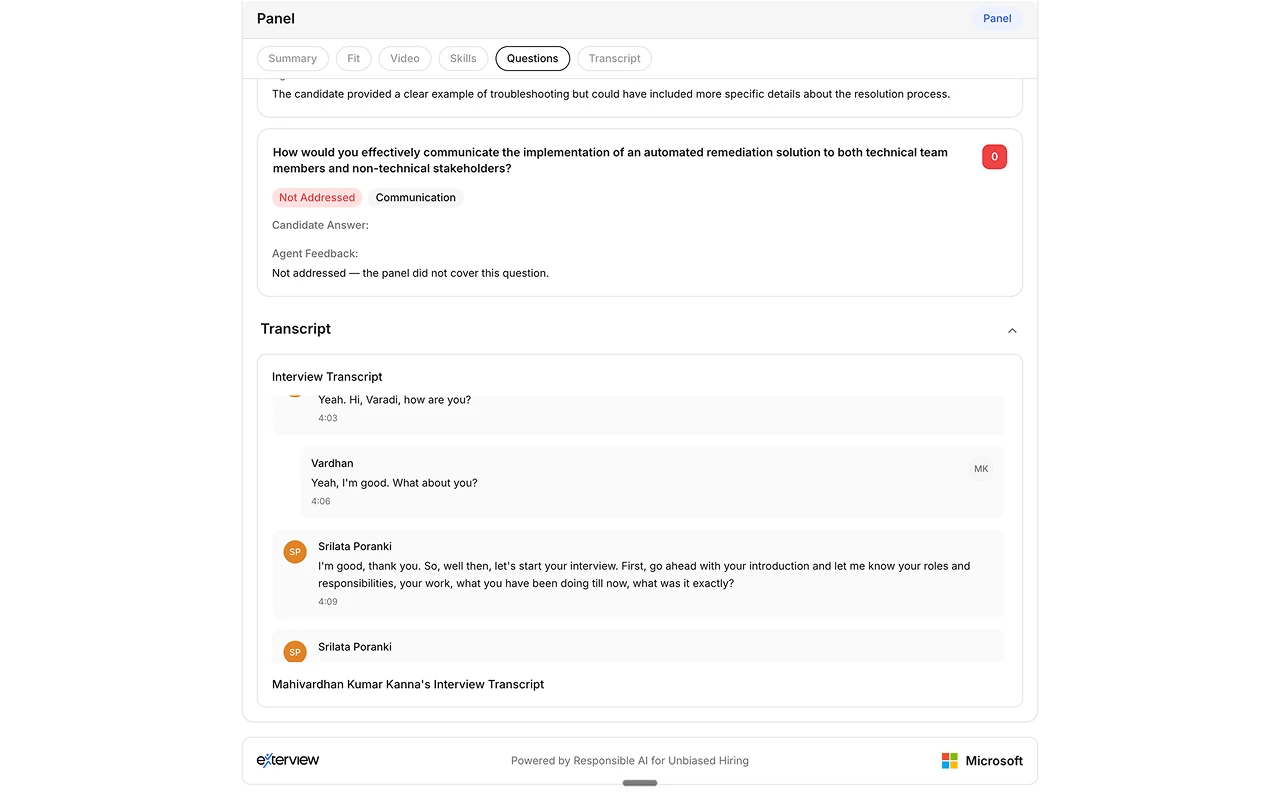
4
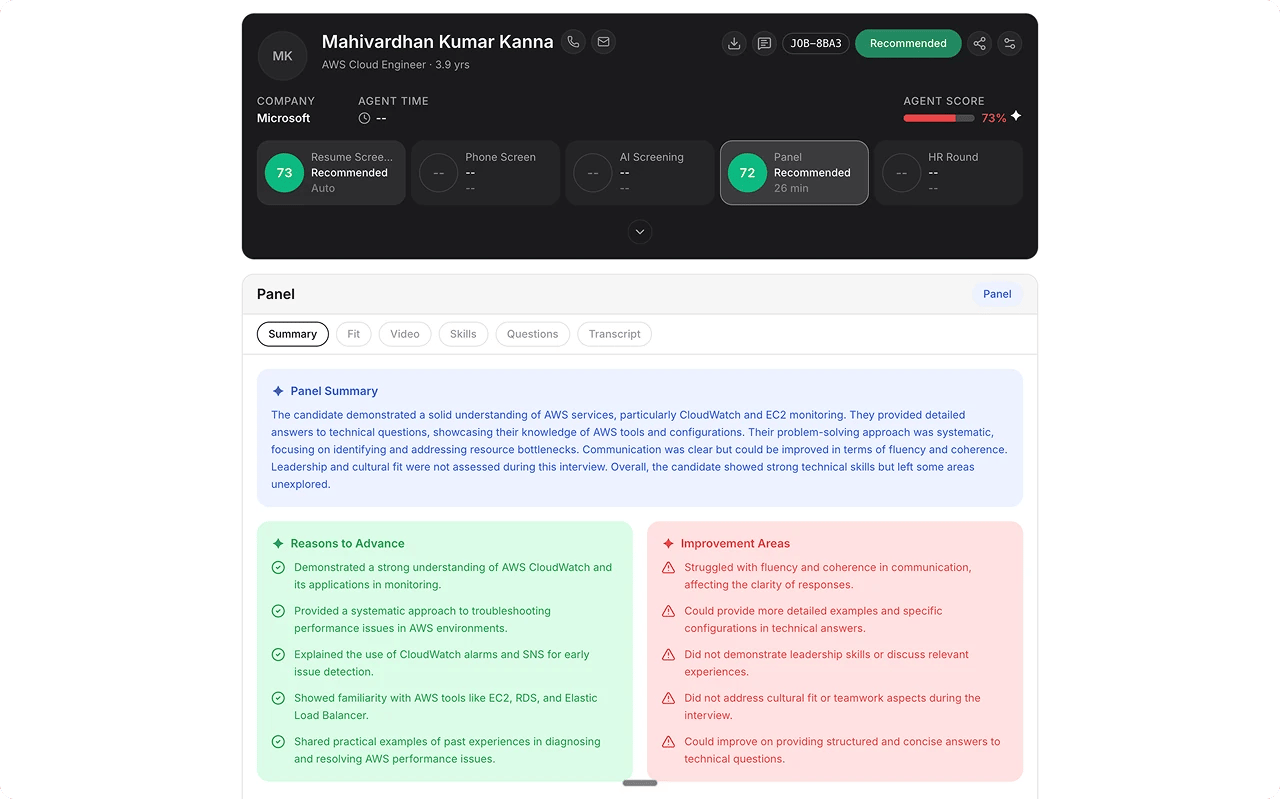
AI generates the competency report
The transcript is analyzed against the role’s rubric to produce one
report for the round: an overall score, a recommendation, scores and
evidence for each competency, and any red flags. See Read the Panel report.