

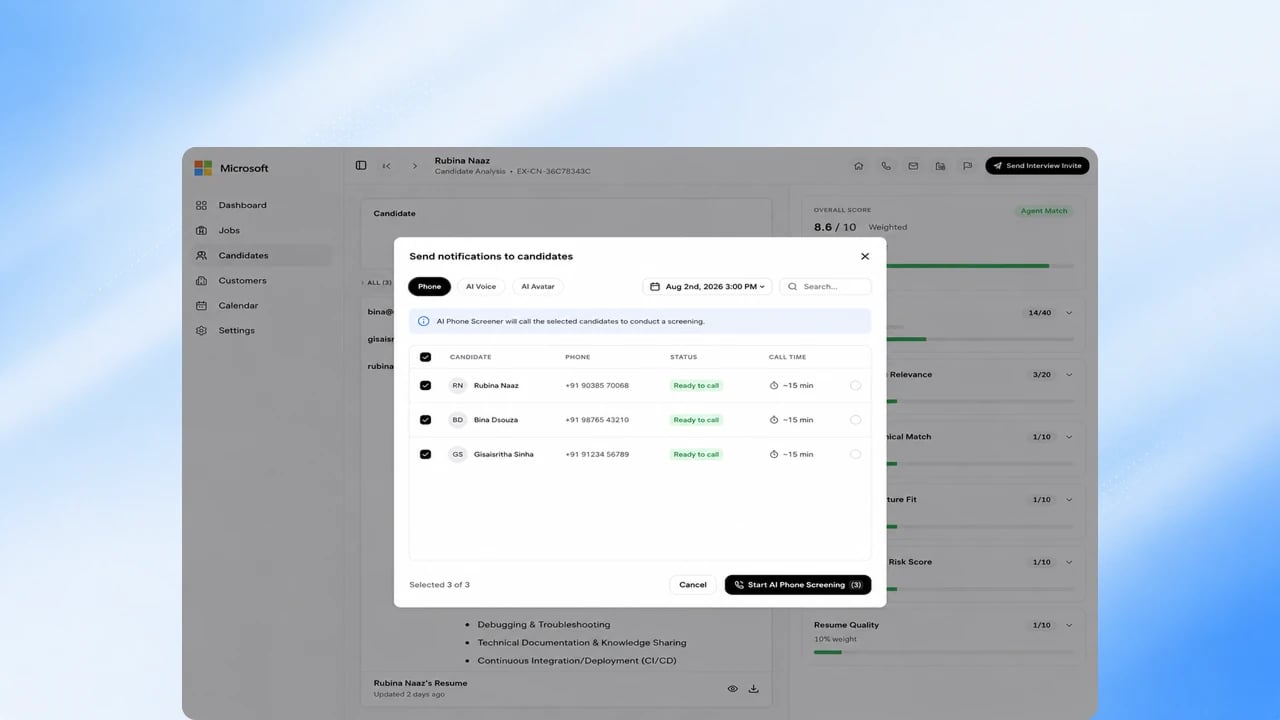
Before you start
The role needs a phone screen stage in its pipeline. See Design your hiring pipeline.Steps
1
Enable phone screening for a role
Confirm the phone screen stage is on for the role’s pipeline.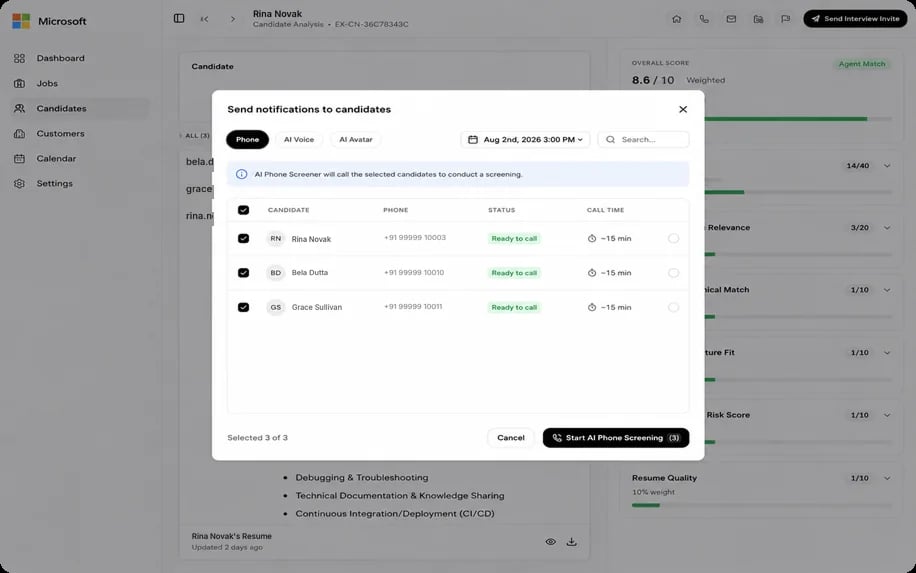
2
Trigger the call
Start the AI phone call to a candidate. Candidates can get phone-screen
updates on WhatsApp and reschedule from there.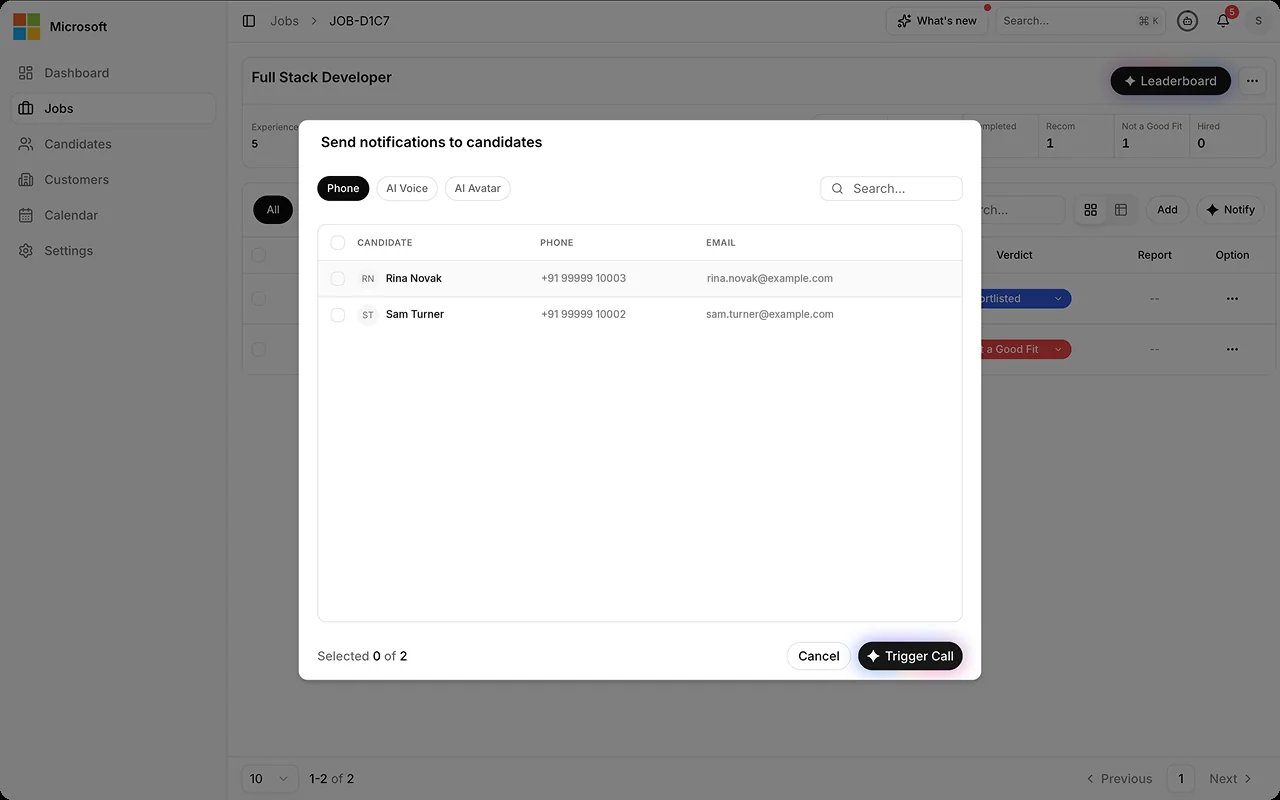
3
AI conducts the structured call
The agent runs the screen without a human on the line. If the candidate
is more comfortable in another supported language, the agent switches
language during the call.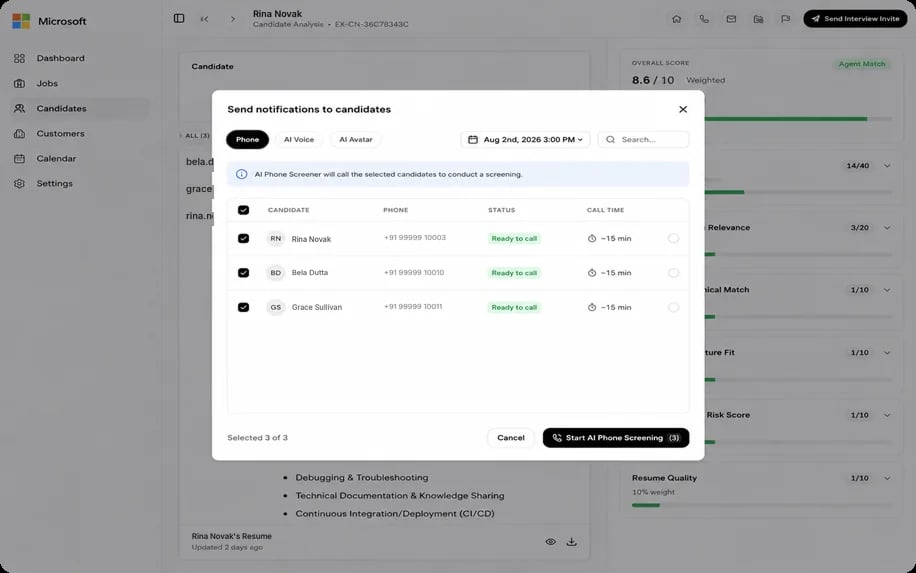
4
Review the call report
Read the AI-generated phone screen report. When a job has several phone
rounds, the Phone Rounds tab on the candidate’s panel shows each
round’s call and report. See Read the EX Call report.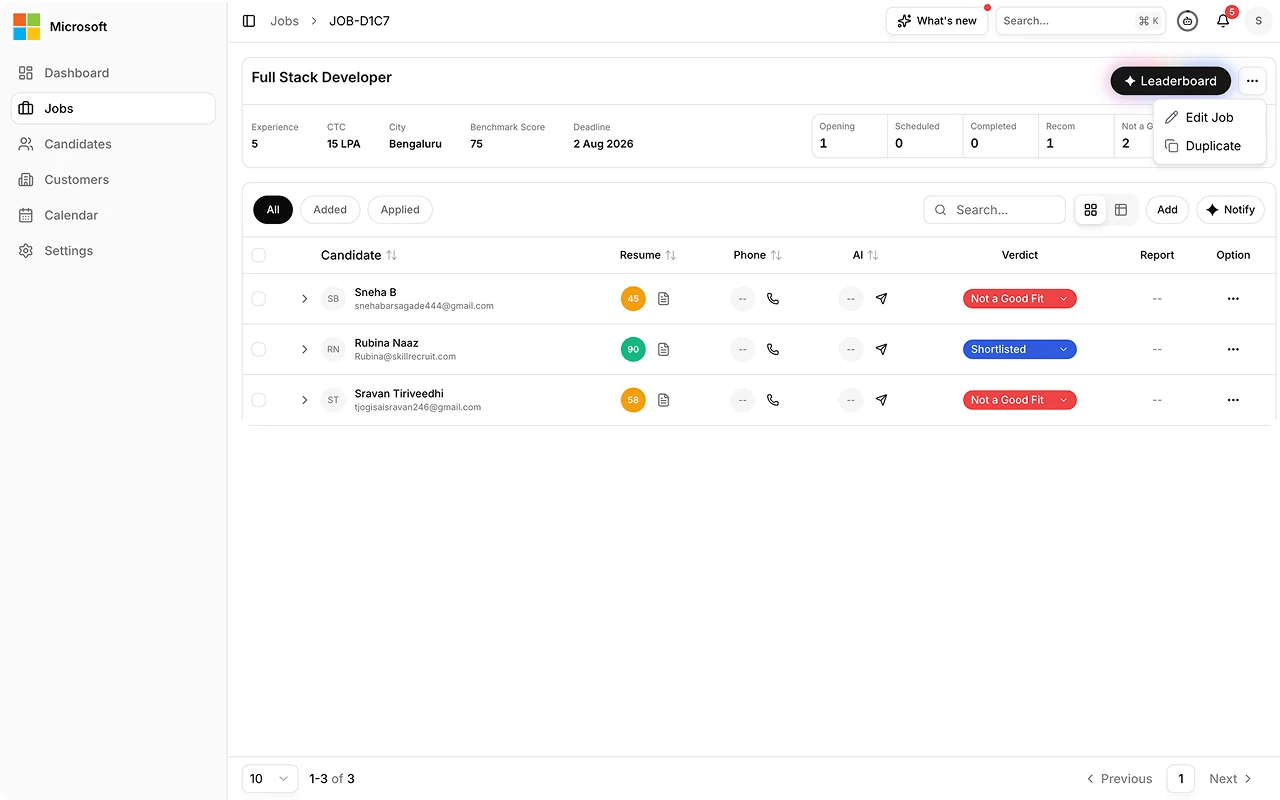
5
Decide the next step
Move the candidate forward, or close them out. That decision is yours,
and you record a reason with it.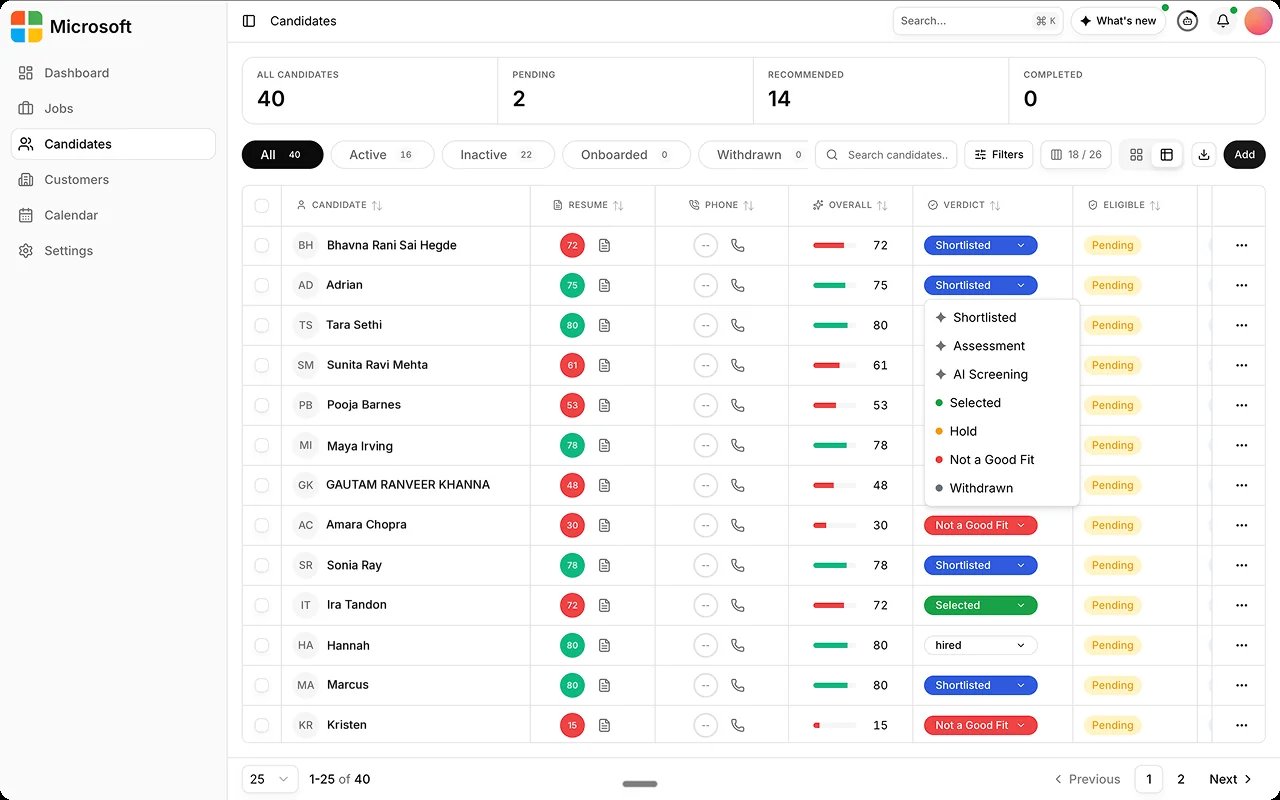
Best practices
The AI agent runs the whole call and you read the report afterwards. No recruiter joins the line.FAQs
Does a recruiter join the call?
Does a recruiter join the call?
No. The AI agent conducts the entire call; you review the report afterward.
Can a job have more than one phone round?
Can a job have more than one phone round?
Yes. Each round places its own call and produces its own report, shown on the
candidate’s Phone Rounds tab.
What happens if the candidate doesn't answer?
What happens if the candidate doesn't answer?
See Understand Scoring Gates for how incomplete sessions are handled.