


Before you start
Choose the avatar and the number of avatar rounds in Configure your AI interviewer, and add an avatar stage to the role’s pipeline. See Design your hiring pipeline.Steps
1
Enable EX Avatar for the role
Turn on EX Avatar for the pipeline stage where the video interview should run.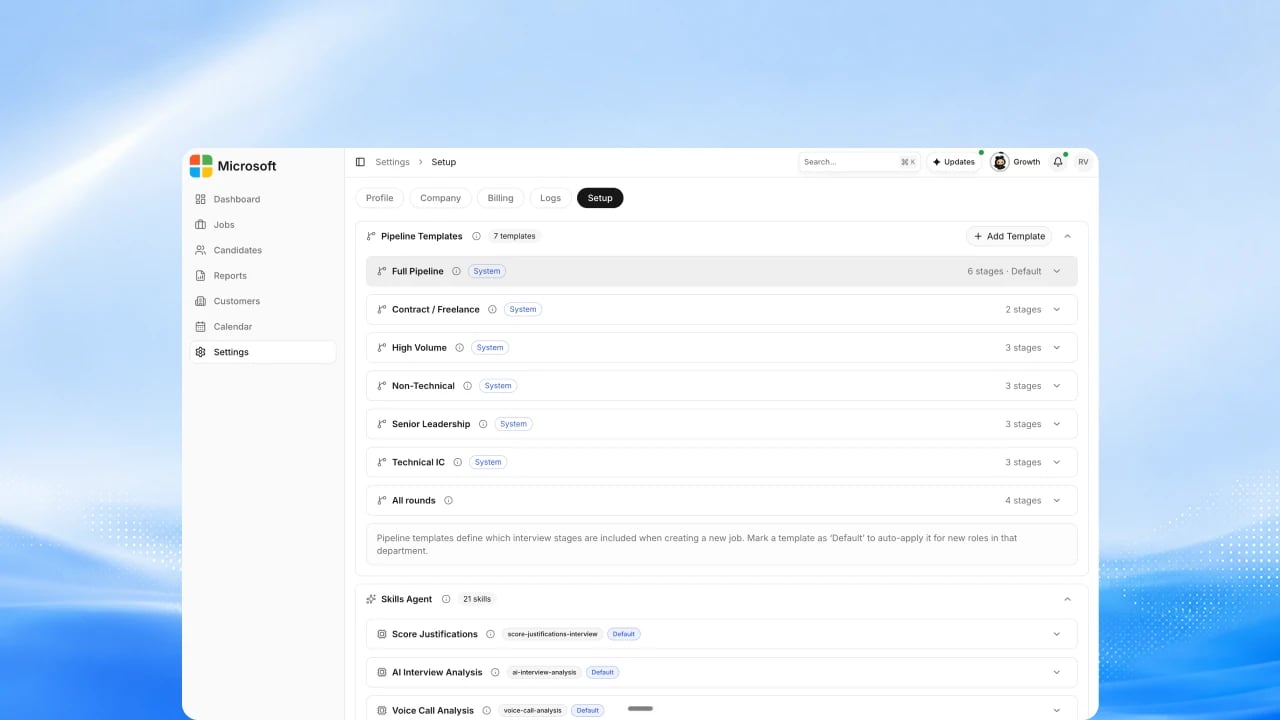
2
Confirm the questions and rubric
Review the questions and the rubric the avatar interviewer scores against.
See How to Set Scoring Weights.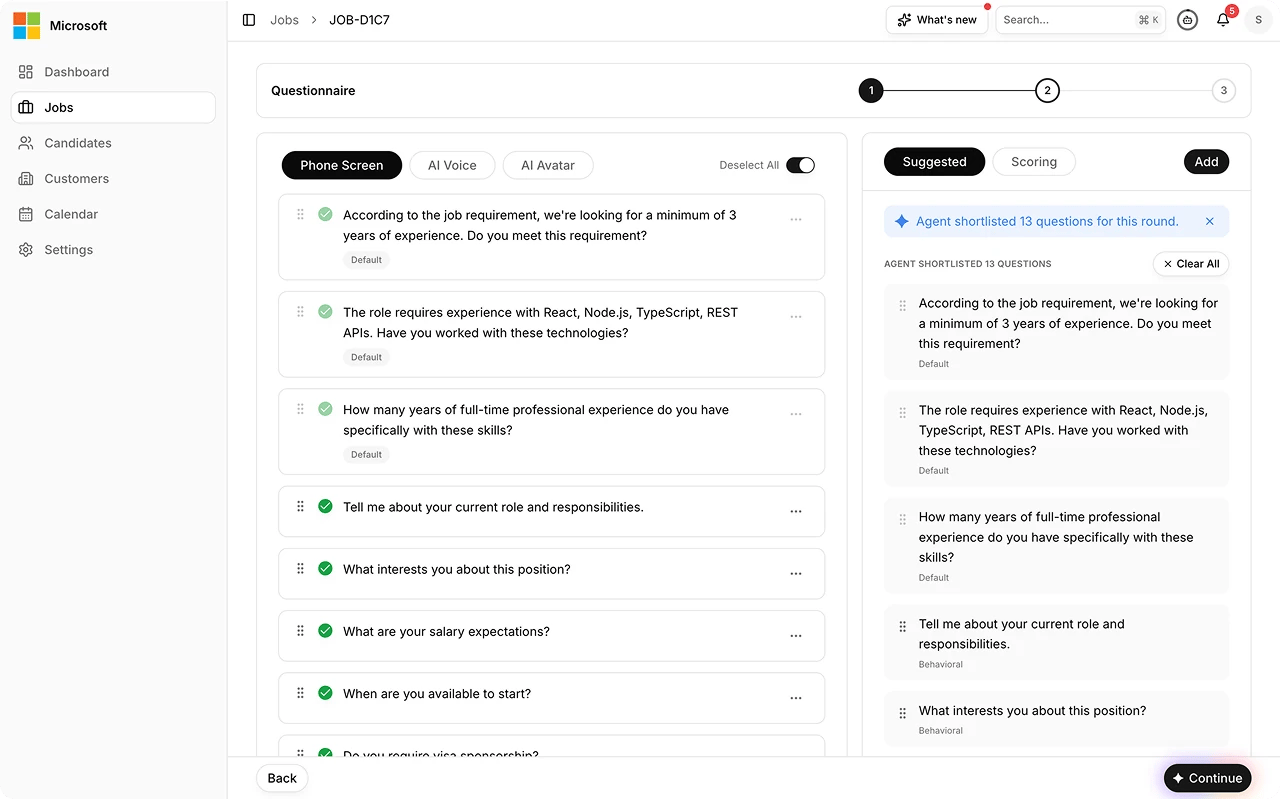
3
Invite the candidate
Send the invite, or share the interview link. The candidate acknowledges
the AI interview notice and privacy consent before the interview starts.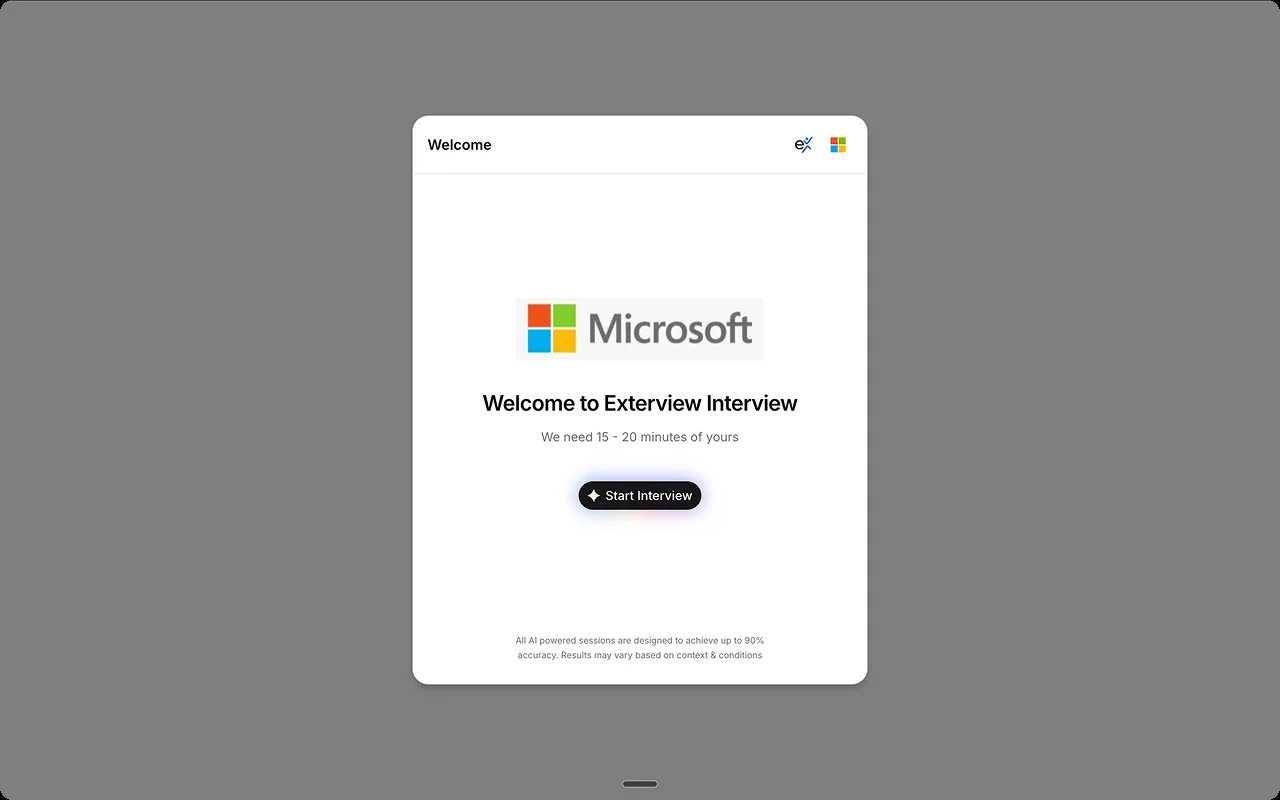
4
Candidate completes the interview
The candidate joins from any browser, passes the device and camera check,
and completes the avatar interview. See Preview the candidate interview experience.
5
Review the report
The interview is scored against the rubric and quality checks run before
the report surfaces. See Read the EX Avatar report.
Best practices
FAQs
Can we choose the avatar?
Can we choose the avatar?
Yes. Admins pick the avatar interviewer in
Configure your AI interviewer.
Can a candidate have more than one avatar round?
Can a candidate have more than one avatar round?
Yes. Turn on up to three avatar rounds in Configure your AI
interviewer.
What if the candidate's connection drops?
What if the candidate's connection drops?
See Understand Scoring Gates for how incomplete sessions are recovered.