

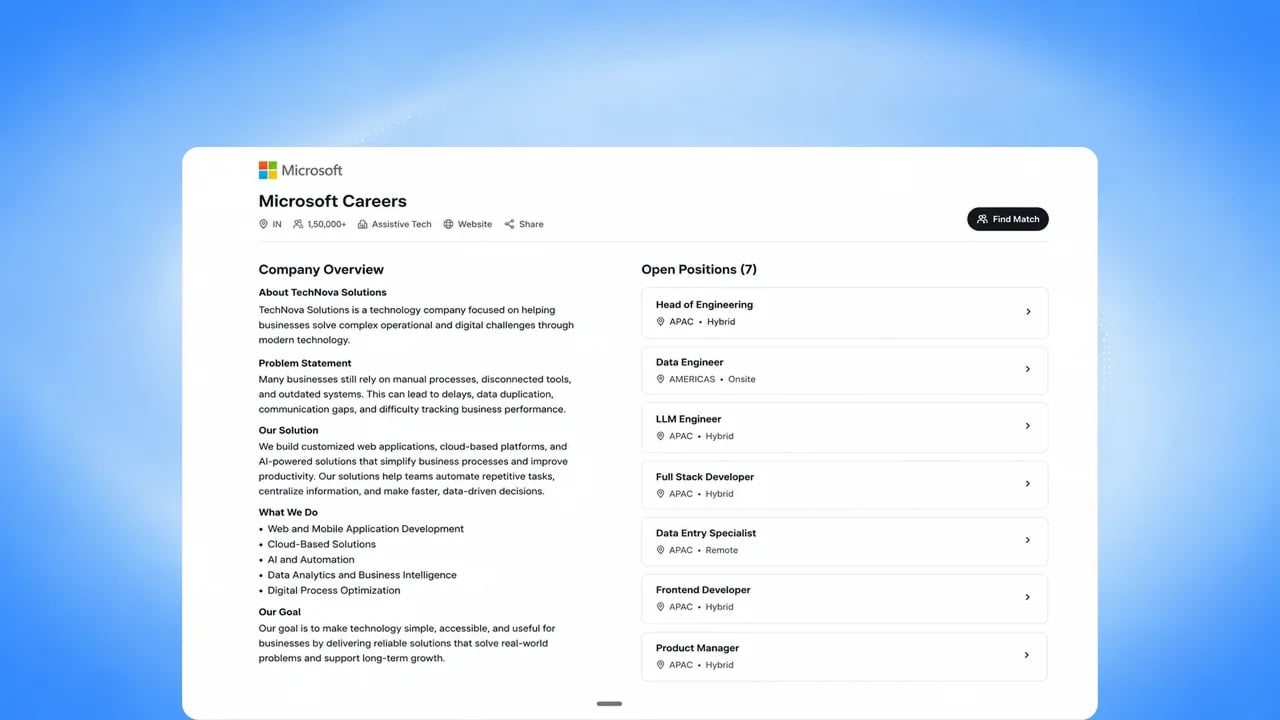
Before you start
You need permission to manage organization settings and jobs, and your organization needs the careers page feature enabled.Steps
1
Find your careers page
Go to Settings > Company to see your public Careers URL, and preview it.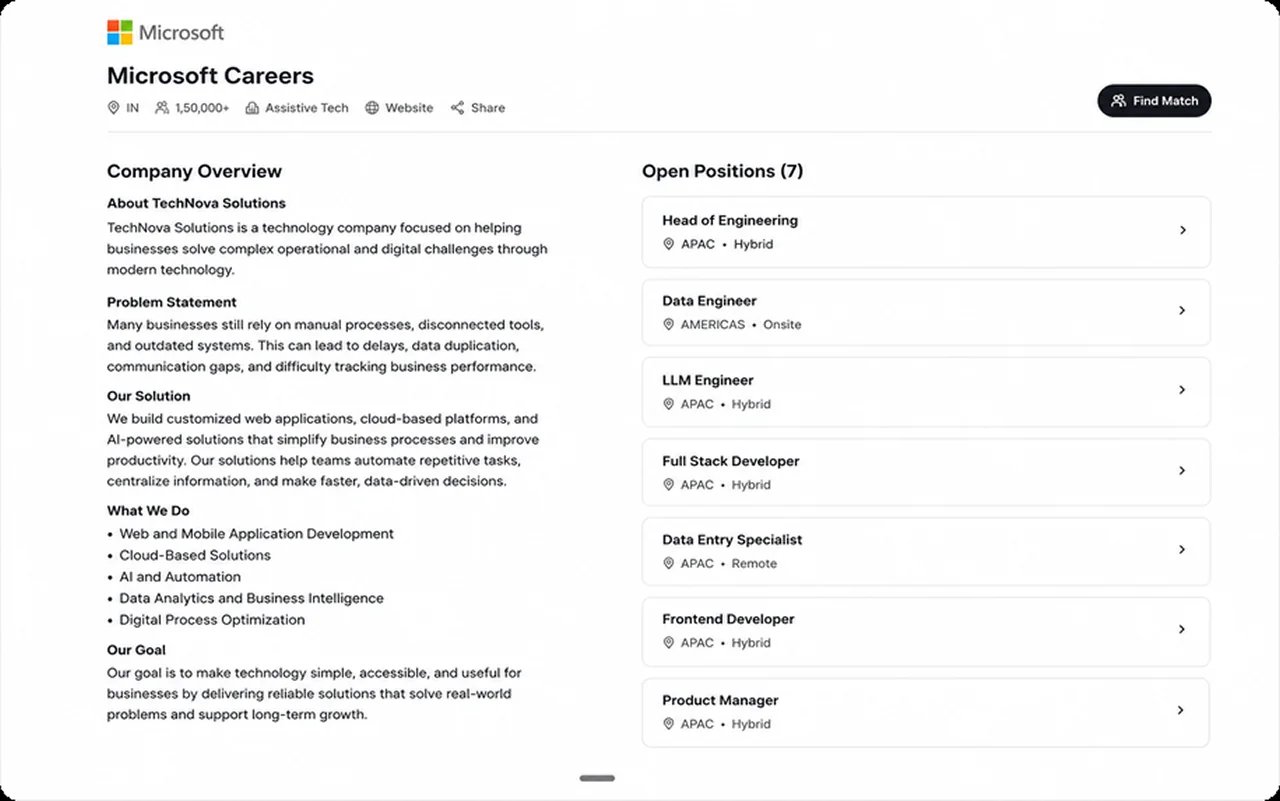
2
Set your organization profile
Add your logo, industry, size, address, and description. These appear
on the careers page and on every job listed there.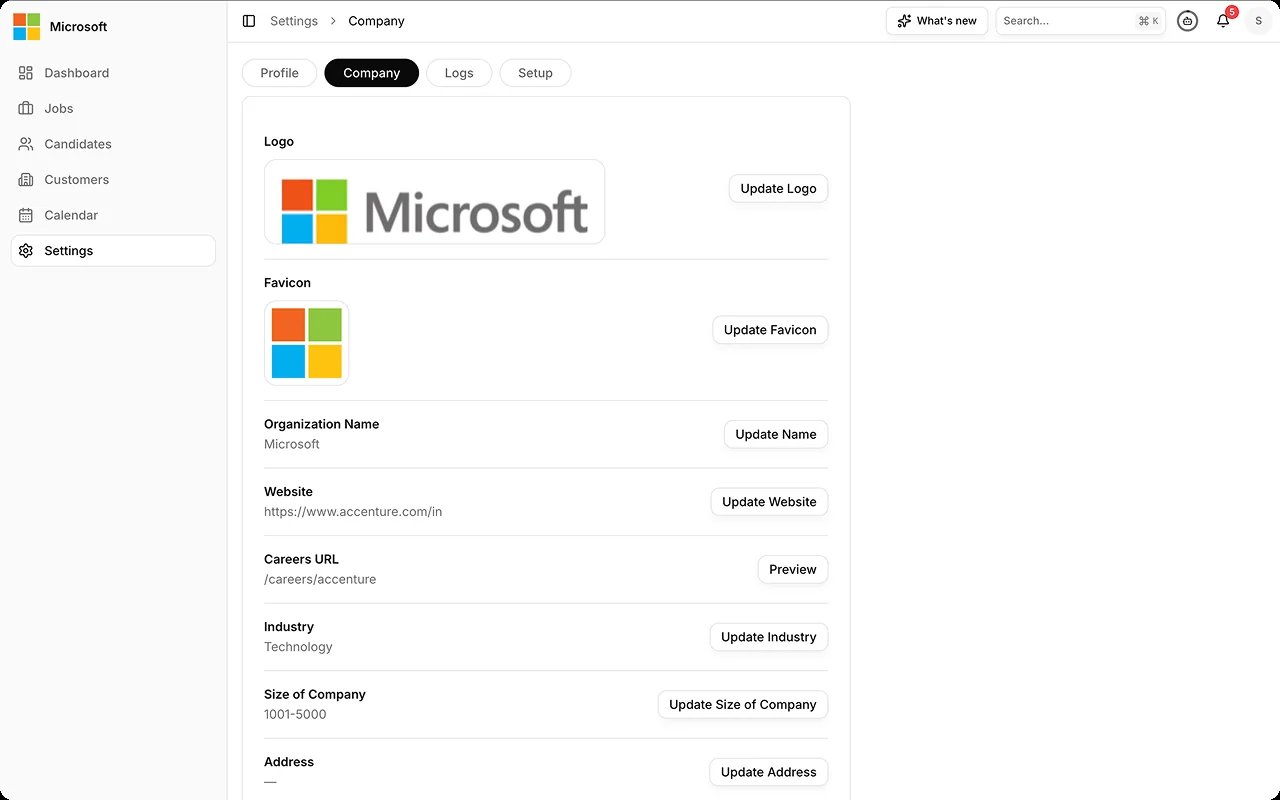
3
Publish roles
Publish a job in the Publish & Outreach step of the Create Job wizard, or from the Jobs list. See Create and manage jobs. The job page lists every city the role is open in and publishes the job’s hiring process.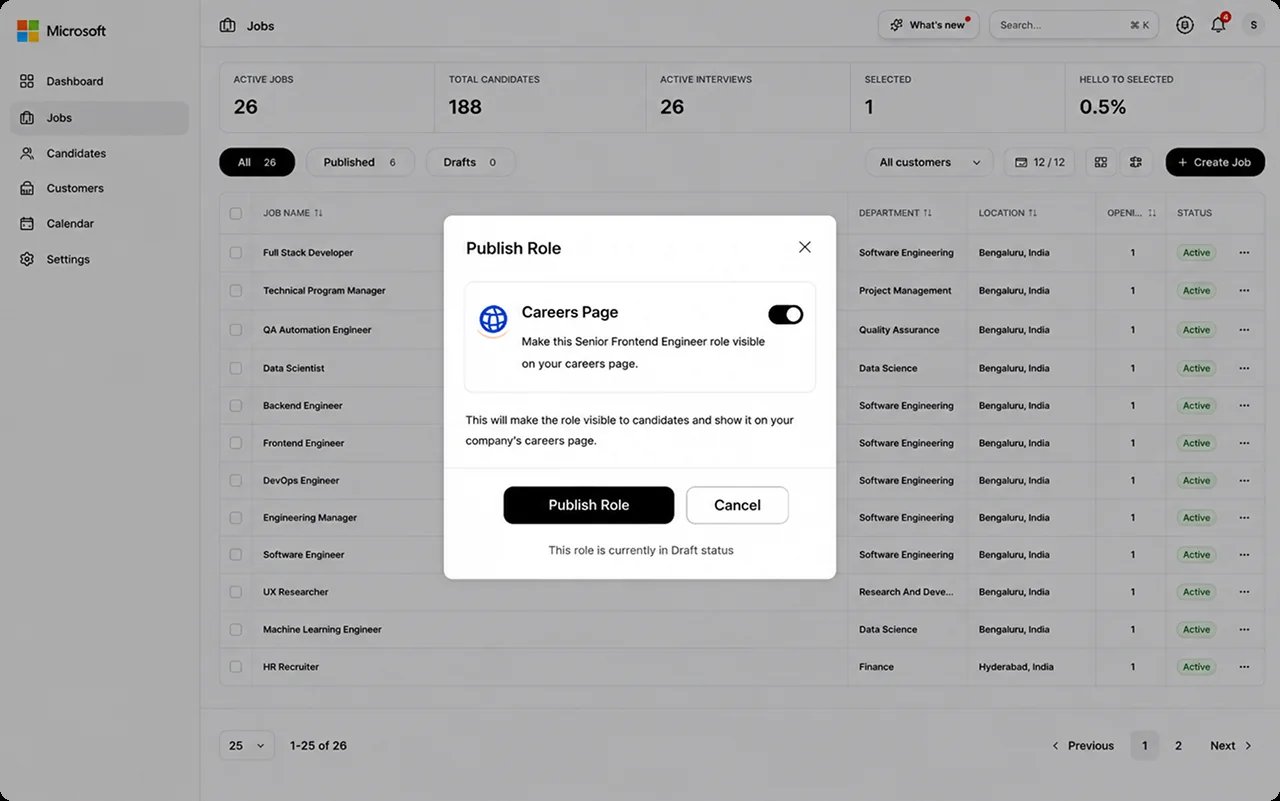
4
Track applicant source
Candidates who apply through the page are tagged with a Careers Page
source, visible on their candidate record.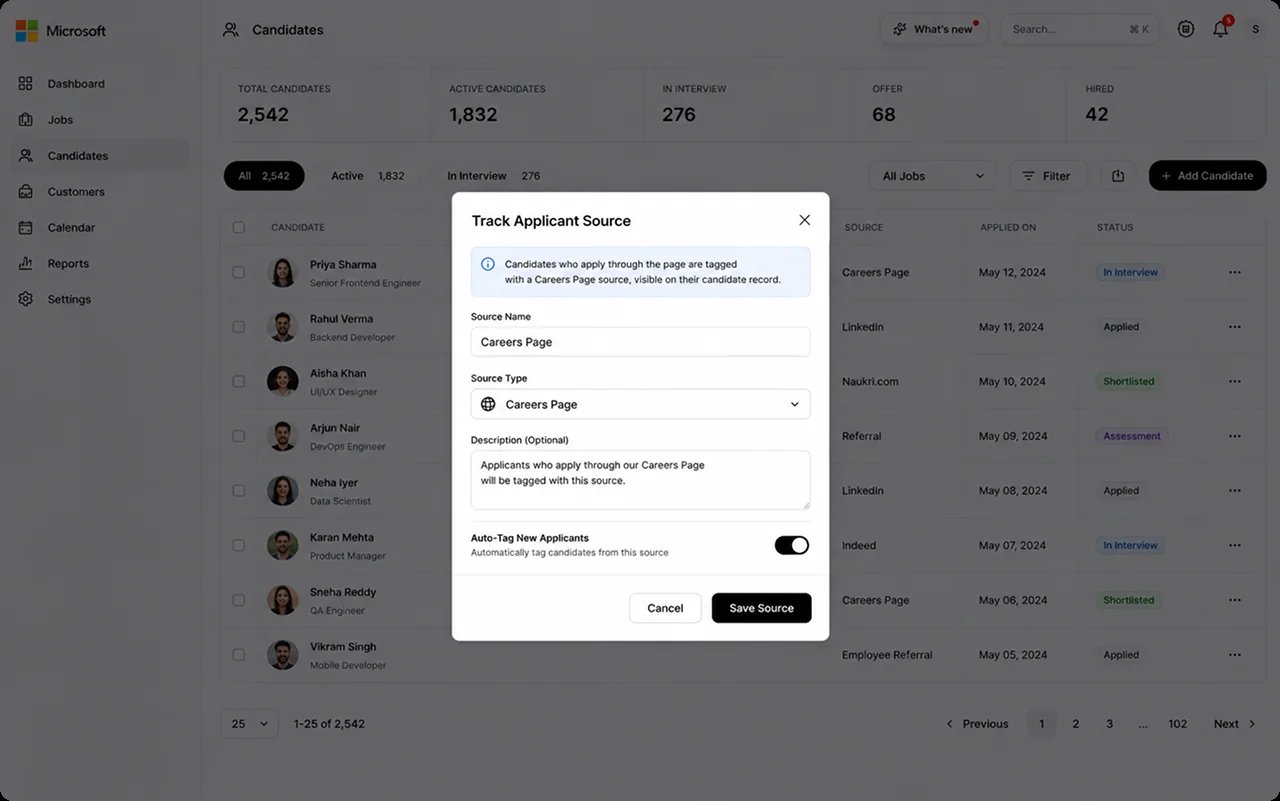
Best practices
The careers page is where most candidates first meet your process, so it is where expectations and consent are set. From Candidate Experience.FAQs
Is this an AI feature?
Is this an AI feature?
No. The careers page is a standard publishing surface. AI runs once a
candidate applies, scoring their resume against the role.
Can candidates search for roles?
Can candidates search for roles?
Yes. Candidates search your open roles and filter by city.
Can candidates apply directly?
Can candidates apply directly?
Yes. Applications from the careers page flow straight into the job’s
candidate list.