

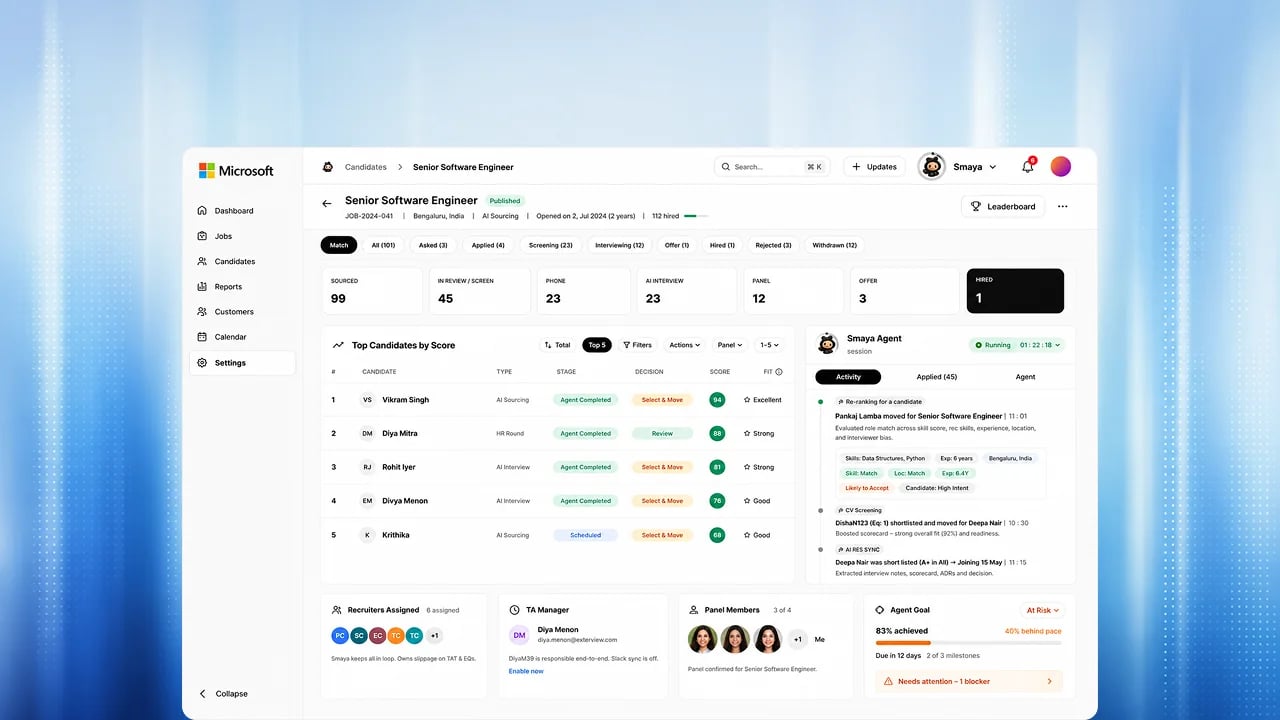
Where you can ask Smaya
Steps
1
Ask a question
Ask in plain language, for example “Which candidates for this role finished
their voice interview this week?”
2
Watch the answer arrive
The answer streams in. Above it, a transparency panel shows what Smaya did
to reach it, such as the records it looked up.
3
Follow up
Keep the conversation going. Your chat history is saved, and Smaya can
recall earlier conversations.
4
Hand work to an AI Employee
Ask Smaya to draft a role, screen candidates, or prepare a report, and it
hands the work to the right AI Employee. Before
anything is created, published, or sent to a candidate, you approve it.
What Smaya never does
- It never sees more than you can. Smaya runs as you, with your role and data visibility.
- It never sets a candidate to hired, rejected, or withdrawn. Those decisions are yours.
- It never contacts a candidate, creates a job, or publishes one without your approval.
FAQs
Where do Smaya's answers come from?
Where do Smaya's answers come from?
From your organization’s own Exterview data, read with your access. The transparency panel shows which lookups it made.
Can I ask Smaya from Slack?
Can I ask Smaya from Slack?
Not today. Asking from Slack is Upcoming. Ask in the app, or from an MCP
client that confirms each write with you.
Where do decisions that need me show up?
Where do decisions that need me show up?
Today, in the conversation: an AI Employee shows an approval card before it acts. Upcoming: the Agent Inbox, with reports to view and schedules to accept from a role run.