

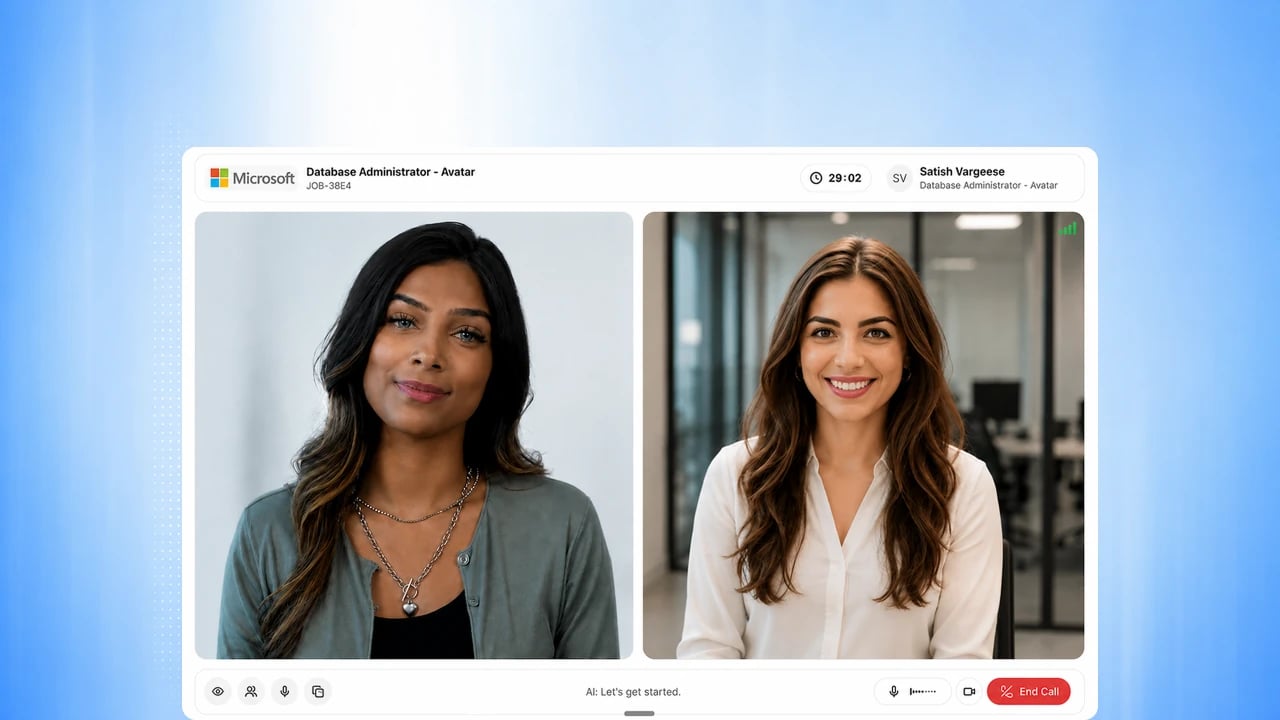
Before you start
Send a candidate an interview invite to see this end to end. See Run an AI phone screen or Configure your AI interviewer.Steps
1
Candidate opens the invite
The candidate opens their interview link and sees a welcome screen with
your organization’s name or logo and how long the interview will take.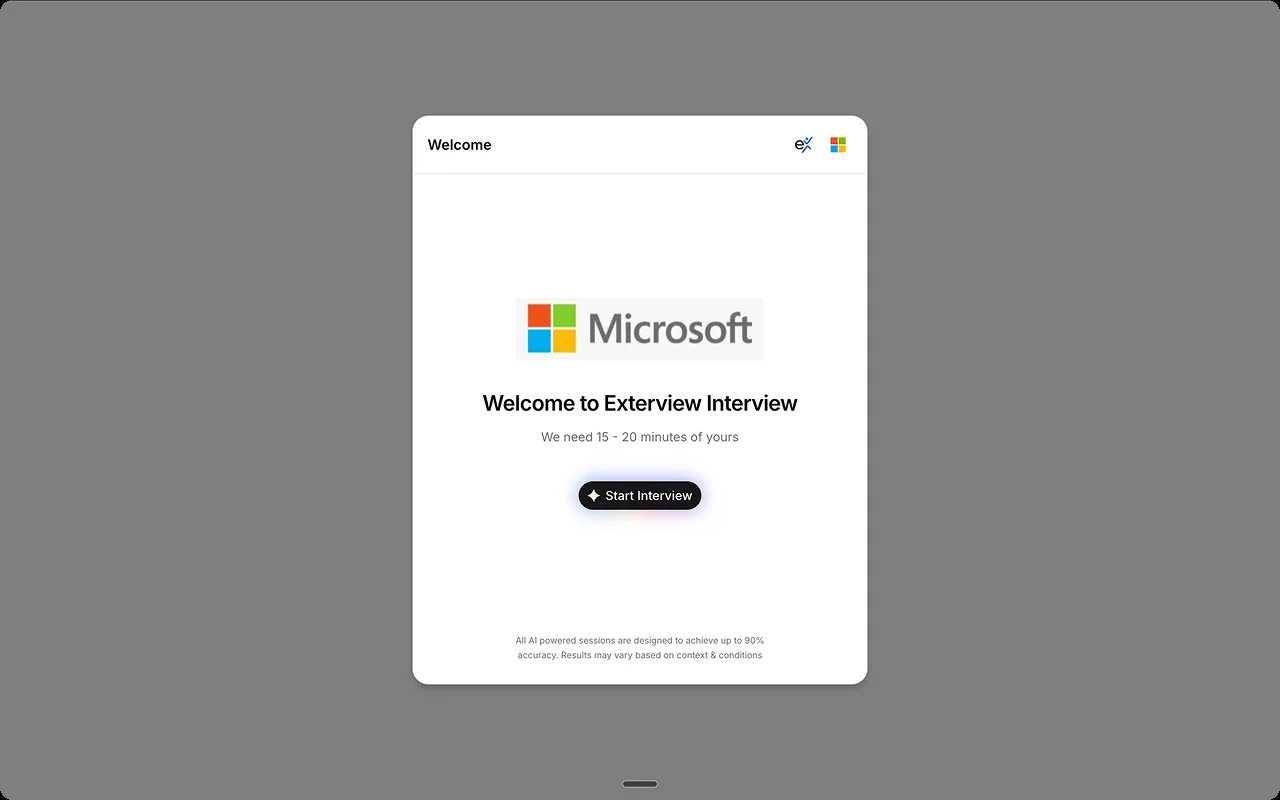
2
Candidate reviews guidelines and interview tips
Before starting, the candidate sees setup guidelines (connection, quiet
environment, camera position) and tips for answering well, like using the
STAR method.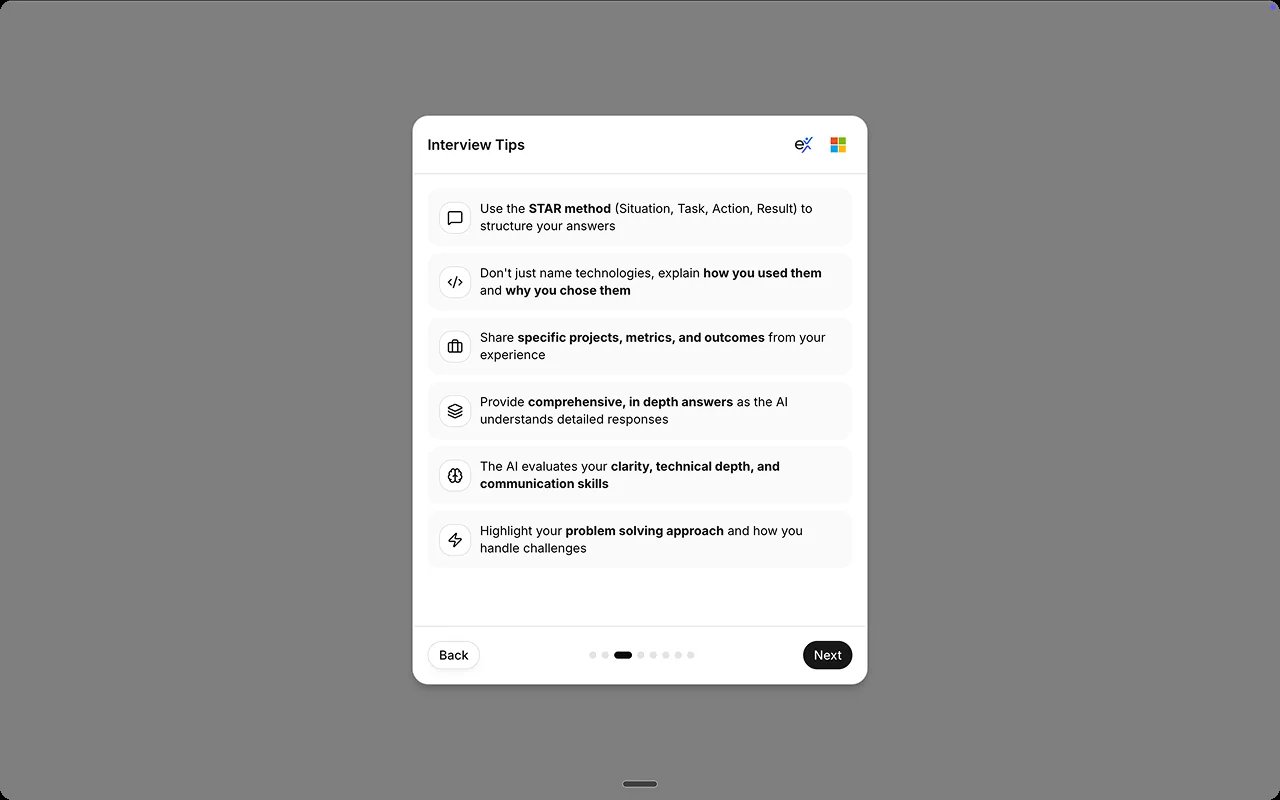
3
Candidate agrees to the integrity policy
The candidate confirms they understand the integrity policy and consents
to audio, video, and screen recording before continuing. No AI interview
starts without the candidate’s acknowledgement of the current notice.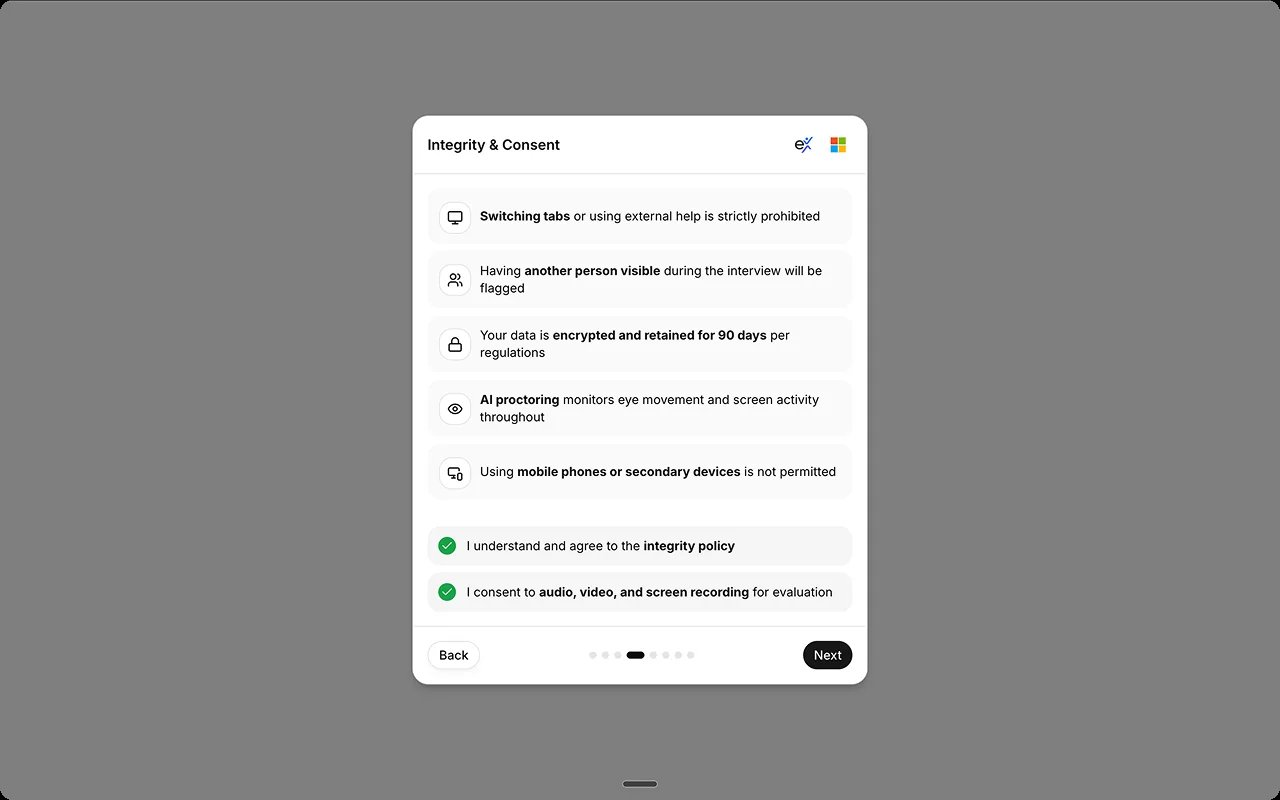
4
Candidate completes a system and camera check
Camera, microphone, internet, and browser are checked, along with face
position and lighting, before the candidate can continue.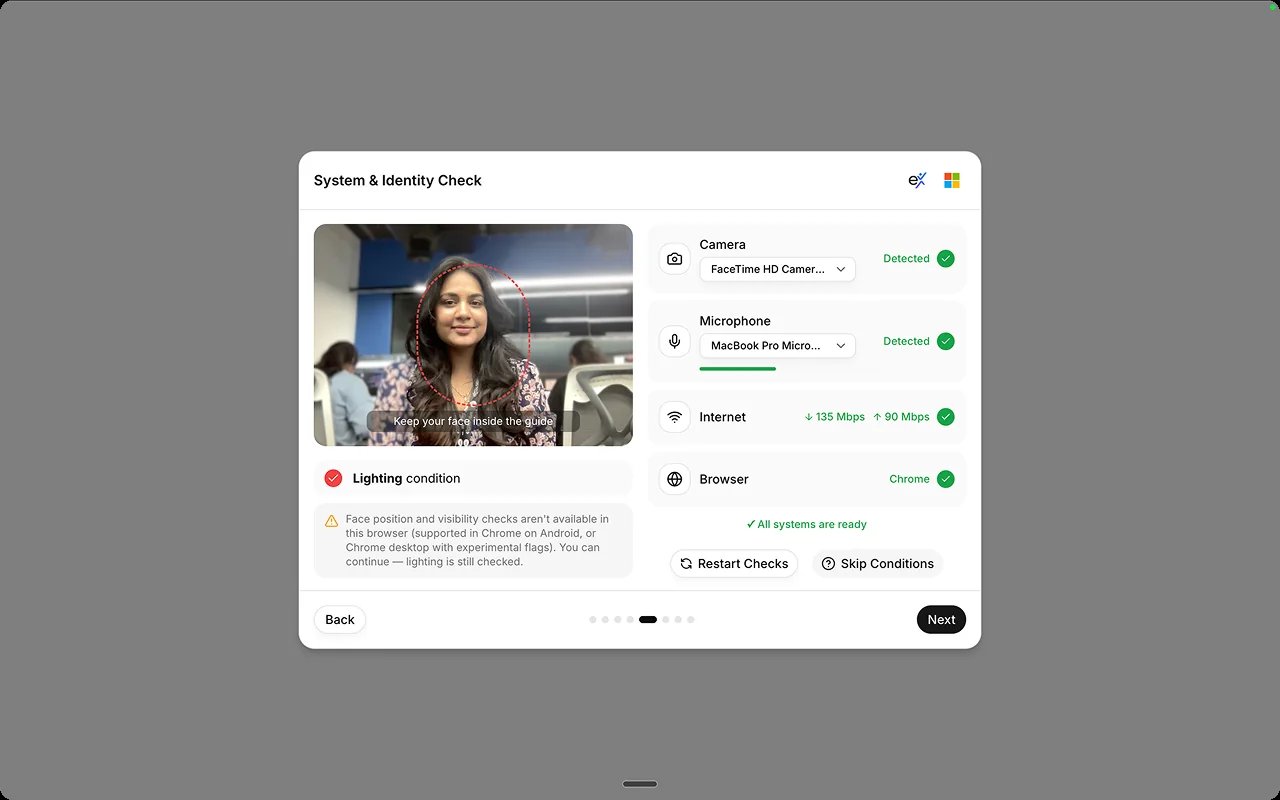
5
Candidate shares their screen and takes the interview
After sharing their entire screen, the candidate takes the interview with
a running timer, then sees a thank-you screen with a short feedback
survey. On a mobile phone, a voice interview uses the camera in place of
screen sharing.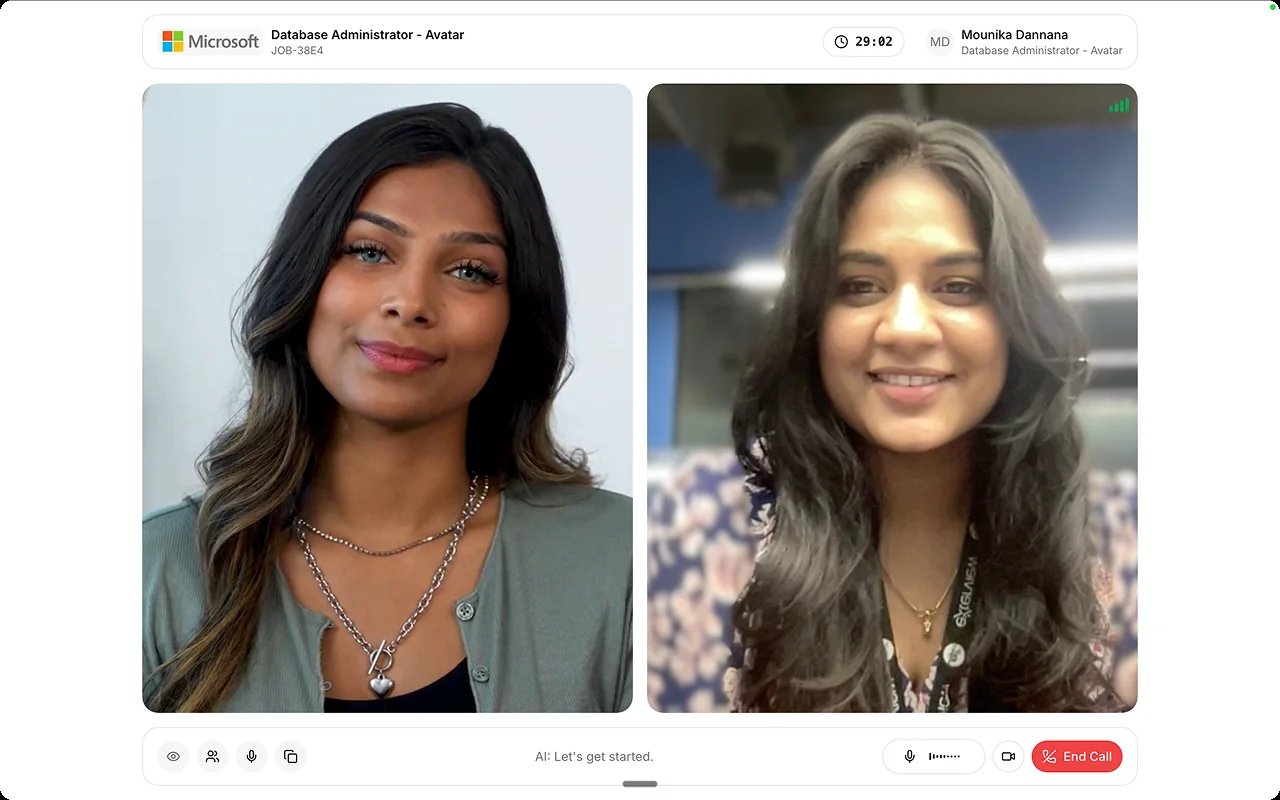
Best practices
A candidate’s experience shapes both completion rates and your brand. These practices come from Candidate Experience.FAQs
Can I preview this myself?
Can I preview this myself?
Send yourself a test invite the same way you’d send a candidate one. While
creating a job, the Add Questionnaire step also lets you pick the
interviewer persona and preview the interview as a candidate sees it.
Can candidates interview on a phone?
Can candidates interview on a phone?
Yes. Voice interviews start on mobile phones, using the camera in place of
screen sharing.
What if the candidate's connection drops?
What if the candidate's connection drops?
See Understand Scoring Gates for how incomplete sessions are recovered.