

Before you start
You need permission to manage customers. See Manage users and roles.Steps
1
Open Customers
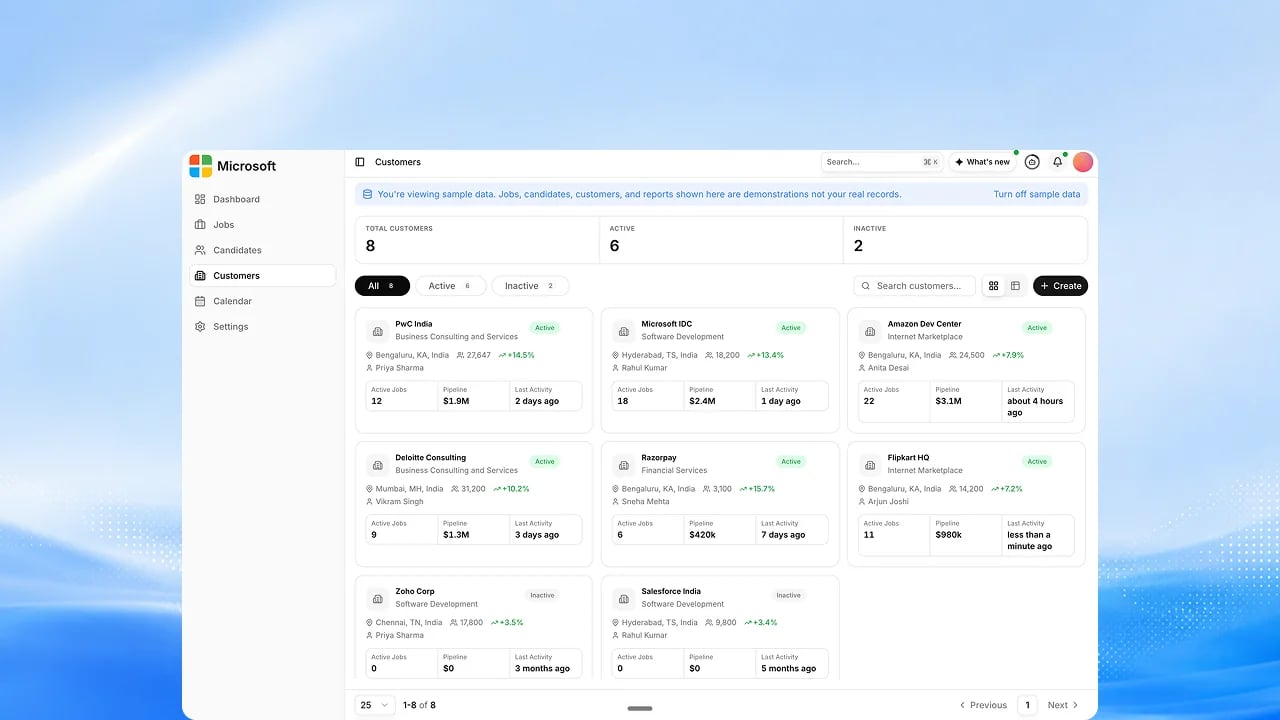
Go to the Customers area to see every client company in table or card view, and filter by Active or Inactive.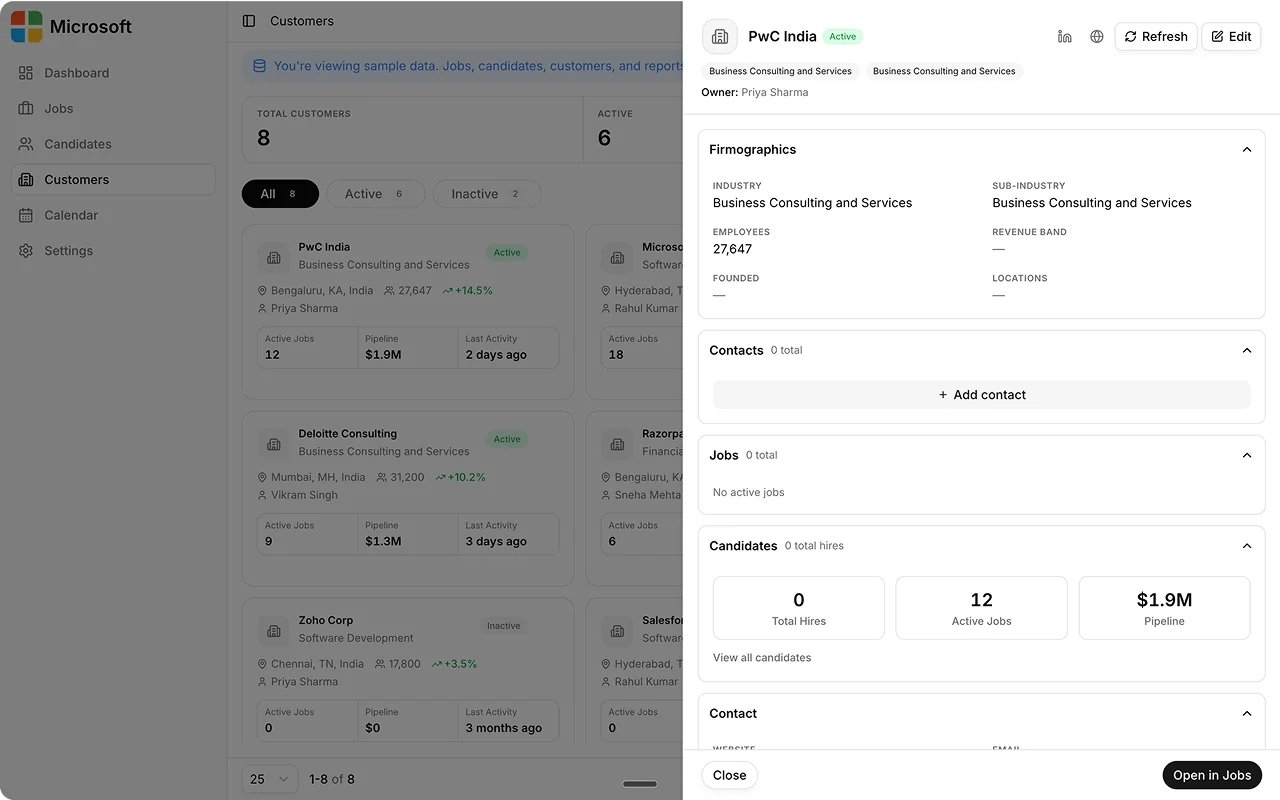
2
Add a customer
Create the customer with its firmographics: industry, size, plan, headquarters, revenue band, and a primary contact.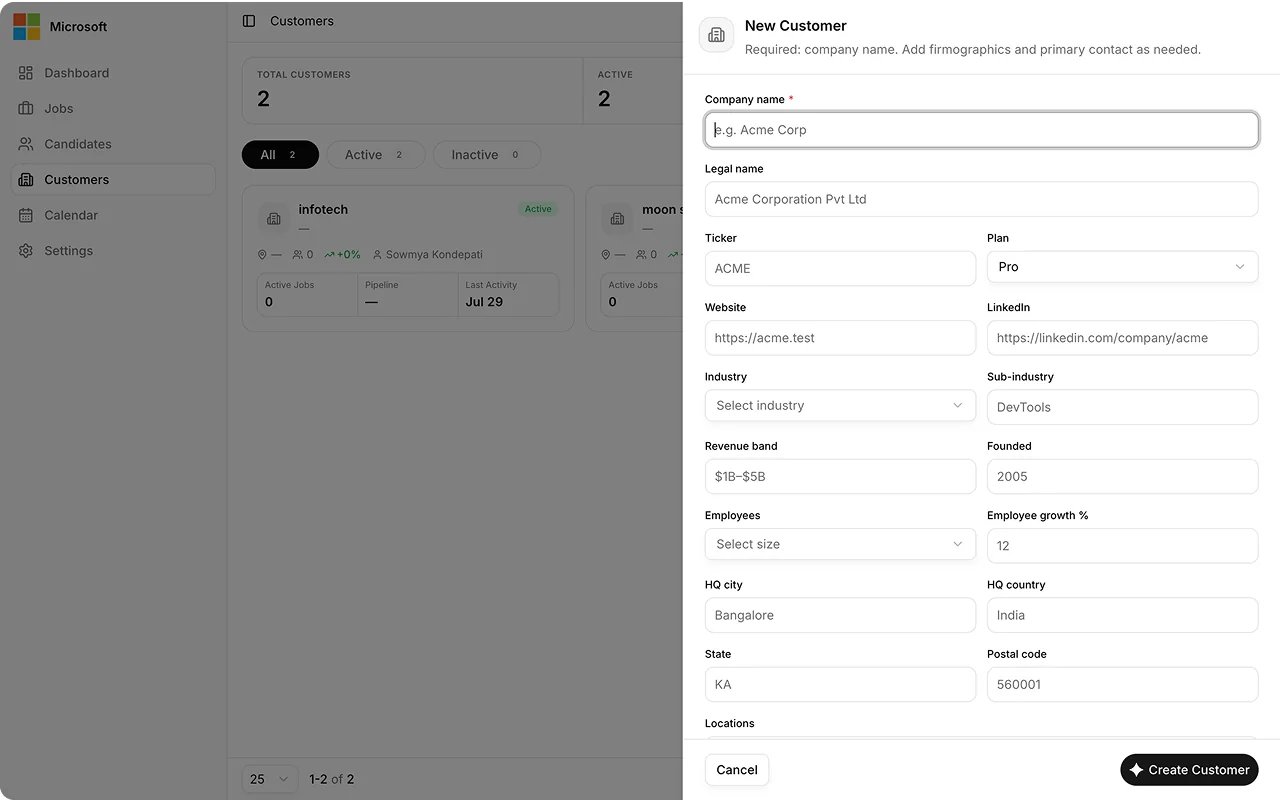
3
Open a customer's record
Open a customer to see its firmographics, contacts, and the jobs tied to that account.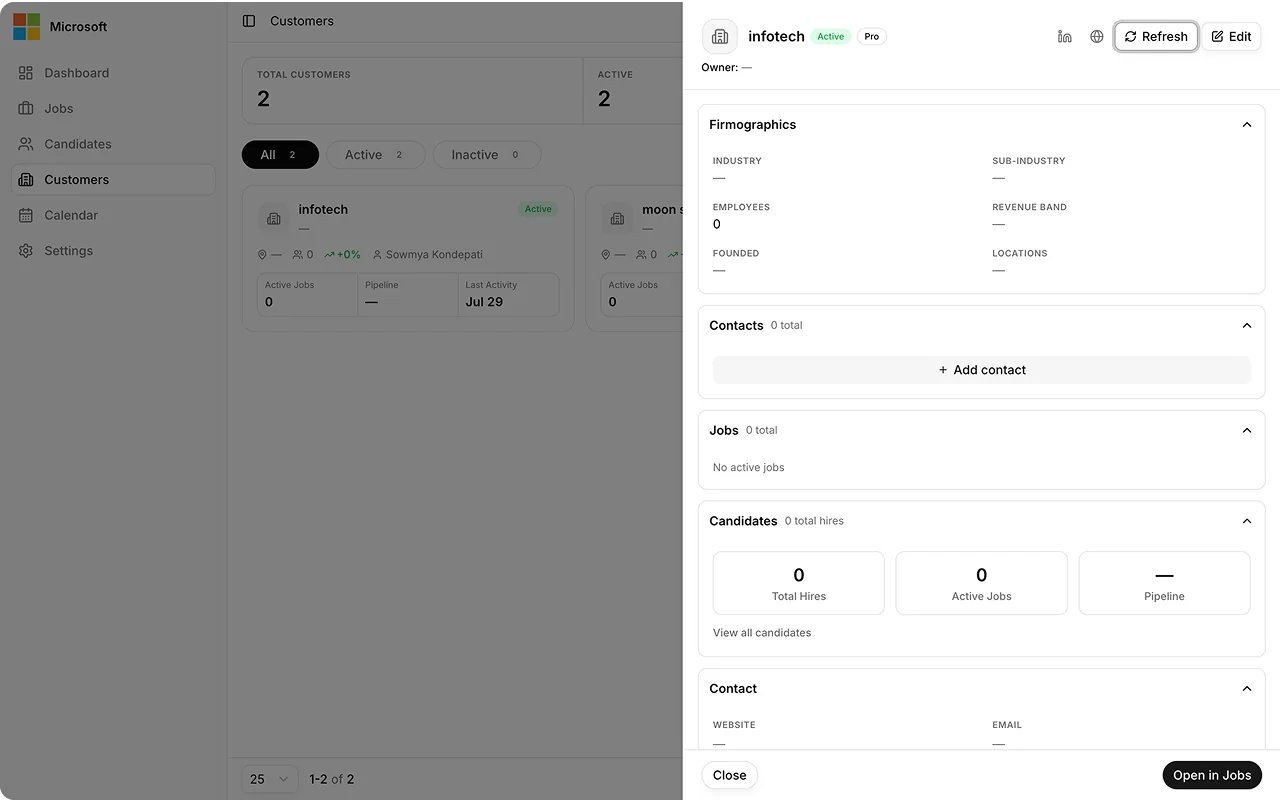
4
Edit or manage
Edit a customer’s details in place, add another contact, or delete the customer.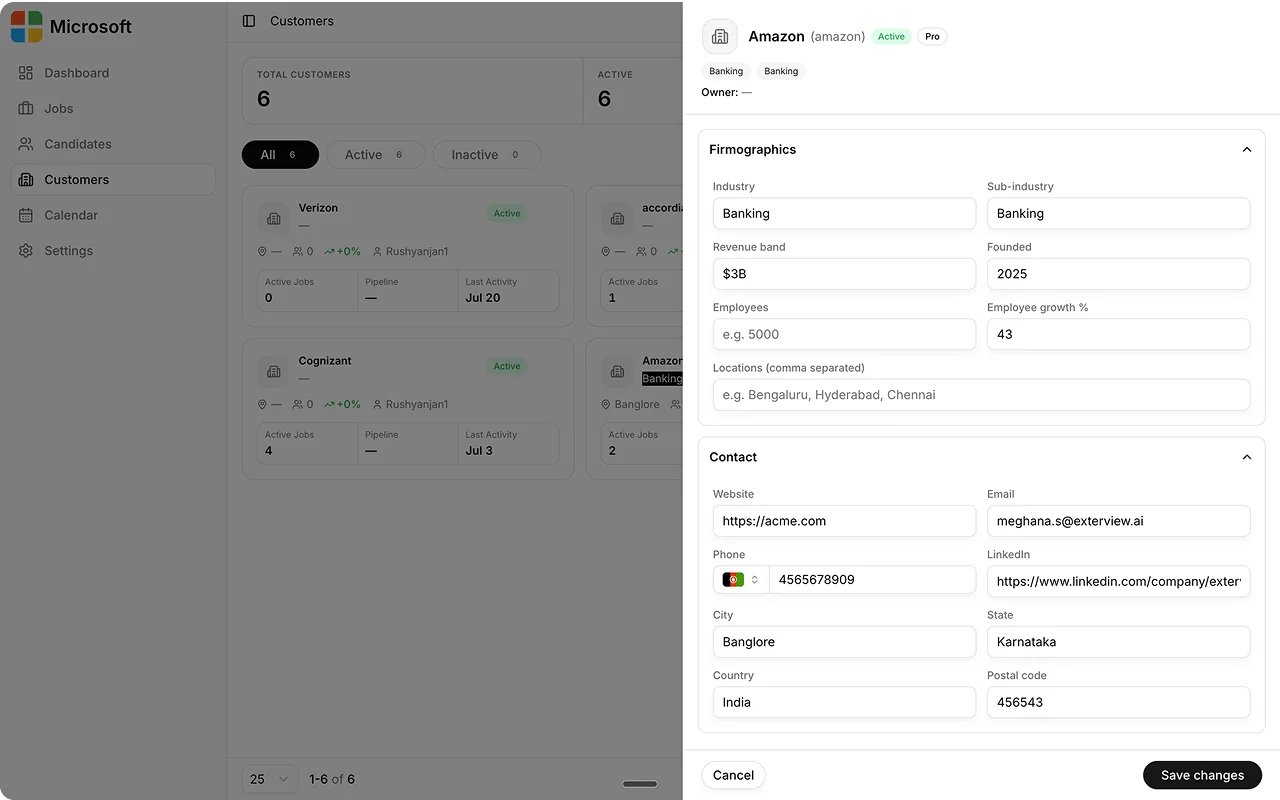
Best practices
A customer is a client company your organization hires for. It is not your own account, and every job is tied to one.FAQs
Is this an AI feature?
Is this an AI feature?
No. Customer management is a standard administrative task.
Is a customer the same as my organization's account?
Is a customer the same as my organization's account?
No. Your organization is the account signed up to Exterview; a customer is one of the client companies your organization hires for. Each job is tied to a customer.