

Available today
1
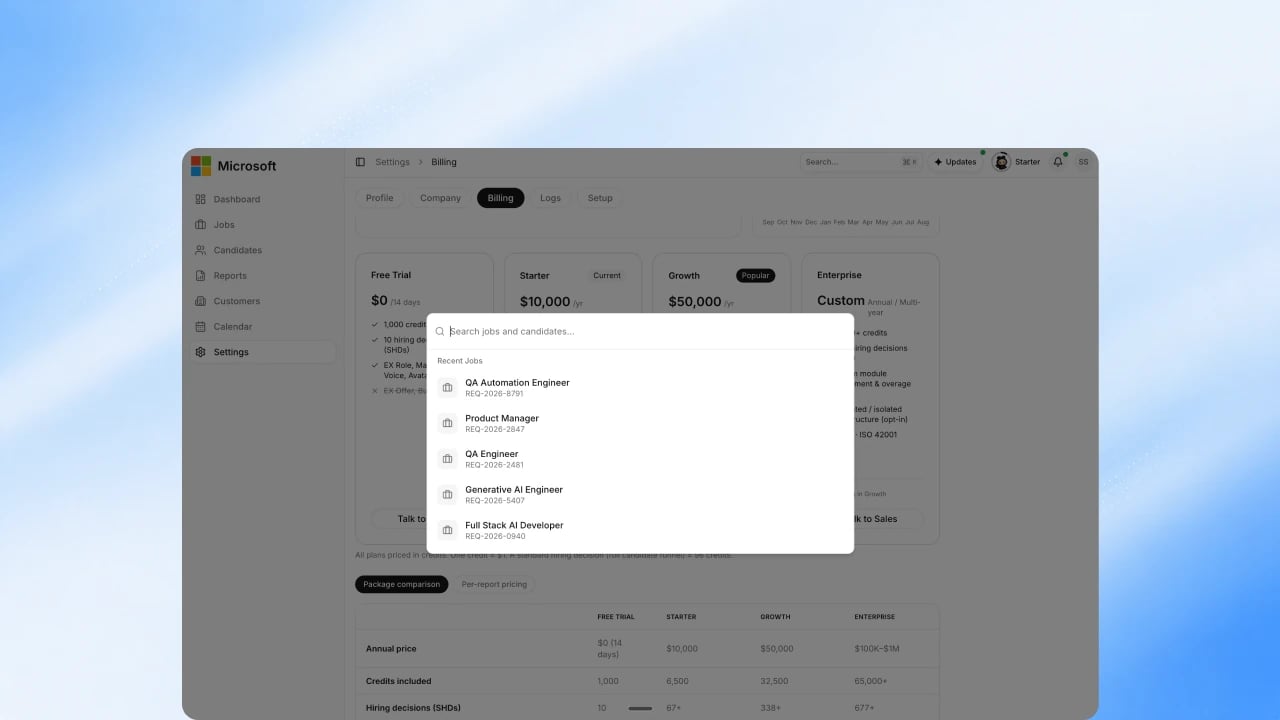
Jump to a job or candidate
Press ⌘K (Mac) or Ctrl+K (Windows), or select search in the header, and type a name. Quick search finds jobs and candidates from anywhere in the workspace.
2
Filter the candidates list
On the Candidates page, search by name and filter by customer, job, decision, score, or notice status, or switch between the status tabs. See View and manage candidates.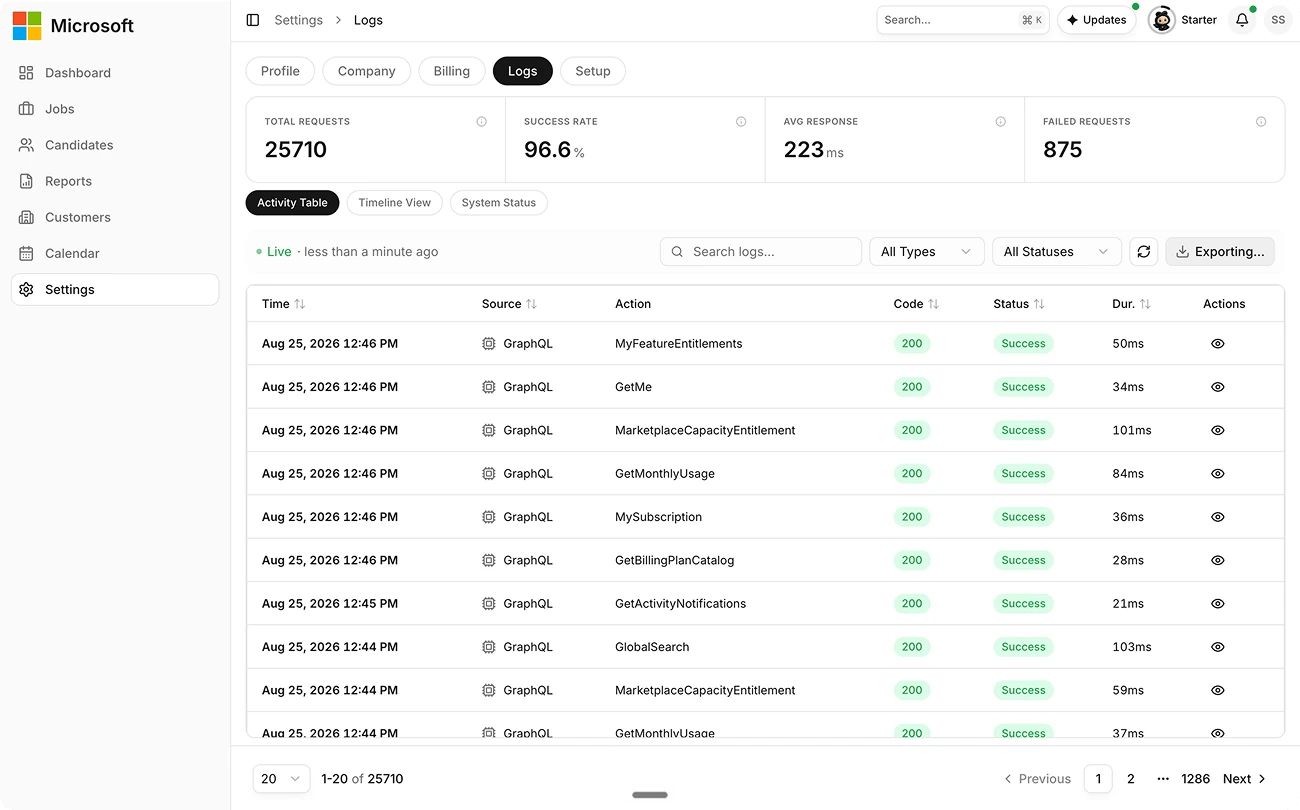
3
Download candidates as CSV
From the Candidates toolbar, select Download CSV. You need export permission.
4
Export your Activity Log
In Settings → Logs, search or filter the Activity Log, then select Export to download the matching rows as a CSV.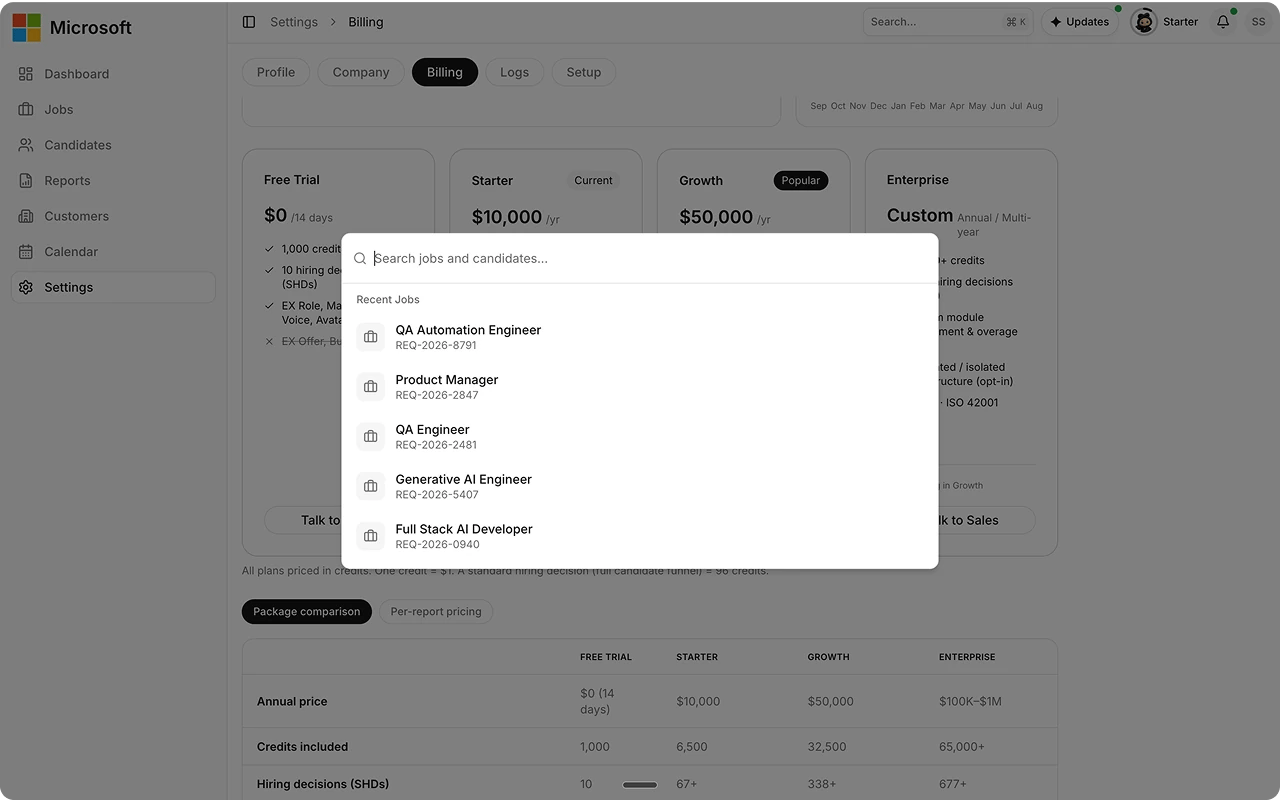
Upcoming
- Broader exports: exports beyond the candidate CSV and the Activity Log.
- Agent Search: a natural-language search across your talent pool.
Best practices
FAQs
Is this an AI feature?
Is this an AI feature?
No. Search and export are standard data operations.
Can I export candidates today?
Can I export candidates today?
Yes. Use Download CSV on the Candidates toolbar. You need export permission.