

Before you start
The candidate needs a completed EX Voice interview. See Run an EX Voice interview.Steps
1
Open the report
Open it from the Decision Center, or from the candidate’s profile or
the job’s candidate list.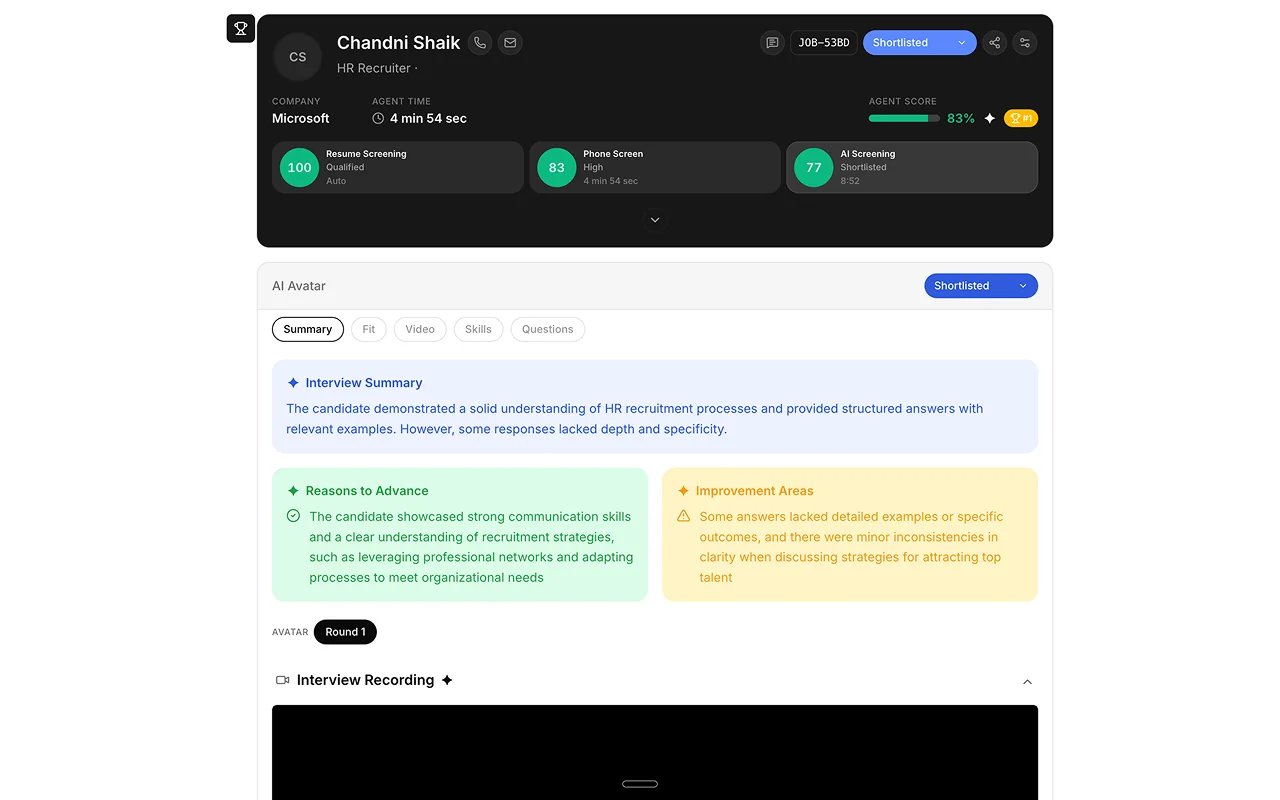
2
Watch or replay the interview
Play back the recorded interview.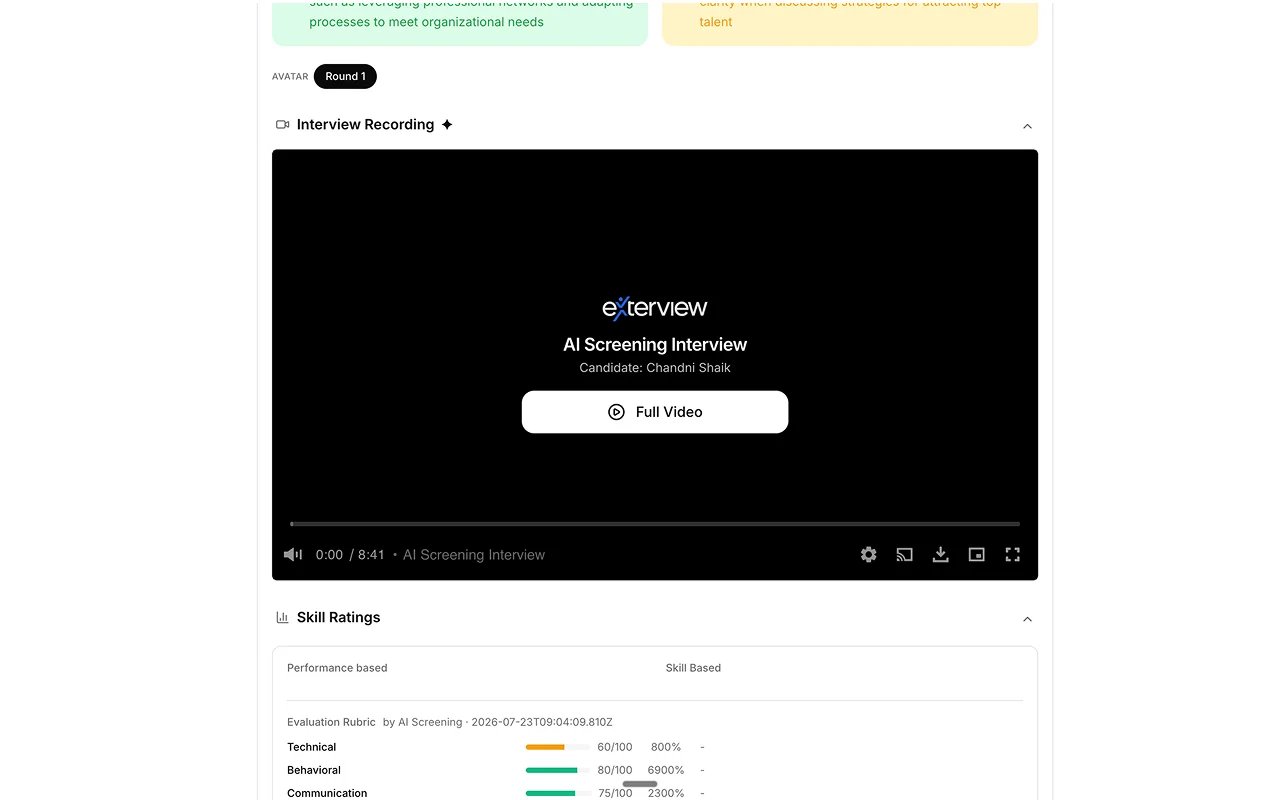
3
Read AI-flagged strengths and gaps
See what the AI surfaced against the role’s competencies, and check any
quality review flags. See AI Observability.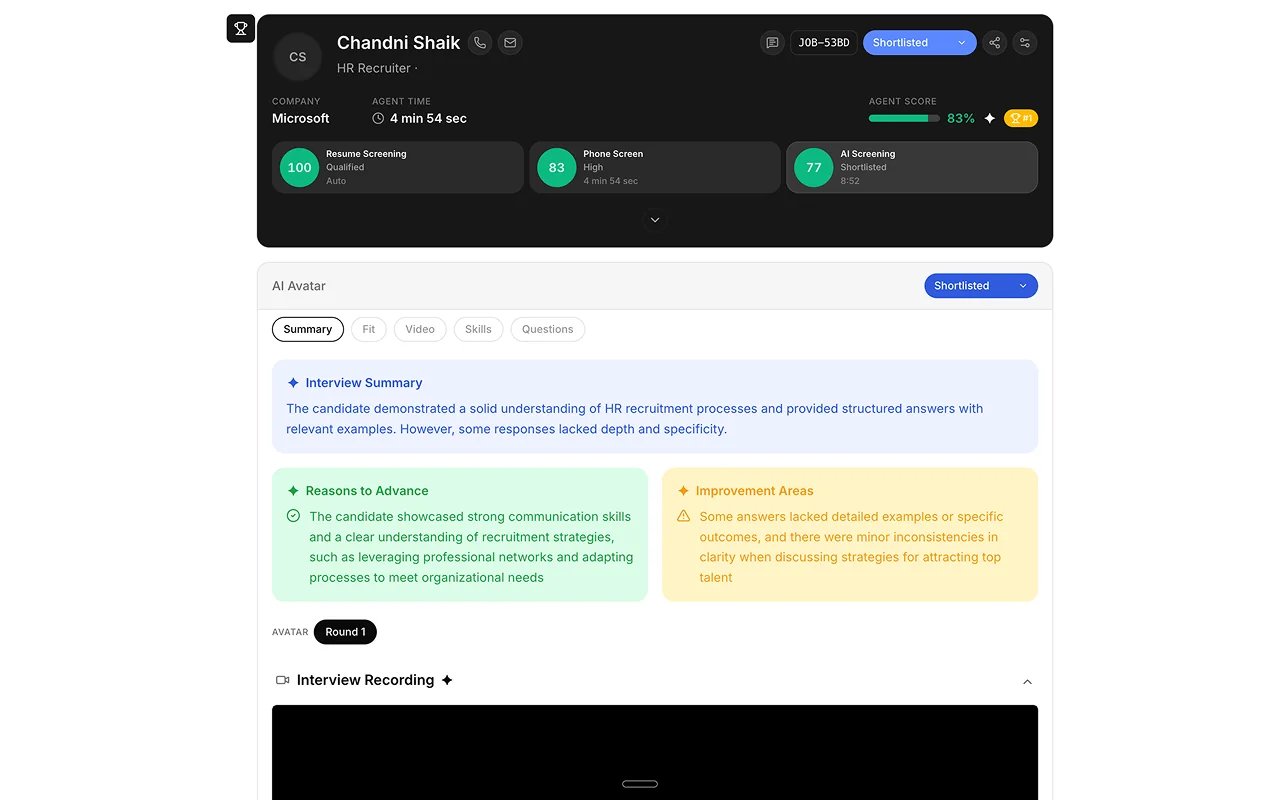
4
Check the evidence
Read what the candidate said against each competency.
5
Score or override
Confirm the AI’s read, or override it with a written justification. The
original score stays on record.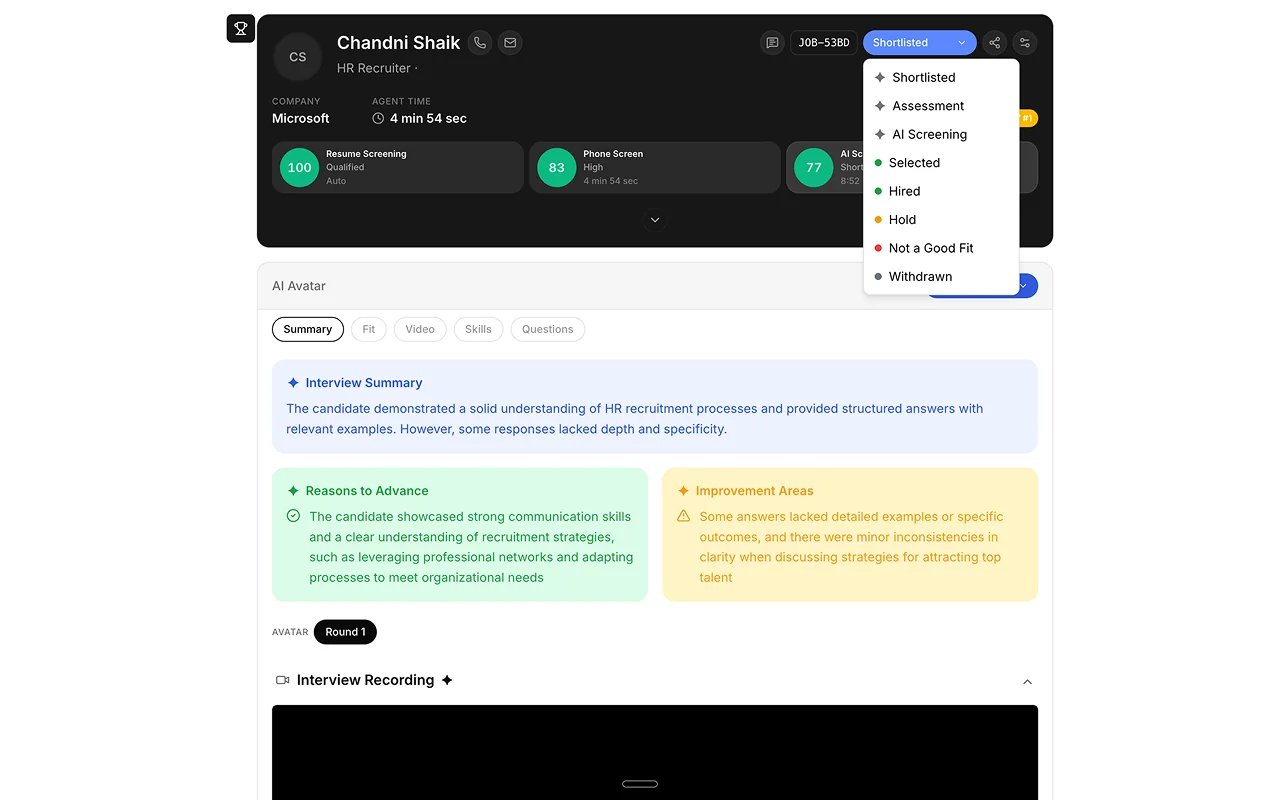
Best practices
A report is decision support, not a verdict. See Human Review.FAQs
Where does the score go next?
Where does the score go next?
It feeds the candidate’s rank on the Leaderboard. A person still makes the decision.
What if the candidate didn't finish?
What if the candidate didn't finish?