

Before you start
The candidate needs a completed interview. See Configure your AI interviewer.Steps
1
Open the interview record
Find it from the candidate’s profile or the job’s candidate list.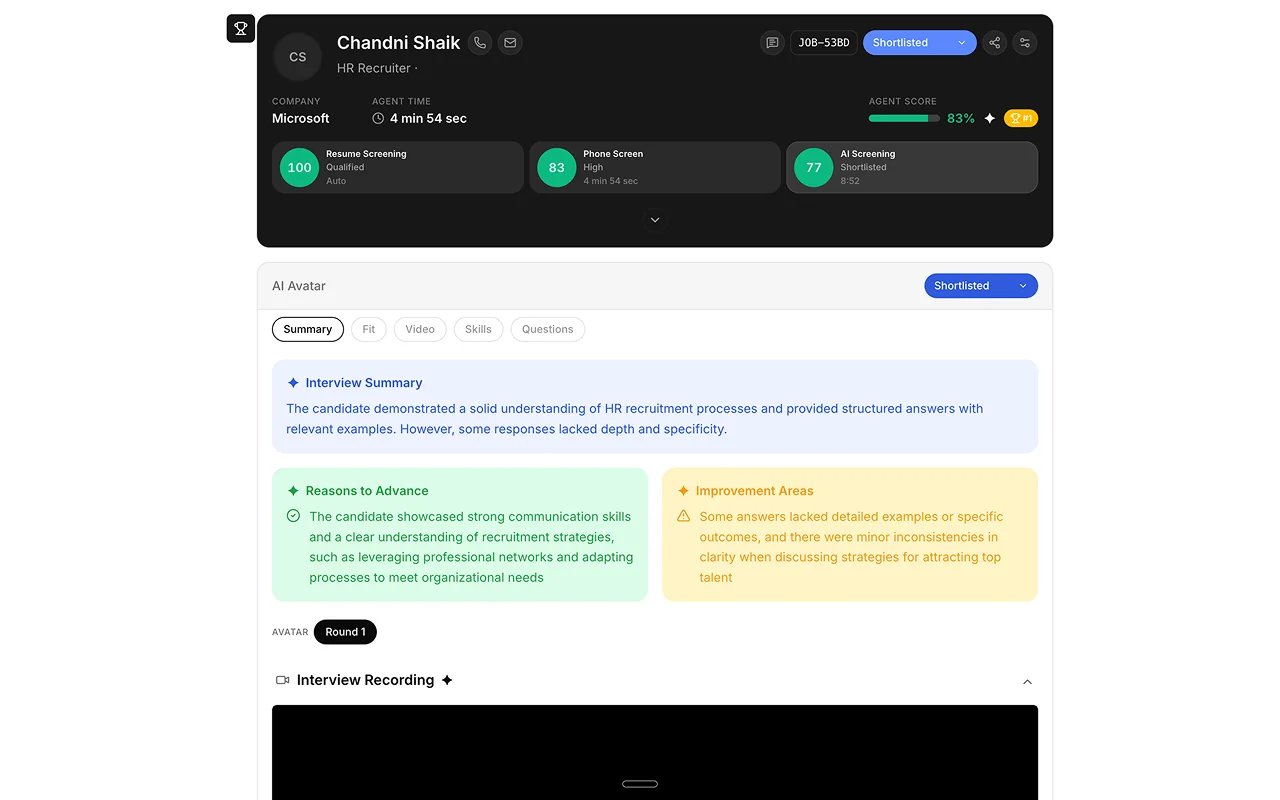
2
Watch or replay the response
Play back the recorded interview.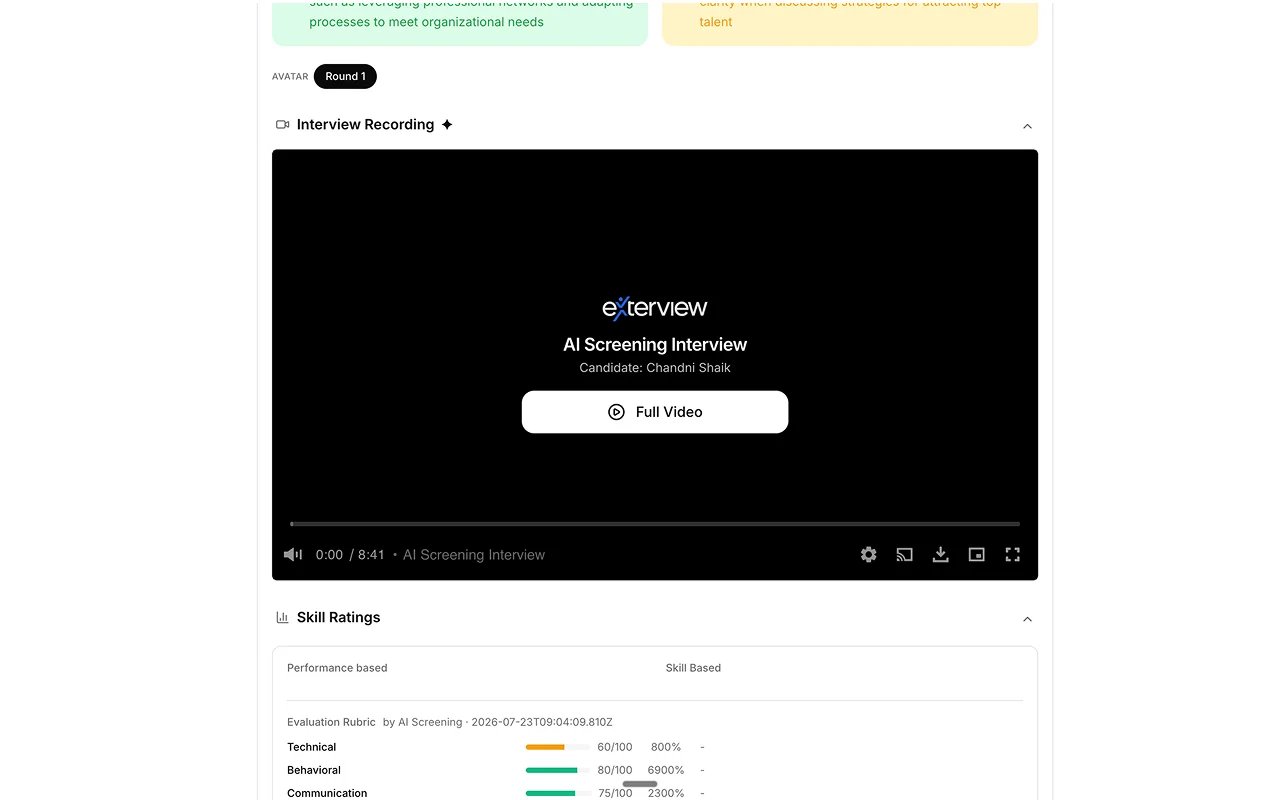
3
Read AI-flagged strengths and gaps
See what the AI surfaced against the role’s competencies.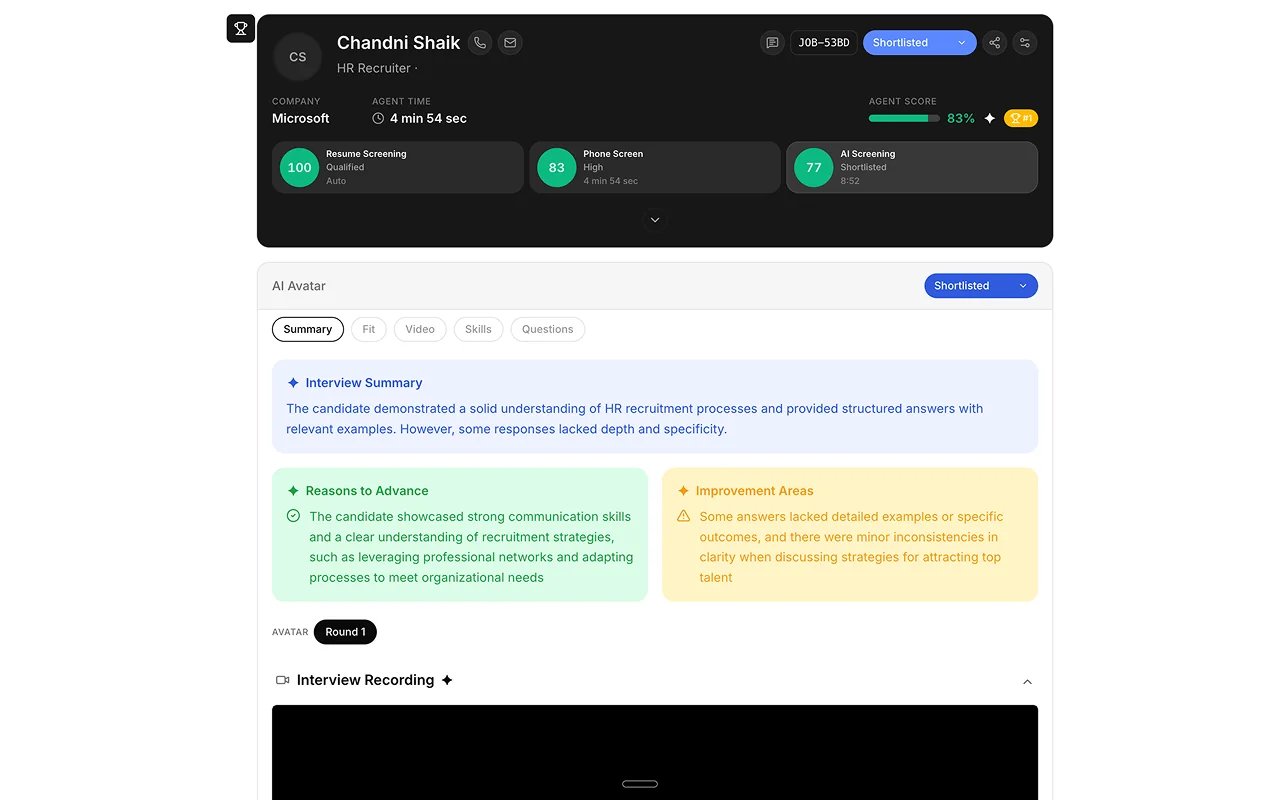
4
Check the evidence
Read what the candidate said against each competency. Upcoming: Recording Chapters, to jump to the moment each question was asked.
5
Score or override
Confirm the AI’s read, or override it with a written justification. The
original score stays on record.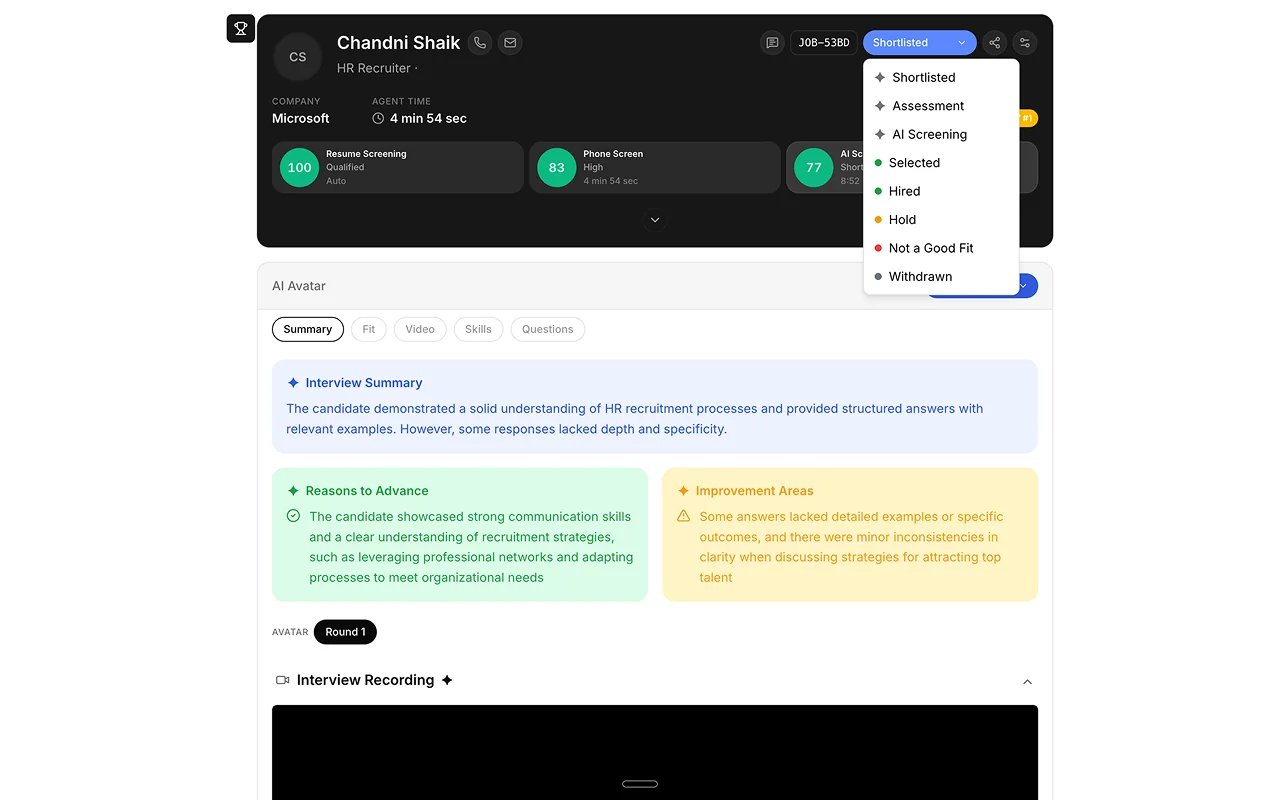
Best practices
A report is decision support, not a verdict. These practices come from Human Review.FAQs
Is Avatar interviewing available for everyone?
Is Avatar interviewing available for everyone?
EX Voice is Available, including on mobile phones. EX Avatar is Available as a guided experience. Upcoming: avatar interviews at full concurrency for every workspace. See Configure your AI interviewer.
What if the candidate didn't finish?
What if the candidate didn't finish?