Purpose
Get your organization signed up, choose the AI agents it will use, and land in your workspace ready to go.Steps
1
Create your account
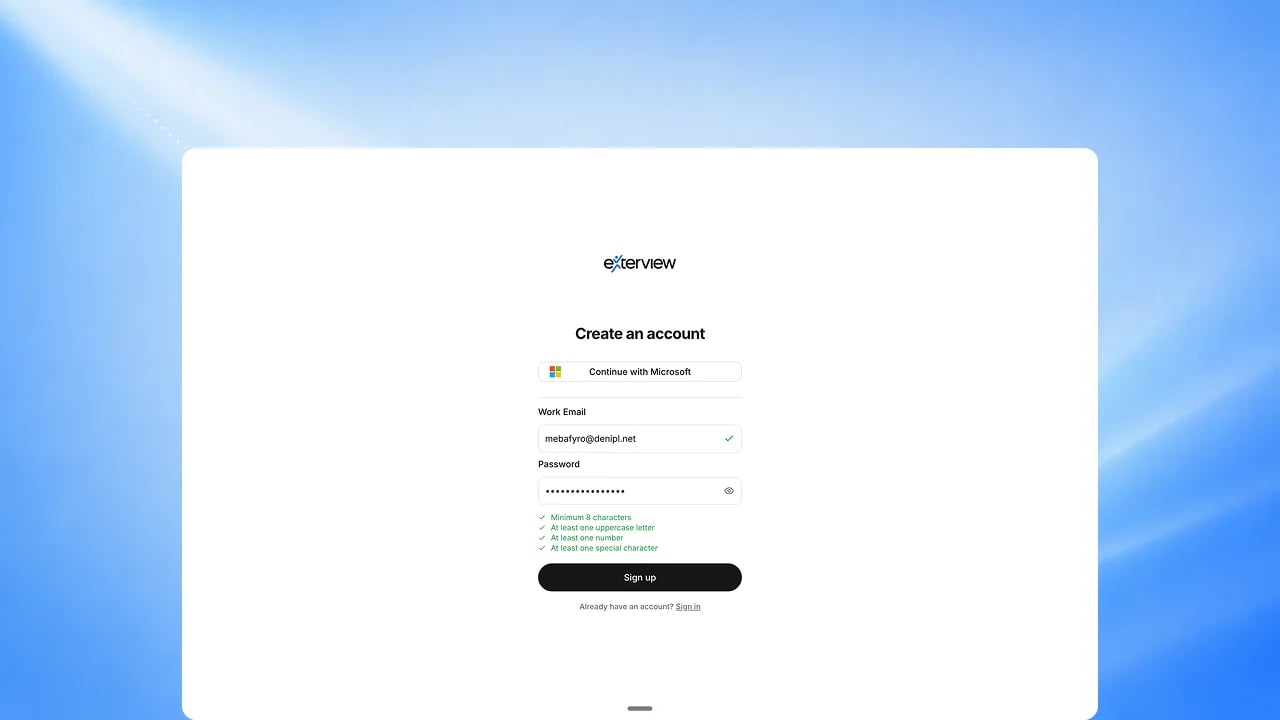
Sign up with email and password, or continue with Microsoft. If you use
email, confirm your address with the link we send you.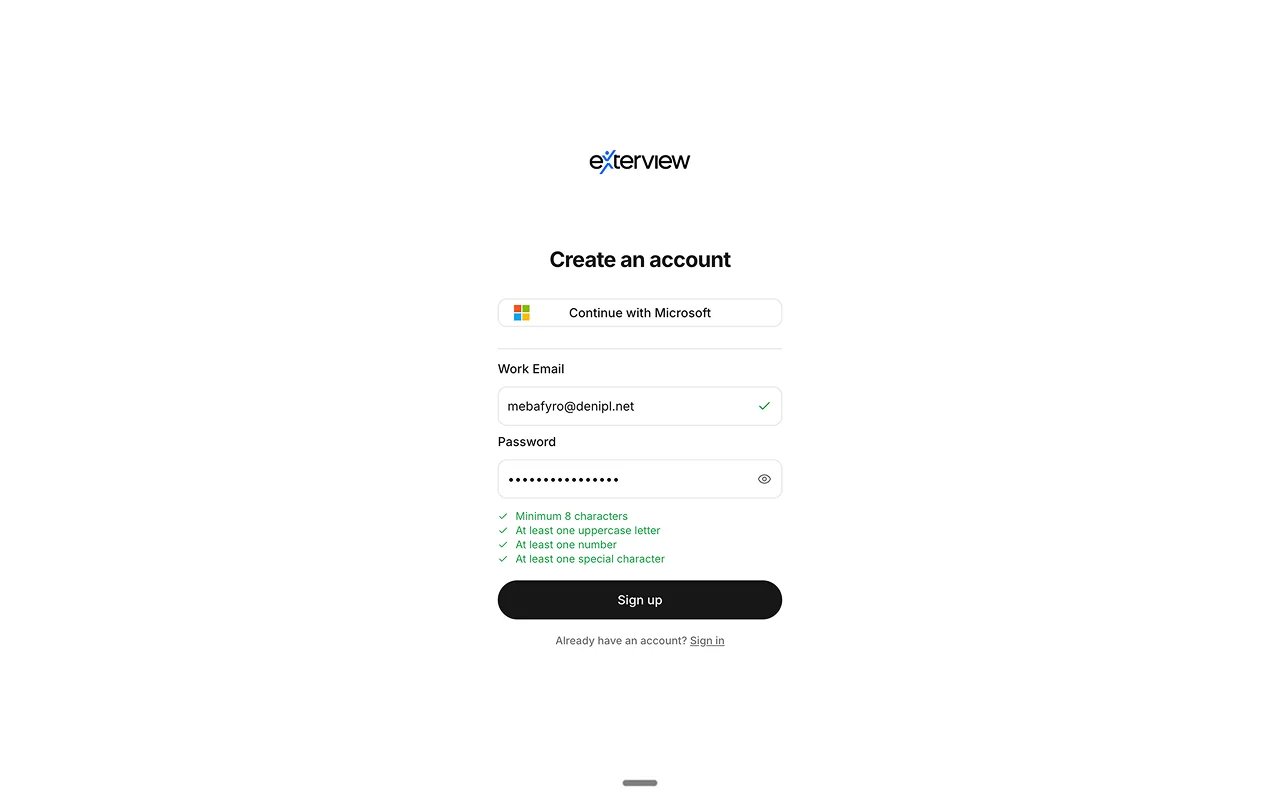
2
Add your organization's details
Add your organization’s name, logo, and website, along with its industry,
country, and size. This is also where you add your own name and phone
number as the account’s first admin.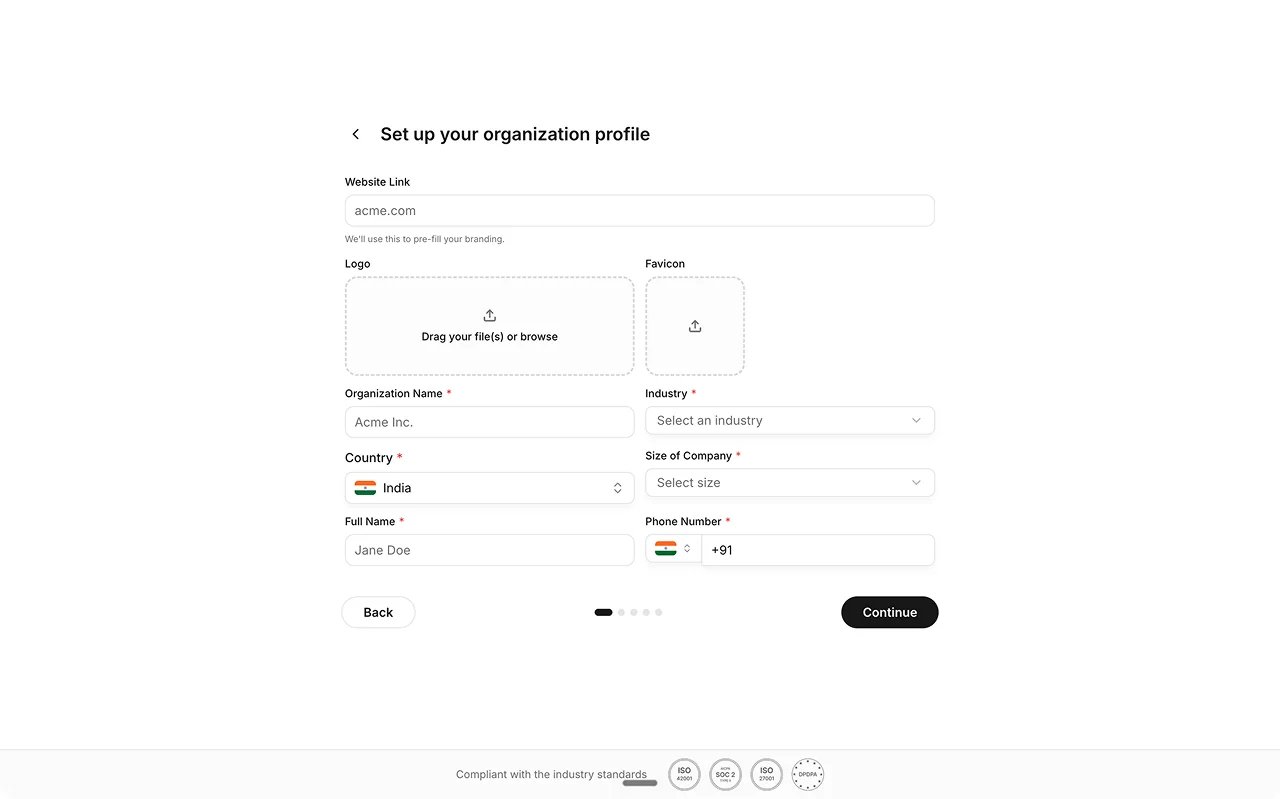
3
Choose your AI agents, voice, and avatar
Choose which AI agents your organization will use, then pick a voice and
an avatar for your AI interviewer.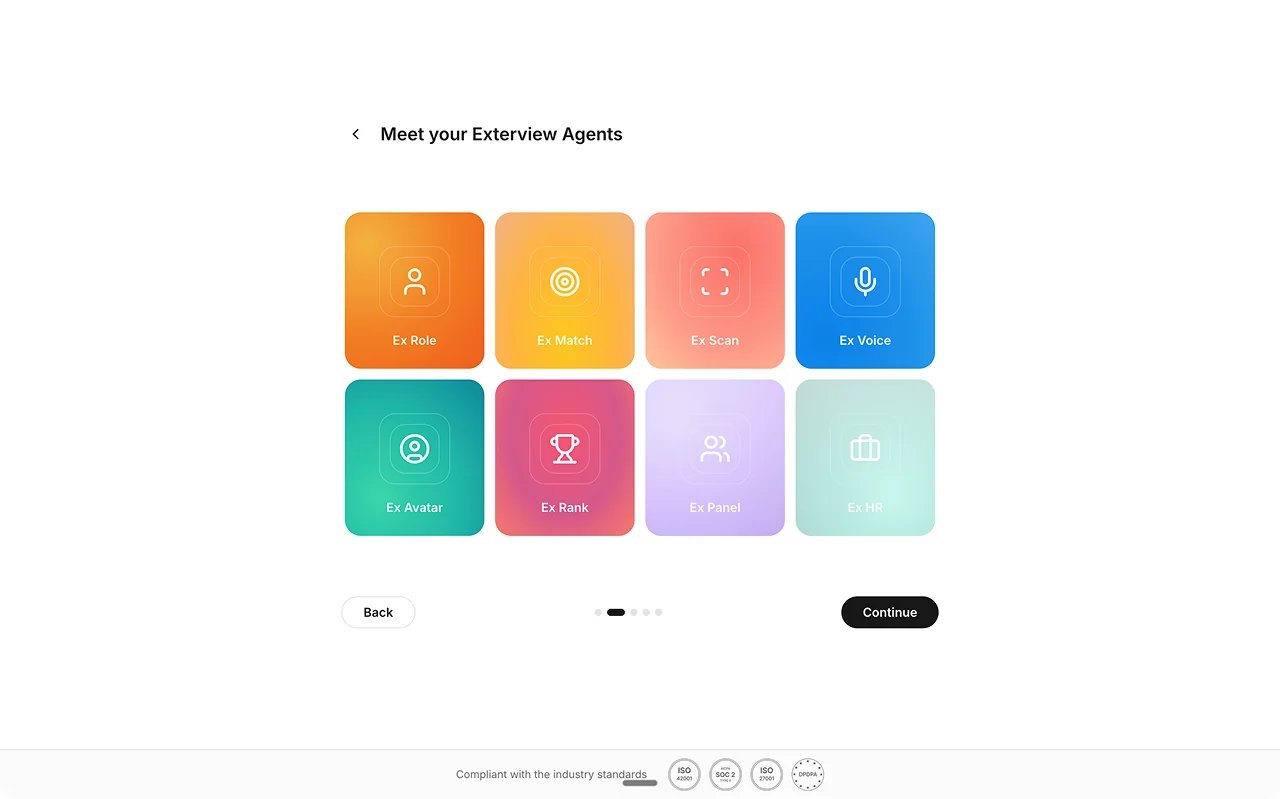
4
Tell us about your plan
Let us know how you heard about Exterview, then choose the plan that fits
your team.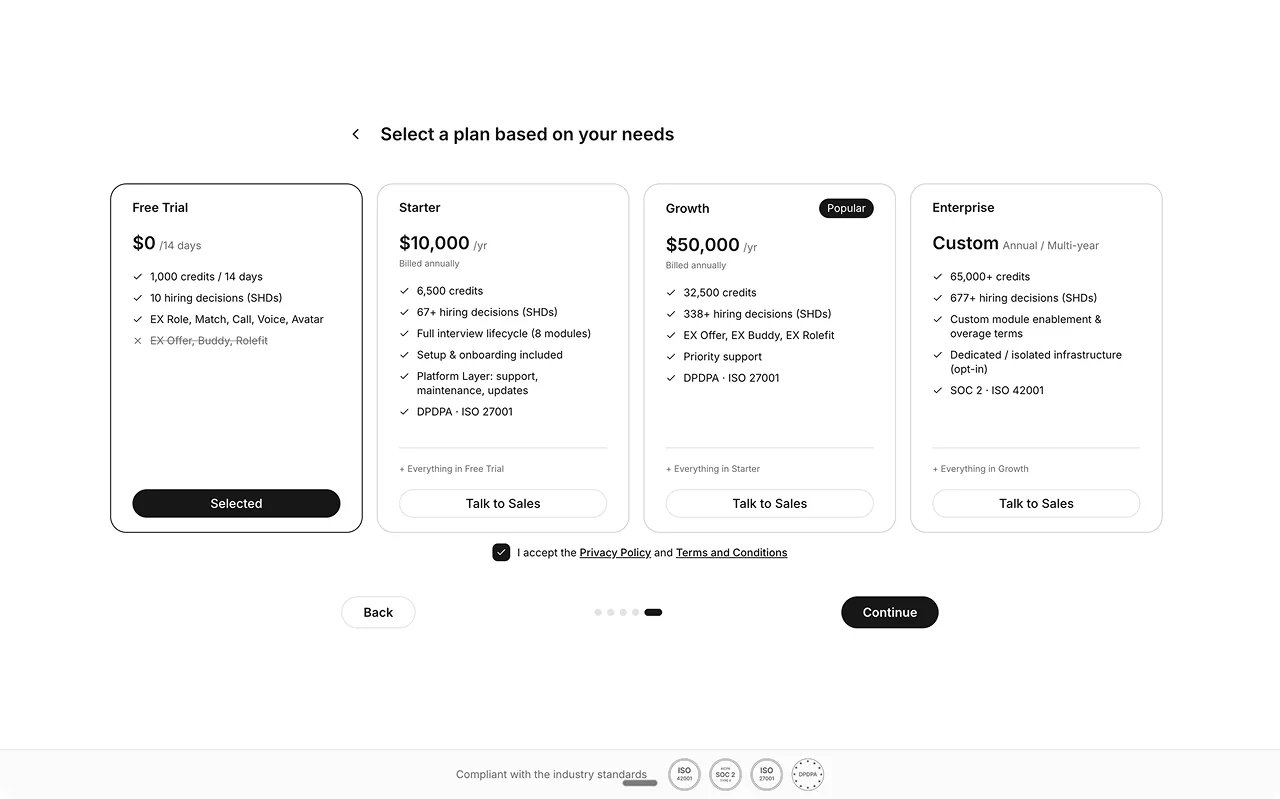
5
Enter your workspace
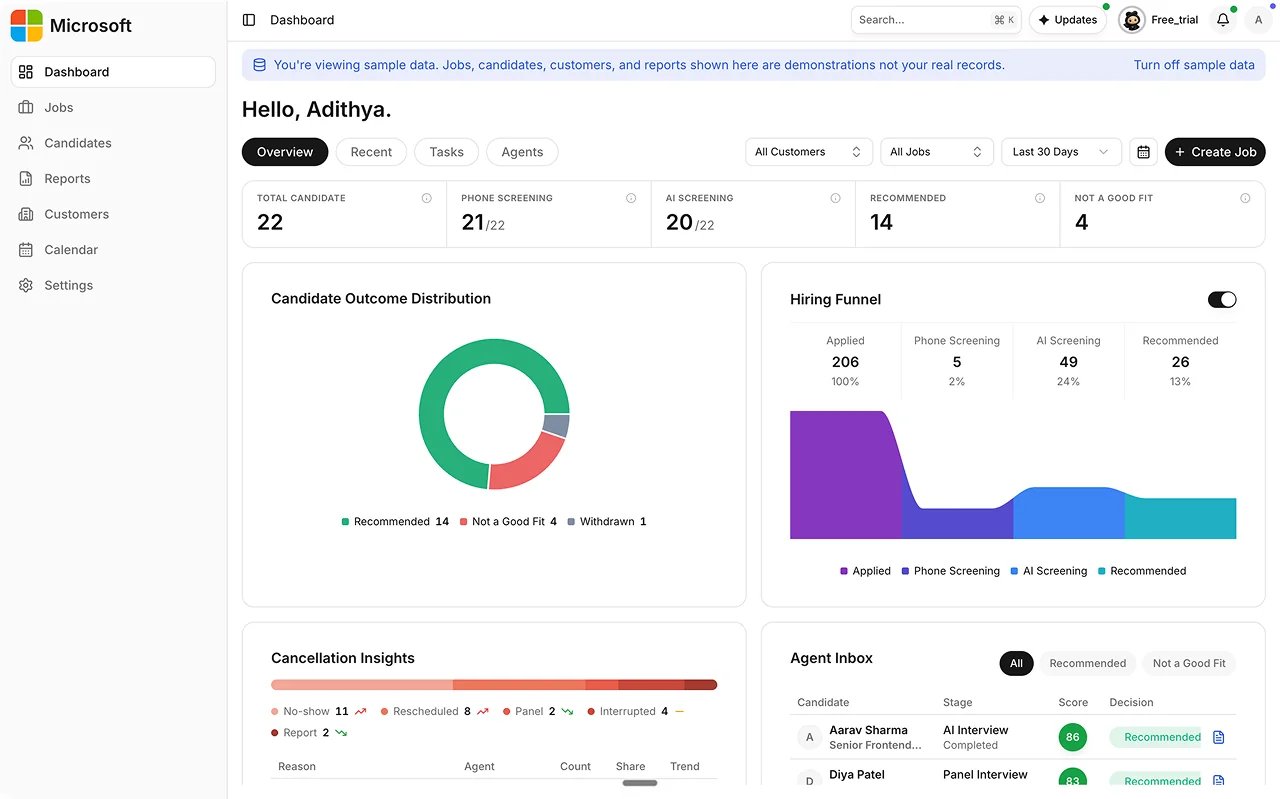
Exterview sets up your workspace behind the scenes, then takes you
straight to your dashboard.