

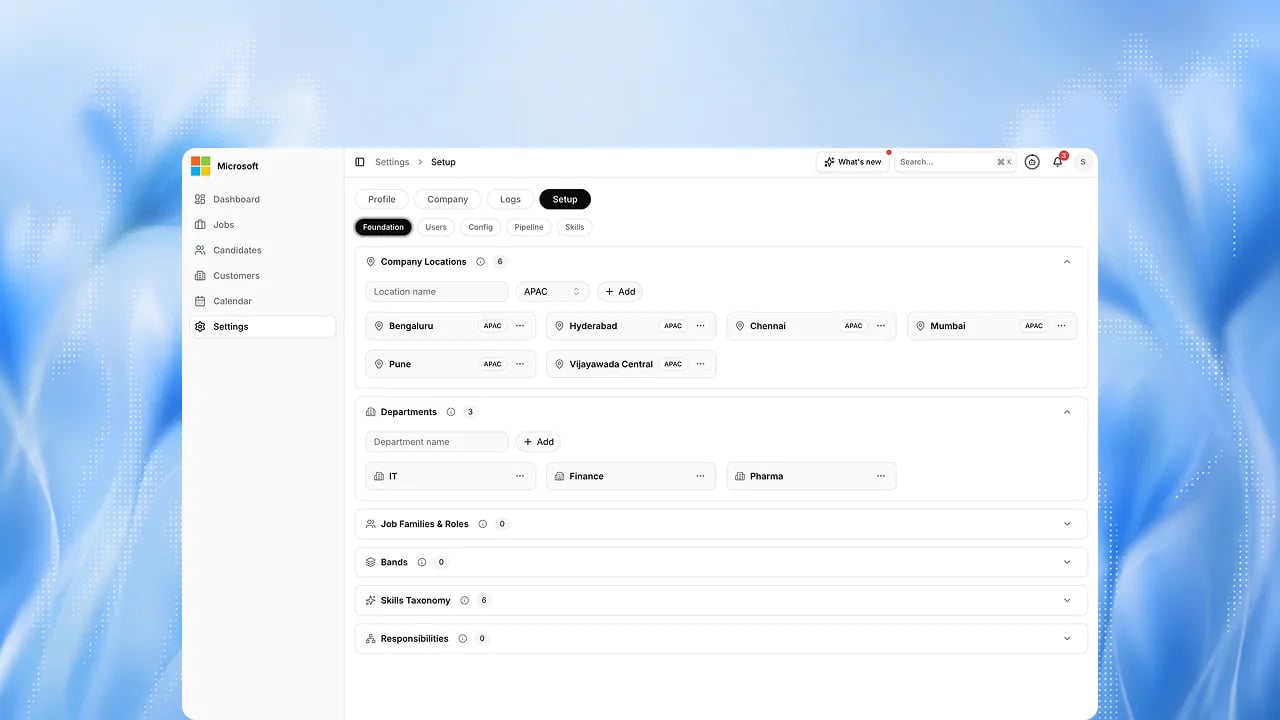
Purpose
Setup captures your structure, what a strong candidate looks like, how evaluations run, and your governance rules. Nothing is scored until this is agreed and frozen.The setup journey
Setup runs in phases so you are never configuring everything at once: Foundation first, then Phase 1 (Resume and Phone), Phase 2 (Voice and Avatar), and Phase 3 (Panel and HR). Offer management, a later phase, is Upcoming. Where you are unsure, a sensible default applies and you revisit later.Steps
1
Meet your setup team
Your Customer Success facilitator guides the session. Bring your talent, HR, IT, and compliance leads.
2
Define the Foundation
Set your org structure and what a strong candidate looks like. See Org structure.
3
Add users and access
Add people and assign roles. See Add users.
4
Configure how evaluations run
Set the pipeline, scoring, communication, and integrations. See Pipeline.
5
Set governance
Configure compliance, privacy, and human oversight. See Compliance.
6
Review the phased plan
Confirm which phase enables which steps, so rollout is staged.
7
Freeze the contract
Review and sign. Your configuration is frozen and versioned. See Freeze.
8
Go live
Run first sessions and begin the calibration window. See Go-live.