Purpose
Locations and departments give every job and every user a place in your organization. Add them once here and reuse them everywhere else in setup. To add job families, bands, skills, and responsibilities on top of this, see Job Architecture.Steps
1
Open Setup
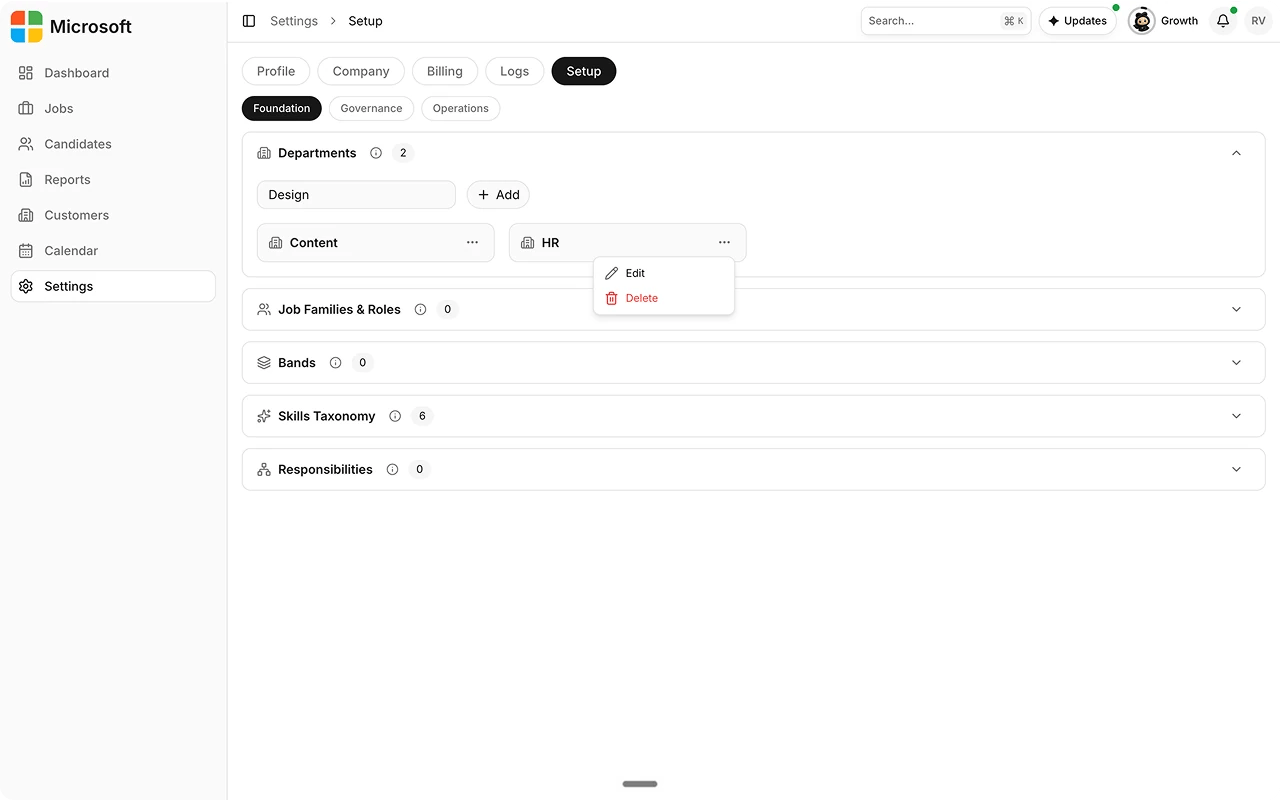
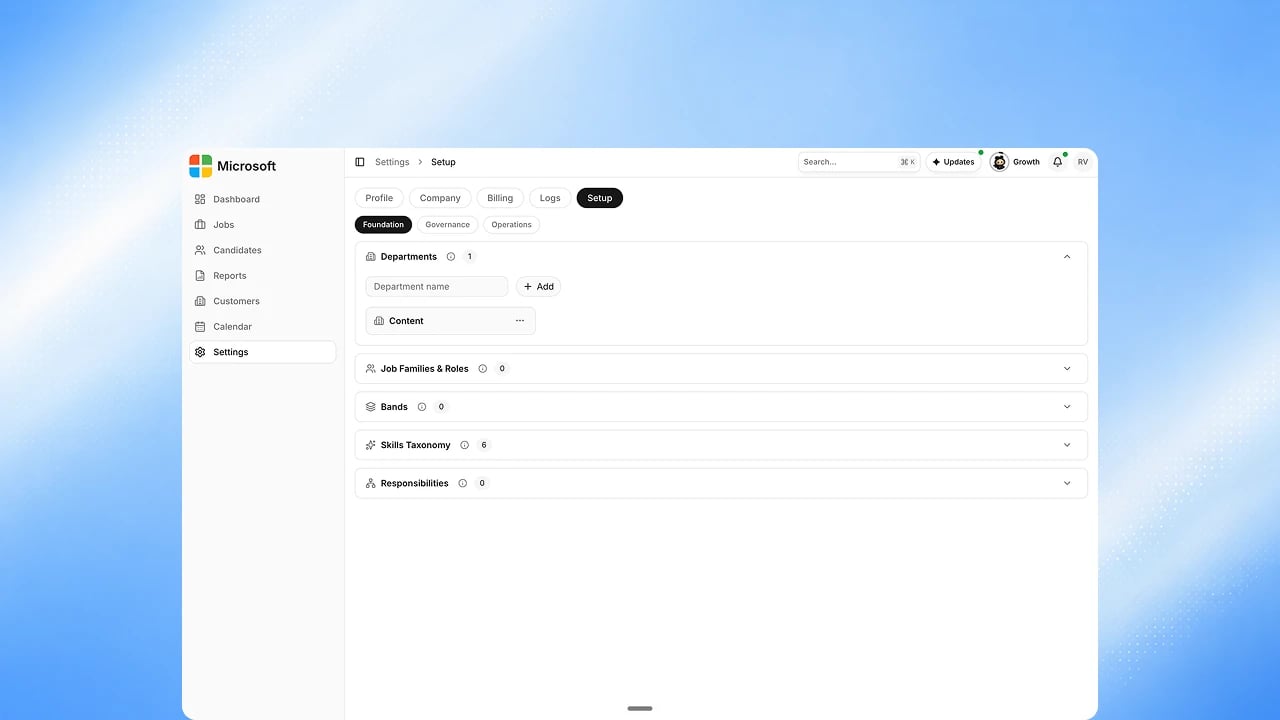
Go to Settings → Setup. Departments are on the Foundation tab;
Company Locations are on the Governance tab.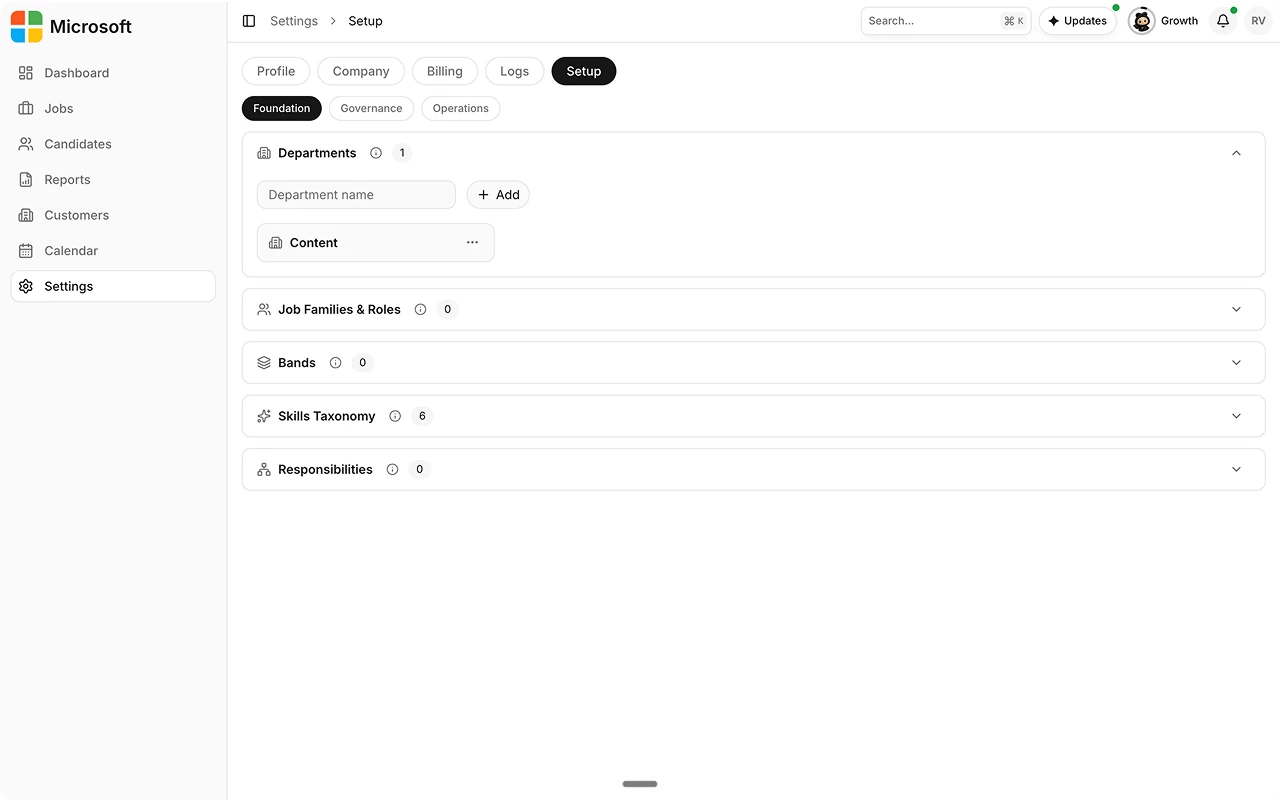
2
Add company locations
Add each location’s name and region (APAC, EMEA, or Americas). Type the
city and Exterview suggests matches with the region filled in
automatically.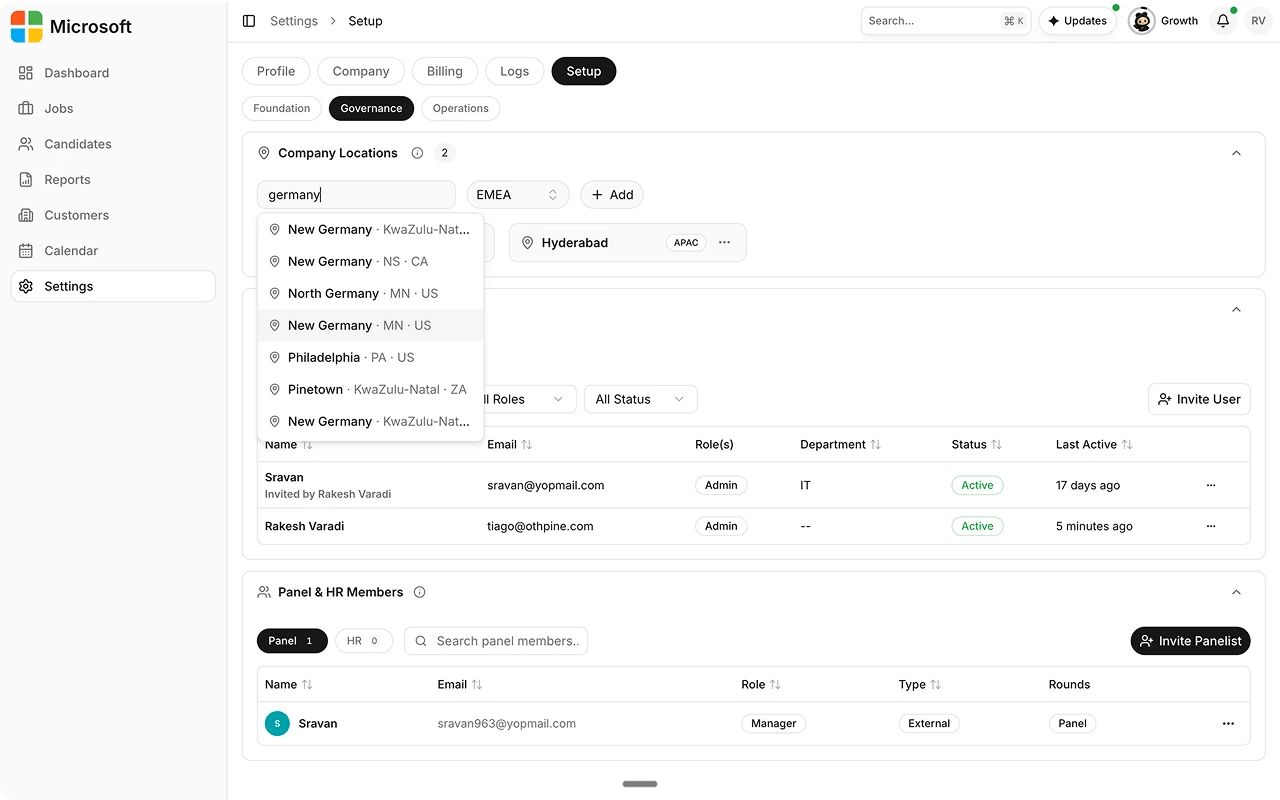
3
Add departments
Add the departments or functions that will use Exterview. Departments are
name-only, no region needed.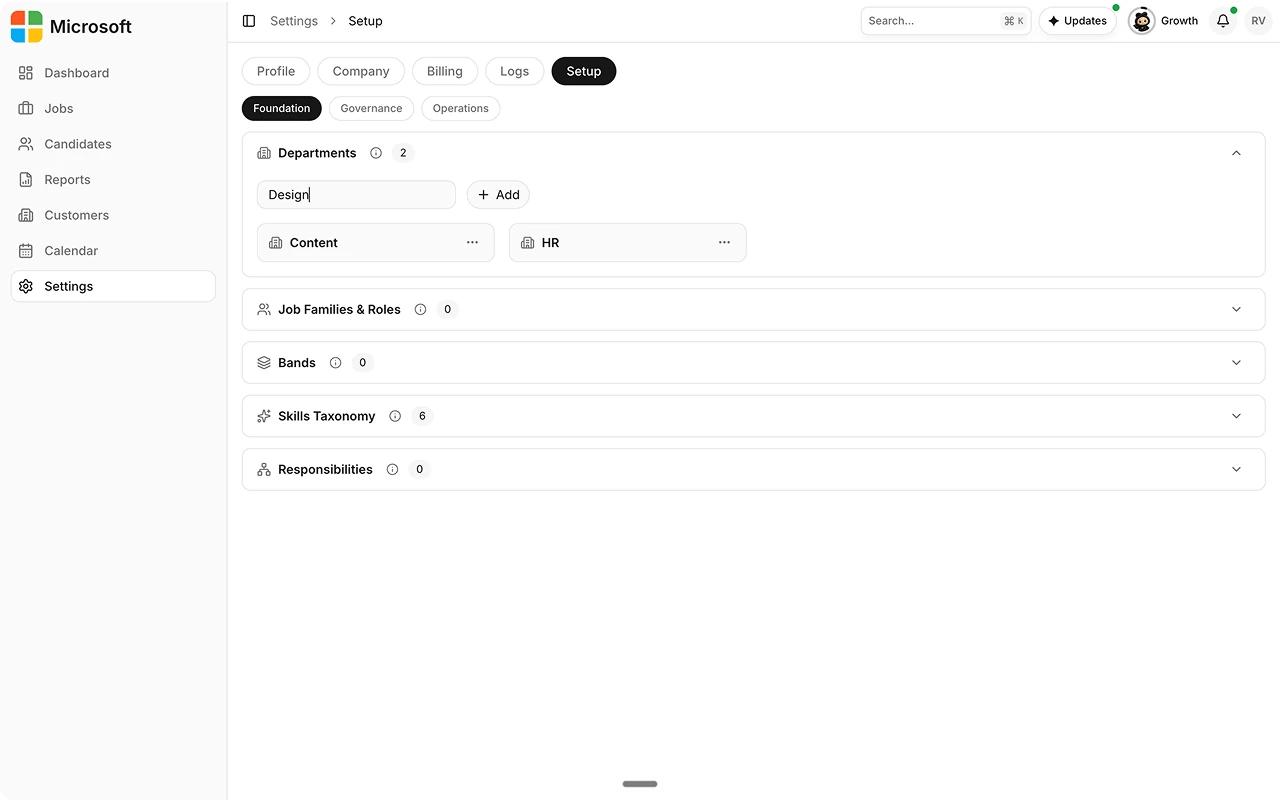
4
Edit or remove entries
Edit a name or region, or delete a location or department, at any time
from its card.