

Purpose
Connect the systems Exterview works alongside, so candidates, schedules, and results stay in step with the tools your team already uses. See Microsoft Connectors for full detail.Steps
1
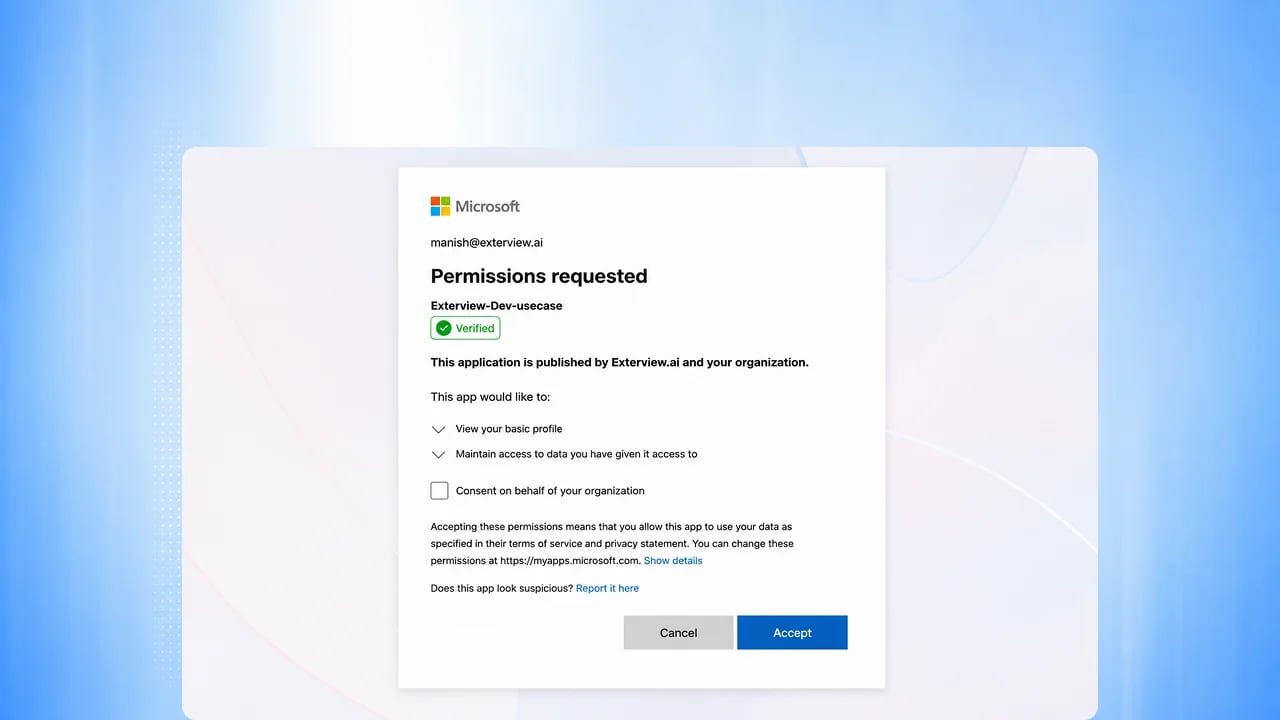
Connect SSO
Connect single sign-on through Microsoft Entra ID so your team signs in
with your existing identity provider, with no separate Exterview
credentials to provision.
2
Confirm candidate channels and calendar
Candidates receive invites, reminders, and updates by email and WhatsApp.
Panel and HR rounds are scheduled against your team’s calendars and run in
Microsoft Teams. See Set Up Communication
and Teams Tenant Setup.
3
Agree ATS report export
Exterview sends reports and status one way to major ATS platforms, so the
score and report land on the candidate’s record in your system of record.
For example, see the Darwinbox guide.
4
Confirm integrations
Review what’s connected, then confirm. This feeds the operations section
of your Configuration Contract.
Upcoming: bidirectional ATS and HRIS sync, and posting jobs directly to
job boards.
FAQs
Is this an AI feature?
Is this an AI feature?
No. Integrations are standard platform connections.
How is this different from Manage integrations?
How is this different from Manage integrations?
This page is the setup-time reference for the same connections. To review
status day to day after you’re live, see How to Manage
Integrations.
What can we connect today?
What can we connect today?
Single sign-on through Microsoft Entra ID, candidate email and WhatsApp,
calendar scheduling for panel and HR rounds in Microsoft Teams, and
one-way report and status export to major ATS platforms. Two-way ATS and
HRIS sync is Upcoming.