

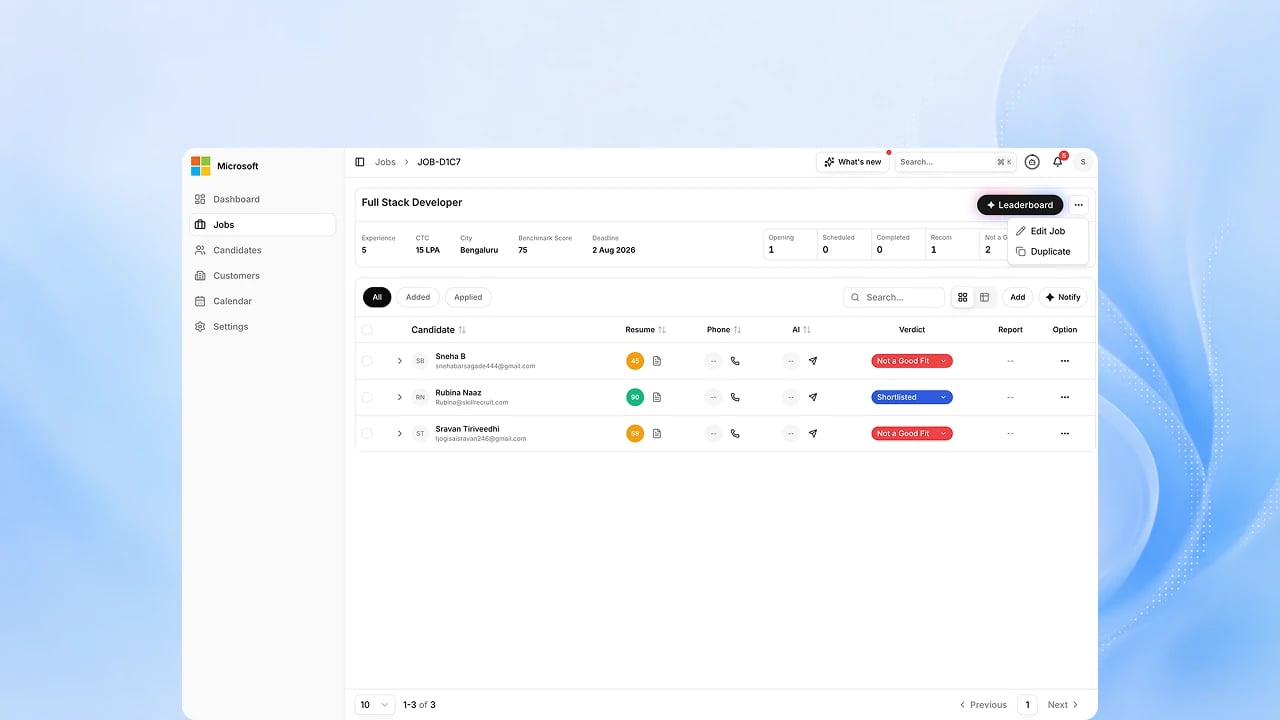
Before you start
You need a configured role and one or more candidate resumes to analyze. See Configure and Session Types.Steps
1
Create or open the role
Create the role from a job description or an existing template, or open a role you already configured. Role creation is included in EX Scan.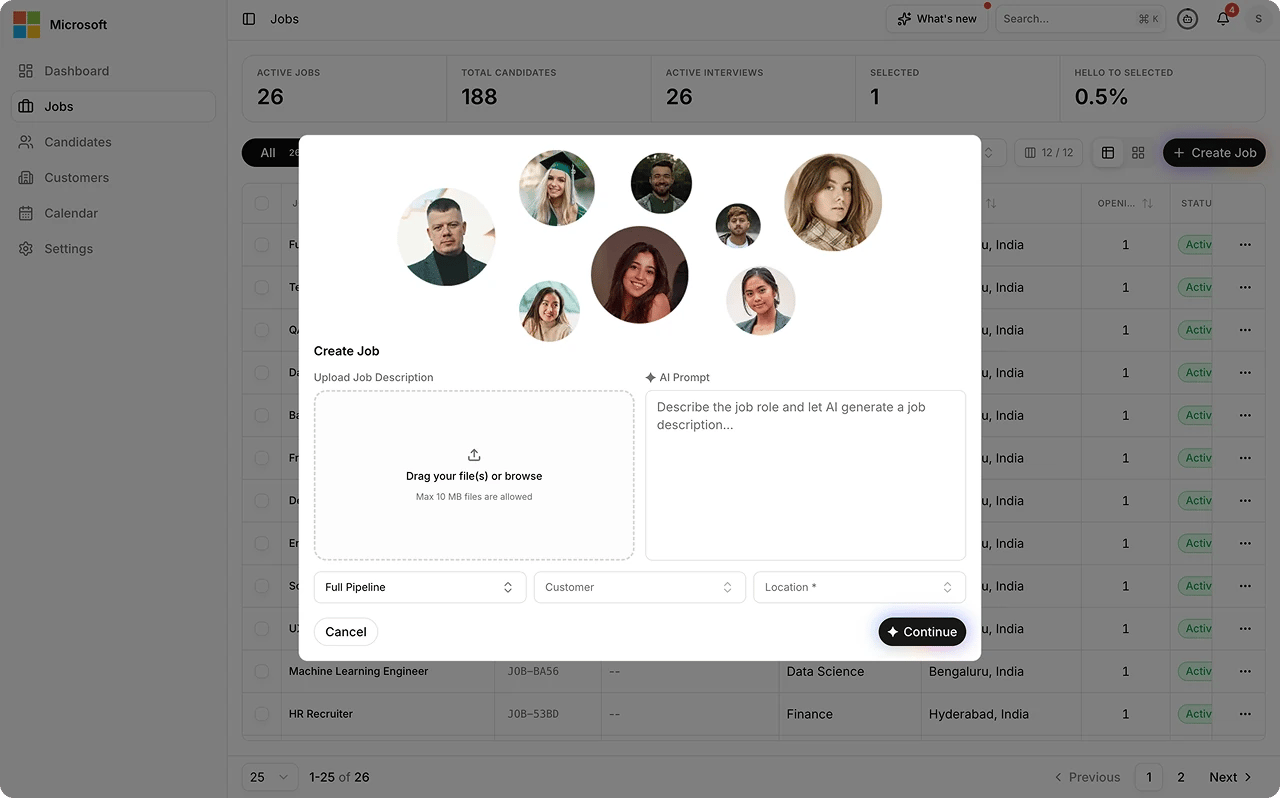
2
Confirm the match criteria
Review the skills, experience, and scoring weights the role is matched against. See How to Set Scoring Weights and How to Define What a Strong Candidate Looks Like.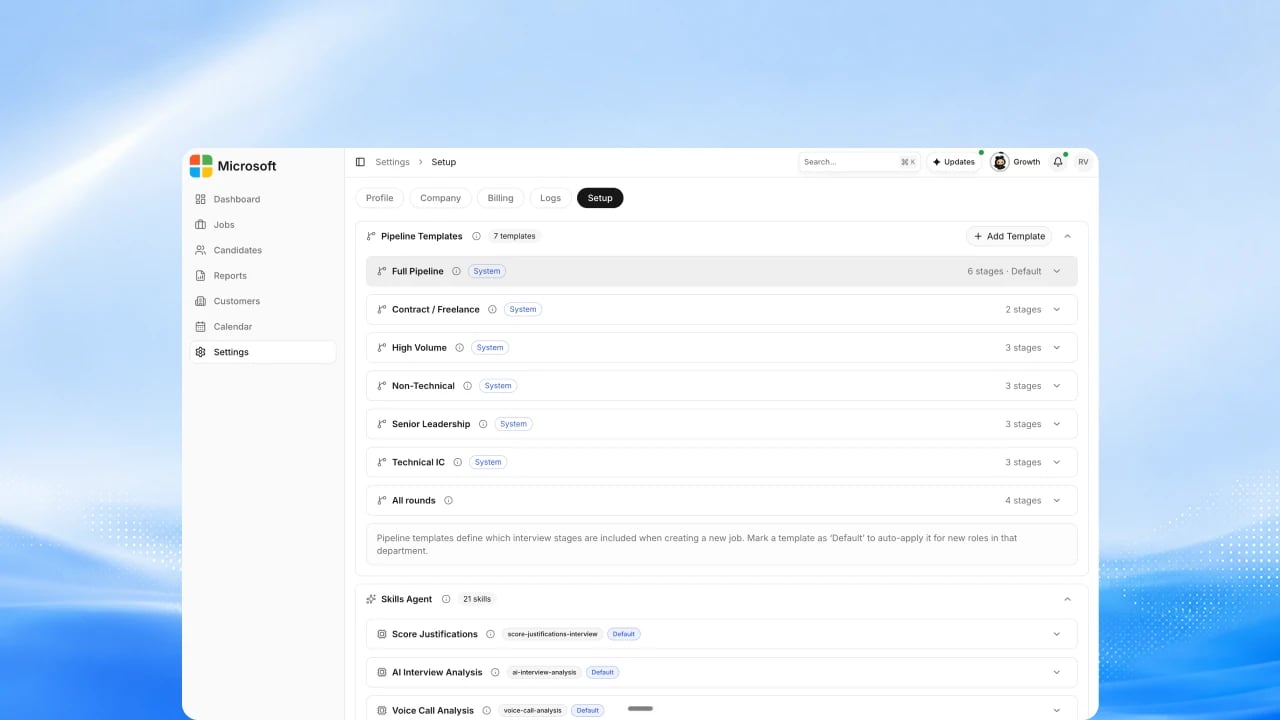
3
Add resumes
Upload resumes individually or in bulk, or bring them in from a connected source. See Add and import candidates.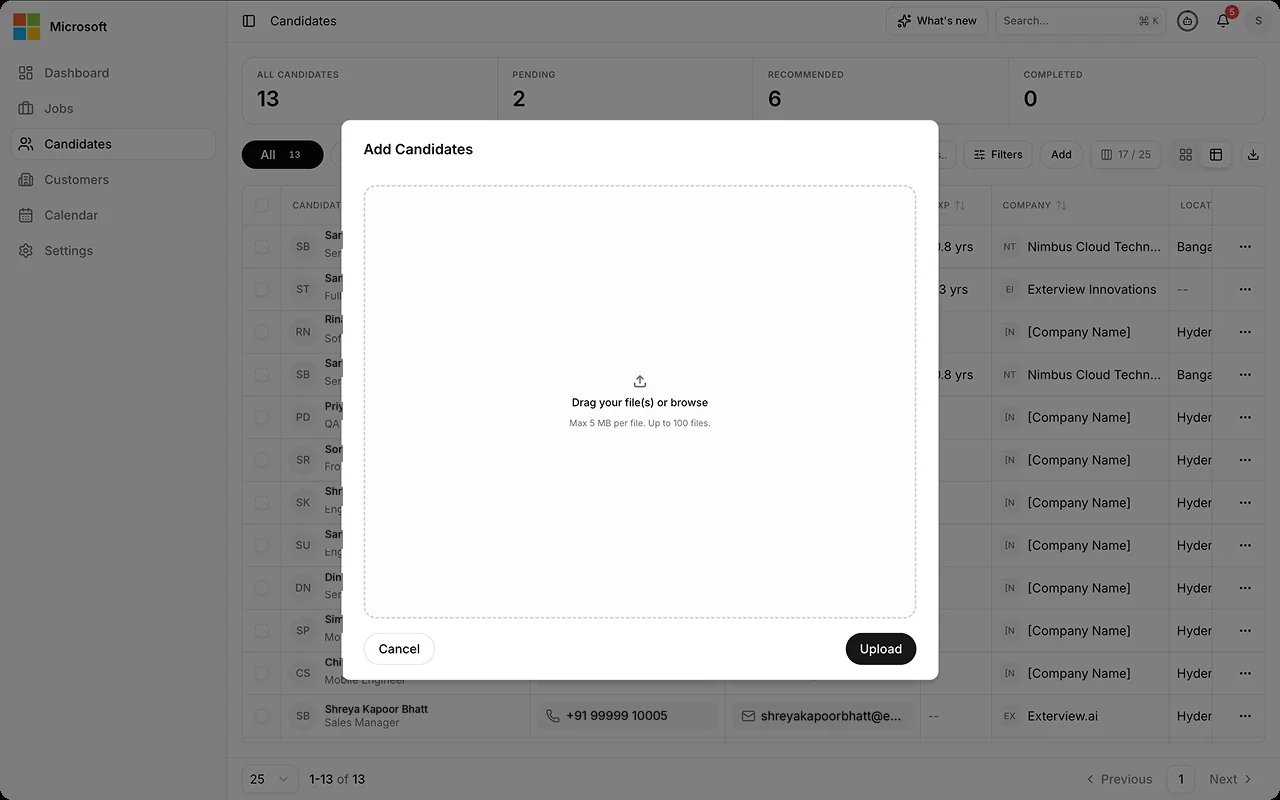
4
Run the review
EX Scan reviews each resume against the role and produces a score. Automated quality checks run on the output before it surfaces. See AI Observability.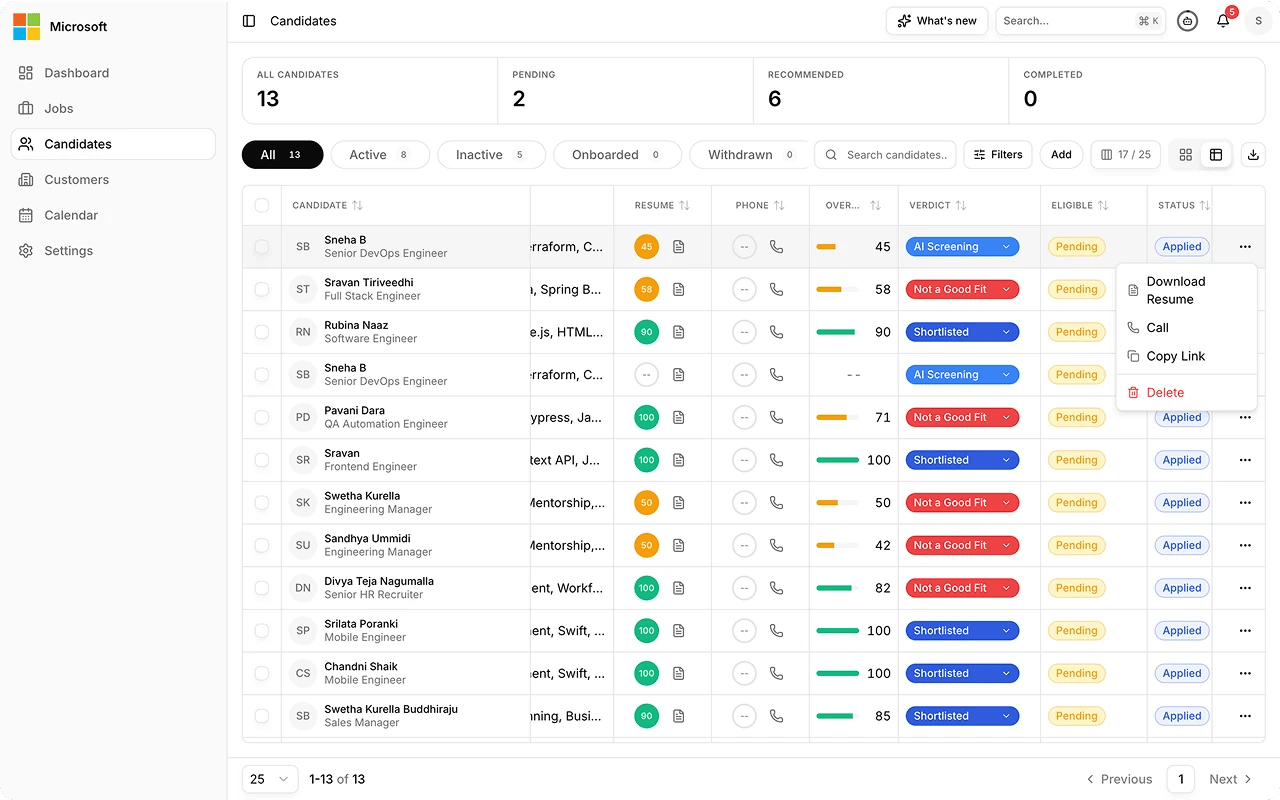
5
Review the score and summary
For each candidate, read the score and the short written summary of how well the resume matches the role, and check any quality review flags. See Session Reports.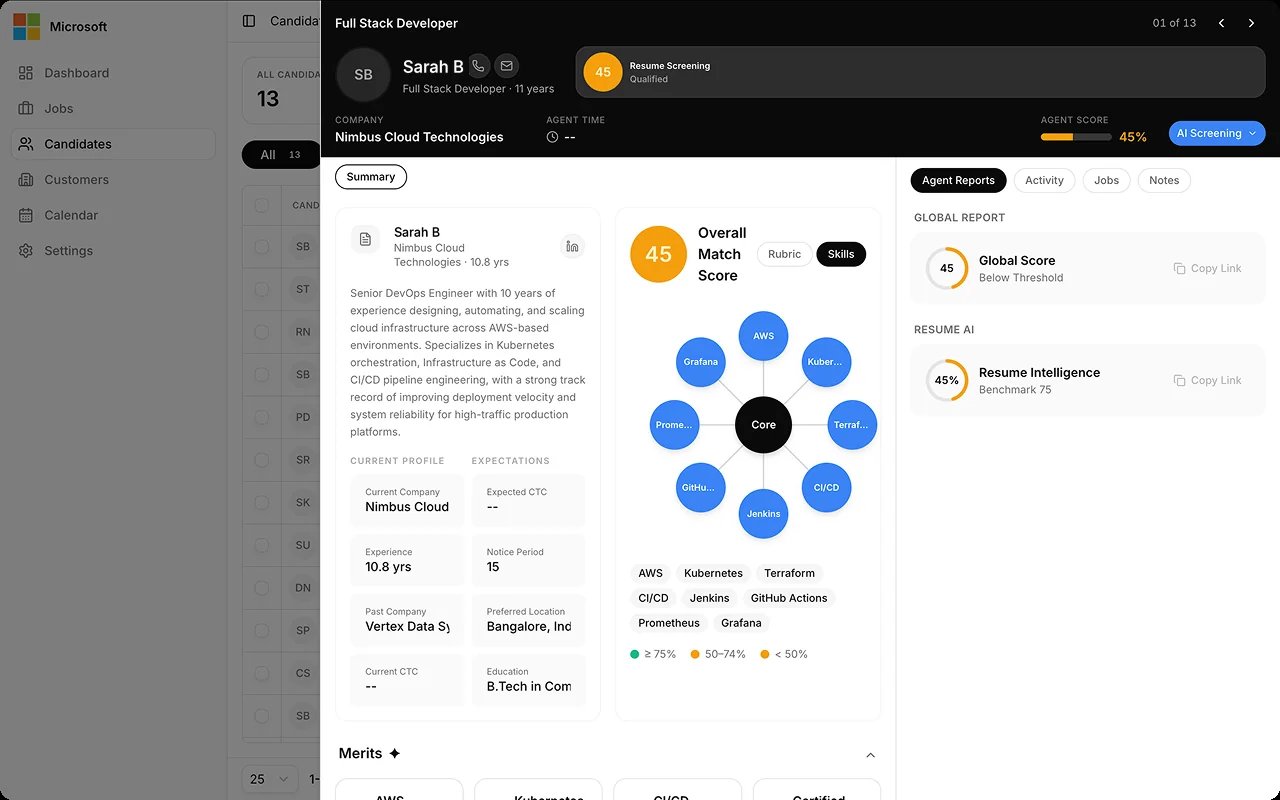
6
Shortlist and advance
A human reviewer shortlists candidates and advances them to the next step. Every decision change needs a stated reason, and no adverse decision is made autonomously.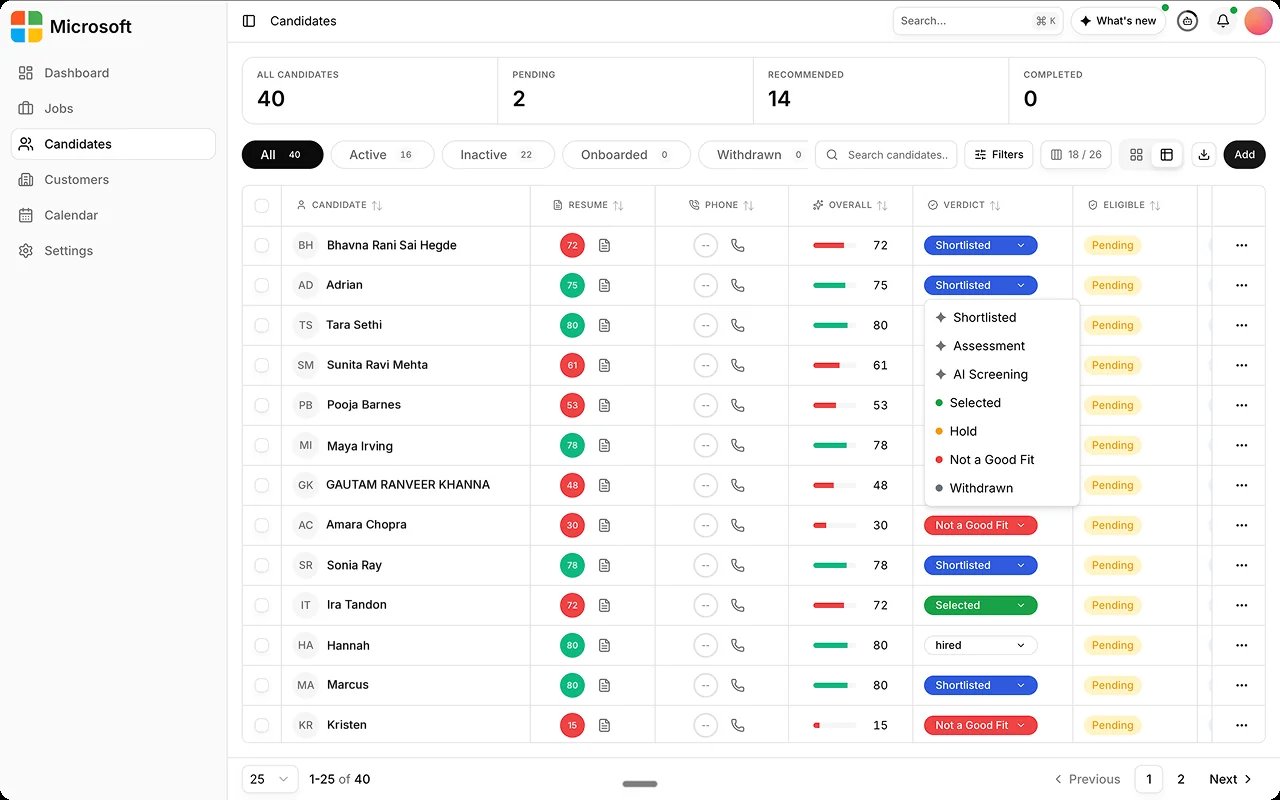
FAQs
What does EX Scan produce?
What does EX Scan produce?
A score and a short written summary of how well the resume matches the role, reviewed in Monitor.
Is this a live session?
Is this a live session?
No. EX Scan is a document workflow. It reviews submitted resumes; there is no candidate interview.
Can we run it in bulk?
Can we run it in bulk?
Yes. Add resumes in bulk; each is scored against the role and appears in the ranked results.
Related
- Session Types. The full agent catalog with availability.
- Session Reports. What the score and summary contain.
- EX Call. The usual next step after shortlisting.